Expo is useful when web and native share a product plan
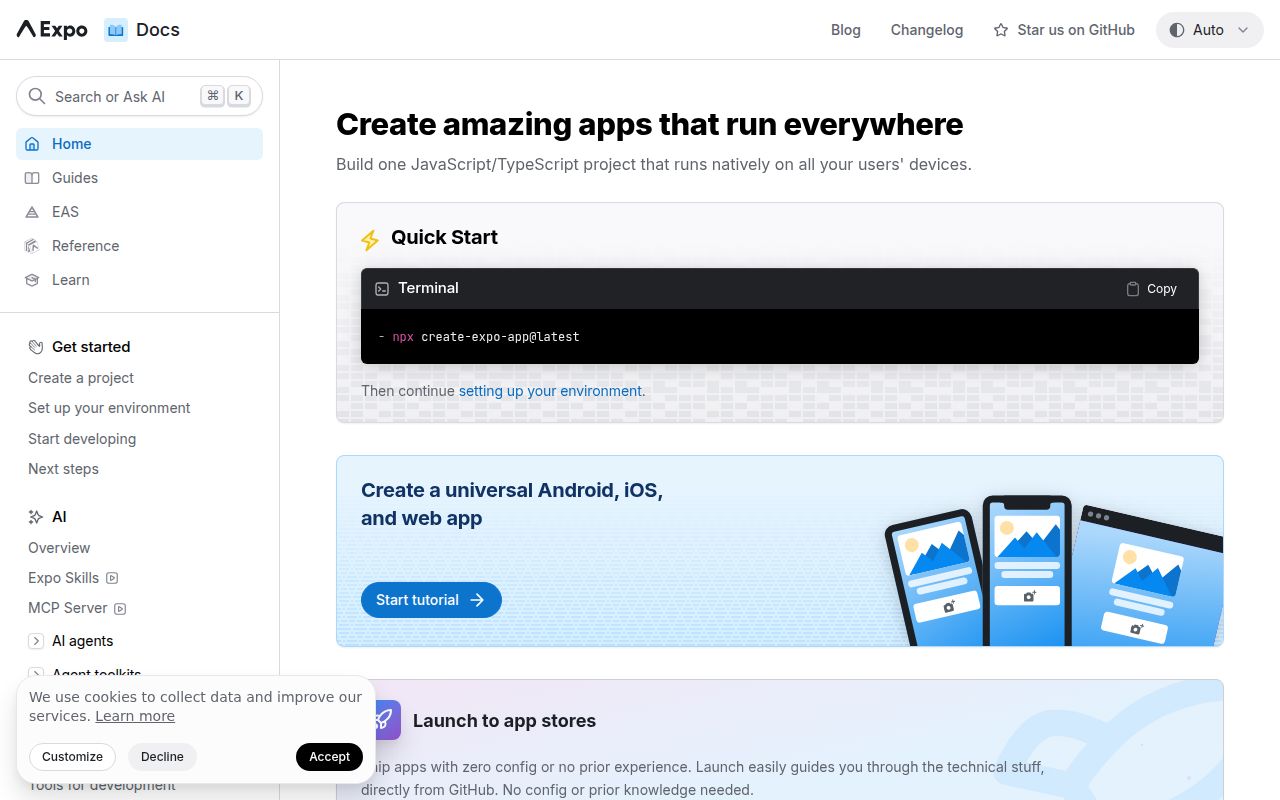
Expo lets React developers build for browsers, Android, and iOS from one project. The repository includes the Expo SDK, Modules API, CLI, Router, Expo Go, templates, documentation, and supporting tools. Device capabilities arrive through Expo modules, while Router gives applications a shared navigation structure.
Our checkout at commit c50938c contained 20,714 files, about 1,358,960 source lines, and occupied 290.2 MB. Those figures describe the framework monorepo, not the size of a generated application. A change may cross TypeScript packages, native iOS or Android code, the React Native fork used for Expo Go, templates, and documentation. App teams should start with a generated project rather than cloning this source tree.
Web support is strongest when native delivery also matters
A browser-only developer can use Expo, but the reason to do so is future or current native work. Shared React components and routing reduce duplication when one product must reach app stores and the web. Snack gives newcomers a browser trial. If the product will remain a conventional website, a browser-first stack has fewer platform abstractions, native dependencies, and release paths.
The choice is less about writing code once than deciding what must behave consistently across 3 targets. Layout, navigation, files, media, authentication redirects, permissions, and offline state can differ even when components are shared. A serious acceptance matrix needs browser engines plus real Android and iOS devices. Expo cannot make platform APIs or app-store rules identical.
What happened when we ran it
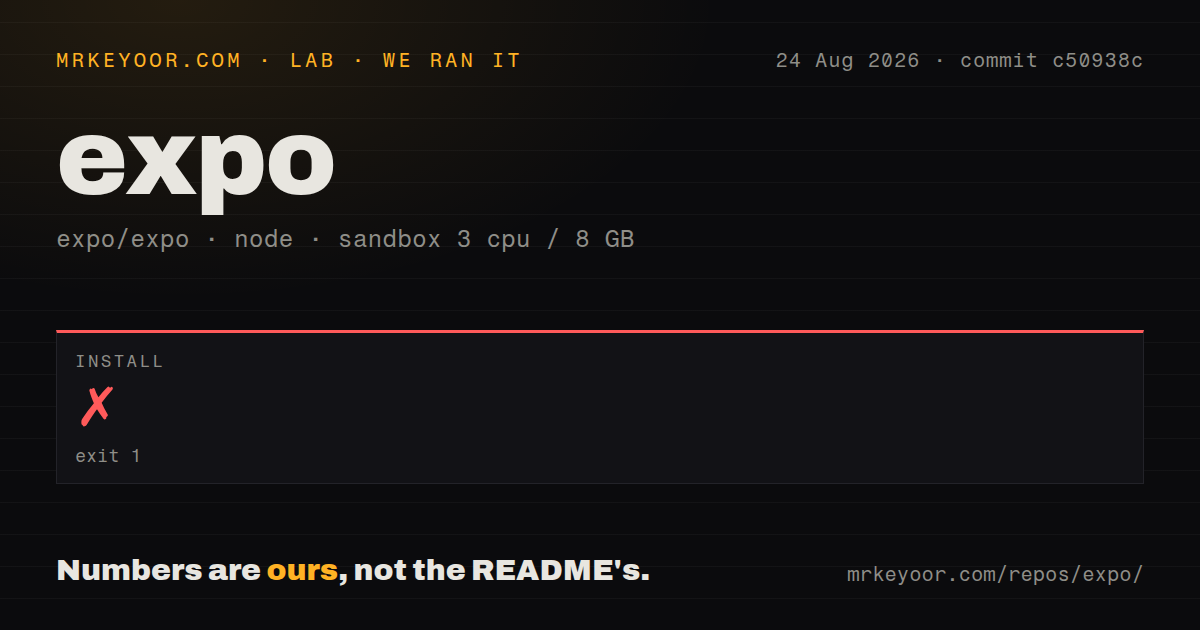
Our pnpm install failed after 16 seconds in a fresh Debian sandbox with 3 CPUs and 8 GB of RAM. The repository declared pnpm ^10.33.0, while the process had 11.23.0. pnpm stopped with ERR_PNPM_UNSUPPORTED_ENGINE and told the user to install the required package-manager version. The log shows a tooling mismatch, not an application-code failure.
Because installation stopped, the lab did not run a build or tests. The checkout had 52 GitHub Actions workflow files, no Dockerfile, no tests directory, and monorepo workspaces. Those signals provide no passing result from our box. The image was lab-node:22; the failure concerned pnpm, and the log does not identify a Node incompatibility.
Application developers should let a generated Expo project pin compatible tooling and SDK packages. Contributors need the repository's pnpm version before evaluating the monorepo. Our 16-second stop says nothing about web rendering, Expo Go, native compilation, EAS builds, or device behavior because none of those stages ran.
Native bugs can escape a web-centered test plan
One current report says motionUsagePermission: false can produce an iOS binary rejected by the App Store. Issue 49252 reports an Android crash after a user taps a notification, with foreground, background, and killed-app states all listed in the reproduction. Issue 49399 says the Android keyboard can move a text field out of reach inside an Expo UI bottom sheet.
These reports were active on 2026-08-26, the same day the repository was pushed. They do not mean every Expo application hits the bugs. They show why a web team moving into native delivery needs device-specific regression tests and store checks. Shared JavaScript can still depend on native configuration, generated metadata, OS permissions, or an underlying module that differs by platform.
Router behavior needs development and production checks
Expo Router is part of the repository and its package README points to dedicated routing documentation. Pull request 49236 addresses development links escaping an application mounted under a configured base URL, while preserving the default path when no base URL exists. Navigation is product behavior, and a reverse-proxy mount deserves the same round-trip checks as a production export.
Issue 33857 reports API routes preserving state in a serverful production deployment but not during development. The report dates to 2024 and was updated on 2026-08-17, so check it against the exact SDK and deployment mode. Apps using Router server endpoints should test clean starts, repeated requests, and deployed state on their hosting target.
EAS is optional but shapes the easiest delivery path
The README separates Expo's open-source tools from EAS, its hosted service for building, shipping, and iterating on applications. Teams can own more infrastructure or use the integrated service. Decide early because build credentials, signing, team access, and release automation become operational dependencies even while application code stays open source.
GitHub showed 748 open issues and pull requests, split by search into 276 issues and 472 pull requests. The repository was pushed on 2026-08-26, but GitHub's latest-release endpoint returned no published release. Expo publishes SDKs and packages through its own channels, and same-day issue and source activity show current maintenance. Track the app's SDK line, not the monorepo's release badge.
Choose Expo for 3 tested products, not one assumed product
Expo suits React teams that need browser and native applications without building every bridge themselves. The MIT license, documentation, browser trial, device modules, Router, and hosted delivery option offer a credible route to app stores. The cost is a large compatibility matrix, exact tooling, and continuing native verification.
Our run stopped on pnpm after 16 seconds, before those product claims could be exercised. A contributor can address the narrow failure by matching ^10.33.0. If Android, iOS, and web are all real destinations, Expo removes repeated setup. If only the web matters, Vite or another browser-native stack keeps the system smaller.