UFI-TOOLS targets a narrow ZTE and UNISOC device family
UFI-TOOLS replaces or supplements the factory panel on selected portable Wi-Fi devices. The documented focus includes the ZTE F50, U30 Air, V50, some U20 and M3 firmware variants, Changxing 60 phones, and W200DS tablets. From one browser screen, an owner can inspect signal and traffic data, change network modes, lock a band or cell, manage SMS messages, and schedule maintenance actions. Compatibility still depends on the device and its firmware.
The full edition runs on the target hardware and exposes its panel at port 2333. A Pocket Edition instead runs on a phone connected to the MiFi and offers fewer controls. The full route is where background services, plugins, scheduled jobs, and system changes live. That division makes sense, but the README's broad feature list should not be read as a promise that every listed model supports every switch.
Root-level control comes with recovery work
The full edition can arrive through 2 ADB paths, USB or network, and the manual recommends installing it on the device. If a firmware build will not expose ADB, it tells the reader to consider rooting the device or downgrading to a compatible firmware. Those are meaningful changes to a router, especially one used as the household's only connection. The same manual advises backing up network settings, APNs, Wi-Fi credentials, plugin settings, files, and scripts before installation or upgrades.
Advanced mode reaches much deeper than a normal admin page. It can enable USB debugging, start network ADB, edit boot scripts, run AT commands, and expose TTYD on port 1146. The panel itself defaults to port 2333 and asks for both its own passphrase and the factory admin password for some calls. Replace the simple initial passphrase, keep those ports off untrusted networks, and know how to restore the firmware before enabling remote access.
What happened when we ran it
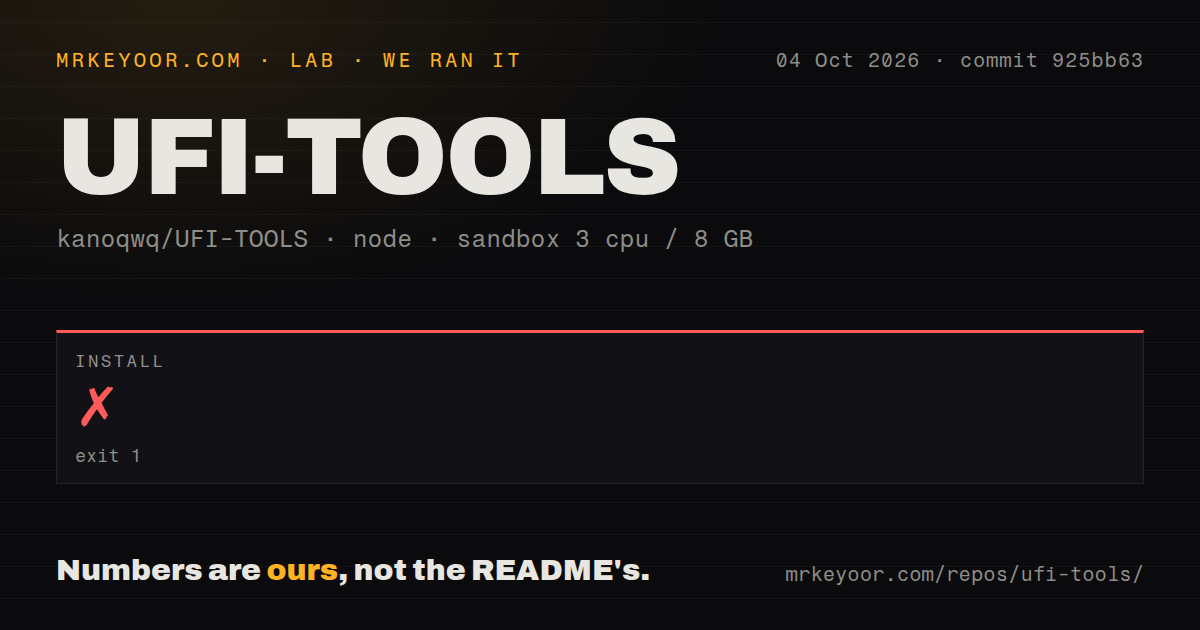
Our sandbox attempted the frontend at commit 925bb63. The pnpm install failed after 6 seconds with ERR_PNPM_IGNORED_BUILDS. Its log named javascript-obfuscator@4.1.1 and instructed the operator to run pnpm approve-builds to choose which dependency scripts may execute. The log also said the lockfile passed its supply-chain policies. We did not approve the script because that would change the supplied install path.
Since dependency installation never completed, our run produced no build or test result. The checkout was 25.3 MB with 226 files and roughly 23,878 lines of source. The measured frontend project had 1 CI workflow, no Dockerfile, and no tests directory. This finding says exactly where setup stopped. It does not show that the obfuscator is malicious, that the frontend cannot build after approval, or that the software fails on supported hardware.
Firmware compatibility can cancel a feature entirely
Open issue 144, filed on October 4, 2026, asks when the U30 Pro B24 will be supported. The manual likewise ties features to exact hardware, firmware, available device APIs, and privilege state. Another open report says web screen mirroring on an F50 Pro shows only a black screen. A buyer should match model number and firmware build, then check the issue tracker before touching the device.
Issue 140 is more concerning than a missing model checkbox. It says the High Rail Mode button is visually inverted: stored value 0 appears active, while value 1 appears inactive, even though the enabled state periodically issues an AT frequency command. The issue was open after its September 23 filing. A misleading status indicator is serious when the control changes radio behavior, and it argues for verifying settings at the device level instead of trusting color alone.
The Chinese manual is detailed, but the installer lives elsewhere
The 16-section Chinese user manual covers access, passwords, radio controls, SMS forwarding, ADB, TTYD, plugins, updates, and troubleshooting. It is far better than a feature-only README. English readers still have a hard stop: neither document links an English edition. Several installation paths also point to Chinese video tutorials or a separately hosted download, so cloning the 25.3 MB repository is not the whole setup experience.
The manual is candid about risk. Changing APNs, bands, or cells can remove service; plugins can affect stability; a bad scheduled action can repeat; and debug interfaces add exposure. It even cautions users with embedded or IoT SIMs against casually changing IMEI values through AT commands. Those warnings help, though they also show why this is better suited to a recoverable spare router than an unfamiliar production device.
September code activity is newer than the January release
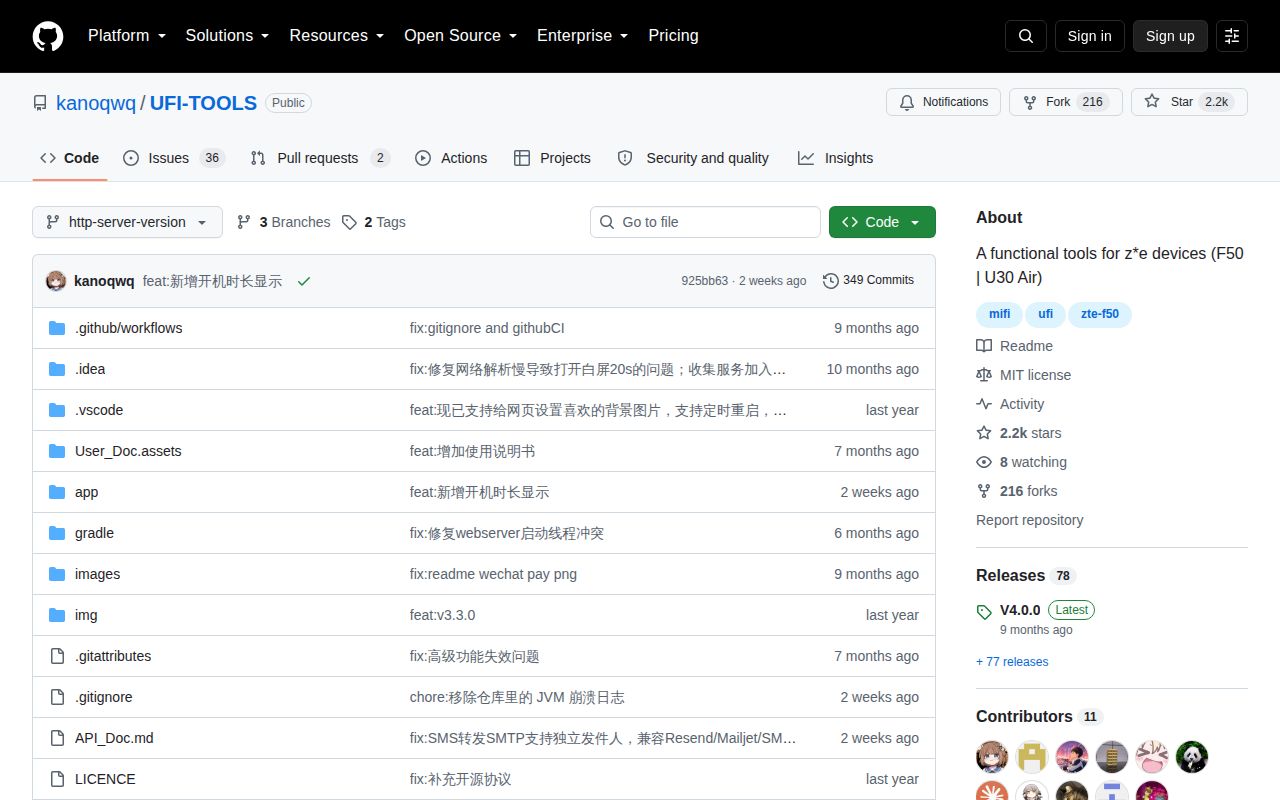
GitHub recorded a repository push on September 19, 2026, and issue activity continued on October 4. Several September pull requests addressed command execution, weak credentials, upload access, APK verification, and cross-site scripting. The latest GitHub release was named v4.0.0 and published on January 31, so its date alone understates current maintenance. Recent code and issue handling are the stronger health signals here.
GitHub listed 2,162 stars and 38 open issues and pull requests on October 4. That is an active user base around a specialized device tool, but the open queue includes hardware requests and behavior defects rather than cosmetic wishes alone. UFI-TOOLS earns a trial on a listed spare device. On an unknown firmware build, the safer decision is to keep the factory panel until you have a backup, a recovery image, and proof that port 2333 works on that exact unit.