The starter gives you an orbitable building with assembly controls
Drag around the completed clock tower and its walls, roof, and timber should remain solid objects you can inspect from another angle. That's the useful promise of threejs-architecture-effects. The repository combines an agent skill with a Vite, React, and Three.js starter for a building that assembles piece by piece. Choose it when the construction itself is part of what a visitor should explore.
The README provides English setup instructions alongside a Chinese introduction, and the supplied close-up buttons have Chinese labels. Its clock tower is explicitly an example, with no claim of historical reconstruction. That boundary is welcome. A designer making an interactive architectural illustration can adapt the model, while a museum or conservation team would need independent evidence for every structural and historical detail it intends to teach.
What happened when we ran it
Our lab did not run commit 693ca2e on October 9, 2026: the harness found no supported ecosystem for this TypeScript repository and no Dockerfile. There are no install timings, build results, or test counts to report. This is a limitation of our execution coverage. It doesn't establish that the documented npm workflow is broken, and it cannot support a claim that the starter works on your machine.
The starter instructions require Node.js 22.13 or newer, npm, and a WebGL2 browser. They describe a scaffold command followed by dependency preparation and a local development server. Those are upstream instructions, not successful steps from our lab. Keep that distinction in mind before using the preview recording as evidence for a client handoff or browser compatibility promise.
Scaffolding copies files without starting the project
The scaffold script copies assets/starter/ into a new directory and refuses an existing destination. It doesn't fetch dependencies or start a server. That's a sensible boundary for an agent-assisted workflow: generating a project shouldn't silently replace work in a folder you've already created. The template guide names the scene owner, material definitions, architecture factories, and timing builder, so you can locate the part you need to change.
No API key or paid model service is required by the starter. Agent use is optional, although making another design through Claude Code, Codex, or Cursor depends on having that runner available. The README explains copying the folder into the runner's skills directory and starting a new session. Its MIT license covers the skill; npm packages retain their own licenses. A browser project you distribute still needs dependency-license attention.
One progress value keeps construction and seeking together
The assembly method assigns each solid piece a start, duration, and travel distance, then drives the scene with a shared progress value. Color and shadow shaders are meant to agree during playback and backward seeking. That is a useful design constraint. If a wall appears in the color render while its shadow remains in a previous pose, the construction illusion falls apart the moment someone pauses it.
The template map also exposes an adaptation cost: architecture dimensions use explicit constants rather than an automatic storey-count system. Changing the number of floors means coordinating wall dimensions, columns, brackets, decks, and roof openings. Display labels don't control assembly timing. I'd use the supplied tower as a starting shape, then change one structural relationship at a time instead of expecting a prompt to preserve all adjoining geometry.
Desktop focus rules out an unqualified mobile promise
The README calls the project desktop-oriented and rejects a universal frame-rate claim. Its verification guide asks for real-browser inspection of orbiting, roof undersides, camera switches, resizing, and forward and backward scrubbing. These are the right places to look for an architectural demo that appears convincing in a recording but leaves floating beams or missing roof backs when a visitor takes control.
The rendering guide distinguishes animation callbacks from submitted redraws and describes demand rendering when the scene rests. That gives you better questions to ask than whether one counter looks high. Idle redraw suppression cannot prove smooth construction on a phone. Before embedding this on a public page, inspect the actual target devices and decide what visitors receive when WebGL2 isn't available.
The interactive starter has no video export
The supplied miniature is silent, and the README expressly excludes video export. If your deliverable is an MP4, recording or deterministic frame capture becomes separate work. Orbit controls and an adjustable timeline are useful for a website where someone explores the model. They don't supply encoding, a soundtrack, or a finished video workflow. I'd walk away from this repo for a video-only job unless the interactive source is itself worth maintaining.
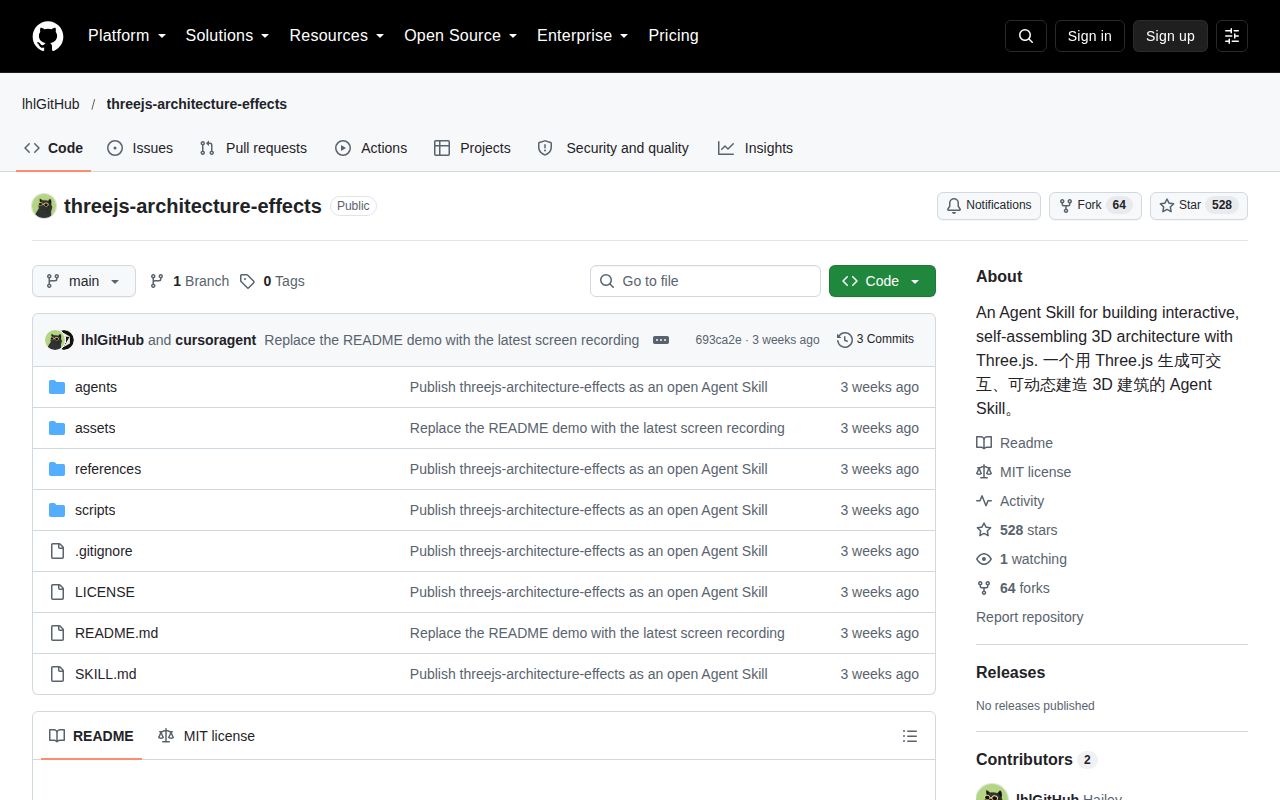
The last push was September 22, 2026. GitHub reported 528 stars, no open issues and PRs, and no latest release. The recent commit history shows initial publication and README preview updates on that date. That is limited maintenance evidence, rather than proof of abandonment or a demonstrated support record. With an empty issue queue, there is no visible response history to lean on when estimating help with a device-specific rendering defect.
Pick this for the construction pattern, or start lower down
Three.js is the better starting point if you need a different scene and want to own its geometry and controls without this tower's conventions. React Three Fiber suits a React application whose scene should follow component structure. These are lower-level alternatives. Neither gives you this repository's architectural assembly recipe ready to adapt.
I'd try threejs-architecture-effects for a desktop architectural illustration where the reader can pause, orbit, and inspect the building. The shape and assembly rules save useful design work, but browser behavior remains unverified by our lab. Before accepting a generated variation, scrub backward through the roof and upper floors. A building that looks finished at the end still needs to make structural sense halfway through.