Utility classes replace a second naming system
Tailwind CSS scans templates for utility names and generates the CSS those names require. A button can get spacing, color, typography, focus behavior, and responsive changes directly in its class attribute. That keeps the styling decision next to the markup and removes the separate job of inventing selector names. The trade is visible too: templates become denser, and a team has to agree that repeated utility strings are easier to maintain than a conventional stylesheet.
This is a large compiler project behind a familiar npm package. The checkout we measured contained 553 files and about 162,604 lines of source before installation. It is a pnpm workspace with TypeScript packages and the Rust-based Oxide engine. Most application developers will never touch that machinery. Contributors, package maintainers, and teams debugging edge cases across build tools will.
Version 4 expects CSS configuration and recent browsers
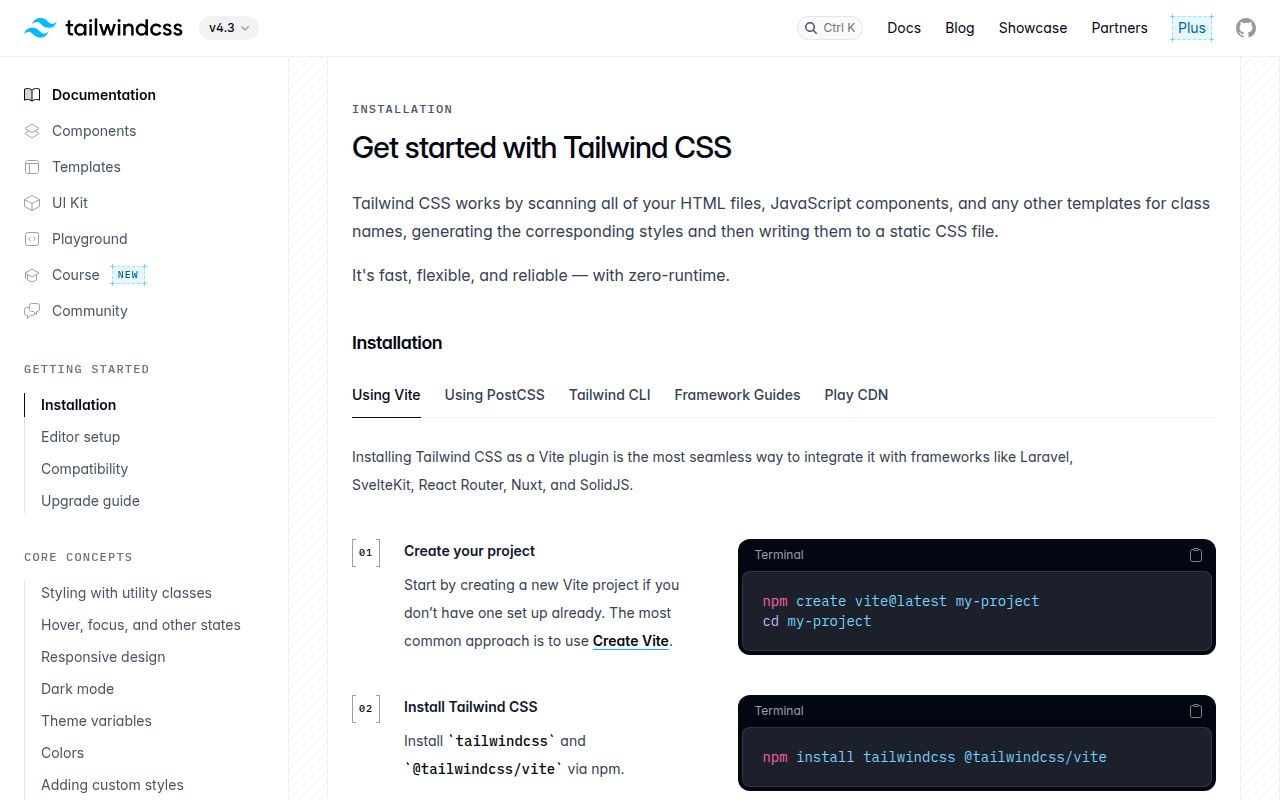
Tailwind v4 moved much of the configuration into CSS and has dedicated packages for Vite, PostCSS, and its command-line tool. The official upgrade utility can migrate dependencies, configuration, and template changes for many v3 projects. It requires Node.js 20 or newer. That migration deserves its own branch and visual checks because the guide documents breaking changes rather than promising identical output.
Browser policy is unusually clear. Version 4 depends on Chrome 111, Safari 16.4, and Firefox 128 as minimums. Tailwind advises projects with older targets to remain on v3.4. Its compatibility page also says the v4 build tool is not designed for Sass, Less, or Stylus. Those are firm selection limits, not minor setup warnings that a plugin will necessarily fix.
What happened when we ran it
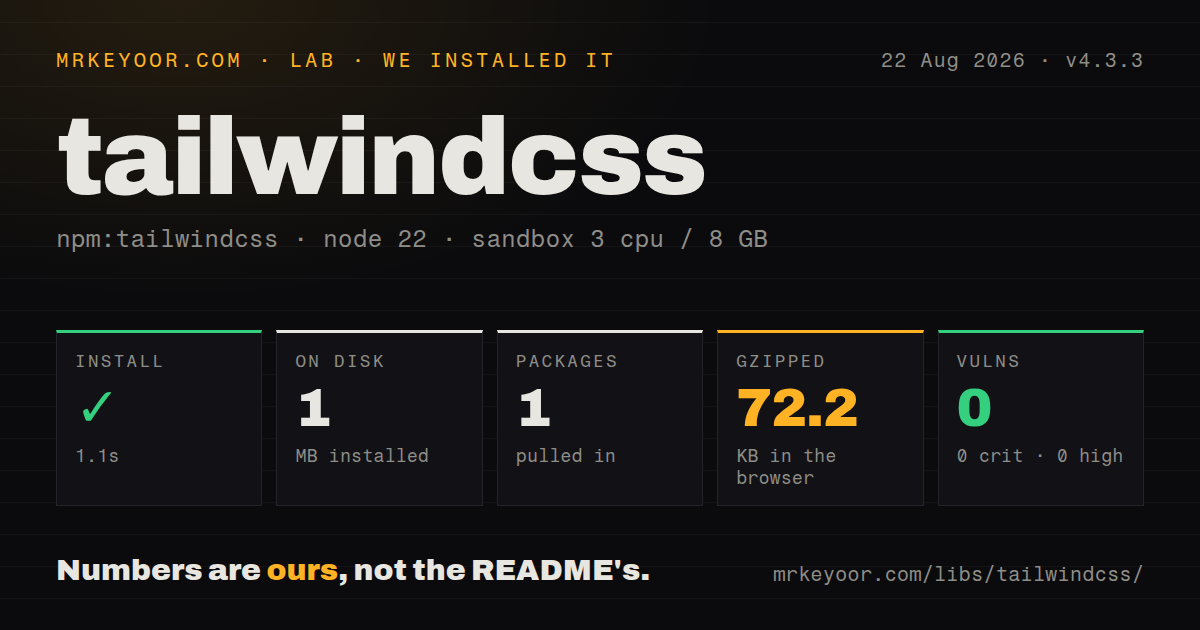
Our sandbox installed 383 packages in 70 seconds, leaving 956 MB on disk. The build ran for 81 seconds and exited with code 1. The failing task was @tailwindcss/oxide#build under crates/node. The last log lines show Node's child-process exit handling and repeated lifecycle failures, but they do not expose the original error. We cannot responsibly name a missing package or tool from that tail.
The test result was much better. Vitest completed in 106 seconds with 5,496 passing tests, 0 failures, and 1 skip out of 5,497. That is strong evidence for the JavaScript and TypeScript behavior covered by the suite at commit 90f8ff4. It does not cancel the build failure, because contributors still need a successful Oxide artifact to reproduce the whole repository workflow.
The environment was a fresh unprivileged Debian container with 3 CPUs, 8 GB of RAM, Node 22, and no secrets. Tailwind's contributing guide names Node.js, pnpm, and Rustup as requirements, then asks contributors to add the wasm32-wasip1-threads target before pnpm build. A successful dependency install followed by a native build failure is exactly why that contributor path should be tested before planning a patch.
Application setup is easier than repository setup
A normal project consumes released packages rather than compiling Oxide. The documentation has short recipes for framework integrations, while the core workflow starts by importing Tailwind and letting its scanner find class candidates. Teams still need to define theme variables, decide how shared components package repeated classes, and make generated class names discoverable to the scanner. Dynamic string construction remains something to examine during integration.
At repository scale, 956 MB after a 383-package install is a meaningful cost for CI caches and ephemeral workspaces. The source tree has 4 CI workflow files and no Dockerfile. That does not make the project unhealthy, since its workflows document a wide platform build matrix. It does mean there is no repository container that reproduces the exact contributor environment with one command.
Current fixes cover browsers, watchers, and build tools
Release v4.3.3 was published on July 16, 2026. Its fixes include polling for unreliable filesystem events, PostCSS rebuild behavior after preprocessor changes, Firefox focus outlines, Vite reload behavior, selector parsing, and Windows CJK font selection. This is maintenance across the places where a CSS compiler meets operating systems and bundlers, rather than a release built around one headline feature.
GitHub recorded the last push on August 14, 2026 and listed 57 open issues and pull requests when fetched. Recent activity included an issue about Vite CSS imports discarding user resolve.conditions, alongside proposed fixes. The combined count must not be read as 57 confirmed bugs. It does show that integration details keep moving after a stable release.
The decision depends on markup taste and platform limits
Tailwind is easiest to recommend when a team already reviews UI at the component level. Utility classes make spacing and responsive intent explicit, and theme variables give designers and developers a shared vocabulary. The mature documentation and 5,496 passing tests reduce adoption risk. Existing v4 users also get a project that was still receiving fixes in August 2026.
Walk away when the constraints clash with the product. Older-browser support points to v3.4, preprocessor-heavy codebases face an explicit incompatibility, and developers who prize short semantic class attributes may resent the core authoring model. For contributors, budget beyond the 70-second install: our build failed in Oxide, and the available log tail did not say why.