Restoring a picture's settings is the reason to use it
Drop a generated PNG into AUTOMATIC1111's PNG Info tab and you can restore its generation settings. That's a useful starting point for deciding whether this interface suits you. The browser controls cover text prompts, image edits, and inpainting, where you replace a selected part of a picture. If you spend your time adjusting an existing result, keeping those controls together makes sense. The feature guide documents the workflow.
Our 3.8 MB checkout contained 315 files and about 49,337 source lines. The application has enough machinery to warrant choosing a workflow before choosing the software. Its X/Y/Z plot compares parameter variations in a grid, while prompt weighting lets you give particular words more influence. Those are useful controls for deliberate experiments. Someone who wants a finished image without learning samplers or checkpoints will have more decisions than they wanted.
What happened when we ran it
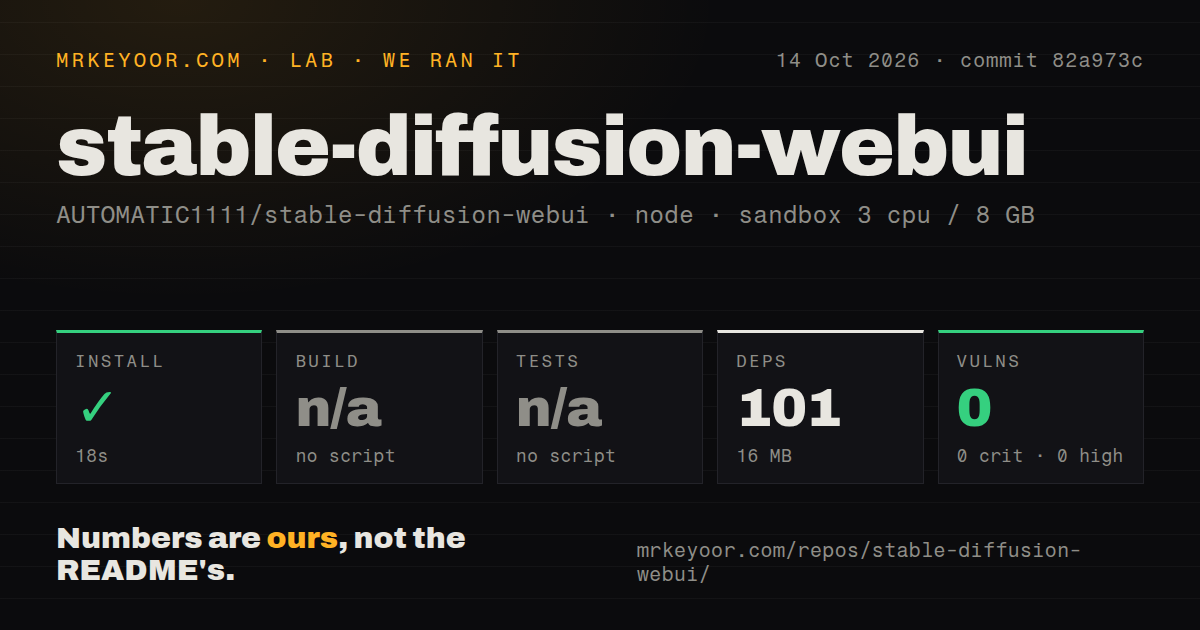
Our sandbox installed the npm dependencies at commit 82a973c in 18 seconds on October 14, 2026, adding 101 packages and using 16 MB on disk. The fresh Debian container had 3 CPUs and 8 GB of RAM, used the lab-node:22 image, and had neither elevated privileges nor secrets. The install succeeded. That is the complete measured installation result, with no evidence here of a working image-generation session.
Build and test steps were skipped because the detected ecosystem exposed no corresponding script or target. Our scan found 3 CI workflow files, a tests directory, and no Dockerfile. A directory containing tests does not mean a suite ran. The npm audit reported 0 known vulnerabilities across all severity levels, a result limited to that dependency scan. It says nothing about generated images or the Python runtime's dependencies.
The npm manifest covers linting, while Python launches the UI
The package manifest lists ESLint with lint and fix scripts. That explains why the npm result needs such a narrow reading. The README directs Linux users to webui.sh and Windows users to webui-user.bat, with Python and Git as prerequisites. Treating the JavaScript step as proof that the image application works would give a buyer the wrong expectation.
The 16 MB footprint from our run therefore cannot be your disk budget for a working image workstation. Checkpoint files and the Python environment sit outside what that figure establishes. The documented local workflow doesn't ask for a hosted image API key, but it does require obtaining suitable model files. Choose those files and your hardware path before deciding whether this fits an existing machine.
Linux instructions name graphics libraries and interpreter choices
The README's Linux instructions explicitly include libgl1 and libglib2.0-0 on Debian, alongside Git and Python's virtual-environment support. It also gives interpreter guidance for newer distributions and separates NVIDIA, AMD, Intel, and Apple Silicon routes. The convenience script sits after those choices. I would read the instructions for the actual graphics hardware before touching the launcher, especially on a machine whose Python comes from a recent distribution.
Our 18-second npm step provides no timing for any of that work. Nor does the sandbox's 8 GB of system RAM establish that a selected graphics card can hold your model. A useful acceptance check would involve loading your chosen checkpoint, generating a picture, and reopening its settings. Those outcomes remain unmeasured here. Keep that gap visible if you're comparing this page with a review that includes actual inference results.
Model downloads deserve scrutiny beyond an npm audit
Open issue 17497 reports HTML injection through a model filename in extra-network cards. The report concerns this WebUI's model browser and describes browser script execution when the page loads. We have not reproduced it, and an issue report is not a confirmed finding from our lab. It is still a specific reason to hesitate before accepting model archives from strangers into a shared workstation.
The 0 known vulnerabilities in our npm audit cannot resolve that report. Model loading, Python code, and browser rendering extend beyond the dependency set the audit checked. Extensions add another trust decision because the README advertises community scripts as a way to extend the interface. I'd start with the built-in tools and a known model source, then add an extension only when it solves a concrete problem.
March's last push and October's reports point in different directions
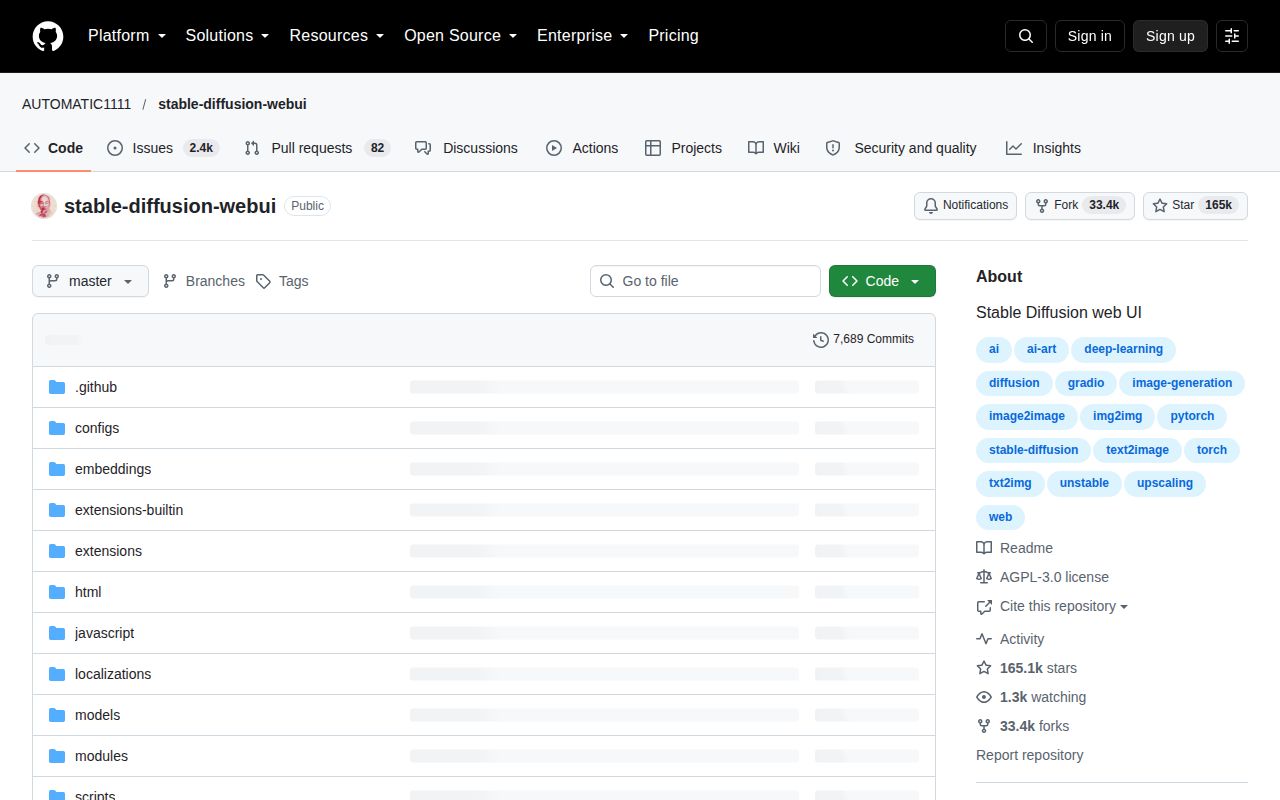
GitHub's API recorded the last repository push on March 2, 2026, and showed 2,510 open issues and PRs on October 15. Recent activity includes issue updates in October and an open September pull request about BREAK parsing inside attention brackets. That establishes continued participation around the project. It doesn't establish a quick maintainer response or that contributions are reaching users.
The latest release, v1.10.1, dates to February 9, 2025, and names a CPU image-upscaling fix. I'd choose AUTOMATIC1111 for its documented parameter controls and ability to recover settings from an image, provided I could own the Python and model setup. ComfyUI is worth comparing if you want to connect processing steps as a graph. InvokeAI is another comparison for a canvas-oriented editing workflow. Before migrating an existing image library, try restoring its PNG settings: that's the convenience you'll either keep using or discover you don't need.