
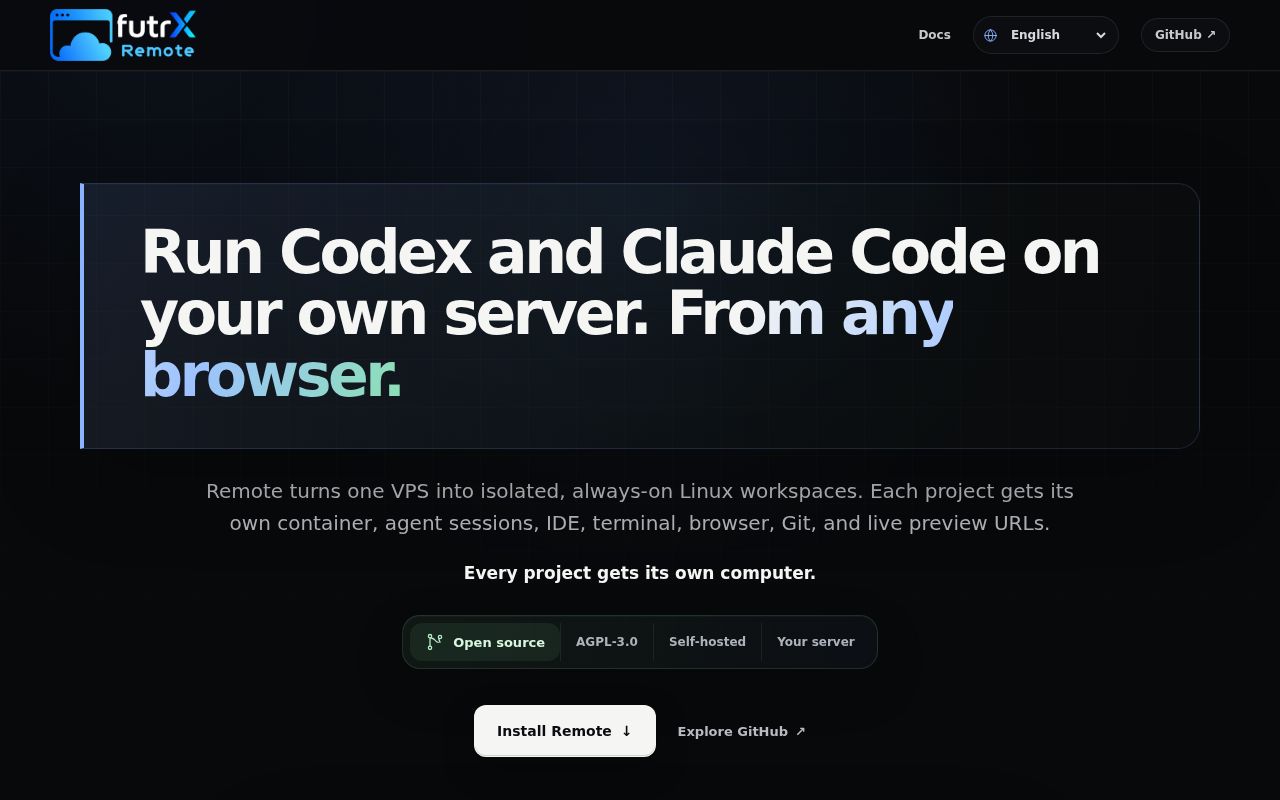
Each project gets a persistent Linux workspace for its agents
Remote treats an AI coding project as a server-side computer. Each project receives durable files, processes, ports, settings, and agent homes inside an unprivileged LXC container. Codex, Claude Code, Kimi, and Antigravity can work against the same state. The browser brings chat, an IDE, a terminal, file management, Git history, live previews, and a headed browser into one interface.
That design solves a real remote-work problem. An agent can keep running after a laptop closes, while a developer reconnects later to inspect changes or take over the browser for a sign-in. Scheduled prompts can run once or recur. Listening application ports receive project URLs and HTTPS. The host retains identity, routing, membership, resource, secret, and container-lifecycle controls outside the project workspace.
A fresh server, wildcard DNS, and SSH keys are mandatory
The quick start is an infrastructure installation, not an npm command. It requires a fresh Ubuntu or Debian server, root or sudo access, a hostname pointing to that server, working key-based SSH, and ports 80 and 443 open. Per-project IDE and preview addresses need wildcard DNS. The documentation offers owned-domain, DuckDNS, and deSEC examples.
The installer is piped from the project website into sudo bash. It downloads Remote, installs dependencies, builds the workspace image, starts services, and configures Let's Encrypt certificates. More importantly, it disables SSH password login. The README warns users to prove key access before running it. Keep a second privileged session open and confirm the provider console or another recovery route before making that change.
What happened when we ran it
Our Go 1.24 Debian sandbox targeted the backend under backend/ at commit 8b1b65b. Dependency installation succeeded in 88 seconds with 119 packages. The backend build completed in 9 seconds. The test command then ran for 43 seconds and exited 1, with 54 passed and 2 failed out of 56.
The supplied final log lines showed several packages passing and several packages with no test files, followed by FAIL. They did not include the names, assertions, or stack traces for the two failed tests. We can therefore say the measured suite failed, but cannot assign a cause to LXC, timing, permissions, or any other subsystem.
The checkout contained 716 files, about 63,700 source lines, and used 14.4 MB. Our scan found 2 CI workflow files, no Dockerfile, and no top-level tests directory. Those figures describe the repository and backend checks, not a complete installation on a root-managed host with DNS, certificates, containers, agents, IDE sessions, and preview routing.
Unprivileged LXC reduces reach but still shares the host kernel
A project container is the capability boundary for agent work. Agents can install tools, run servers, use Git, and browse inside it. Separate containers reduce accidental cross-project access, and host-side controls remain outside. This is stronger than launching every agent directly in one home directory.
The threat summary is candid about what it does not provide. LXC containers share the host kernel, so they are not virtual machines or an air gap. The host administrator can read project data. Secrets assigned to a project are readable by agents inside that project. Untrusted repositories and model-generated commands should still be treated as hostile input, with the host patched and project credentials limited to the smallest useful scope.
The interface includes a root terminal inside the project computer, which is useful for dependency work but increases what an agent or human can change within that container. Resource envelopes, lifecycle controls, and recovery remain host concerns. Teams with strict tenant separation should compare VM-backed or externally sandboxed alternatives rather than assuming unprivileged means virtual-machine isolation.
Persistent storage survives recycling and still needs backup
Project files and provider homes survive routine container replacement. Major or minor updates converge host infrastructure, rebuild the workspace image, and recycle idle containers. Patch releases rebuild and restart only the frontend and backend. A full update can be forced from /opt/remote.futrx/infra/update.sh, with a skip-workspaces option for active agents.
Persistence helps long agent sessions, but the README explicitly says it is not backup. A damaged volume, compromised host, mistaken deletion, or failed infrastructure change can still remove work. Back up project storage outside the server, test restoration, and use ordinary remote Git pushes for source. Coordinate maintenance when agents are running because continuity is a convenience, not a substitute for recoverable state.
Version 0.6.0 is active and still infrastructure-heavy
GitHub showed 438 stars, 25 combined issues and pull requests, and a last push on August 26, 2026. Release 0.6.0 arrived on August 25 with guided project creation, safer deletion confirmation, terminal-session preservation, mobile safe-area fixes, and offline UI behavior. The one-day gap between release and push shows current work rather than a dormant tag.
Open work includes host-aware resource defaults, swap sizing, installable databases, audit logs, cost reporting, skills, notifications, and stack templates. Those pull requests show where the product is expanding, but an open proposal is not a shipped feature. Evaluate 0.6.0 for what its release and README already document, then pin updates and read the infrastructure path before applying a minor version.
Remote is a convincing idea for a technical self-hoster who already wants a dedicated agent server. The browser takeover, durable workspaces, and per-project containers address concrete pain. Our 9-second backend build is encouraging, while 2 failed tests and a root-level installer argue for a staged host first. Use it with SSH recovery, external backups, scoped provider secrets, and a clear acceptance of shared-kernel isolation.