3 skills keep video measurement separate from model judgment
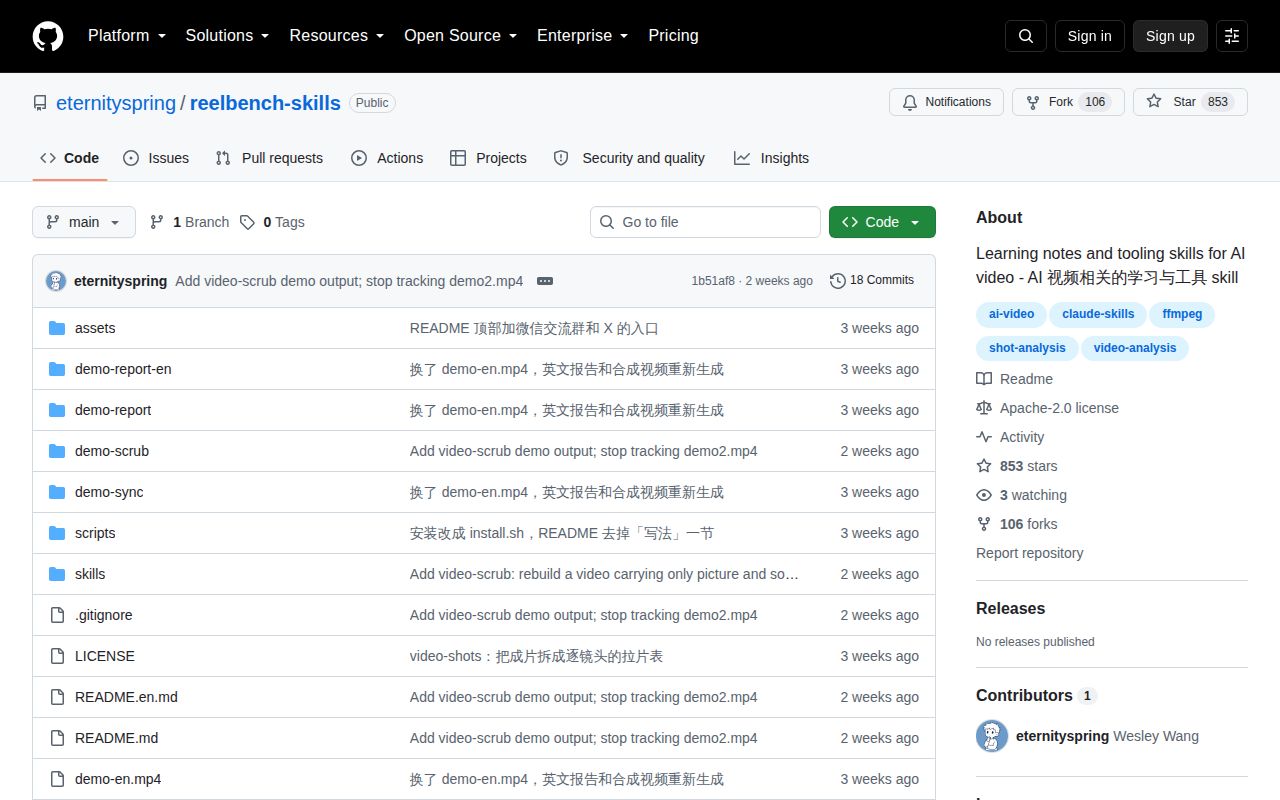
Reelbench Skills packages 3 related jobs for Claude Code and Codex. Video-shots creates a shot-by-shot analysis, video-sync places that analysis beside the footage, and video-scrub rebuilds a file while excluding source metadata. The repository is Chinese-first. An English README and English per-skill guides are available, but the installed SKILL.md instructions and many code comments are mainly Chinese. English output is supported by the shot tools.
The useful design choice is the boundary between code and the model. FFmpeg detects candidate cuts, ffprobe supplies duration and format facts, and frame-difference calculations estimate motion. The model handles shot size, category, camera movement, description, and rhythm. Fifteen deterministic gates then compare those annotations with the measured timeline and motion evidence. This does not make subjective labels objective, but it gives a reviewer a named place to challenge each one.
Video-shots uses 15 gates but still needs an editor
Video-shots seeds a JSON timeline, extracts opening and closing frames from each shot, builds contact sheets, and asks the agent to fill only the interpretive fields. Its report is a single offline HTML page with a player, search, filters, shot cards, timing, and keyframes. The repository includes Chinese and English demo reports, so you can inspect the output format before installing anything.
Scene detection still misses dissolves and dark transitions, and it can split flashes or shaky footage too aggressively. The workflow includes a recut command for declared splits and merges, then recalculates timing and motion instead of allowing hand-edited evidence fields. There is no speech transcription, face recognition, automatic cast matching, object detection, clip export, or quality judgment. Dialogue comes only from visible burned-in subtitles, so an unscripted interview without captions will have sparse audio notes.
What happened when we ran it
We did not run commit 1b51af8 in our sandbox. The lab classified the JavaScript project outside its supported ecosystems, and the repository has no Dockerfile. The environment was an unprivileged container with 3 CPUs, 8 GB of RAM, and no secrets. There is therefore no measured install time, build result, test count, dependency footprint, or vulnerability audit for this review.
Our lab method ended with the no-run result for commit 1b51af8. That leaves the repository's examples and self-check claims as project documentation, not our verification. We did not analyze the bundled demo video, exercise ffmpeg against real codecs, launch the panel renderer, or inspect a scrubbed file byte by byte. A clean README example cannot substitute for footage from your cameras, exports, subtitles, HDR pipeline, and container formats. Run those cases before trusting the skills in a repeatable production workflow.
Video-sync renders 3 panel images through a browser
Video-sync takes the JSON produced by video-shots and creates a new video with the original footage and a scrolling information panel. Horizontal footage is stacked above the panel, while portrait footage sits beside it. Panel layout lives in CSS, and a planning command calculates geometry before the longer composition step. The skill requires a headless Chrome, Chromium, or Edge installation to turn its HTML panel into images.
The workflow tells the operator to inspect at least 3 frames from the finished composite and confirm that the picture, shot number, and highlighted row agree. That manual check matters because a successful ffmpeg process can still pair the wrong JSON with the wrong source video. Audio is copied from the source when present. The tool is a fixed analysis layout, so Remotion is a better base when the composition itself is your product.
Video-scrub checks bytes that ffprobe cannot display
Video-scrub carries one video stream and an optional audio stream into a rebuilt MP4 or MOV instead of copying every source track. That whitelist drops chapters, data tracks, attachments, GPS fields, device details, and many account or software strings. The tool also looks inside H.264 SEI, AAC data elements, and the compressor name, places where a normal ffprobe listing may appear clean while encoder identifiers remain. Twelve gates check the output structure and residues.
Its limits are as important as its checks. The default copy mode keeps picture data while re-encoding audio, but it cannot promise removal of durable pixel watermarks. Full encode mode also cannot defeat watermarks designed to survive transcoding. HDR sources keep their SEI because removing all messages can destroy color and embedded-caption information. In that case, privacy cleanup and image integrity conflict, and the skill chooses image integrity while reporting the exception.
Symlink installation trades pinning for easy updates
The installer looks for Claude Code and Codex directories, then links the chosen skills into them. Node 18 or newer, ffmpeg, and ffprobe are required, while the JavaScript scripts use no npm packages and ask for no API key. Video-sync adds the browser dependency. A copy-based installation is documented for users who do not want symlinks.
Symlinks mean a git pull changes the live skill immediately. That is convenient for one person who reviews each update. A team with locked tooling should pin a commit, copy the directories, and review changes before promotion. GitHub showed 853 stars, no open issues or pull requests, a September 21, 2026 push, and no release. Those are signs of fast early attention, not a maintenance record. Try the skills on disposable footage first, and keep the reports and verification output with the source they describe.