React components become deterministic video frames
Remotion uses React code as the source for compositions. A component receives frame and composition data, renders visual state, and becomes input to an encoder. This model suits videos whose structure repeats while text, images, charts, timing, or branding changes. Product recaps, personalized exports, social clips, and data summaries can share components instead of being rebuilt by hand in a desktop editor.
The repository is large because the product extends beyond a frame renderer. Our checkout held 13,394 files, about 1,194,856 source lines, and 747.3 MB before dependencies. Packages cover the Studio, Player, server rendering, Lambda, a Vercel sandbox, client rendering, media handling, captions, transitions, shapes, and visual elements. Workspace boundaries let applications take only the pieces they need, though contributors still inherit the whole monorepo.
The Studio supports code and visual editing
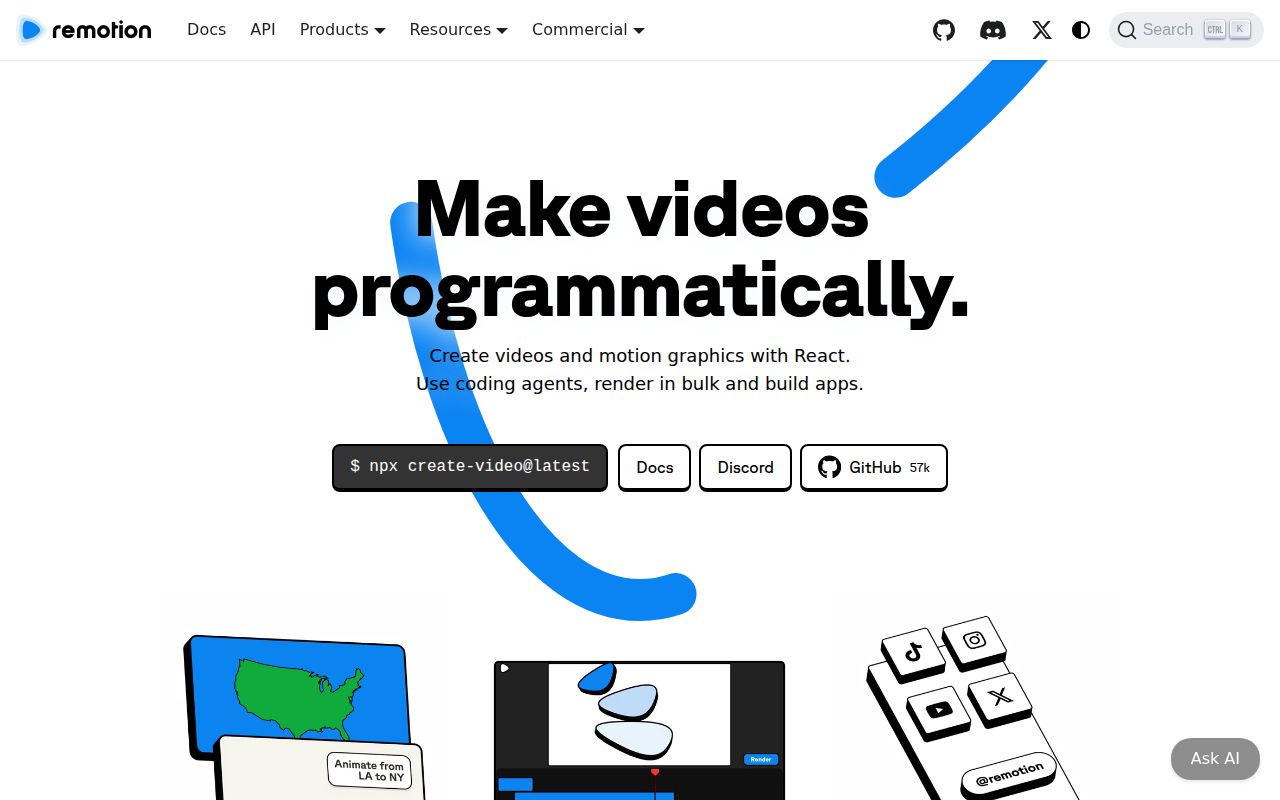
A new project starts with npx create-video@latest. Developers build compositions in React and inspect them in the Studio. Remotion also supplies elements, effects, sound effects, captions, font utilities, transitions, and templates. The visual tools can help arrange and adjust assets, while the React source remains authoritative. That is a productive compromise for a team where designers and developers both touch the output.
A project can also embed the Remotion Player or build an editor around the available packages. That flexibility introduces several environments to test: the interactive browser preview, server renderer, client renderer, and cloud paths may not use identical media machinery. Version v4.0.518, released August 26, 2026, added WebMCP tools to Studio, a WebGPU transcription package, caption page breaks, and several element and Lambda changes.
What happened when we ran it
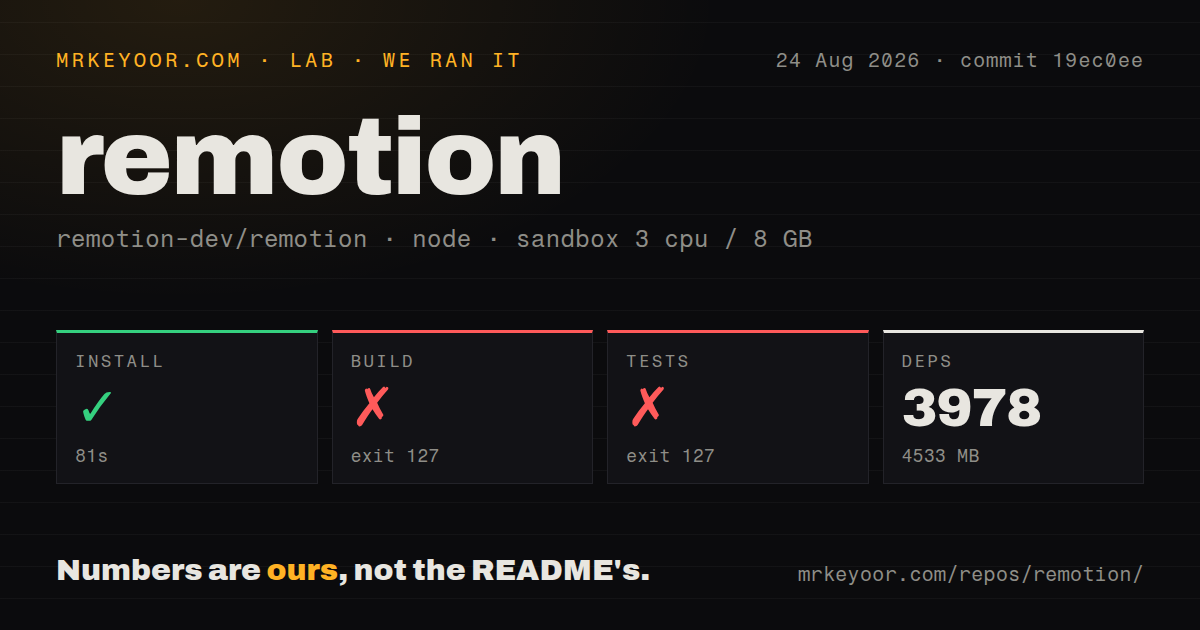
Our sandbox installed 3,978 packages in 81 seconds and consumed 4,533 MB on disk. The build then failed with exit code 127 after 26 seconds. The test command failed with the same exit code after 32 seconds. Both logs ended with the exact message sh: 1: bun: not found, so neither step reached a compiler result or a test count.
These results cover commit 19ec0ee in an unprivileged Debian container with 3 CPUs, 8 GB of RAM, and the lab-node:22 image. The package installation succeeded, but the runtime expected by later scripts was absent from PATH. The repository's root package declares Bun 1.3.3 and invokes Bun in several scripts. A clean contributor image therefore needs Bun installed explicitly before build or test claims mean anything.
Rendering requires more than a passing TypeScript build
Video output depends on browser execution, asset loading, fonts, codecs, media metadata, frame timing, and the final encoder. A composition can type-check and still produce a missing font, a shifted color, silent audio, or a frame that differs between render paths. Keep representative source media in regression fixtures and compare selected output frames, durations, and audio before each deployment. Long or parallel jobs also need storage and concurrency planning.
Our install occupied 4,533 MB before any additional browser or project media cache was counted. That is a meaningful container and CI cost. Cloud rendering can distribute work, while local and server APIs give teams more control over infrastructure. The right choice depends on volume, acceptable startup time, asset locality, and operational skill. The README documents Lambda, Vercel, Node APIs, and client rendering separately because they are different deployment decisions.
Media edge cases can alter or stop output
Open issue 10841 supplies a synthetic H.264 example where @remotion/media interprets missing container color metadata differently from OffthreadVideo, producing a visible color shift. The report is specific to its media metadata and versions; it does not establish a general color failure. It does show why comparing the exact component and codec path matters when color accuracy is contractual.
Issue 10856 describes a second bundled Remotion copy resetting delay-render handles, which can orphan work such as module-scope font loading and make longer renders hit a timeout. Again, this is one reported bundle shape, not every composition. Teams using custom bundling, many fonts, or long outputs should include a render longer than their normal delay threshold in pre-release tests instead of validating only short preview clips.
The license changes the buying decision at 4 employees
Individuals, nonprofits, and for-profit organizations with up to 3 employees qualify for the free license, including commercial video creation. Larger for-profit organizations need a company license. The free terms also prohibit modifying Remotion code to sell, rent, license, relicense, or sublicense a derivative. This is source-available software with a business threshold, so it should not be evaluated as if GitHub presence implied a standard permissive license.
GitHub showed 57,439 stars, 184 combined issues and pull requests, and a last push on August 26, 2026. The same day brought v4.0.518, which is good evidence of active maintenance. Remotion is the best fit when video is a repeatable software output and the team already thinks in React. The failed Bun-dependent checks in our run mean repository contributors should fix the toolchain image before judging code health.