Three Markdown files hold the live task state
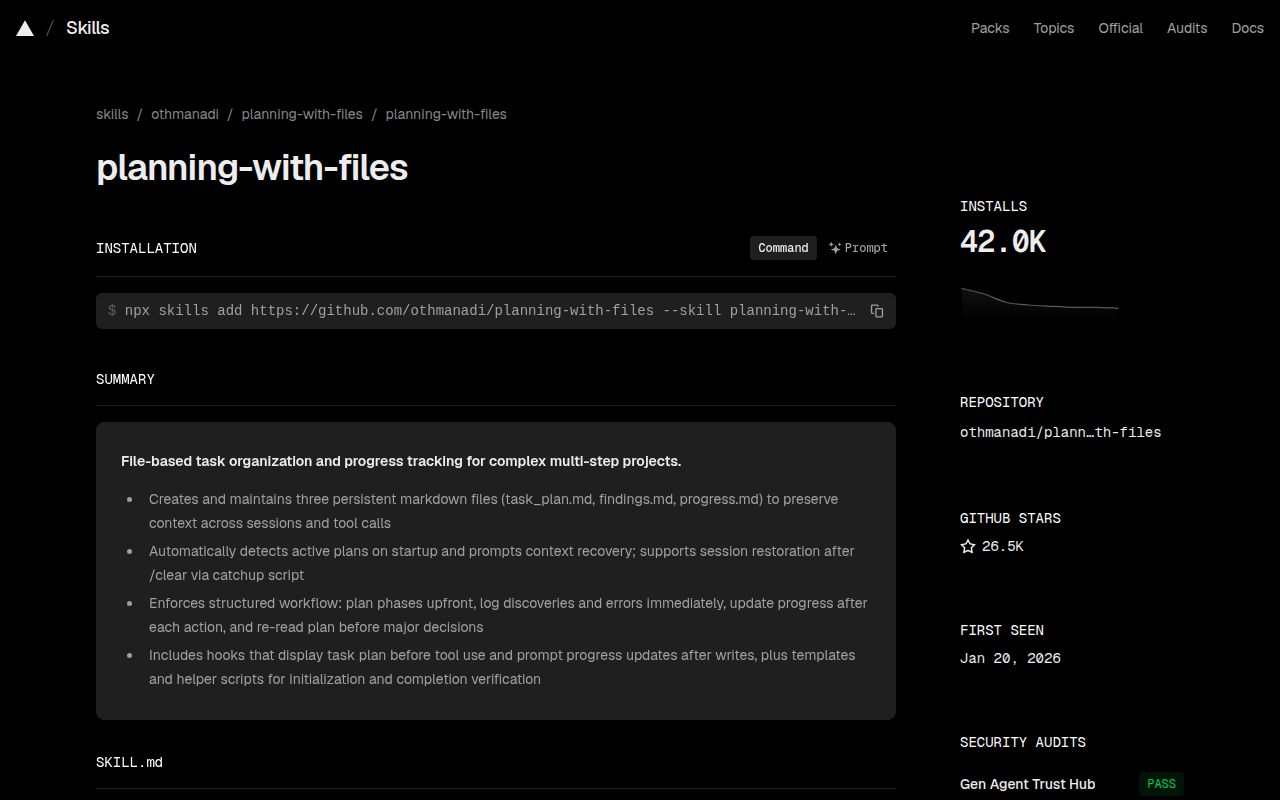
Planning with Files creates 3 files in the working project: task_plan.md, findings.md, and progress.md. The plan tracks phases and checkboxes, findings holds decisions or research, and progress records actions and test results. Hooks can read selected parts back into the coding agent after /clear, compaction, or a crash. For parallel work, the same 3-file set can live under a dated .planning/<slug>/ directory instead of sharing the project root.
This is active execution state rather than a general memory store. The skill's trigger rule covers tasks needing at least 3 steps or 5 tool calls, and automatic recovery reads project planning files only. Reading local session records requires an explicit metadata or bounded replay mode. The 632-file checkout reflects that narrow goal, and anyone expecting old conversations, preferences, or unrelated project knowledge to reappear automatically will be disappointed.
The Claude plugin gets 6 hooks; npm gets none
The v3 Claude Code plugin registers 6 lifecycle hooks for startup recovery, prompt-time injection, tool reminders, pre-compaction flushing, and stop checks. It also supplies slash commands such as /plan, /plan-doctor, and /plan-attest. Codex, Pi, and Hermes have their own integrations, while the README lists lighter Agent Skills installs for many other clients. Check which integration tier your host receives instead of relying on its presence in a platform table.
An npm install delivers the skill, scripts, and templates without registering hooks. The npx skills add and manual Claude routes have no SessionStart recovery, no bundled slash commands, and activation-scoped hooks that appear only after the skill is invoked. Project-level skills also depend on the trust dialog. Installation took 26 seconds in the lab; run plan-doctor afterward to prove the intended injection path is active.
What happened when we ran it
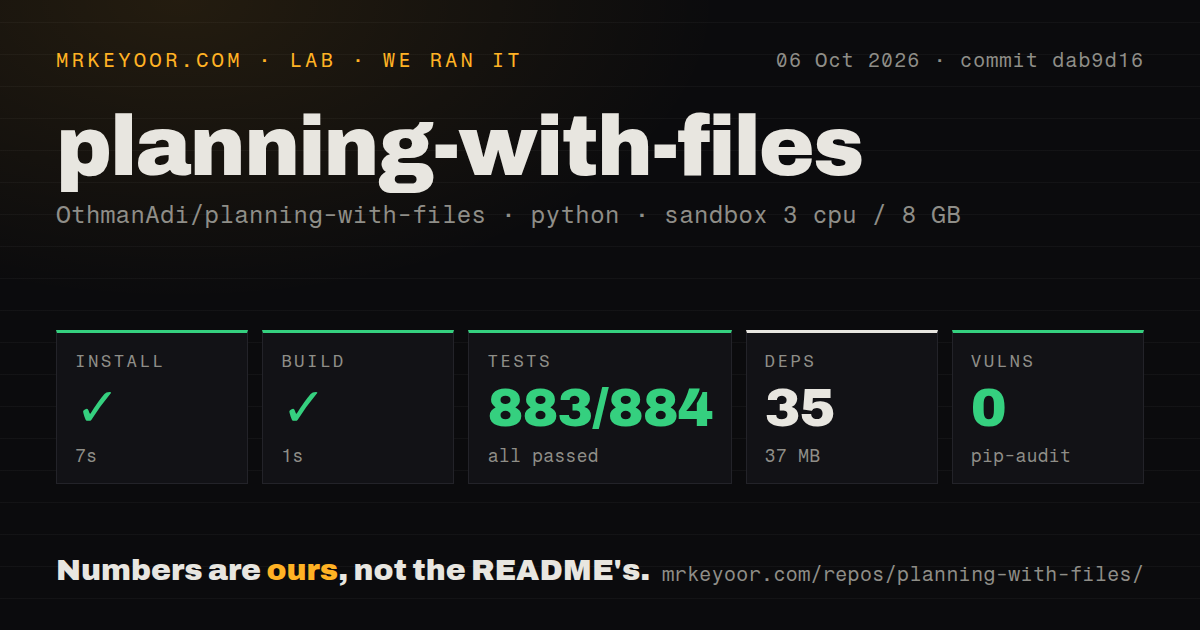
Our sandbox cloned commit 2d98d31 into an unprivileged Debian container with 3 CPUs and 8 GB of RAM. The 632-file checkout was 15.2 MB and contained about 84,244 source lines. Installation succeeded in 26 seconds, added 35 packages, and occupied 37 MB. The build then succeeded in 5 seconds. Those are modest costs for a project that ships shell, PowerShell, Python, and host-specific integration files.
The full test command failed after 123 seconds. Pytest reported 541 passed, 1 failed, 75 skipped, and 1 collection/setup error out of 543, plus 645 passed subtests. The failing BSD-userland simulation expected a nonce-framed plan block in stdout and received an empty string. tests/test_claude_plugin_operations.py also stopped during collection/setup. The log tail does not establish either cause, so we cannot claim a missing package or a product defect from this run alone.
Pip-audit found 0 known vulnerabilities among the 35 installed packages. The checkout had a tests directory and 3 CI workflow files, but no Dockerfile. That fits a plugin and skill bundle more than a standalone service. It also means a container image is your responsibility if reproducible packaging matters. Our measurement covers v3.12.1 commit 2d98d31 in one fresh Linux container, not every client and operating system named in the README.
SHA-256 attestation checks the active plan body
The v3 attestation path stores a SHA-256 for task_plan.md, and injection refuses a body that no longer matches the approved hash. At tested commit 2d98d31, the parallel-write guard separately warns when checked items or completed phases decrease between hook runs. These checks address silent plan replacement and clobbered progress. They do not make copied planning text trustworthy: the security policy tells users to treat external plan content as untrusted because selected data is inserted into model context.
The default Stop behavior is advisory, while gated mode may request continuation on hosts that support it. The gate reads plan status and ledger progress, has a default cap of 20 consecutive blocks, and never executes commands written in Markdown. Our 123-second suite did not establish that behavior on every host. Operators can pin a plan with PLAN_ID, bind a thread with PWF_PLAN_ROOT, or attach sessions inside .planning/sessions/.
Completed root plans are overwritten instead of archived
The project gitignores 3 files in the root plus the .planning/ directory. Finishing a task does not create an archive: the next root task overwrites those files, while a completed slug directory simply stops being active. The 632-file checkout includes no automatic retention step. Important decisions therefore need promotion into source, a commit, or maintained documentation. Teams that need a durable audit trail must decide whether retained plans belong in version control.
A one-shot job can opt out with PLANNING_DISABLED=1 on most v3 routes, which matters when several agents share a working directory containing an unfinished plan. The README says the Gemini integration is behind and does not honor this setting. The 3 CI workflow files in our checkout do not remove that host difference. Plan selection still needs care when operators leave stale pointers or share a root.
v3.12.1 fixed nested attestation on the report day
Issue 234 reported on August 31, 2026 that running the attestation helper inside .planning/<slug>/ could update the wrong file while returning success. Release v3.12.1 shipped later that day with a fix and cross-platform adjustments; that release is also commit 2d98d31 from our sandbox. Issue 231, a published-package line-ending problem affecting Linux and macOS shell scripts, was closed the day after its August 28 report. Both received quick maintenance.
GitHub recorded 26,563 stars, 8 combined issues and pull requests, and a last push on September 2, 2026. That activity supports trying the project, while our 541 passing tests show that much of its host matrix is exercised. The failed BSD simulation and Claude plugin setup error keep the recommendation conditional: choose Planning with Files when forgotten execution state is already wasting time, then test the exact installation route your team will run.