Two sprite sheets provide 18 visible states
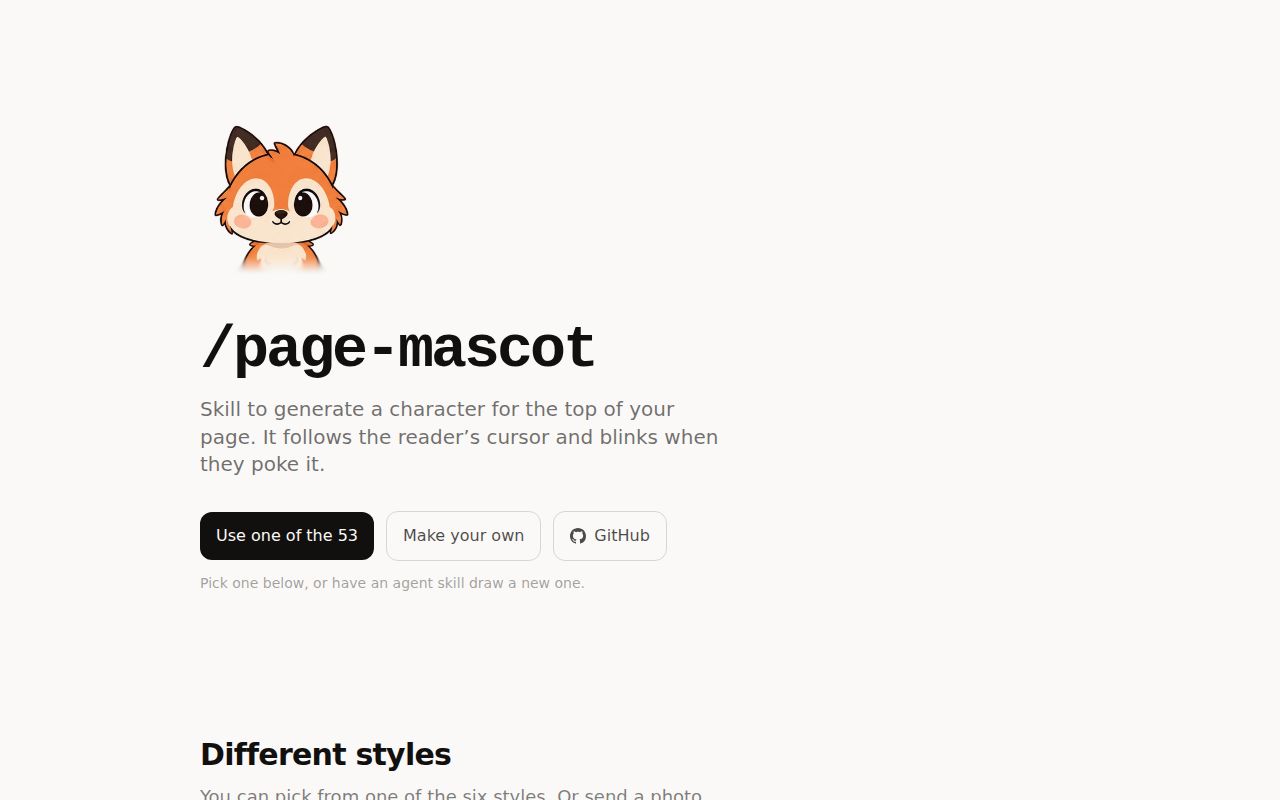
Page Mascot is a React button dressed as a character. One 3 by 3 sheet contains 9 head directions, and a second contains 9 expressions. Moving the pointer changes the background position on the first sheet. Clicking swaps in a reaction, then returns to the gaze state. There is no canvas scene, animation dependency, or frame-by-frame JavaScript loop.
The component ships five props: the two required image paths, a square size that defaults to 140 pixels, an accessible label, and a class name.
The constraint is also the ceiling. It cannot walk across a header, speak, track facial landmarks, or play an arbitrary animation timeline. Every visual state must fit one of the 18 cells, and both sheets need the same alignment. If you need a character to perform, Rive is the closer category. Page Mascot is for a head that notices you.
What happened when we ran it
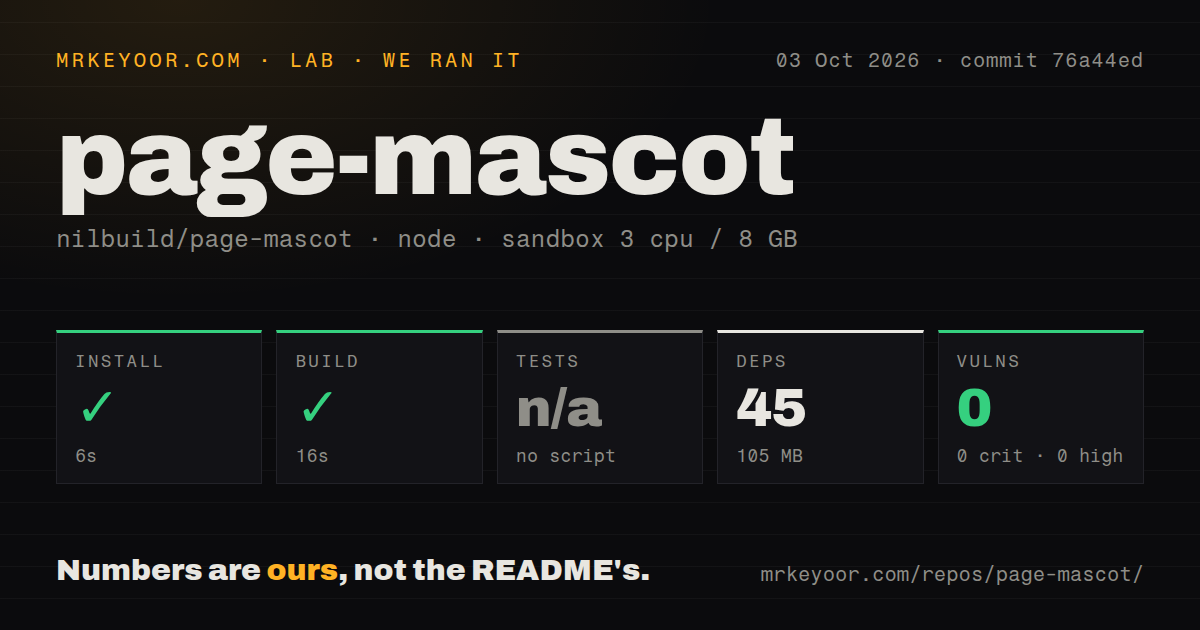
Our sandbox installed commit 76a44ed in 6 seconds. Npm added 45 packages and used 105 MB on disk, then the TypeScript build passed in 16 seconds. The run used an unprivileged container with 3 CPUs, 8 GB of RAM, Node 22, and no secrets. Npm audit reported 0 known vulnerabilities.
No test command existed in package.json, so the lab skipped tests rather than inventing a target. We also found 0 CI workflow files, no Dockerfile, and no tests directory. A clean compiler result establishes that the package built in our environment. It does not establish that pointer sectors, timers, keyboard activation, image loading, or sheet alignment have automated regression coverage.
The checkout contained 287 files, about 2,559 lines of source, and occupied 186.5 MB. That size looks odd beside a one-component package until you inspect the tree: it includes source art for dozens of characters and web-ready mascot files. The package manifest publishes only dist, the README, and the license, so installing from npm is a different footprint from cloning the art repository.
Fine pointers get tracking, while touch screens keep the button
The source checks for both hover support and a fine pointer before registering the global pointer listener. Phones and other coarse-pointer devices therefore keep a centered mascot instead of pretending that touch has a persistent cursor. The button can still receive a click reaction. This is a sensible fallback for an effect whose main input does not exist on a touch screen.
Pointer direction is divided into 8 outer sectors, with the center as the ninth state. A 70-pixel dead zone lets the head settle when the pointer approaches the character, and a small hysteresis margin stops it from flickering between adjacent cells. Those details make the interaction feel less like a compass needle.
Reduced-motion handling is specific rather than absolute. When the user requests less motion, the component skips its 420-millisecond squash animation. It still changes sprite cells for direction and reactions. That is a reasonable reading of reduced motion, but teams with stricter accessibility requirements may want to disable tracking or reactions too. The label prop feeds an aria-label on a native button, so the control remains named for assistive technology.
Existing art is a two-file integration
The demo and repository list 52 drawn mascots. To use one, download its direction and reaction WebP files, place them under the app's public assets, install page-mascot, and pass both URLs to <Mascot>. Imported image paths work as well. React 18 or newer is the only peer dependency, and the package requires Node 20 or newer.
Inline styles keep the component independent of a CSS framework. The skill documentation also permits copying its single mascot.tsx file into a React project instead of installing the package. That makes audits and local changes easy. A Svelte, Vue, or plain HTML project has no first-class package, so adapting the logic becomes your maintenance job.
The repository had version 0.1.0 in package.json and no GitHub release when checked. Without a release page or changelog, pin the npm version and review source changes before upgrading. The small API reduces the burden, but release notes would still help teams distinguish art additions from behavior changes.
Custom characters depend on disciplined image generation
A new mascot needs two aligned sheets, not one nice portrait. The supplied agent skill generates 9 gaze directions, then 9 expressions using the first sheet as a reference. It checks alignment and builds WebP atlases.
Codex can use its own image tool. Claude Code calls the OpenAI images API and therefore needs OPENAI_API_KEY; a manual prompt route is also documented. The skill warns that transparency must come from an image-tool setting, because asking for it in text can produce a painted checkerboard. It also tells creators to avoid wide props and loose hair that shift between cells.
This art pipeline is more involved than the 6-second package install. Teams should keep the source sheets, inspect left and right gaze cells for accidental mirroring, and test the click swap on the actual background where the character will sit. For an existing fox or robot, Page Mascot is almost plug-and-play. For a new likeness, the component is the easy half of the work.
A September push shows life, while missing tests limit confidence
GitHub showed 848 stars, 2 combined issues and pull requests, an MIT license, and a last push on September 15, 2026. The only open issue asked for a dark-mode toggle on the demo site. A separate installation issue for global skill support had already closed. That is a small support surface, not enough history to judge how the package handles many production environments.
The decision comes down to scope. Page Mascot does one charming interaction with a readable component and thoughtful input fallbacks. Our build passed, the dependency audit was clean, and the existing characters avoid the hardest art work. The absence of any test target or CI workflow keeps it out of stricter design systems unless you add your own browser checks.