The AI Coder for the Command Line Faithful
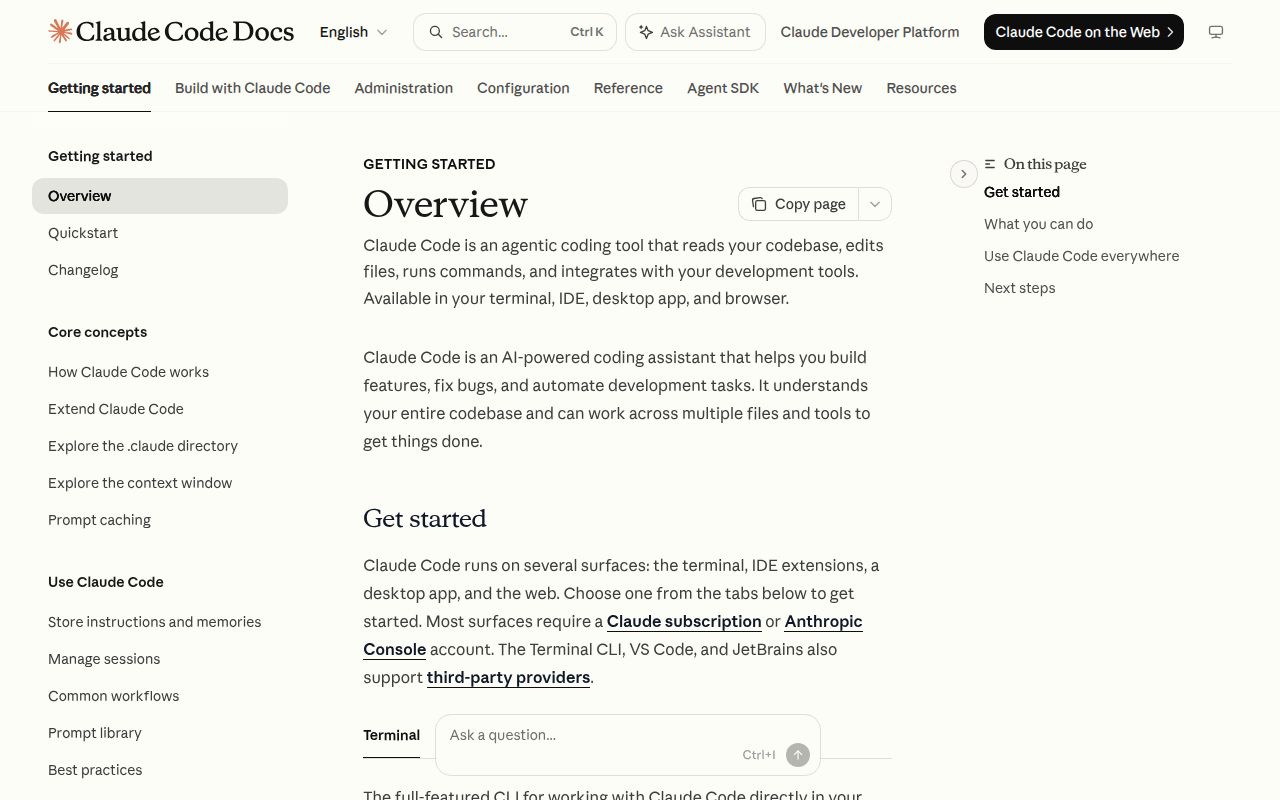
The world of AI-powered developer tools is crowded, with most assistants living inside your IDE, offering autocomplete suggestions and in-editor chat. Anthropic, a major player in the LLM space, takes a different path with Claude Code. It's an "agentic coding tool" that lives where many developers are most productive: the terminal. Instead of just completing your lines, it aims to be a conversational partner that understands your entire project, runs commands, manages your git history, and explains complex code snippets, all without ever making you leave the command line.
The core idea is to treat your AI assistant less like a magical autocomplete and more like a junior developer you can delegate tasks to through natural language. This is a powerful paradigm shift, moving from simple code generation to true task automation within the developer's native environment.
What It Gets Right
Claude Code's most immediate strength is its accessibility. The setup process is refreshingly simple and a model for modern developer tools. The README provides clear, one-line installation commands for every major operating system using standard package managers like Homebrew and WinGet, or a simple curl or irm script. They've even explicitly deprecated the older NPM installation method, showing a commitment to providing a smooth user experience. You can go from discovering the project to having it running in your project directory in under a minute.
The tool's power lies in its "agentic" nature. The promise is that it doesn't just answer questions; it acts. The README highlights its ability to execute routine tasks and handle git workflows. For a developer tired of typing out multi-stage git commands or writing boilerplate scripts, having an AI that can claude "refactor this function into a separate file and commit it with the message 'Refactor: extract utility function'" is a massive productivity boost. This goes beyond what a typical IDE plugin can do, bridging the gap between code intelligence and shell automation.
Furthermore, the mention of a plugin system is a promising sign for the project's future. An extensible architecture allows the community to build custom commands and integrations, tailoring Claude Code to specific workflows, languages, or frameworks. This could create a vibrant ecosystem that extends the tool's capabilities far beyond what the core team at Anthropic can build alone.
The Deal-Breakers and Red Flags
Despite its compelling vision, Claude Code has several critical issues that make it difficult to recommend without serious reservations. The most glaring problem is the complete absence of a license. The repository states "license unknown," which is an immediate, show-stopping deal-breaker for any commercial or serious open-source project. Without a license, developers and companies have no legal standing to use, modify, or distribute the software. It's a baffling omission for a project from a company of Anthropic's stature and renders it legally toxic for anything other than personal experimentation.
The data collection policy is another significant hurdle. While Anthropic provides documentation on their data usage, the fact remains that they collect "usage data (such as code acceptance or rejections), associated conversation data, and user feedback." For developers working on proprietary or sensitive codebases, sending any part of their work to a third-party service is a non-starter. While they claim not to use this data for model training, the policy will rightly make corporate legal and security teams nervous.
Finally, the project's health is a major concern. The repository shows over 14,000 open issues. For context, this is more than double the open issues for a massive, mature project like Visual Studio Code. This astronomical number suggests either the tool is extremely buggy, the user base is enormous and very active, or the maintenance team is completely overwhelmed. Whatever the reason, it does not inspire confidence in the tool's stability or the likelihood of getting a bug fixed in a timely manner. The latest release date is listed as July 2026, which is clearly an error but adds to a general sense of unease about the project's state.
Where Does It Fit in Your Workflow?
Claude Code is best suited for individual developers, students, or hobbyists working on personal projects where code privacy and software licensing are not primary concerns. If you are a command-line power user who wants to experiment with the future of AI-driven development, this tool offers a fascinating glimpse into what's possible. It can genuinely speed up workflows by automating tedious git commands and scaffolding new code.
However, it is absolutely not ready for enterprise use. The lack of a license, the data collection policy, and the massive number of open issues make it too risky for any professional development team. For now, it's a powerful and intriguing tech demo, but not a reliable tool for building production software. You should use it to see what's coming, but you should probably use something else to get your actual job done.