The 132.2 MB checkout is a product suite, not a small CLI
OpenCode presents itself simply: an open-source AI coding agent. The repository behind that sentence is substantial. Our clone at commit 2fa3363 contained 6,580 files and about 688,859 lines of source before dependencies. It includes the terminal experience, a beta desktop app, web-facing packages, and a Bun workspace. That breadth explains why adopting the product and contributing to the source are two different decisions.
The day-to-day idea is easier to grasp than the monorepo. The README describes two built-in agents: build can change files, while plan denies edits by default and asks before running shell commands. A general subagent handles longer searches and multistep work. That permission split is useful because codebase exploration and implementation do not deserve the same authority.
v1.18.34 is active, but the support queue is crowded
Release v1.18.34 shipped on September 30, 2026, with fixes around request identity headers, macOS signing, plugin path handling, and pricing documentation. GitHub recorded another push on October 1. This is active software with frequent movement, not a repository surviving on old popularity. The project had 211,205 stars when we checked it.
Activity brings noise as well as confidence. GitHub's repository count showed 6,280 open issues and pull requests, while an issue-only search returned 4,705 open issues on October 1. Those figures do not mean 4,705 confirmed defects, but they do describe the triage environment. A company planning a fork should expect rapid upstream change and a queue where its problem may compete with thousands of reports.
What happened when we ran it
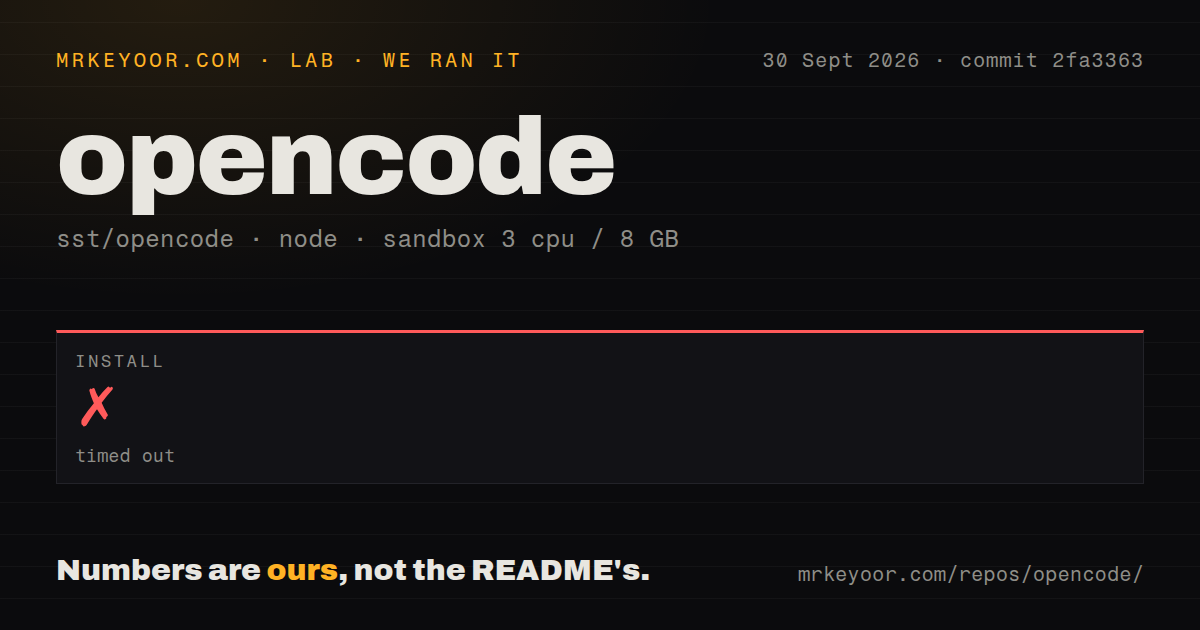
Our sandbox gave the Bun install 900 seconds at commit 2fa3363, and it did not finish. The unprivileged Debian container had 3 CPUs, 8 GB of RAM, Node 22, and no secrets. Bun 1.4.2 was still in dependency resolution when the limit arrived. The last log lines said 19 items had been resolved, downloaded, and extracted. They did not contain an exception or an explanatory error.
That result limits what we can claim. We did not get a build result, and we did not get a test result. The repository scan found 27 CI workflow files, no Dockerfile, no tests directory, and a workspace-based monorepo. None of those signals proves why the install stalled. The defensible finding is that the source bootstrap did not complete inside a 15-minute window on our standard box.
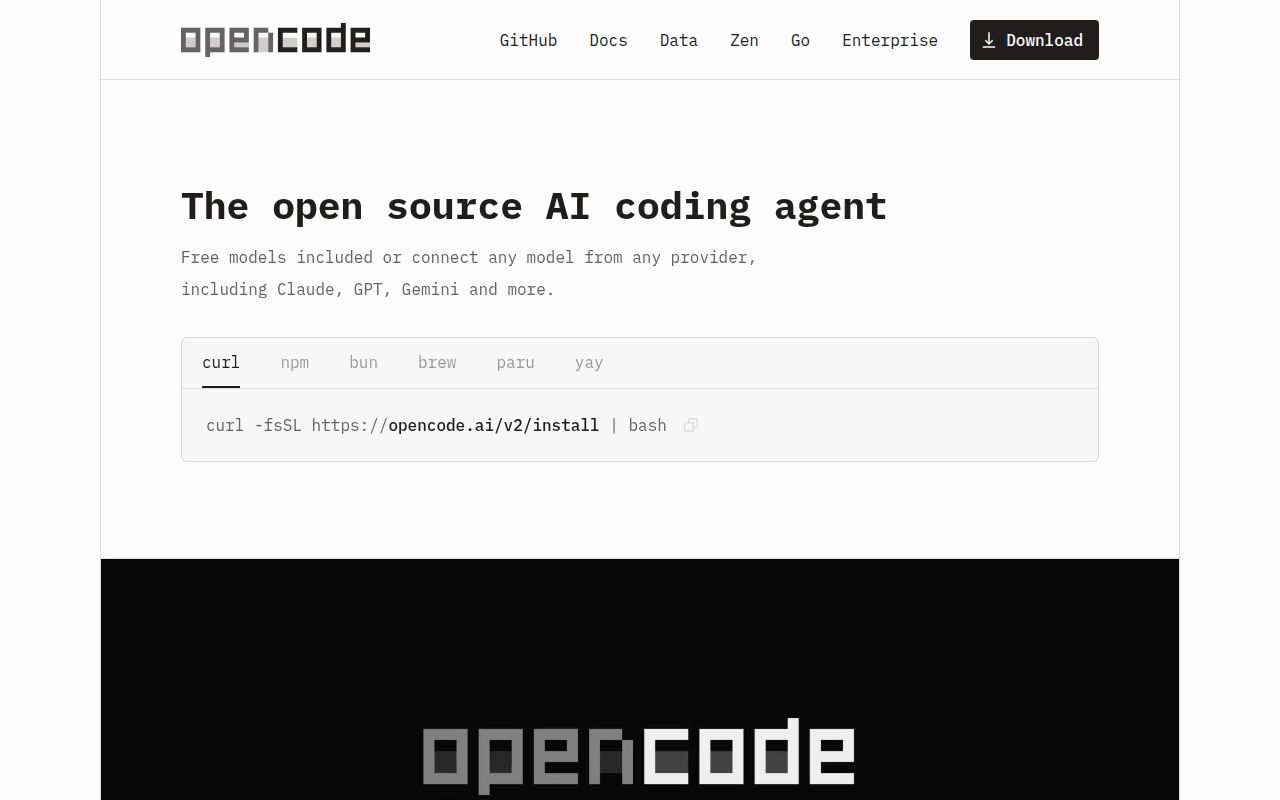
The public install story can still be easier than source contribution. OpenCode offers a shell installer and packages for npm, Bun, pnpm, Yarn, Homebrew, Windows package managers, Arch, mise, and Nix. The README also gives a clear install-directory priority. A prospective user can therefore try a published binary without reproducing the 688,859-line workspace. Anyone modifying the product needs to validate the slower path independently.
The shell route can write to OPENCODE_INSTALL_DIR, XDG_BIN_DIR, $HOME/bin, or a private fallback directory, in that order. Package managers avoid that decision but add their own release lag. Homebrew's official formula is described as slower to update than the project's tap, while Nix can run either the packaged build or the latest development branch. Those choices are documented clearly, though none reproduces our source install.
The beta desktop app and local MCP credentials need caution
The desktop section is explicitly marked beta, with packages for macOS, Windows, and Linux. That is enough for evaluation, but teams standardizing a GUI should read beta literally. Terminal users get the clearest statement of intent and the most direct permission model. Desktop polish should not be assumed from the availability of an installer.
One current report deserves a pre-deployment check. Issue 52427 says OpenCode v1.18.32 passed its server username and password to local MCP child processes through inherited environment variables. The issue includes reproduction steps and was open on October 1. Operators who load third-party MCP packages should verify the behavior in the exact release they deploy and avoid treating local extensions as automatically trusted.
The 900-second source install separates users from contributors
OpenCode makes sense for a developer who wants a popular open-source coding agent, prefers a terminal, and values an explicit read-only planning mode. Its model flexibility and broad packaging are practical advantages. The cost appears when you step behind the binary: our 132.2 MB checkout never completed installation within 900 seconds, and the repository's open queue is unusually large.
Start with the published package, use plan mode while learning the tool, and grant build access only in a disposable branch or reviewed workspace. Move to a source fork after the Bun install, build, and tests pass in your own environment. Our run did not establish that contributor baseline, which is the most important difference between trying OpenCode and owning part of it.