The local editor deserves a trial before a deadline
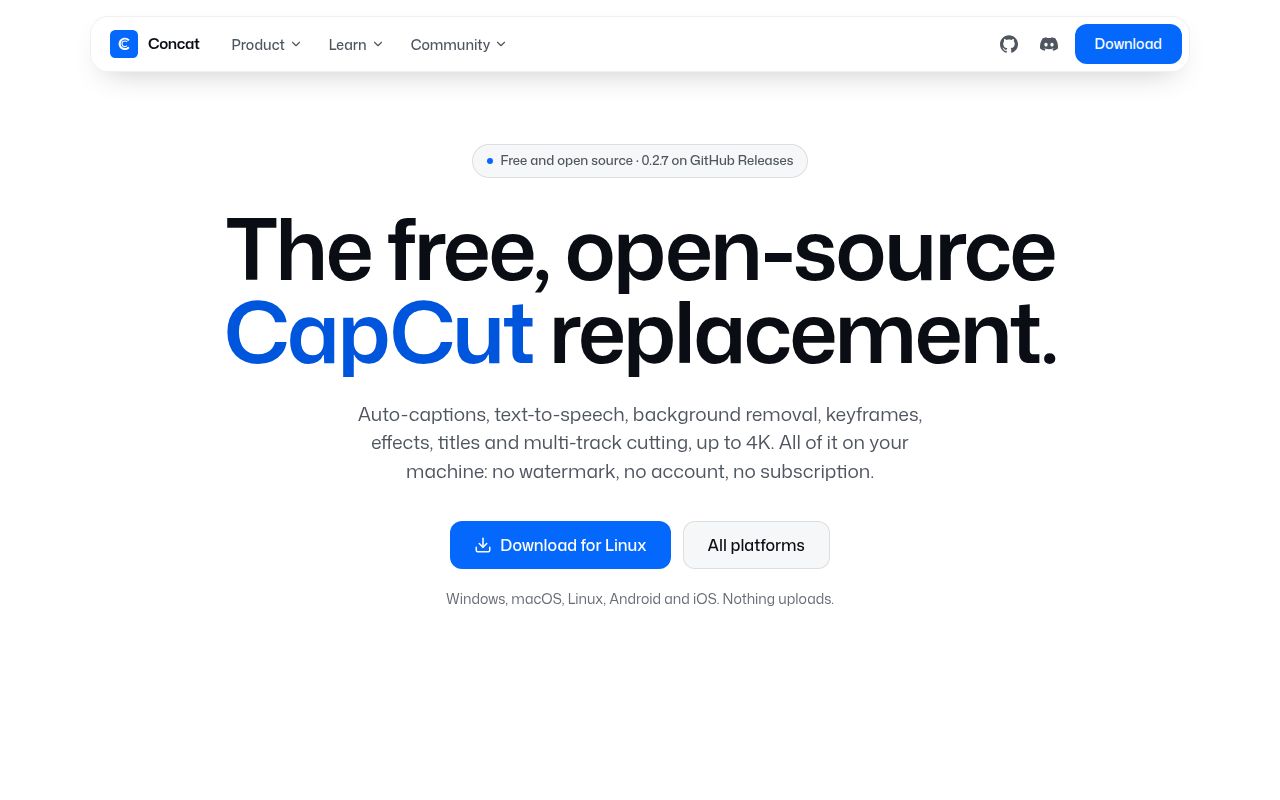
Concat failed to build in our sandbox because a required FFmpeg system library was unavailable. That result puts a condition on its appeal as a local CapCut alternative: try a packaged release with your own footage before choosing it for paid work. The README describes a desktop editor with multiple tracks and timelines, captions, speech generation, background removal, and animated titles. Its promise is practical: edit without an account or sending footage to a hosted service.
Our measured checkout occupied 13.9 MB before dependencies, but the scope extends well beyond joining clips. A Rust engine and GPU compositor support an editor aimed at social videos and longer cuts, while a programmatic API offers another way to manipulate projects. That combination interests creators who want local speech tools and developers who want repeatable editing commands. It also creates several things to verify separately, including the desktop interface, media handling, optional models, and the API.
What happened when we ran it
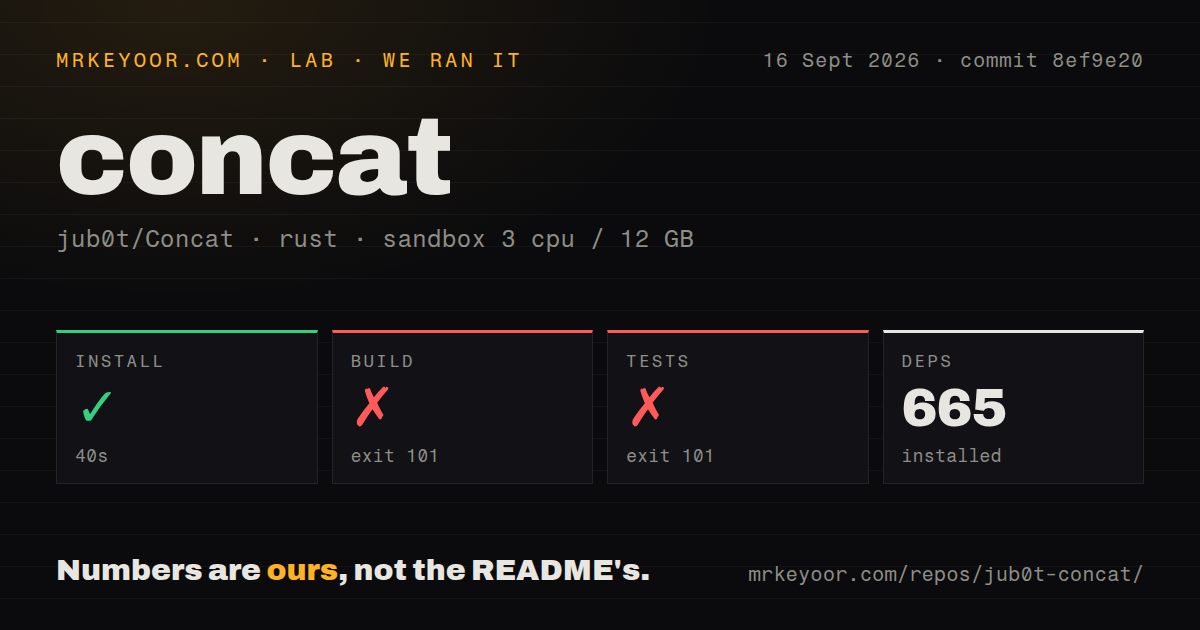
Our run installed 665 packages in 40 seconds, then the build failed with exit 101 after 618 seconds. The test command also failed with exit 101 after 18 seconds. We ran commit 8ef9e20 on September 16, 2026, in a fresh Debian container with 3 CPUs and 12 GB of RAM, using lab-rust:1 without privileges or secrets. The Rust project was under engine/ in that snapshot. Installation completed, but compilation and the test run did not.
Both failing log tails identify the same missing prerequisite. The crate ffmpeg-sys-the-third asked pkg-config for libavutil, which it could not find. The diagnostic says libavutil.pc needs to be installed and its parent directory included in the search path. PKG_CONFIG_PATH was unset. Our 18-second test result therefore gives no basis for calling application tests broken: the command stopped at system-library discovery, and the supplied record contains no passing or failing case count.
The checkout contained 549 files and roughly 48,487 source lines. Our scan found 7 CI workflows and a tests directory, with no Dockerfile. Those signals do not change the failed result. They describe the repository we measured, while the log supplies the actionable finding: this environment lacked discoverable FFmpeg development metadata. There is no follow-up result establishing what happens after that prerequisite is supplied, so neither compilation success nor editor performance can be inferred.
Current documentation explains the FFmpeg requirement
The current README names FFmpeg development libraries, a C++ compiler, and cmake alongside Rust. It now points contributors into src/, rather than the engine/ directory used in our September run. That distinction matters when reproducing the failure or following instructions against a pinned checkout. The missing libavutil.pc is consistent with the documented need for native development files. An FFmpeg executable alone does not establish that pkg-config can locate the metadata required by the Rust binding.
A creator can instead choose the downloadable desktop packages. The project calls Concat beta and distributes releases for several operating systems, including mobile packages. That is a different route from our 665-package source installation, and our failed build does not establish that the packaged application fails. The code-signing policy says Windows releases remain unsigned pending acceptance by SignPath Foundation. If your workplace only permits signed applications, resolve that requirement before planning a rollout.
Offline captions still require model downloads
Concat's 12 GB sandbox allocation tells us nothing about how much memory your chosen caption or speech model will need. The README says optional models download through Settings and then work offline. Local Whisper captions, speech generation and cloning, and background removal are attractive when footage must stay on your machine. They remain advertised capabilities here: the supplied run did not reach a working editor, and it provides no measurements of transcription accuracy, speech quality, or rendering speed.
The documented privacy behavior is specific enough to assess. Updates query GitHub when requested, model downloads contact their configured addresses, and the Remote API is disabled by default. When enabled, it listens locally unless configured otherwise and requires a token. No hosted editing account is required. For an offline workstation, fetch the models you actually need before disconnecting, then exercise the full workflow with representative footage. A local processing design still depends on your machine handling the media and models you select.
JSON-RPC is shipped, while MCP remains a bridge
The developer documentation distinguishes the transports more carefully than the README. Its MCP page says the server was prototyped but not shipped, with its status checked against version 0.2.6. The current repository tree contains JSON-RPC and gRPC server modules and no MCP crate. An MCP mention should therefore not be read as a ready connector you can install and point at your agent.
The API documentation describes project creation, media import, edit commands, and export jobs. JSON-RPC works over standard input or a socket, while gRPC requires a build with the corresponding feature. The MCP page supplies a bridge sketch for developers willing to connect those pieces themselves. Our 618-second failed build never reached that API. Treat scripting as a reason to investigate Concat, and require an actual import-to-export run before making it part of unattended production.
Mobile reports qualify the latest release's progress
Release v0.2.7 shipped October 13, 2026, with fixes covering export behavior and interface interactions. Yet issue 353 reports Android system bars overlapping the export screen, and issue 356 reports clipped project-size choices. Both concern that release on a Samsung Galaxy S21 FE running Android 15. These are relevant reasons for phone-first editors to hesitate, rather than evidence that every platform shares those failures.
The last push was October 15, 2026. GitHub listed 6,727 stars and 108 open issues and PRs, with recent merged work alongside fresh reports. That is active development with unfinished edges. Compare Shotcut or Kdenlive for desktop timeline editing, and LosslessCut for cuts that avoid re-encoding. Give Concat a representative project and inspect the exported file before trusting a deadline to it.