
Local transcription works only when the summary provider is local too
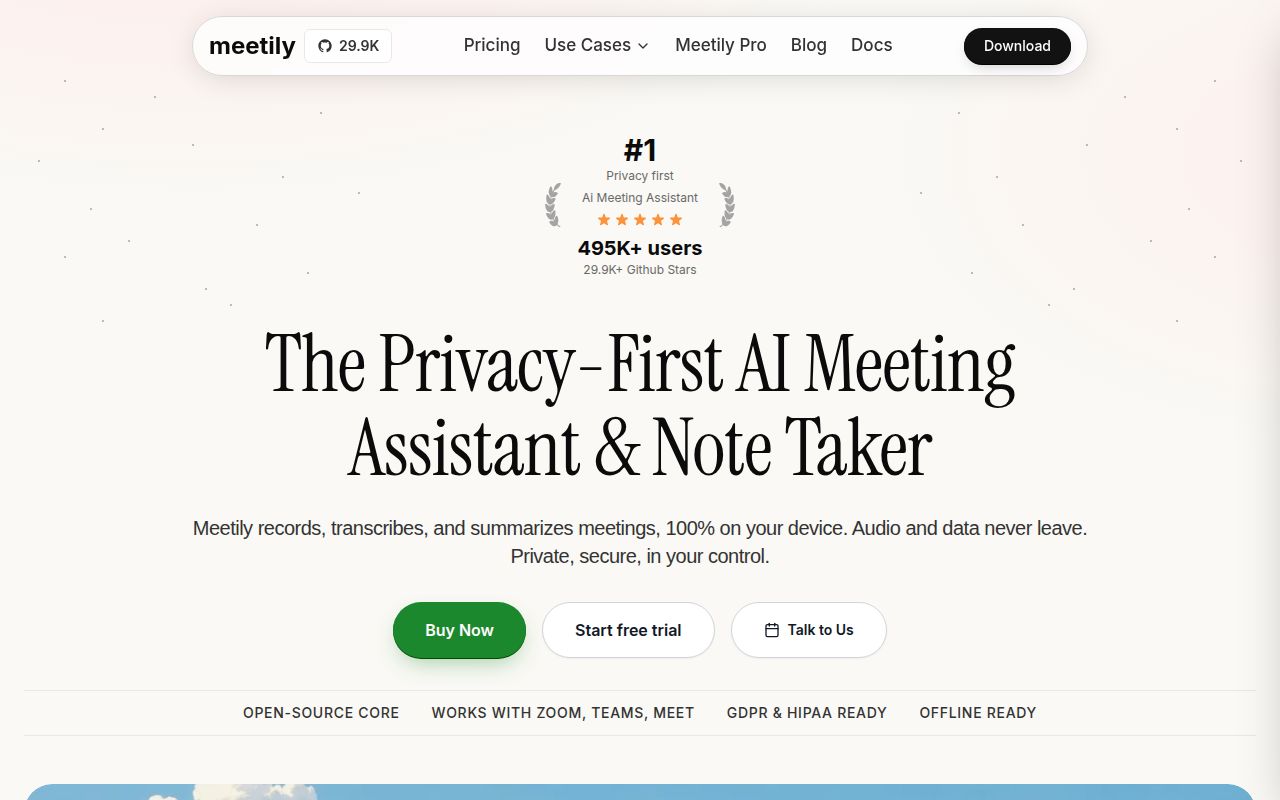
Meetily records microphone and system audio, transcribes speech with Whisper or Parakeet, stores meetings locally, and creates notes in a Tauri desktop app. It does not join Zoom, Teams, or Meet as a bot. Recording the computer's audio devices keeps the workflow independent of the conferencing service and avoids adding another participant to the call.
The privacy claim needs one setting checked. Ollama or a self-hosted OpenAI-compatible endpoint can keep summary generation on infrastructure you control. Claude, Groq, OpenRouter, and OpenAI are also supported, and using them sends transcript content to that provider for summarization. Local recordings and transcription do not make a hosted summary local.
Release 0.4.0 supports Windows and Apple Silicon macOS
The June 5 release has Windows installers plus an aarch64 DMG and application archive for Apple Silicon Macs. Linux users are sent to source-build guides, and the listed macOS artifacts do not cover Intel machines. A first setup also includes audio permissions, input and output device selection, model downloads, a summary model, and a short recording that proves both channels were captured.
The Linux instructions require Rust, Node.js, CMake, system libraries, and frontend dependencies. GPU acceleration needs more than a driver: the matching CUDA, ROCm, Vulkan, or OpenBLAS development path must be available to the build. Meetily also builds a llama-helper sidecar before packaging the Tauri app, which is exactly where our clean environment exposed a hard dependency.
What happened when we ran it
Our sandbox installed 691 Rust packages in 95 seconds at commit 0281737. The checkout held 1,456 files, roughly 323,282 source lines, and occupied 65.5 MB before dependencies. Installation succeeded, but the build was still running when the lab stopped it at the 900-second cap. A timeout is not a compiler failure, and the log does not prove whether more time would have completed it.
Tests followed a clearer failure path. After 267 seconds, Cargo exited with code 101 while processing the Tauri application. The tail shows target metadata and permission paths, then says resource path binaries/llama-helper-x86_64-unknown-linux-gnu doesn't exist. Cargo waited for other jobs to finish and reported the build failure. We will not infer why the sidecar was absent.
We ran this in an unprivileged container with 3 CPUs, 12 GB of RAM, no secrets, and the lab Rust image. The repository scan found 8 CI workflow files, no Dockerfile, and no conventional tests directory. We did not measure transcription accuracy, audio loss, model speed, or desktop memory use. The result concerns source setup and the commands exposed to the harness.
Community Edition is a single-user desktop product
The open application has a sensible core workflow. It can mix microphone and system audio with ducking and clipping prevention, transcribe live meetings, import recordings, and rerun an existing file with another model or language. Metal, CUDA, ROCm, Vulkan, and CPU paths give users several ways to run speech models on their own hardware.
The README draws a firm commercial boundary. Meetily Pro uses a different codebase and is described with custom summary templates, advanced exports, automatic meeting detection, team self-hosting, and speaker identification. Some of those items are explicitly marked as coming later. They are not reasons to adopt the MIT-licensed Community Edition today, and an organization should evaluate Pro separately if shared deployment is mandatory.
Opus imports and speaker labels need caution
Open issue 739 reports that WhatsApp voice notes using Opus inside an Ogg container fail during import because the decoder does not support that codec. A related pull request proposes falling back to the bundled ffmpeg path when native decoding cannot open Opus or ALAC. Until a fix is released and verified, test the actual phone and recorder formats used by the team.
Speaker diarization is a larger product gap. The Community Edition README does not claim reliable speaker separation, and it describes speaker identification under Pro as future work. Interviews, medical notes, legal calls, and panel discussions often need attribution more than a polished summary. Users should label speakers manually and compare important notes with the recording.
August pushes do not erase the 0.4 packaging gap
GitHub showed 29,923 stars and 356 combined open issues and pull requests when fetched. The repository was pushed on August 26, 2026, while the latest release remained v0.4.0 from June 5. Current pull requests cover Deepgram transcription, download-state fixes, codec fallbacks, remote Whisper, and meeting detection. That is active work, though proposed code is not a shipped feature.
The repository explains architecture, model providers, Linux building, GPU choices, and the Community versus Pro split better than many young desktop AI projects. Some install badges and asset links still point to the former meeting-minutes repository name, which makes the project transition harder to follow than it should be.
Meetily fits an individual who values local transcription enough to test hardware and audio behavior carefully. Windows and Apple Silicon packages are the practical route. Linux contributors face the 900-second build cap and missing-sidecar result from our run, while teams needing shared deployment or speaker attribution should choose a product that delivers those functions now.