Oh My PPT needs model configuration before it can generate a deck
Before Oh My PPT can turn a brief into slides, you have to configure the text model that will do the work. The English README makes that requirement explicit. Image generation has a separate configuration. If you want a desktop slide generator with your own provider choices, that separation is useful. It also means downloading the application is only part of getting ready to use it.
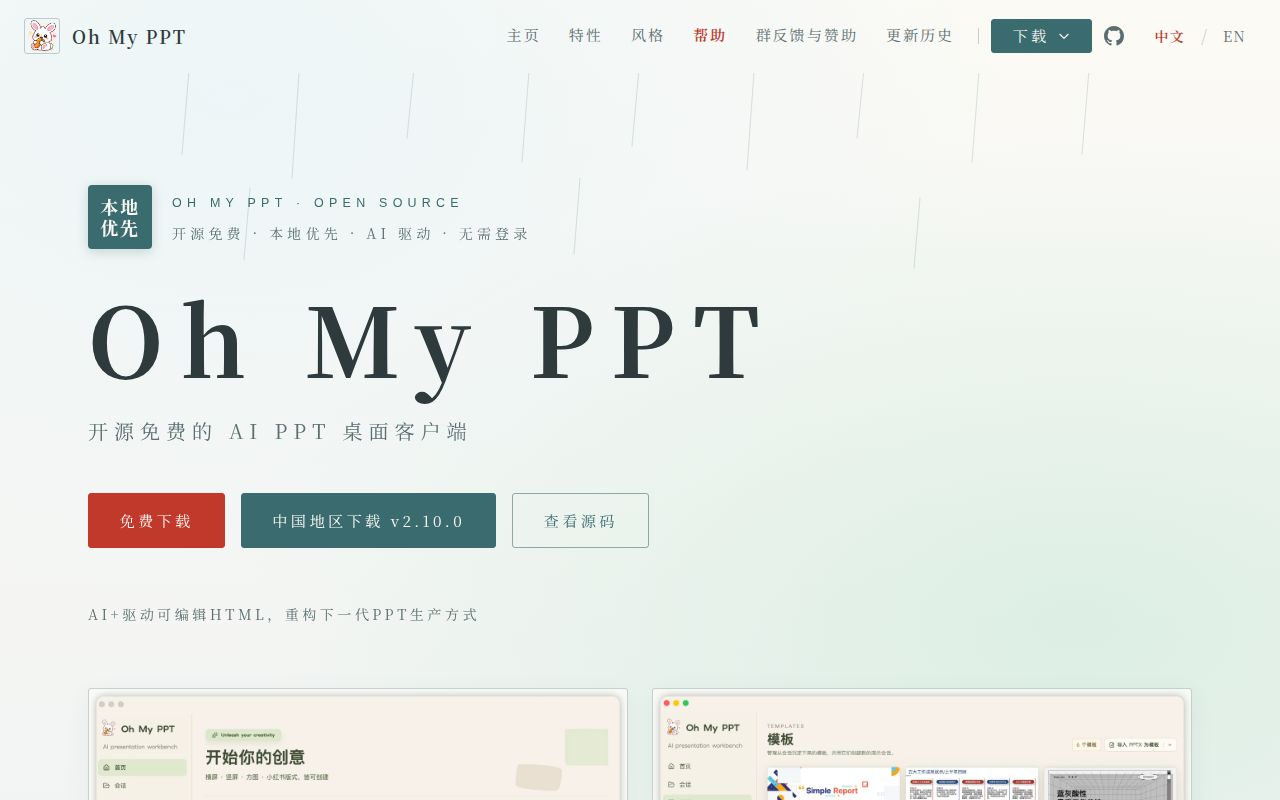
Oh My PPT’s main README is Chinese, and an English README documents the workflow. It describes generating HTML slides, editing visible elements and exporting presentations, including editable PPTX. Our evaluation reached none of those application tasks: source installation stopped first. The useful decision here is whether the documented editing workflow warrants a separate trial, with that limitation clearly in view.
What happened when we ran it
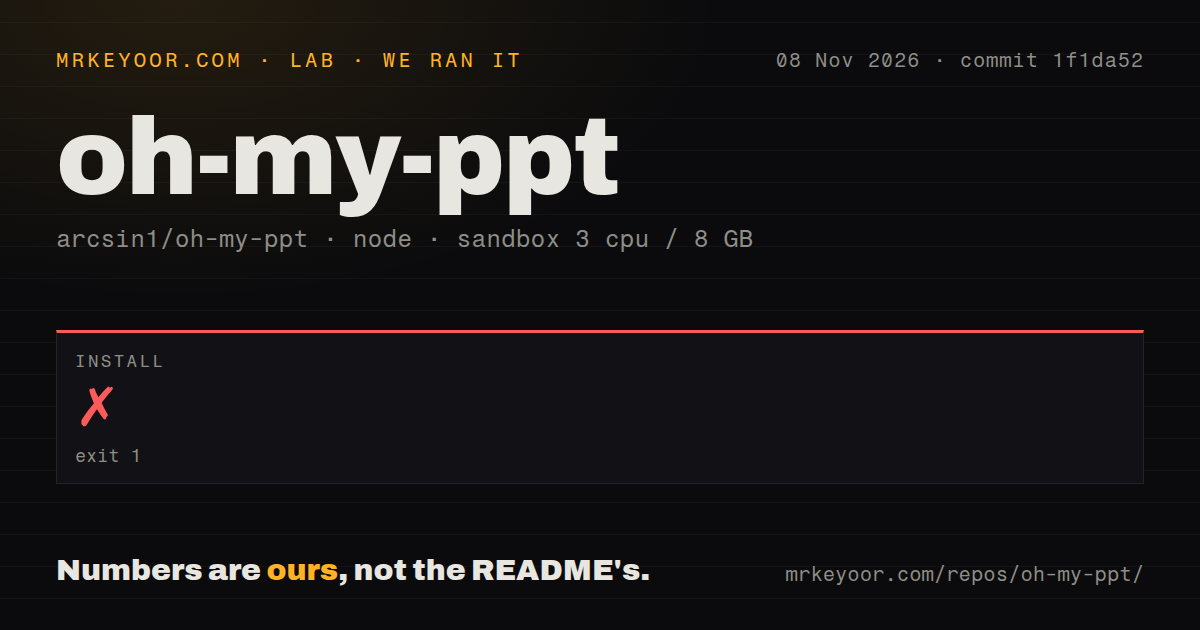
Our sandbox installation failed with exit 1 after 5 seconds on 2026-11-08 at commit 1f1da52. The supplied log repeatedly reports ERR_PNPM_CONFIG_CONFLICT_BUILT_DEPENDENCIES: pnpm cannot have both neverBuiltDependencies and onlyBuiltDependencies. That is a configuration conflict reported by the package manager, before a successful installation was recorded.
The tail also warns that dangerouslyAllowAllBuilds is true and that dependencies listed in neverBuiltDependencies will run their scripts. It does not identify which file or configuration layer supplied those settings. Blaming the repository alone, the sandbox alone or a particular pnpm version would go beyond the evidence. No successful build or test result was established, and we have no measured generation time or export-quality result.
The recorded machine configuration was 3 CPUs, 8 GB RAM and image label lab-node:22. That label is insufficient evidence for the actual runtime version. The checkout had 1,844 files, about 164,356 source lines and 82.2 MB. The scan found a tests directory, zero CI workflow files and no Dockerfile. Those scan results describe the checkout, without establishing whether its desktop release packages work.
For a contributor, the next step is to capture the effective pnpm configuration and actual toolchain before attempting a narrowly justified correction. For a presenter, the documented desktop download is a different route to evaluate. We did not try that route, so it has neither a passing nor a failing installation result here.
Local files do not keep provider requests on the computer
The English README says sessions, source documents, assets and generated results stay on your computer. It also says requests to the configured AI or image service are sent to that provider. Local storage is a useful property, but it does not answer where material goes during generation.
Ollama is a documented option for text generation, document parsing and chat editing through an OpenAI-compatible interface. The app still requires a non-empty API-key field even though Ollama does not validate keys by default. Images need separate configuration. If keeping presentation material on local infrastructure is a requirement, check every selected provider and operation before uploading a confidential brief. We did not audit network traffic or verify an offline workflow.
The distinction matters especially for document-based creation. The README accepts source documents and says generation continues to reference their content. A local file picker is therefore insufficient evidence that the selected generation path keeps that content local. Choose the text and image routes deliberately rather than treating the desktop application as a privacy guarantee.
Editable PPTX needs a round trip with your own files
Upstream documents importing PPTX into editable pages and exporting a PPTX that can be revised in PowerPoint or Keynote. The English README qualifies conversion for complex shapes, charts, tables and animations. Its advertised fidelity is an upstream claim, without a matching measurement from our run.
That makes a representative deck the right acceptance check. Use the elements your actual work depends on, then import, edit, export and reopen it in the recipient’s application. Check that required objects remain editable as well as visually acceptable. A screenshot cannot settle the editability question, and an HTML preview cannot settle how the exported file behaves in PowerPoint.
The README also describes chat-based changes to individual pages, visual dragging and resizing, and version history. Those features make the workflow interesting for someone who repeatedly revises generated slides. We have not checked whether those edits preserve content or how the history behaves after failures. The install conflict leaves these questions open.
Marp CLI and Slidev suit people who prefer authored source
Marp CLI converts Marp or Marpit Markdown files into presentation formats. Its README names a browser requirement for PDF, PPTX and image conversion. Choose it when the main task is authoring slides in text and producing an output file; we did not compare its conversion fidelity with Oh My PPT.
Slidev is Markdown-based and documents developer features such as code highlighting and Vue component integration. It deserves a look for technical talks that benefit from authored interactions. Neither alternative’s README is evidence that it will reproduce a complex client PPTX template better.
Recent maintenance does not establish export reliability
GitHub recorded the last push on 2026-11-04, and release v2.10.0 was published that day. An open issue was updated on 2026-11-08. That combination shows recent activity. The English README separately warns that release packages may not be code-signed, a concrete constraint for managed desktops.
The documentation scale is 1 for missing essential instructions, 2 for major gaps, 3 for a usable route with important questions, 4 for explicit configuration and limitation coverage, and 5 for independently verified instructions across the claimed scope. Documentation receives 4. Setup, support quality and application maturity remain unassessed. Try the export round trip on a disposable copy of your real deck before moving a deadline onto this workflow.