Macro's 10 blocks amount to a company toolchain
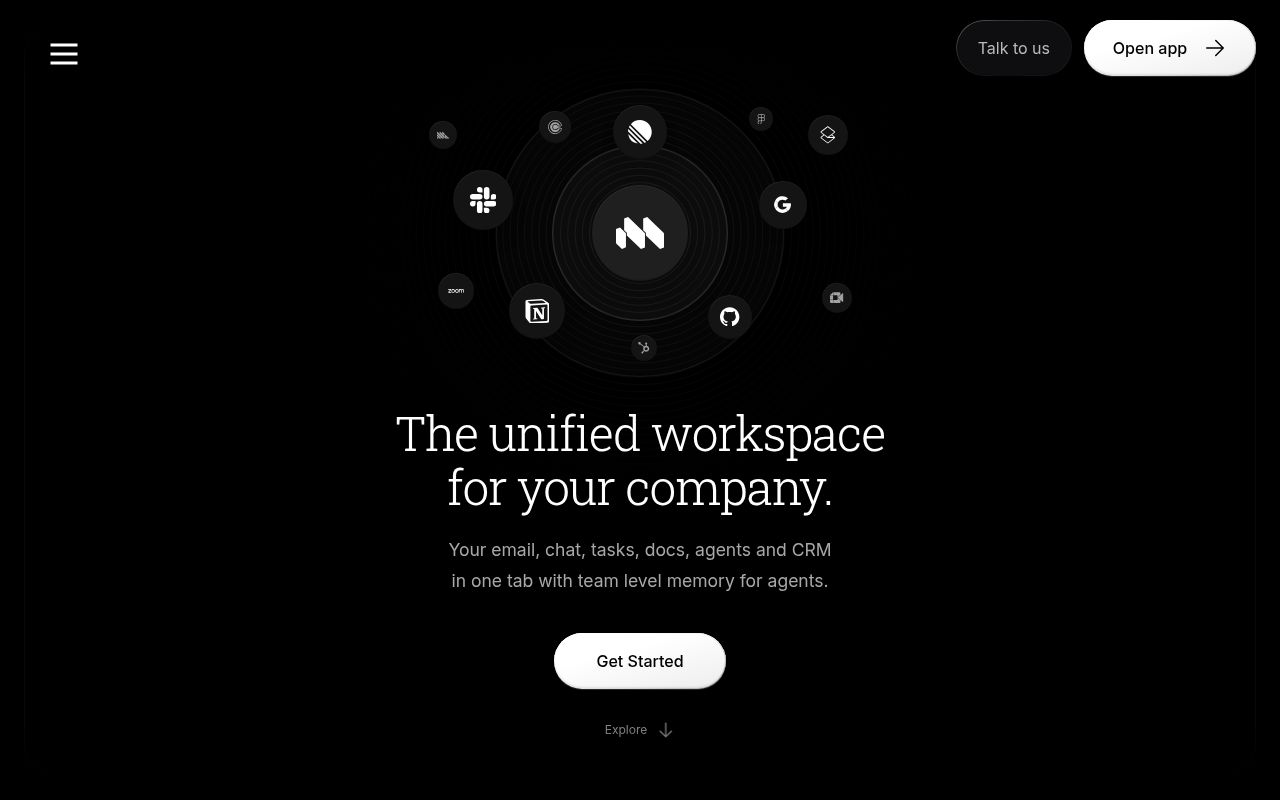
Macro puts email, messages, tasks, documents, a canvas, calls, files, pull requests, CRM records, and agents in one workspace. Its best idea is the connection between those objects. Turn a customer email into a task and both records retain the link. Mention a company in a channel and that conversation becomes visible from the CRM record. The same permission system covers the resulting graph.
That scope changes the buying decision. Macro is closer to replacing Slack, Notion, Linear, and part of HubSpot than replacing one notes app. The README says the repository contains 42 deployable services and 167 Rust crates. A team gets the most value when it adopts several surfaces together. If colleagues keep their existing chat and CRM, the shared context that distinguishes Macro thins out quickly.
Hosted Macro avoids the 6-service local foundation
The hosted product gives a team a much shorter evaluation path than the full local stack. Macro runs in a browser and has an iOS app, with Gmail as the listed mail provider. A pilot can test the Signal and Noise inbox, linked records, keyboard workflow, and nightly agent memory before anyone accepts responsibility for databases, queues, search, authentication, and local certificates.
Agents can reach the hosted workspace through MCP, and the README gives a single Claude Code command for adding the server. Macro says its MCP surface has near-total coverage of what people can do in the interface, with no rate limits. A pilot should test revoked access and action logs with real roles because the agent can work across several kinds of company record.
What happened when we ran it
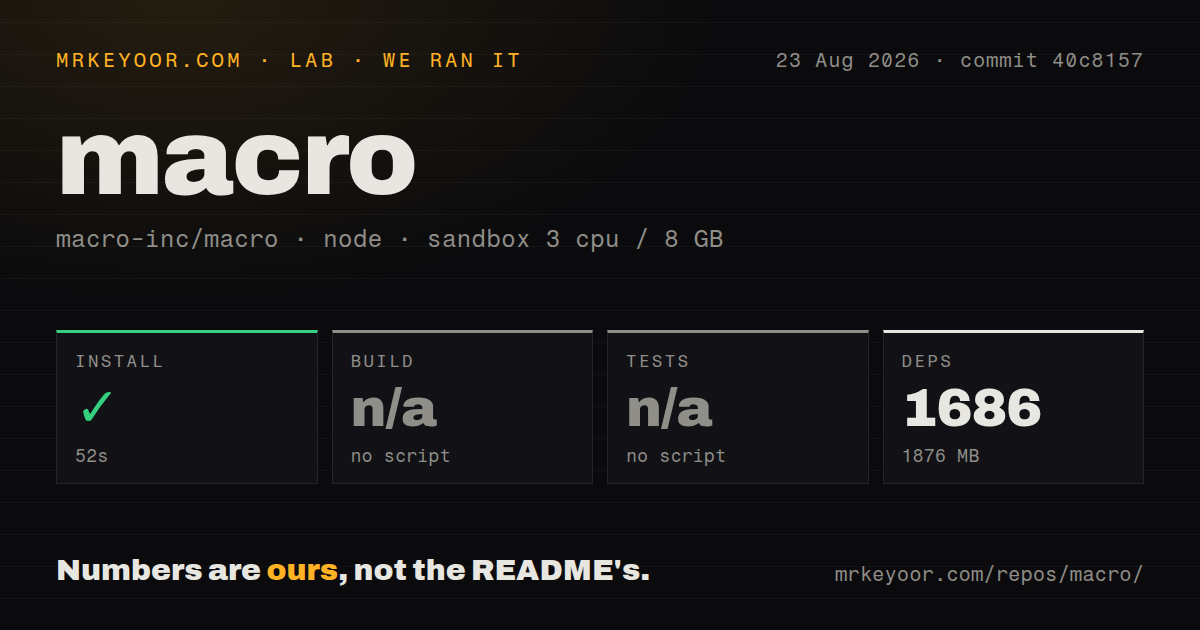
Our sandbox installed commit 40c8157 in 52 seconds. Bun added 1,686 packages, bringing disk use to 1,876 MB. The unprivileged Debian container had 3 CPUs, 8 GB of RAM, Node 22, and no secrets. Installation succeeded without a measured failure.
There was no build script or target for the lab to invoke, so the build step was skipped. The same was true for tests: no test script or target was exposed to our runner, and that step was skipped. Neither result is a successful verification. The finding is narrower and more useful: the repository did not give our generic runner a top-level command for proving the installed checkout.
The checkout contained 14,312 files, roughly 1,497,652 lines of source, and occupied 160.3 MB. Our scan found 40 CI workflow files and a workspace monorepo, with no Dockerfile or tests directory. Those signals show substantial automation around the project, while an outside operator still needs to learn the project-specific commands before reproducing any of it. The 52-second install alone says nothing about whether all 42 services compile.
Both development paths begin with Nix
Macro documents 2 development paths, and both start inside a Nix shell. Frontend contributors can run SolidJS against hosted development services, which avoids the local backend. The first bun run dev may compile WebAssembly, authentication uses a development hostname and email code, and Google or SSO redirects do not accept arbitrary development hostnames. It is convenient for interface work, though the data and APIs remain shared.
Backend changes require the local stack. Macro starts Postgres, Redis, LocalStack, OpenSearch, Kafka, and FusionAuth in Docker, then adds Rust services, a proxy, and the frontend. The guide includes just doctor-local, generated certificates, Mailpit login codes, seed scenarios, tracing, and recovery instructions. The long checklist helps explain why issue 6447 asks for official prebuilt images and a simpler Compose deployment.
Stub credentials let authentication, documents, local email, and search run. They do not activate Google login, Gmail sync, GitHub login, Stripe checkout, or CloudFront signing. Each real integration needs its own keys. A self-hosted evaluation therefore needs a written list of the outside services it will use, along with an owner for every credential and upgrade.
Outlook and local MCP remain open requirements
Open issue 5670 asks when an Outlook or Microsoft Graph mail provider will exist. That makes the current Gmail focus a stopping point for a Microsoft 365 company, even if Macro's linked model is otherwise appealing. Migrating chat and tasks while leaving the main inbox outside the graph would weaken the product's central benefit. Settle mail compatibility before moving any team data.
Local MCP has a similar qualification. Open issue 5664 says mcp_service and mcp_auth_proxy are absent from the documented local Compose stack and recipes. The report comes from a user who compiled the service but could not connect it to the generated local environment. Buyers should reproduce their exact client, workspace, and model path instead of assuming the hosted MCP command transfers unchanged.
Macro uses AGPLv3 and invites companies to discuss another license. A modified network deployment can create source-sharing duties, so commercial users should review the license before architecture work begins. Data policy deserves the same early attention: Macro can import email, record and transcribe calls, and synthesize workspace activity into nightly memory. Permissions, retention, and exports need tests with representative accounts.
The October 1 release and October 2 push show active maintenance
GitHub showed 4,519 stars and 195 combined issues and pull requests on October 2, 2026. The repository was pushed that day. Release v2026.10.1.0 arrived on October 1 with changes across calls, tasks, agents, email drafts, reminders, Android, CRM, and the marketing site. Issue 7196 was also updated on October 2 with a report about missing build dependencies in a development Docker stage. This is an active project with active integration friction.
Macro earns a hosted pilot when one team is prepared to move enough work for the bidirectional links to matter. Test one workflow that crosses email, a task tracker, and CRM with actual permissions and an agent. Self-hosting comes later, after the team can reproduce its required checks and name the people who will own the 6-service foundation.