Device tracking comes with the power to block devices
UI Toolkit lets you follow a device across access points, inspect gateway threats, and change network restrictions from one interface. Wi-Fi Stalker tracks MAC addresses and exports connection history, while Network Pulse displays clients and access points. House Arrest can write firewall policies. That last capability changes the buying decision: you are giving this dashboard control over connectivity, so its access settings deserve as much attention as its charts.
The source was only 3.2 MB in our checkout, but the useful work happens against a separate UniFi controller. This suits an administrator investigating roaming or managing an awkward IoT device on an existing UniFi OS network. For someone who only wants historical graphs, I'd start with Unpoller. Its export path to Prometheus or InfluxDB fits that narrower job without choosing a firewall-management interface.
What happened when we ran it
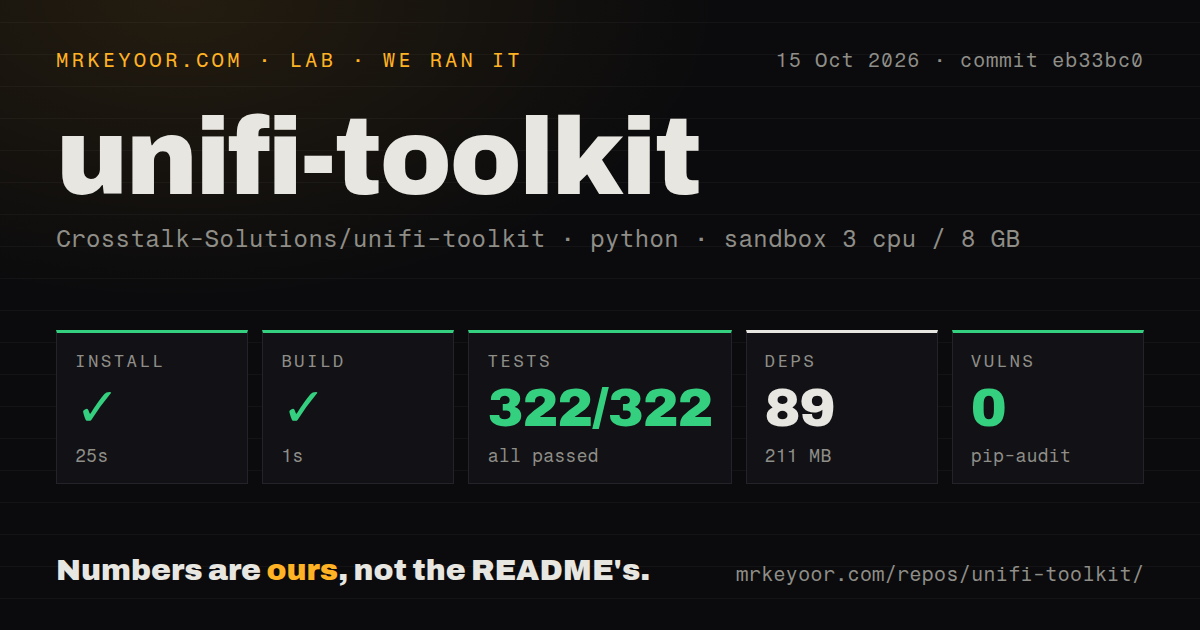
Our sandbox installed commit eb33bc0 in 25 seconds, built it in 1 second, and passed all 322 pytest cases in 11 seconds on October 15, 2026. We used a fresh, unprivileged Debian container with 3 CPUs, 8 GB of RAM, and the ghcr.io/astral-sh/uv:python3.12-bookworm image. No secrets were available. That is a good result for the repository's documented Python route.
The install added 89 packages and occupied 211 MB. Pip-audit reported 0 known vulnerabilities. The checkout contained 157 files and about 26,018 source lines, with three CI workflow files, a Dockerfile, a Compose file, and a tests directory. These checks establish that the sampled code installs and passes its suite. They don't establish that a physical gateway enforces a lockdown, or that every browser update arrives correctly.
UniFi OS is required, and standalone controllers are excluded
The README requires a UniFi OS controller and says standalone or self-hosted controllers stopped being supported with v1.11.0. Cloud access through unifi.ui.com is also unsupported. You need the controller's local address and network reachability, including a VPN for remote sites. House Arrest has another requirement: the zone-based firewall on UniFi Network 9.0 or later, plus API-key access. Early Access firmware is outside support.
The 25-second install doesn't include setting up that connection. Run ./setup.sh before Compose, since the guide warns that starting Docker first can create an empty .env directory where a file should be. Controller credentials then go into the web UI and are stored encrypted in the database. Keep the generated encryption key with the deployment's recovery material. For native Python, use a virtual environment as the installation guide directs.
Local mode skips authentication and the cross-site request check
The README calls local mode suitable for a trusted LAN and enables no authentication there. Production mode adds sessions and Caddy HTTPS. More concerning, issue 145 reports cross-site state changes in local mode, including device blocking. The authentication middleware returns early when authentication is disabled, before checking the custom header used to reject cross-site changes. That source behavior supports the report's concern without proving every reported endpoint works as described.
Our 0-known-vulnerability pip-audit result covers dependency advisories, not this application behavior. I would use authenticated mode and restricted network access even for an internal deployment. Controller certificate verification is off by default for self-signed certificates, another setting to review deliberately. The supplied Compose file also publishes the application port, so inspect which interfaces can reach it rather than assuming the Caddy profile defines the whole access boundary.
House Arrest documents the traffic it cannot stop
The House Arrest guide says changes receive a preview, created rules carry a marker, and release removes those marked rules. It also describes checking rule order after certain changes and warning when enforcement stops. Those are useful design choices for a tool that changes someone else's network. They let you inspect a proposed restriction and understand which rules belong to the tool before applying it.
Passing 322 tests doesn't remove the topology limits listed in that guide. Traffic between neighbors on the same VLAN can avoid the gateway, and switch-based blocking requires supported MAC ACLs on the traffic path. DNS Lockdown doesn't cover DNS-over-HTTPS. Existing sessions can continue under presets other than Quarantine, and an earlier allow rule can beat a later block. If you need guaranteed isolation across unsupported switches, choose a different network arrangement before relying on the dashboard.
Current reports qualify the live-update promise
Issue 147 reports rejected Wi-Fi Stalker WebSockets on the same eb33bc0 commit we measured. The reporter says the page falls back to polling while Network Pulse's socket works. The Stalker application factory also lacks the socket handler named in that report. This is a reason to defer adoption if prompt roaming notifications are your main requirement. Our passing suite did not establish that the live browser path works.
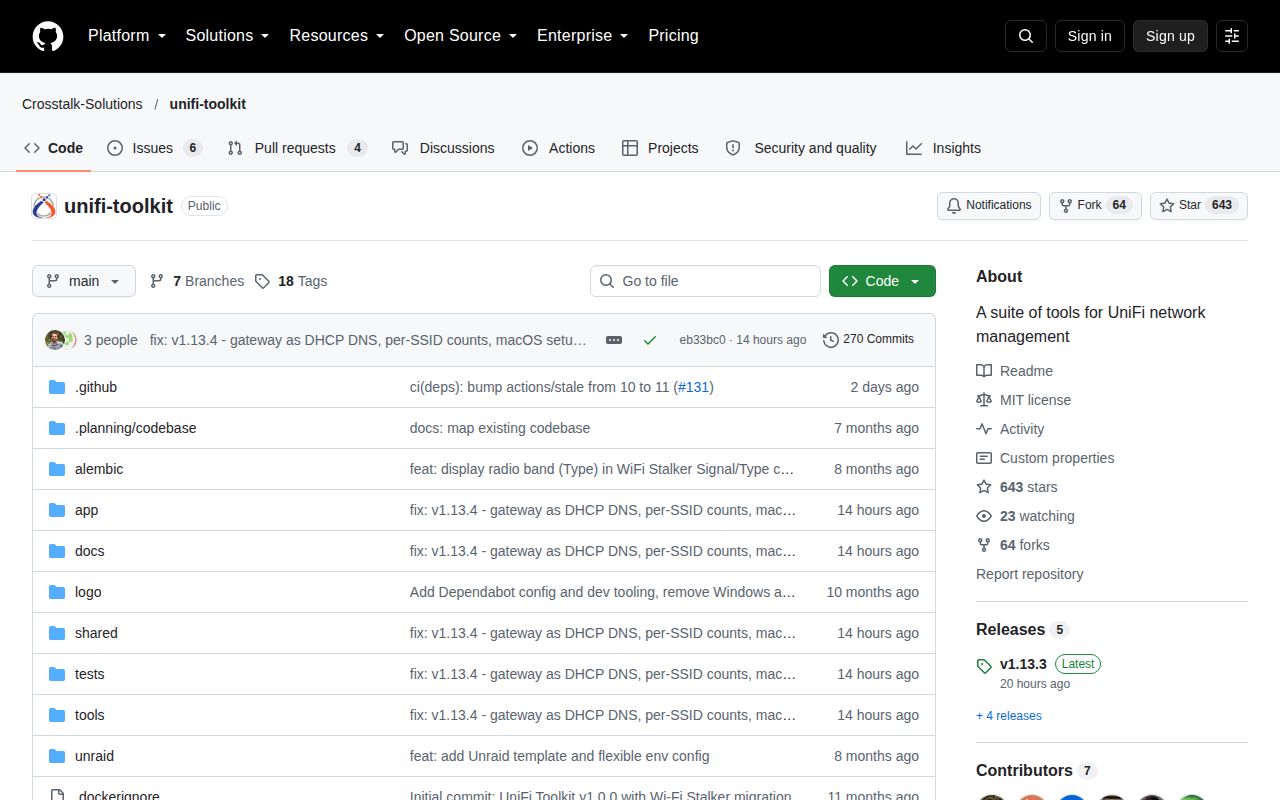
The last push was October 14, 2026, and GitHub showed 10 open issues and PRs alongside fresh reports and closed fixes. Release v1.13.3, published that day, addresses DNS display and Threat Watch problems. Main contains additional fixes beyond that tag. The README says latest moves on releases while edge follows merges, so choose the channel deliberately. For mixed-vendor monitoring, LibreNMS is the more relevant comparison. For this toolkit, my first deployment would use authenticated access and a spare device whose disconnection won't interrupt anyone.