DiPlay adds CarPlay to a compatible BYD Android screen
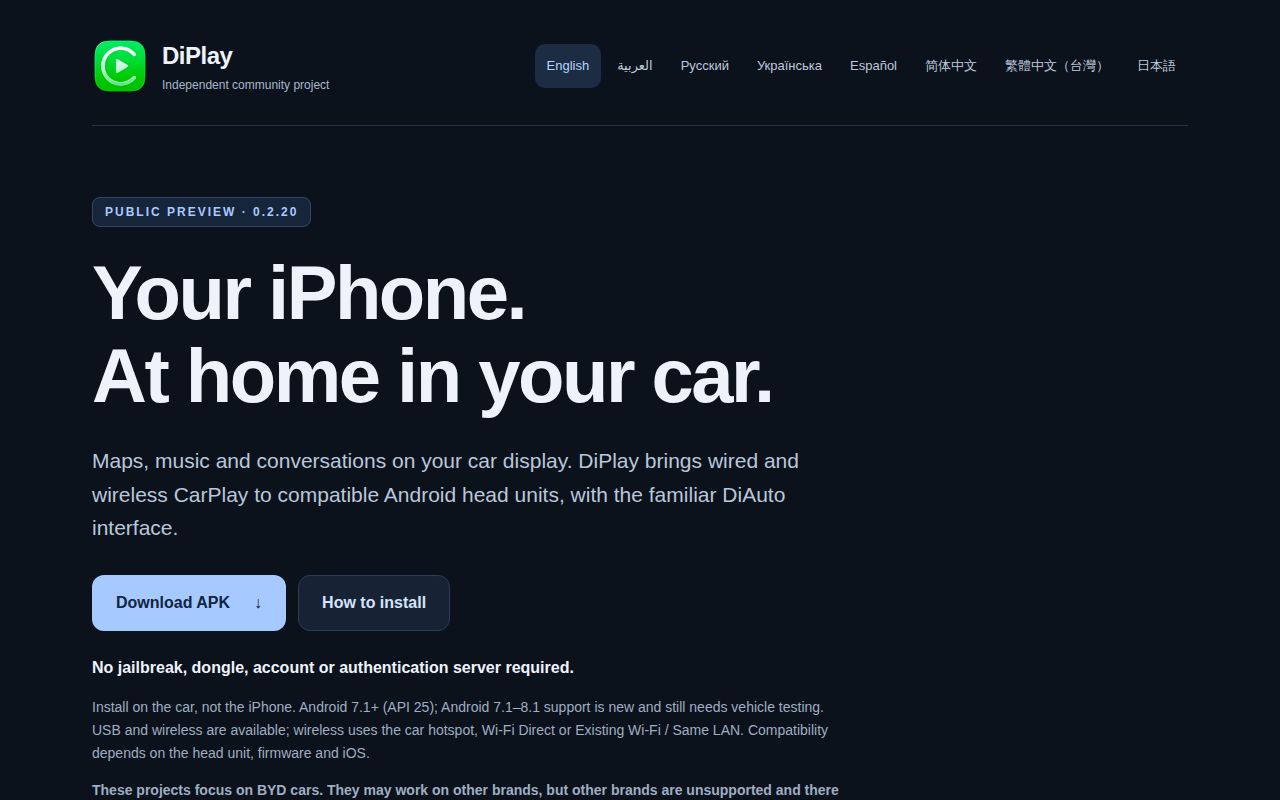
Install DiPlay on the car's head unit, then connect an iPhone over USB or a supported wireless path. The app is an independent CarPlay receiver aimed at BYD vehicles whose Android systems permit APK installation. Its README says ordinary use needs no account or authentication server, and core projection does not require ADB. That makes it interesting for an existing head unit, provided you treat the exact car firmware as part of the compatibility question.
Our checkout was 14.9 MB, containing 1,381 files and about 166,217 source lines. This is a substantial Android application with several modules, rather than a universal compatibility patch. The README limits support to BYD even though other brands may sometimes work. Optional dashboard, battery, wheel-speed, and parked-video features have additional ADB requirements. Decide whether basic projection is sufficient before changing vehicle integrations that you do not need.
What happened when we ran it
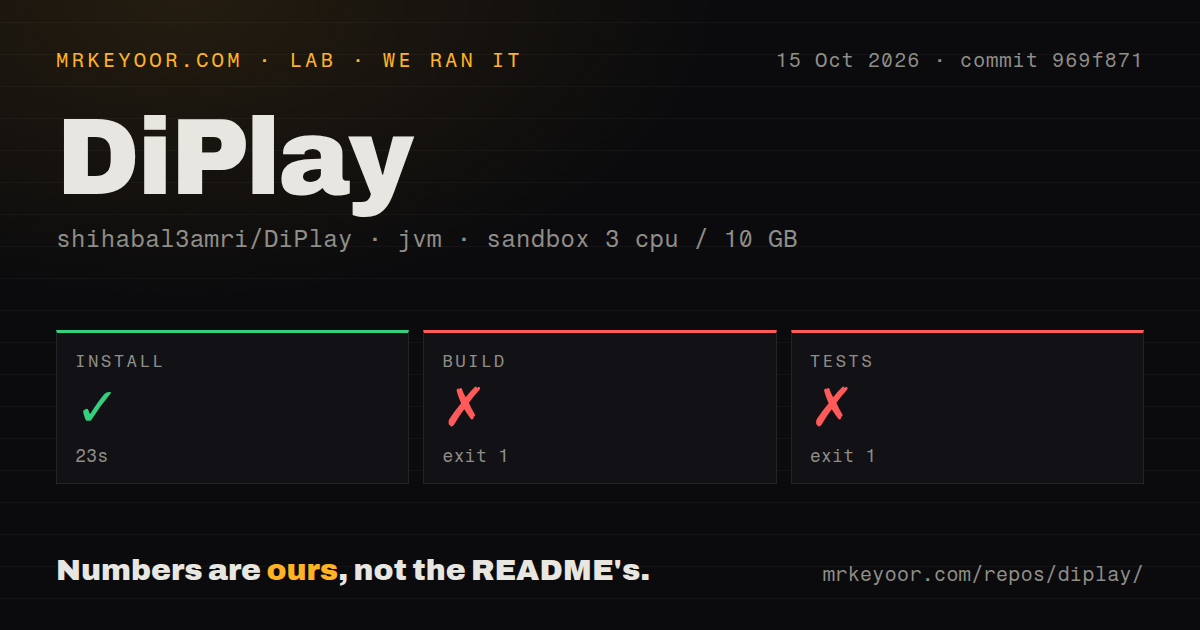
Our run installed commit 969f871 in 23 seconds, then the build failed after 11 seconds and the test step failed after 11 seconds. Both returned exit code 1. We used an unprivileged container with 3 CPUs, 10 GB of RAM, and the lab-jvm:21 image on October 15, 2026, without secrets. These results establish that our source path did not reach a successful build or test result in that environment.
Both supplied log tails end in Java HTTPS connection handling and Gradle wrapper Install.forceFetch. They show the wrapper trying to fetch material over HTTPS, without the underlying exception text that explains the failure. We cannot identify a blocked host, a certificate problem, or a timeout from that excerpt. The 11-second build failure is therefore a fetch-path finding, not evidence that an Android source file failed compilation. The test tail likewise gives no completed-test count or failed assertion.
The source guide requires a different toolchain from our container
The build instructions call for JDK 25, Android SDK Platform 37, Build-Tools 36.0.0, and a specified NDK. Our supplied image was JVM 21. That mismatch belongs in any attempt to reproduce the work, although the HTTPS tail does not establish it as the cause of the failure. Configure the documented toolchain and Android SDK paths before treating this repository as ready for local development.
The scan found 3 CI workflow files, no Dockerfile, and no tests directory. That last signal is a directory scan, not proof the project has no test code: the build guide names Gradle unit-test tasks in its Android modules. For the main app, select mobile; maphost is a sample map application. The distinction saves a practical mistake, installing the wrong APK and wondering why the expected CarPlay receiver is absent.
The public APK carries identity assets that source builds omit
The README identifies v0.2.20 as a public preview and explicitly says DiPlay is not Apple-certified. Its public APK bundles an experimental accessory identity recovered from public Carlinkit firmware. The project warns that the private key can be extracted and that acceptance after future iOS updates remains unresolved. This is a concrete dependency on how the iPhone accepts the accessory, so current connection reports cannot promise lasting compatibility.
Our successful 23-second install did not provide or validate those runtime assets. Ordinary source and CI builds omit them. The build guide says standalone CarPlay needs an external identity directory, selected explicitly for the standalone build, while release packaging also needs Android signing credentials. Someone wanting to compile the public source should understand that a compiled APK and an iPhone-accepted receiver are separate milestones. The project documents that boundary directly, and it materially changes the setup decision.
Android version support leaves vehicle-specific work
The APK supports Android 7.1 or newer, but the README says vehicle support on Android 7.1 through 8.1 remains unconfirmed. Wireless options include Wi-Fi Direct, the car hotspot, and an existing shared network. The compatibility guide describes firmware-dependent Bluetooth and Wi-Fi behavior that can block particular paths. A charging-only USB port is another hard limit. Check your actual head unit's capabilities before choosing a connection mode from the settings menu.
Issue 817 reports DiPlay restarting when cameras activate on a BYD Song Plus with DiLink 4. The report names v0.2.19, so it cannot establish the same behavior in v0.2.20. It does identify a useful parked compatibility check for that hardware. Our 10 GB JVM container cannot reproduce camera switching, microphone routing, or dashboard-map behavior. Ask for evidence matching the head unit and release rather than treating another car's successful connection as yours.
October activity shows fixes alongside unresolved hardware reports
GitHub showed a last push on October 14, 2026, 10,714 stars, and 181 open issues and PRs combined. Its latest stable-release endpoint returned no result, while the release list identified v0.2.20 as a prerelease published October 14. The release text addresses audio buffering, wired reconnection, and dashboard behavior, with several items still awaiting in-car acceptance. Current issue activity supports calling development active. It also explains why the public-preview label matters.
Xcertplay, the upstream project, is worth comparing if you specifically need its onboard MFi or CH341 hardware paths and broader Android receiver focus. DiAuto is the adjacent choice for a BYD owner with an Android phone who needs Android Auto instead of iPhone CarPlay. Neither comparison resolves DiPlay's source-build failure. I would try the preview only on a compatible head unit whose owner can evaluate the exact release and preserve a working fallback. Our 11-second failures leave source reproducibility unfinished, and the bundled identity leaves future iPhone acceptance unsettled.