Closing the lid becomes the entire product
Mac Duo watches the MacBook's lid-angle sensor, captures the built-in screen, and redraws that content with perspective, blur, and dimming as the panel moves. The result is deliberately narrow: it copies the visual idea of a folding phone on hardware that already has a hinge. Controls live in the menu bar, and the perspective can be adjusted for where you sit in front of the laptop.
That narrowness is the appeal. There is no window manager, desktop theme, or display calibration system wrapped around the effect. The current 0.1.0 development build does one visible trick. ScreenCaptureKit supplies the live image and Metal handles the transformation on the GPU. Clicks pass through the overlay to the applications beneath it, so the animation does not turn the screen into a separate interactive surface.
The effect ends where MacBook hardware ends
Compatibility depends on a lid-angle sensor that macOS identifies as built in. The app reports when it cannot find one. A desktop Mac has no use for it, and an older or otherwise incompatible MacBook cannot substitute an external sensor. Mac Duo also limits rendering to the laptop's built-in display, even when another monitor is attached.
The final part of lid travel belongs to macOS. When the machine sleeps as the lid closes, the visual stops. That means the app cannot deliver an uninterrupted animation through a fully closed lid. Open issue 13 also asks for motion-triggered behavior rather than a fixed angle threshold, because people use laptop screens at different resting angles. The request is open, so buyers should judge the current threshold controls rather than assume that behavior exists.
What happened when we ran it
We did not run commit 2a9fa18 in our sandbox. The project is written in Swift for macOS, while our supported environment was an unprivileged Debian container with 3 CPUs and 8 GB of RAM. There is no Dockerfile that offers a supported container route. We therefore have no honest install, build, test, dependency, or vulnerability result to report.
This is a platform mismatch, not a failed build log. We did not attempt to translate an Xcode application into an unrelated Linux command and call the outcome a project defect. The useful finding is that Mac Duo cannot be evaluated through the same fresh-container path as a Python or JavaScript service. You need real Mac hardware for the sensor, macOS graphics stack, Screen Recording permission, and the closing-lid behavior.
The download is easier than the source build
The README links DMG and ZIP artifacts for Apple Silicon and Intel Macs. Both point to a rolling development release, named Mac Duo 0.1.0-dev.18.1 on September 18, 2026. It requires macOS 14 or later and asks for Screen Recording permission so ScreenCaptureKit can provide live content for the effect. The artifact is signed and notarized through an Apple Developer Program membership.
Source builders need Xcode with Swift 6.0 or later. Running ./build.sh produces build/Mac Duo.app with an ad-hoc signature, while ./build.sh --run also launches it. The README warns that rebuilding this way may cause macOS to request Screen Recording permission again. That is a small annoyance for experimentation, but it matters if you expect repeated local builds to retain permission state without intervention.
Intel support exists, but one graphics report remains open
The development download includes Intel and Apple Silicon binaries. Open issue 10 describes a 2019 Intel MacBook Pro where the sensor works and the geometry moves, yet the captured screen becomes strongly red when the depth effect is enabled. The reporter tried changing blur, dimming, and perspective without clearing the tint. The issue was still open with one comment when checked.
That report does not prove every Intel Mac is affected. It does give Intel owners a precise acceptance test: enable the depth effect, move the lid, and inspect color before deciding the app is usable. Another open issue reports that the Simplified Chinese button does not switch the interface correctly. The README says English and Simplified Chinese are available, so localization is advertised, but the current issue record gives Chinese users a reason to verify it immediately.
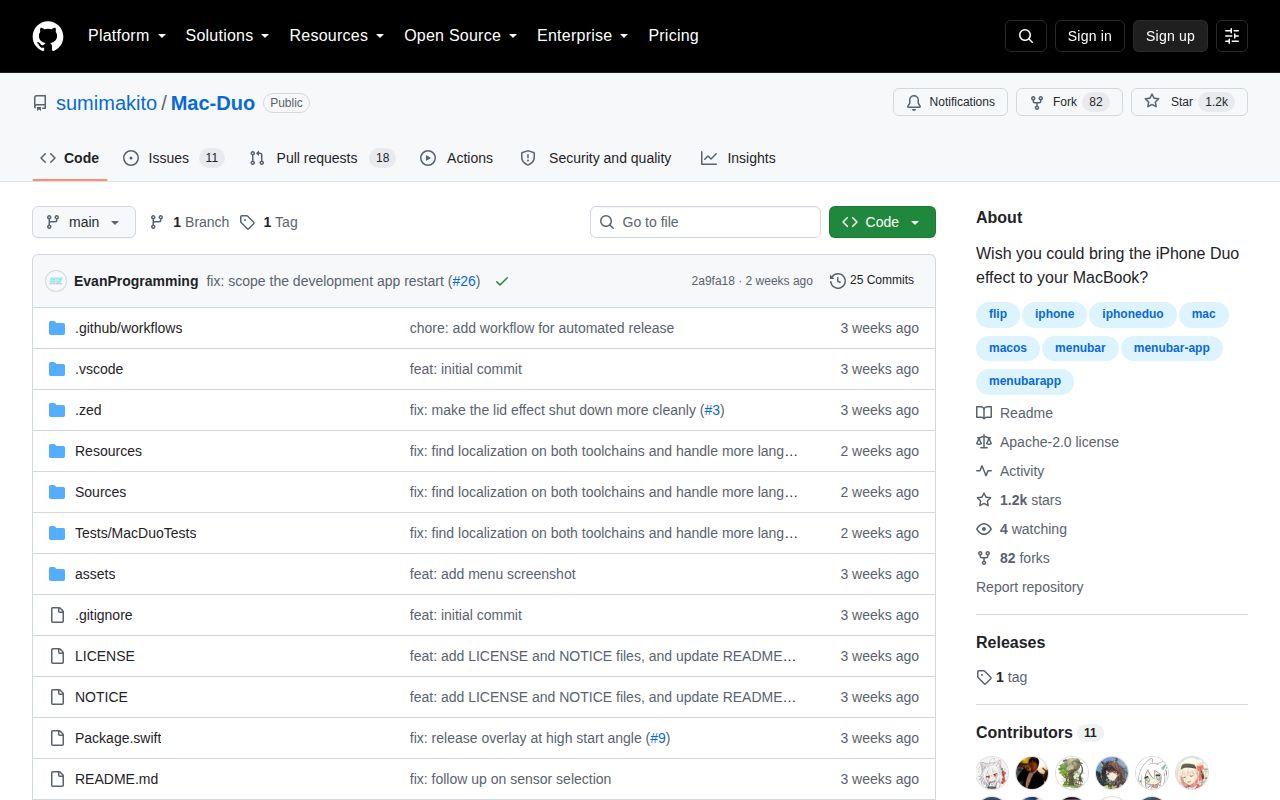
A young repository has 11 open issues and 18 open PRs
Mac Duo was created on September 10, 2026 and pushed through September 18. GitHub showed 1,152 stars plus 29 open issues and pull requests. The API list split that combined number into 11 issues and 18 pull requests. Recent proposals cover external-display behavior, graphics changes, localization, packaging, and safety around hinge handling. That is visible interest, though it is too early to read as settled maintenance history.
There is no stable release returned by GitHub's latest-release endpoint. The dev tag is an explicit prerelease that moves with development. This is reasonable for a new visual experiment, but it changes the buying decision. Mac Duo is worth trying for the exact hinge animation on a supported MacBook. If you need external-monitor management or predictable release gates, BetterDisplay, MonitorControl, and Lunar solve more practical display jobs without pretending to be direct substitutes for this one effect.