llmfit answers which local models are plausible on this machine
Local model catalogs make comparison harder than it looks. A model name can hide several parameter sizes and quantizations, while context length adds memory pressure. llmfit reads system RAM, CPU, GPU memory, and backend information, then scores catalog entries for memory fit, estimated speed, quality, and context. The default interface is an interactive terminal table; scripts can request classic text or JSON recommendations.
That makes llmfit a screening tool. It can eliminate downloads that clearly exceed the machine and explain what an estimate assumes. llmfit info shows the basis and verification commands for one model. It does not turn an estimate into a benchmark. The README makes that distinction useful by including llmfit bench, which talks to a model already running under a supported provider and records actual tokens per second and time to first token.
Six install routes make the first recommendation cheap
Windows users get Scoop, while macOS and Linux have Homebrew, MacPorts, or a shell installer. uv can install the Python-packaged command, and a container prints JSON from the recommendation command by default. Source users run a normal release-mode Cargo build. Windows release binaries are signed through SignPath, with the repository's release pipeline described in the README.
The TUI can inspect local providers including Ollama, llama.cpp, MLX, Docker Model Runner, and LM Studio. A user can browse fit results before installing any of them, then download or benchmark through the relevant path. The privacy statement says llmfit does not contact network services unless the user requests a feature such as a download, provider query, or community leaderboard. That makes an initial hardware report suitable for a cautious local trial.
Automation is equally straightforward. recommend --json returns candidates for a script or agent, while doctor produces a hardware detection report for debugging. Simulation can compare a proposed machine configuration before buying hardware. Treat simulated output as a shortlist rather than purchase proof, since model metadata and hardware formulas still need to match the real card and runtime.
What happened when we ran it
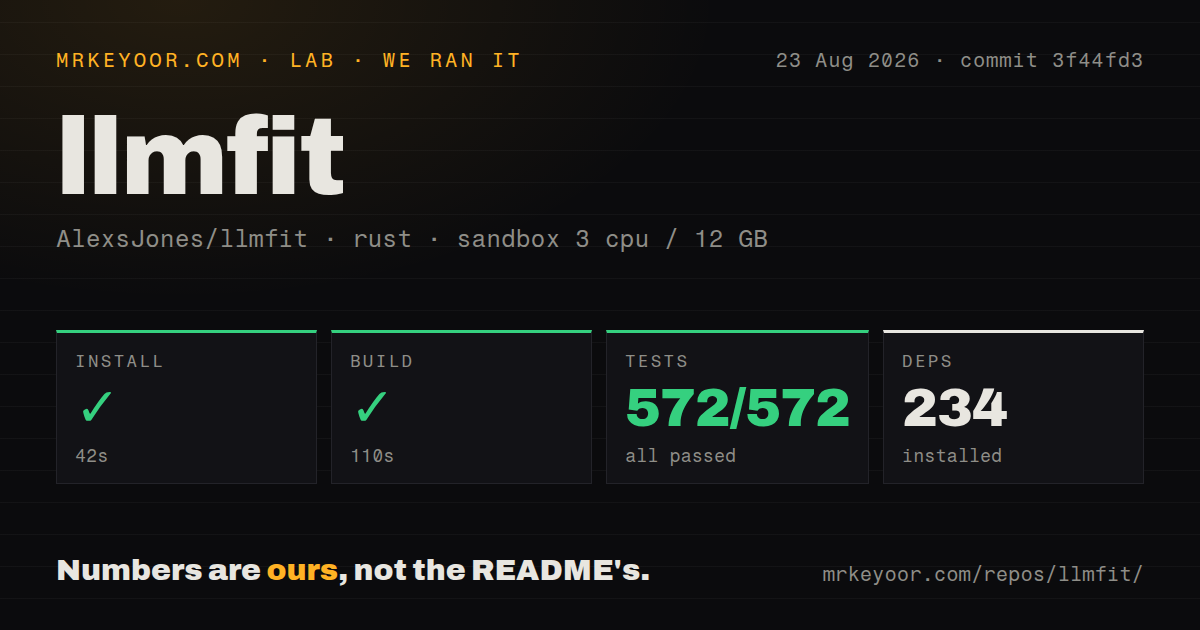
Our sandbox installed 234 Rust packages in 42 seconds on fresh Debian with 3 CPUs and 12 GB of RAM. A release build completed in 110 seconds. The checked-out repository had 237 files, about 57,633 lines of source, and occupied 23.5 MB. It included 7 CI workflow files and a Dockerfile.
The full Cargo test command finished in 122 seconds with 572 tests passed and 0 failed. No test directory appeared at the repository root, which is normal for Rust projects that keep unit tests beside source. Among these measurements, a clean build plus a complete 572-test pass gives llmfit a strong engineering baseline. We did not use those results to claim that every hardware lookup or model estimate is correct.
The whole lab cycle remained under 5 minutes across install, build, and tests. That makes source contribution realistic on a modest machine and gives maintainers room to add parser fixtures for hardware commands. Current pull requests include fixtures for NVIDIA, AMD ROCm, Apple system profiling, mixed GPUs, and Windows detection, which are exactly the areas where a portable hardware tool needs examples.
Total VRAM can produce the wrong answer on a busy GPU
Issue #835 identifies a decision-level bug in the current fit path. CPU grades use available RAM, while discrete GPU grades can use total VRAM because free VRAM is not populated on those platforms. A card occupied by another inference server may therefore receive a favorable grade for a second model that cannot load. The report reproduces this with an NVIDIA card that had little free memory while llmfit judged against full capacity.
Until that behavior changes, close other GPU workloads before running a final plan or compare the recommendation with nvidia-smi or the matching vendor tool. This is less important when asking whether the machine could ever run the model. It is decisive when asking whether the model will load right now. The JSON output should be one input to admission control, never the admission decision by itself.
Laptop naming creates a separate speed problem. Issue #919 says model-number substring matching assigned desktop memory bandwidth to mobile GPUs sharing the same number. Since the speed formula uses bandwidth, the estimate became too optimistic. llmfit info exposes estimation inputs, so laptop owners can catch an implausible figure and fall back to a measured benchmark.
Catalog and provider labels need routine verification
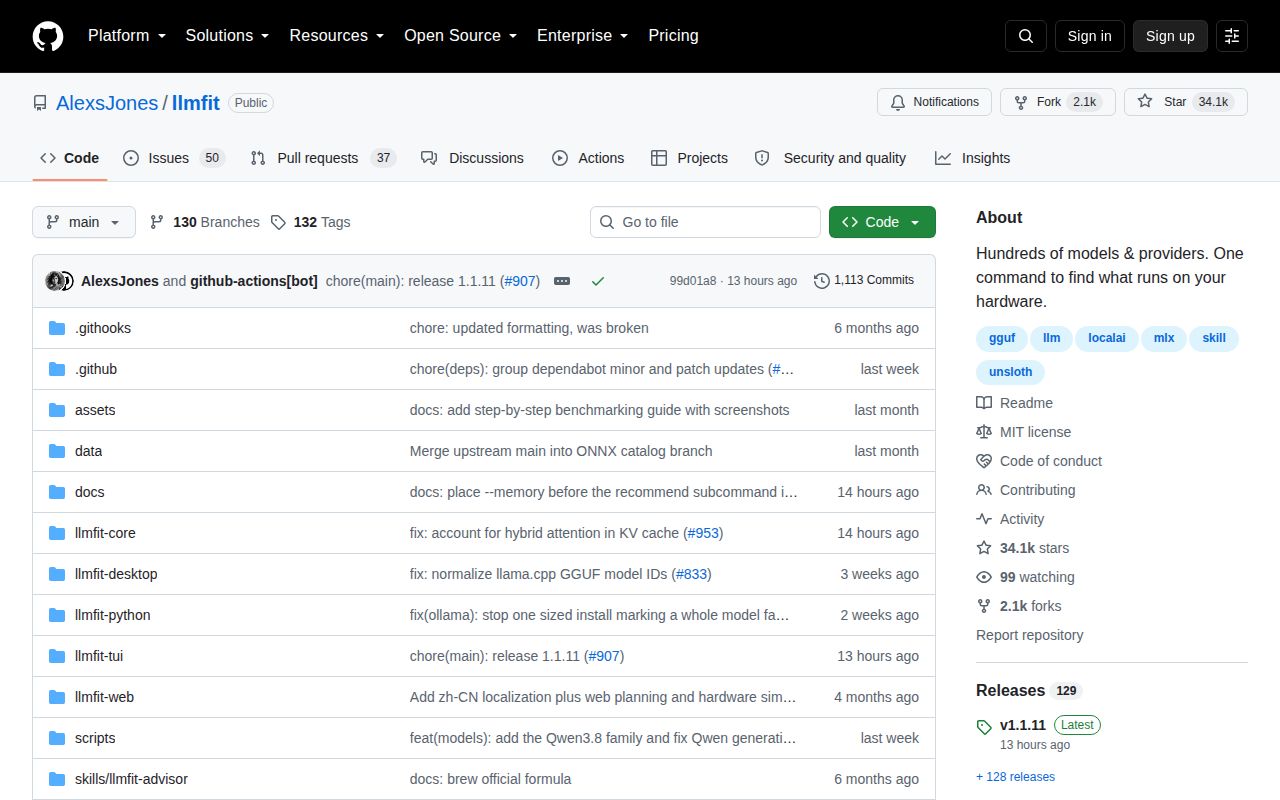
The built-in model database is refreshed, and community benchmark results can be submitted through a pull request from the TUI. Release v1.1.11 arrived on August 25, 2026, with fixes for hybrid-attention cache sizing, pre-quantized fit checks, MoE fallback estimates, and GGUF variants. The repository was pushed the same day, and GitHub showed 87 open issues and pull requests.
Fast maintenance is helpful because model catalogs drift quickly. Issue #887 reports a Qwen family appearing in Ollama before llmfit listed it. Issue #791 says GGUF models downloaded with the Hugging Face CLI appeared under both llama.cpp and MLX despite no MLX models in that cache. Check the actual provider and format before following a download or serve action.
llmfit earns a place before a large model download. Its installation is easy, the 572-test run was clean, and the tool explains the basis for an estimate. The buying decision is simple: trust it to narrow candidates, not to certify them. Free the GPU, inspect the estimate inputs, and run the chosen model under your real context and workload before calling the fit settled.