Should you put personal context around your coding assistant?
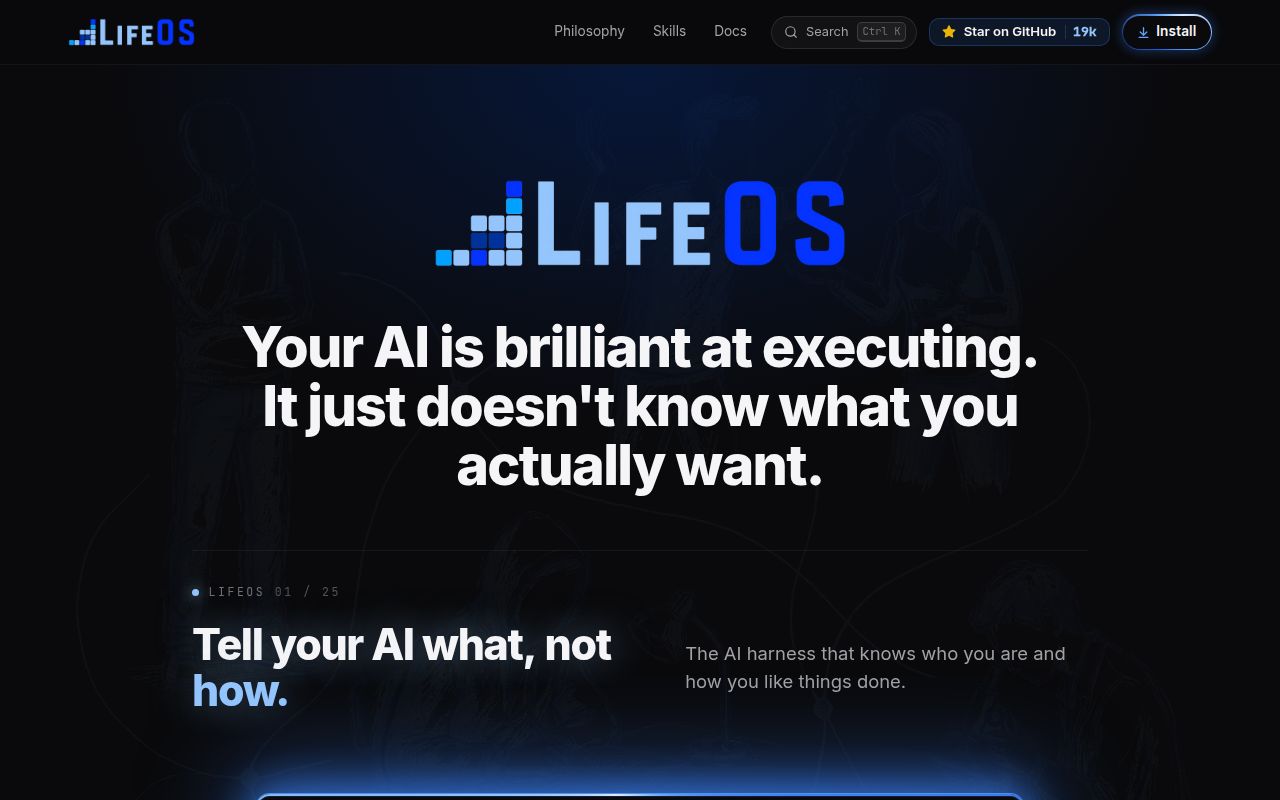
LifeOS is worth considering when you want an assistant to work with durable goals, preferences and prior decisions. Its README describes memory, skills, routing and personal context as the layer it adds to a coding harness. Those are the project's stated capabilities. Our recorded run did not exercise them.
The decision depends on whether you want to maintain that personal environment and review its configuration changes. A quick dependency step gives little evidence about the launcher, memory loop or dashboard you would use each day.
Claude Code has the clearest documented integration
The README calls LifeOS harness-agnostic and says Daniel Miessler builds and runs it on Claude Code. The install guide provides the more useful compatibility distinction: Claude Code uses native hooks for the response format, memory loop and per-turn context injection. Other harnesses load context through AGENTS.md or their own rules files and run workflows on request. The guide says their always-on hooks are not wired yet.
That makes Claude Code the clearest documented route for evaluating the hook-driven behavior. Other harnesses can still be candidates if context loading and manual workflows meet your needs. We did not test compatibility on any harness.
What our recorded run establishes
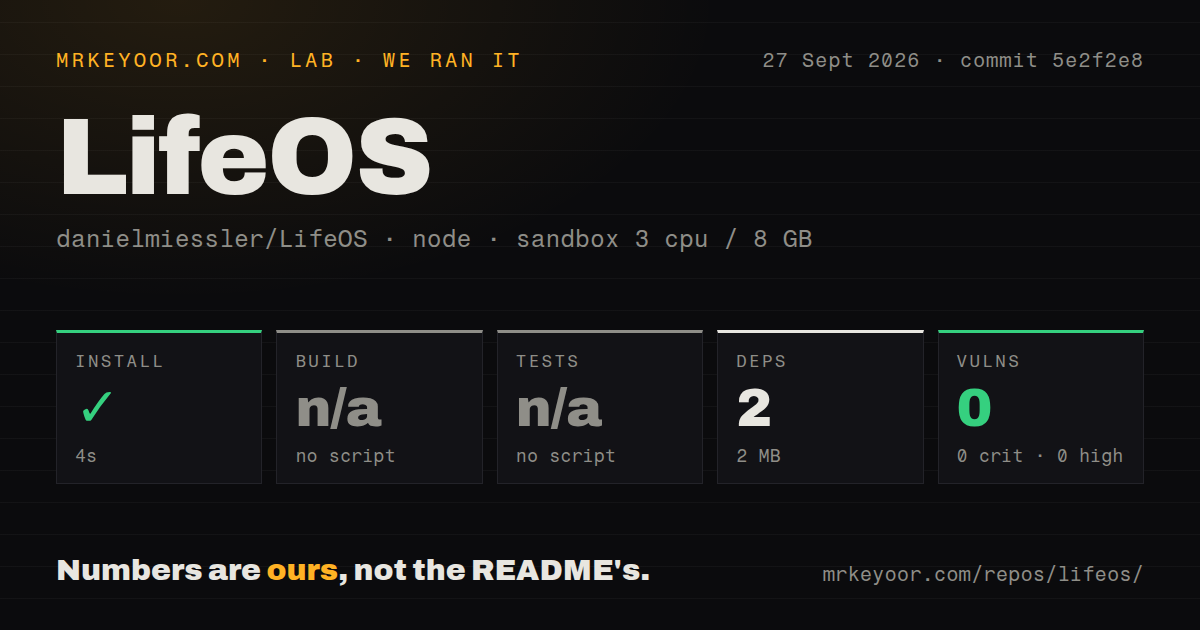
Our run was recorded on September 27, 2026, at commit 5e2f2e8c0abde612da0e99c16c0d07d4ec21b88c, whose recorded commit date is September 3, 2026. It targeted LifeOS/install. The sandbox configuration recorded 3 CPUs, 8 GB of memory and image lab-node:22; that image label alone does not verify the actual runtime version.
The dependency step took 3,656 ms, rounded to 4 seconds in the stored summary. Its retained output first shows npm ci failing because its lockfile requirement was not met, then reports one package added and an overall step exit of 0. The retained tail does not identify the later command. The summary records a dependency count of 2 and a 2 MB dependency footprint. These figures do not mean that two packages were added or that the LifeOS launcher was installed.
The checkout measured 1,991 files, approximately 185,116 source lines and 29 MB. The detector recorded two CI workflows, no tests directory and no Dockerfile or Compose file. Build and test steps were skipped for lack of scripts in the selected package. Those skips establish neither repository-wide absence of tests nor failed application behavior.
npm audit recorded zero advisories for this dependency step. Coverage is unknown, and the result does not establish product safety. No installed-binary check, dashboard health check, memory workflow or representative workload is recorded. No new execution was performed for this correction.
The documented installation goes beyond npm
The install guide requires an assistant with file read/write access and shell execution. It calls for Bun, plus Git and network access to fetch a release, or an existing local release directory. The sequence detects the environment, scans conflicts, deploys the runtime, scaffolds personal data and wires the harness integration.
Deployment tools default to dry runs. The guide explicitly warns that omitting --apply can report success while copying zero files. Command completion therefore needs to be checked against the intended result.
For Claude Code, the guide also distinguishes a plain claude session from the lifeos launcher: the latter appends LIFEOS_SYSTEM_PROMPT.md. For another harness, it calls for that harness's system-prompt mechanism, or context-file loading as the closest equivalent. Our dependency run did not check either route.
Configuration changes can include merging hooks into settings.json and adding a shell alias. The AI-led instructions require showing changes and obtaining permission. The guide also documents a bounded bootstrap exception: invoking install.sh authorizes migration of stale pre-7.x aliases and additions to the config-root .gitignore. Read that distinction before choosing the bootstrap route.
Pulse and background services are optional. The guide describes launchd on macOS and systemd user services on Linux, with those service integrations skipped on Windows. The menu-bar app is macOS-only. External capabilities such as Codex, browser automation, Cloudflare and ElevenLabs are separate from Core and are checked through Doctor. Declining an optional capability is a documented choice.
The v7.40.4 reports are closed, with release delivery still unverified here
The cited reports concern LifeOS v7.40.4 at tag commit be9e8ef, not the commit used in our dependency run. All three were opened on September 28, 2026 and closed as completed on October 3. They remain useful evidence about that reported version, but should not be described as current open issues.
In issue 2254, the reporter found that the install sequence reached ActivateImports without creating CLAUDE.md. On October 3, the maintainer said a new step 5.5 places the template before activation and that the next release carries the change. The supplied install-guide extract still lacks that step, so these sources do not establish one consistent corrected installation sequence.
Issue 2256 reports failed macOS Pulse and menu-bar installation when ~/Library/LaunchAgents is absent. The reporter says creating the directory allowed the same installation to work. Maintainer replies describe both directory-creation fixes and better reporting when launchctl prints a load failure, with delivery planned for the next public release, identified in one reply as 8.3.0.
Issue 2257 describes a different outcome on Linux: Pulse was running and answering its health check, while DeployComponents reported failure because its probe checked launchctl. That report is evidence of an incorrect verification result, not proof that Pulse failed to start. The maintainer said the Linux probe and Setup documentation were corrected for the next public release, 8.3.0.
These are reporter observations and maintainer statements, not failures or fixes we reproduced. The supplied v7.40.4 release notes describe other shipped changes, but do not establish delivery of these later fixes. Before installing, check the release payload you will actually use against the issue replies.
How to read the scores
The scores are editorial assessments of the supplied evidence, not benchmark results. For setup, documentation and maturity, 1 means substantial documented limitations, 3 means useful capability with material unresolved verification questions, and 5 requires strong evidence for the relevant installation or operating paths. Intermediate scores fall between those anchors. For community, the scale concerns visible contribution and support processes, not popularity or adoption. Unknown behavior earns no extra credit.
Setup receives 2/5 because the documented process has multiple integration steps and our run verifies only dependencies. Documentation receives 3/5 for its detailed permissions and platform guidance, tempered by the mismatch between the supplied guide and the issue 2254 reply. Community receives 3/5 for detailed reports and specific maintainer responses; response time across the project and adoption are unknown. Maturity receives 3/5 for a released system with documented fixes, while end-to-end operation and delivery of the later setup fixes remain unverified here.
Choose the scope you need
Fabric is relevant if your main need is reusable task prompts and a runner. Its README says it organizes prompts by real-world task; LifeOS's README explicitly describes the two projects as complementary. Superpowers is relevant if you want a coding-agent development methodology, including design, planning, test-driven development and review. Neither comparison is a measured performance comparison.
If LifeOS fits your needs, start with a backed-up configuration or disposable account, review the selected release's installation sequence and verify the launcher and each chosen service before adding important personal context. Our dependency result is a starting observation, not an installation sign-off.