More than 200 commands cover most of a Lark workspace
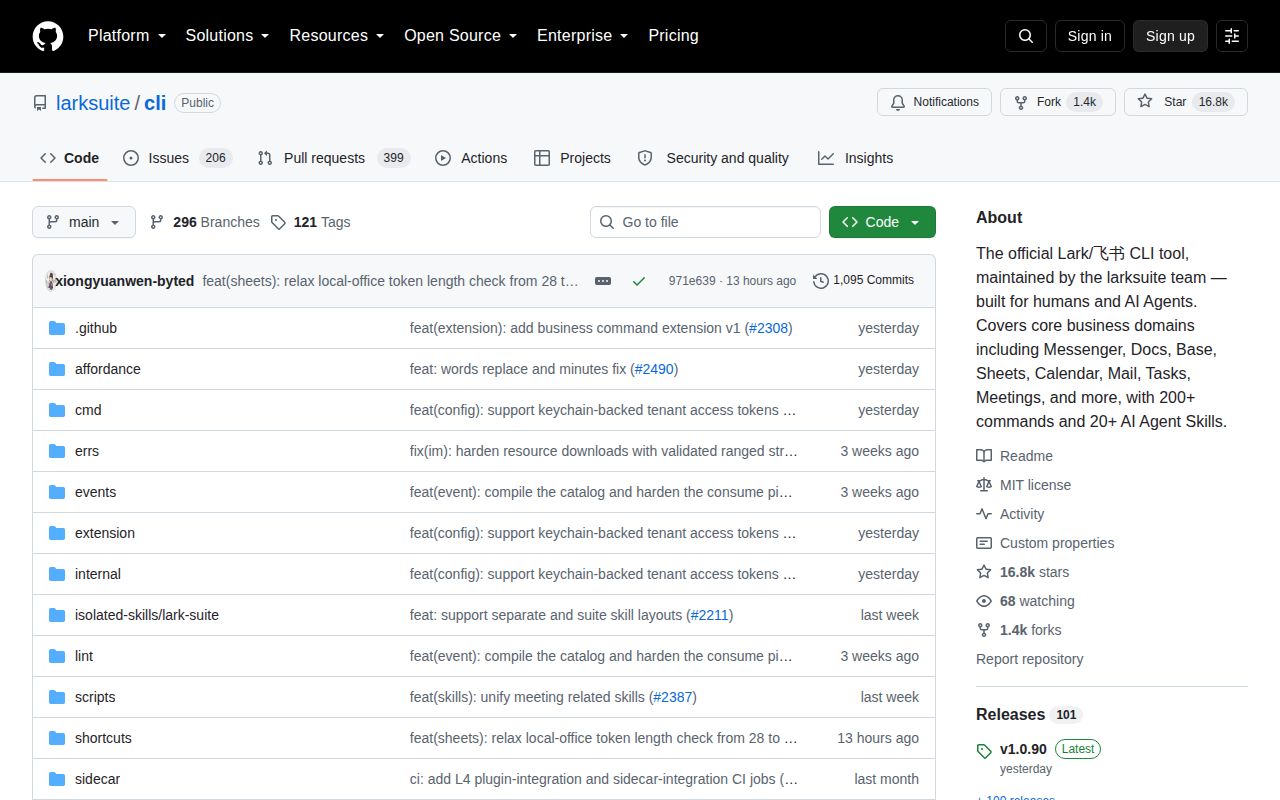
Lark CLI puts Messenger, Docs, Drive, Base, Sheets, Calendar, Mail, Tasks, Meetings, approvals, and other Lark services behind one command tree. The README describes more than 200 curated commands and raw access to over 2,500 Open Platform APIs. People get shortcuts such as calendar +agenda; automation gets JSON, NDJSON, CSV, or table output with separate success and error streams.
The command model has 3 layers. Shortcuts add defaults, generated API commands map closely to platform endpoints, and api accepts a method plus an Open Platform path. A schema command reports parameters, request bodies, supported identities, and required scopes. An operator can begin with a familiar action and drop down to a raw request when the shortcut stops being enough.
The 26 agent skills still depend on a local command
The README lists 26 agent skills across common Lark domains and workflows. They teach an agent how to find calendar openings, send messages, manipulate documents, work with Base records, inspect mail, and produce meeting summaries. Default JSON envelopes and nonzero exits give an agent clearer evidence than prose copied from a terminal screen.
It remains a local CLI. Open issue #2527 asks Lark to provide an official OAuth-based remote MCP endpoint for mobile and cloud assistants that cannot depend on a computer running this package. The boundary is plain: the agent needs a host where the binary, credentials, and skill files can live. A cloud service needs its own worker or a different integration.
What happened when we ran it
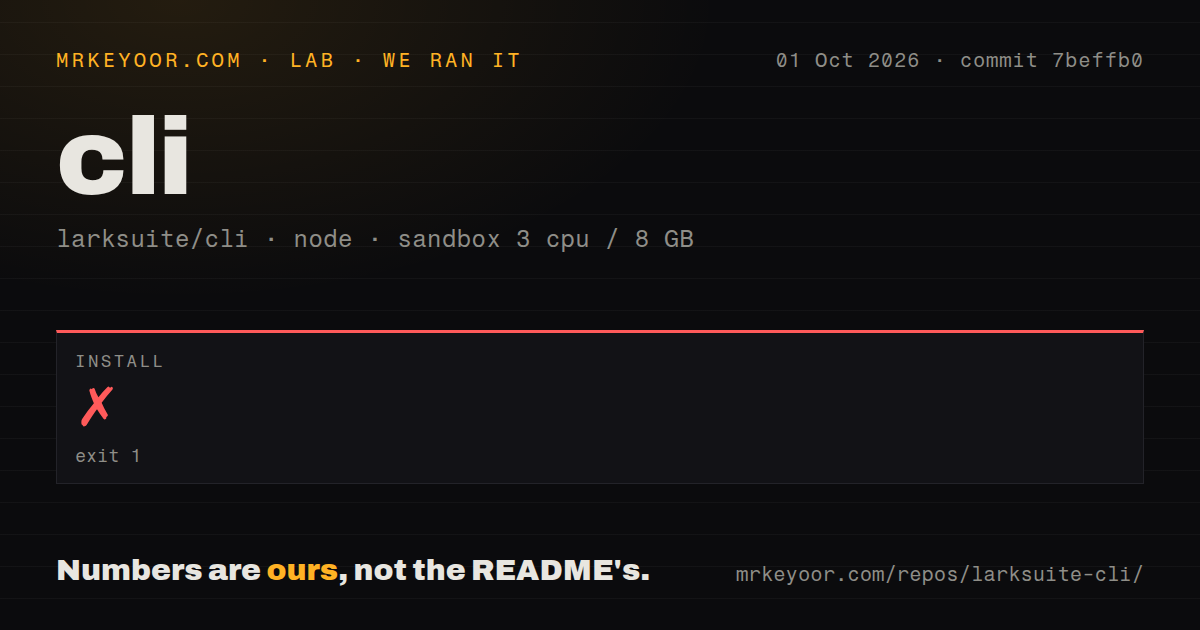
Our sandbox install at commit 35bd5ec failed with exit 1 after 28 seconds. The last log lines say checksums.txt was absent at /work/repo/checksums.txt. The install script treated that as a security failure and did not install lark-cli. It then printed proxy and corporate registry suggestions, but the log does not establish that a firewall, mirror, or network restriction caused the missing local file.
The checkout itself was 28.3 MB, with 3,082 files and roughly 649,888 lines of source. We found 11 CI workflow files, no Dockerfile, and a tests directory. Those signals do not turn the failed npm step into a pass. We did not get a usable CLI from the measured install, so buyers should reproduce the exact installation route they intend to automate.
Two browser stages stand between install and the first call
The quick start runs config init and then auth login. Both stages can require the user to open an authorization URL in a browser. The first configures a Lark or Feishu app, while the second grants user scopes. Issue #6 describes 7 steps and several intermediate states that can confuse a newcomer, including an app awaiting approval, no logged-in user, and device polling that has not finished.
Scope selection also needs care. Login can request recommended permissions, a domain such as Calendar, or one exact scope. Issue #1081 shows why the distinction matters: a CLI domain may exist even when the configured app cannot request that domain's permissions. auth scopes and auth check are useful preflight commands. An enterprise wrapper should make the allowed identity and scope set explicit instead of letting every agent request the broad recommendation.
Dry runs help, while authorized writes can still expose company data
Side-effecting shortcuts support --dry-run, pagination has page and delay limits, and the JSON contract separates data on stdout from typed errors on stderr. A preview can catch a wrong chat ID or request body before a message, calendar event, or record is changed. It cannot tell whether the underlying instruction was socially appropriate.
The README gives an unusually direct warning: an agent using granted permissions can leak sensitive data or perform unauthorized operations. It recommends a private conversational bot and says not to add that bot to group chats or let other users interact with it. Requests to official Lark or Feishu HTTPS domains include the operating system type and device hardware model for risk control by default; a workspace setting can disable that signal.
Release v1.0.90 is fresh, but setup defects deserve a local proof
GitHub recorded 16,774 stars, 1,350 forks, and 605 combined open issues and pull requests when fetched. The repository was pushed on August 26, 2026, one day after release v1.0.90. That release added keychain-backed tenant access tokens among several domain changes. The combined open count cannot be read as 605 bugs.
Credential behavior still varies by platform. Open issue #1552 reports that OAuth completed on Windows 24H2, yet the token did not persist to Windows Credential Manager and auth status returned no_token. That report concerns v1.0.56, so it is a reason to test the current release on managed Windows machines rather than proof that v1.0.90 has the same defect. Our failed 28-second installation makes that platform proof more important.
Use it when Lark breadth outweighs bootstrap friction
Lark CLI has a convincing interface for a developer or supervised agent that works across several Lark products. The 3 command layers, schema lookup, dry runs, structured errors, and identity selection address real automation problems. Official ownership also matters when API metadata and product domains change quickly.
The immediate adoption decision is less flattering. commit 35bd5ec did not install in our clean 3-CPU, 8 GB container because the required checksum file was missing, and first use still crosses app setup, OAuth, and scope selection. Trial it on the exact operating system and registry path you will deploy. Choose an official SDK when you need a service-owned credential model or a remote process with no resident CLI.