Jev gets the clicks while Codex keeps the judgment
Jev Browser Use divides a browser task by risk and capability. Codex plans the work, enters all text, interprets screenshots, handles sensitive controls, and checks the result. Jev sees accessibility text and chooses among currently allowed clicks, navigation, toggles, scrolling, reloads, and a small set of keys. The helper executes those choices through the browser connection Codex already has, so it does not install another driver or invent selectors.
The split is strict. Jev cannot type, upload a file, inspect an image, generate a URL, operate canvas content, use native selects or frames, drag an item, or control desktop software. When it reaches one of those boundaries, Codex performs the step and can resume the same session. The model's completion signal is always needs_verification; the host must inspect fresh browser state before calling the task complete.
Node 22 is only one of four runtime requirements
Installation can be a single npx skills add command or a Codex plugin marketplace setup, but execution needs more. The README requires Node.js 22 or newer, Codex with Computer Use, a connected Chrome or in-app browser, and Jev access through either TypeSafe or OpenRouter. The skill does not supply Computer Use, and it does not fall back between providers if a key or endpoint fails.
Configuration stores the provider, model name, and absolute path to a dotenv file. The credential stays in that file rather than the skill directory or browser trace. A TypeSafe key must use the TypeSafe adapter, and an OpenRouter key must use the OpenRouter adapter. Mixing them produces an authentication failure. Page accessibility text, the goal, and action history go to the chosen service, so private-page delegation needs explicit approval.
What happened when we ran it
The lab record for commit cf7e766 is NOT RUN. Our Debian harness classified the JavaScript repository as lacking a supported ecosystem, and the checkout had no Dockerfile. We therefore have no first-party install time, dependency count, build result, test result, disk footprint, or vulnerability audit for this project.
The source does contain one CI workflow. It runs the repository's Node tests on Ubuntu and macOS with Node 22, under a 10-minute job limit. That upstream workflow is useful evidence that the bridge has contract tests across two operating systems. It does not become our own result, and it does not exercise an authenticated Jev request or a live browser task merely by running the offline test files.
Every run is capped at 30 steps and 45 seconds
The bridge requires an exact origin allowlist, rejects a task with more than 30 steps, and caps its run budget at 45 seconds. The minimum accepted confidence threshold is 0.55. Before each model call and browser action, it checks the current origin and fresh accessibility state. A decision against stale controls is rejected instead of clicking an index that may now point somewhere else.
Policies can allow observed unique controls while denying names such as delete or purchase and reserving names such as publish or send for Codex. Those regex examples are not a universal safety system. The task author still has to name the permitted effects, split the workflow before a consequential action, and respect host confirmation rules. Page content and Jev output cannot grant authority to spend money, send a message, or accept an agreement.
Computer Use networking can fail after shell HTTPS succeeds
The helper makes the provider request inside the Computer Use runtime. Issue 7 documents a case where DNS failed there with ENOTFOUND even though HTTPS from the shell worked. The skill now includes a credential-free probe for that exact distinction. A successful shell curl proves shell connectivity only; it says nothing about DNS, browser attachment, provider authentication, or Jev inference inside Computer Use.
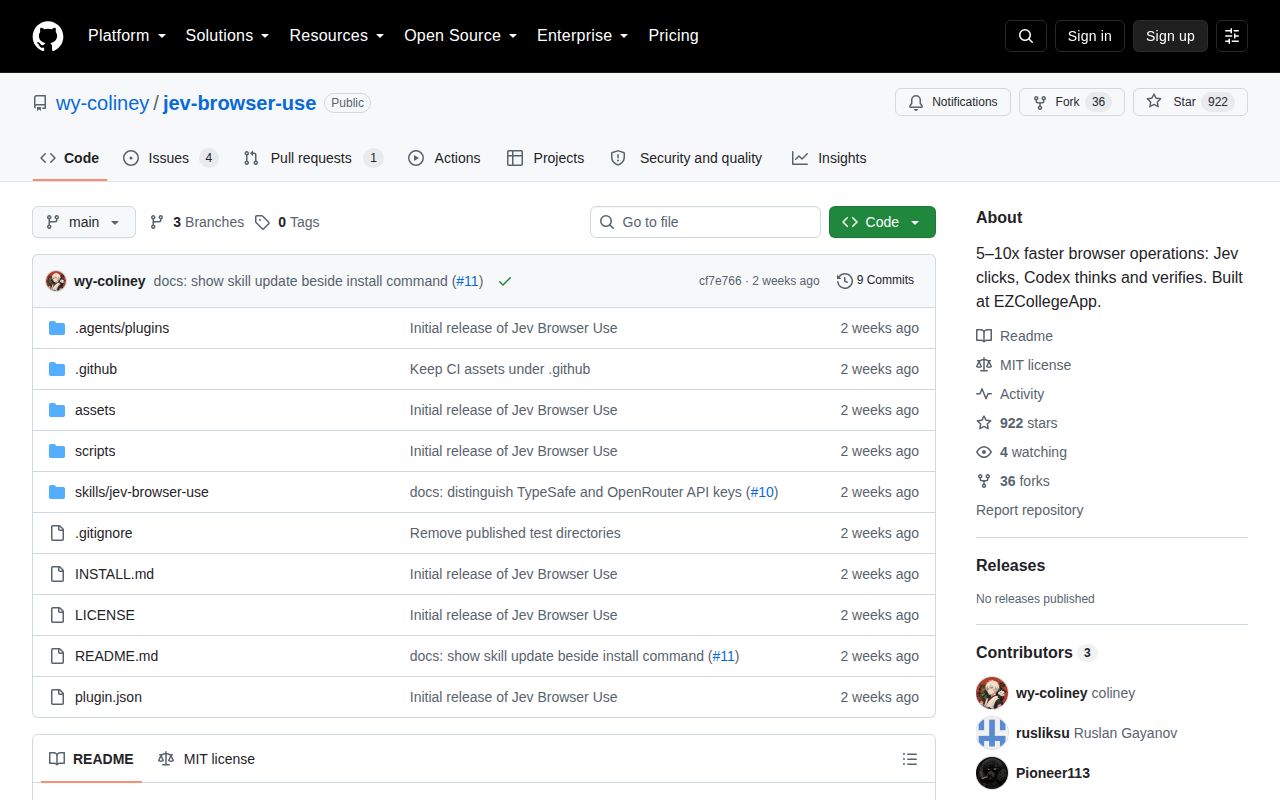
Other open reports show the setup remains young. Issue 1 concerns a missing runtime tool, issue 4 reports a Codex invocation failure, and issue 12 says Jev repeatedly returned decision_error without clicking. GitHub listed 922 stars and five open issues or pull requests. The last push was September 23, 2026, while a provider-related pull request arrived on October 5, so activity continued after that push.
Claude Code installation does not enable browser execution
The repository offers a Claude Code installation command and therefore belongs in the Claude Code category, but both the README and skill description say browser integration is coming later. Current browser execution is validated only in Codex with its required Computer Use runtime. Installing instructions into another agent does not create browser permissions, a compatible tab API, or the module-import environment the bridge expects.
Use Jev Browser Use for supervised, action-heavy navigation where every allowed effect is easy to name. It may save host-model turns when opening panels or paging through reports, although the README's approximate 5 to 10 times speed claim comes from the author's EZCollegeApp workflows and excludes server processing. For regression checks, Playwright gives you repeatable steps and coded assertions. For ambiguous live work, keep Codex in control and treat every Jev handoff as unverified until the page proves otherwise.