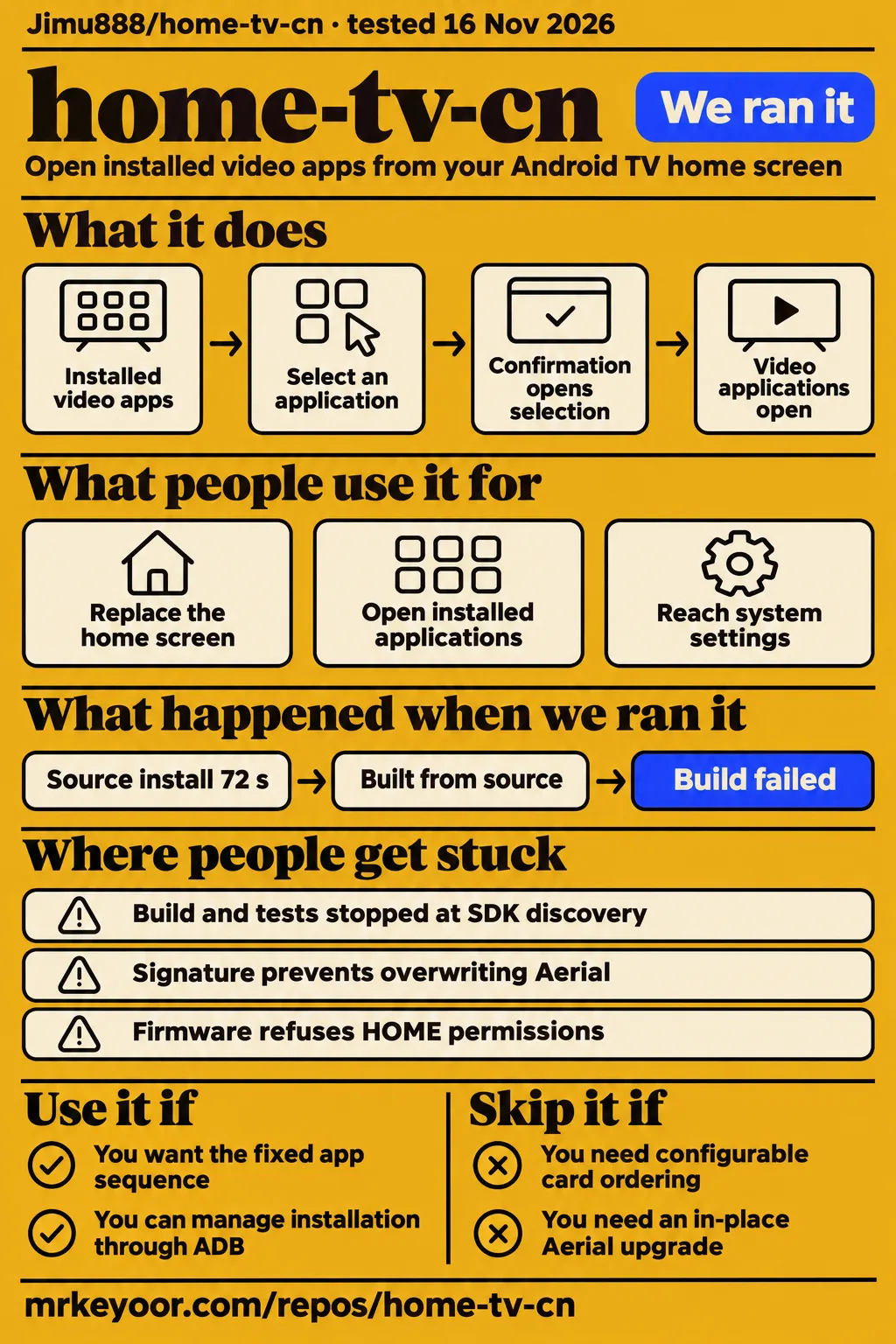
Our home-tv-cn source build stopped after 12 seconds because Gradle could not locate an Android SDK. For a prospective owner, the more useful question is whether this fork's fixed mainland-app sequence fits the household. Choose it for that arrangement and its documented remote controls. Choose another launcher if arranging your own home screen matters more, or if you need to preserve an existing Aerial installation through an in-place upgrade.
What you can do with home-tv-cn
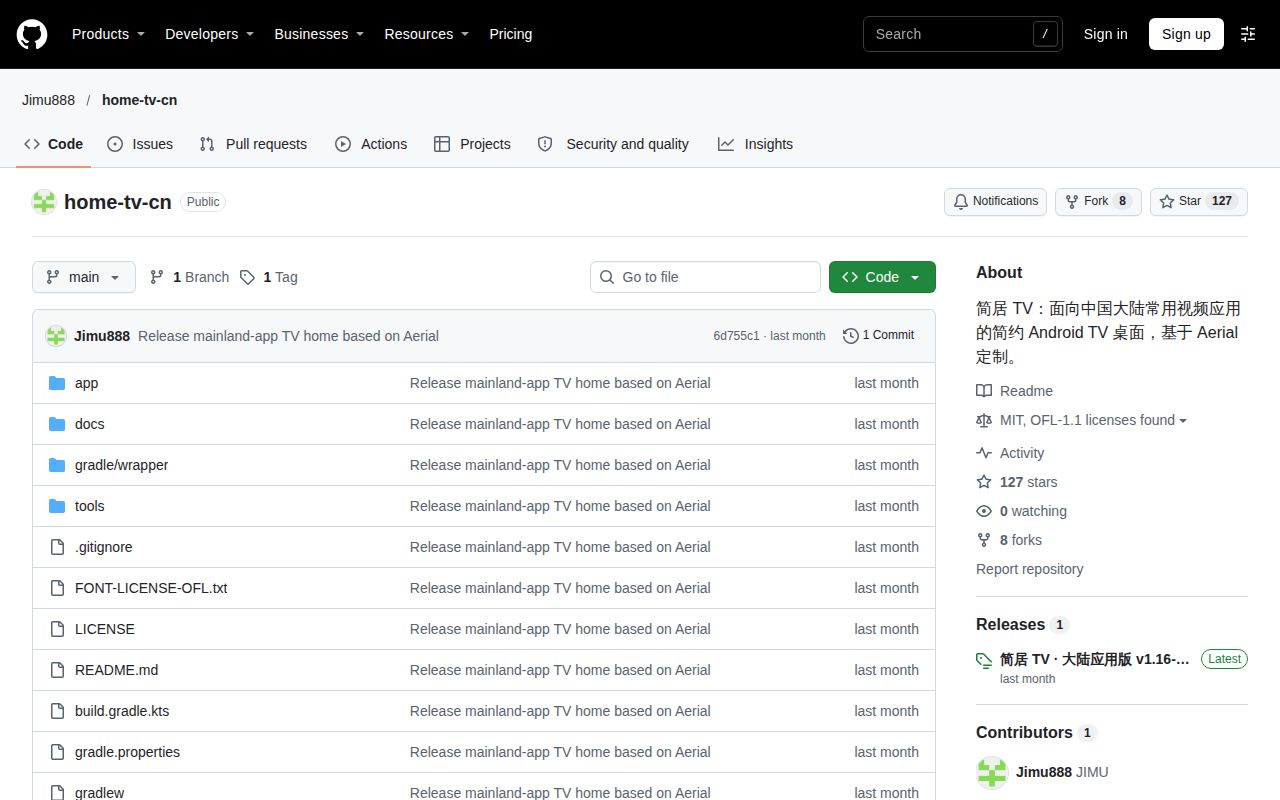
home-tv-cn replaces an Android TV home screen with cards that open applications already installed on the television. The Chinese README calls it 简居 TV and identifies Aerial 1.16 as its base. It describes an unofficial fork with no affiliation to Xiaomi or the video platforms. The cards provide access to existing applications; the project does not distribute their APKs or supply their programming. Project purpose and features.
The fixed sequence starts with 云视听极光, 银河奇异果, CIBN 酷喵, 芒果 TV and 云视听小电视, followed by Netflix and YouTube. This makes the adoption decision fairly direct: compare that order with the apps your household actually opens. The interface uses dark red and deep blue backgrounds, glass cards, small original app icons and a highlighted remote-control focus. The README also describes a home screen without advertising slots or a recommendation feed.
Left and right select an application, up and down reach the toolbars, and confirmation opens the selection. Back returns to the first card; Menu opens all apps. Input, network and system settings sit above the cards, with casting, disk and all-app shortcuts below. An absent application displays "待安装," meaning it needs installation. These controls suit a household that wants familiar destinations in a prescribed order rather than a home screen organized around content recommendations.
What people use home-tv-cn for
The documented uses are replacing the stock home screen, opening installed video apps and returning to system functions through shortcuts. For the first use, the README's home-screen description specifies that only the home screen is replaced. This keeps the choice focused on navigation: a household can assess the card layout separately from its subscriptions, installed video applications and the content those applications provide.
For everyday app access, the documented remote controls make the selected card the destination of the confirmation button. For device administration, the system-entry description puts input, network and settings above the app row. Those are distinct reasons to consider the launcher: a consistent starting screen, direct app selection and reachable television controls. Each comes from the project's documentation rather than a collected household-use study.
The maintainer reports home-screen operation and reboot takeover on Xiaomi MiTV-MFTR0 with Android 14 and HyperOS 3.0.106.0. The same entry reports launches of the five domestic applications and access to system entries. That model-and-firmware combination gives owners a concrete reference when comparing devices. It also explains why this fork is most relevant to people already using the named mainland Chinese applications, rather than anyone searching broadly for software with "home TV" in its name.
What happened when we ran it
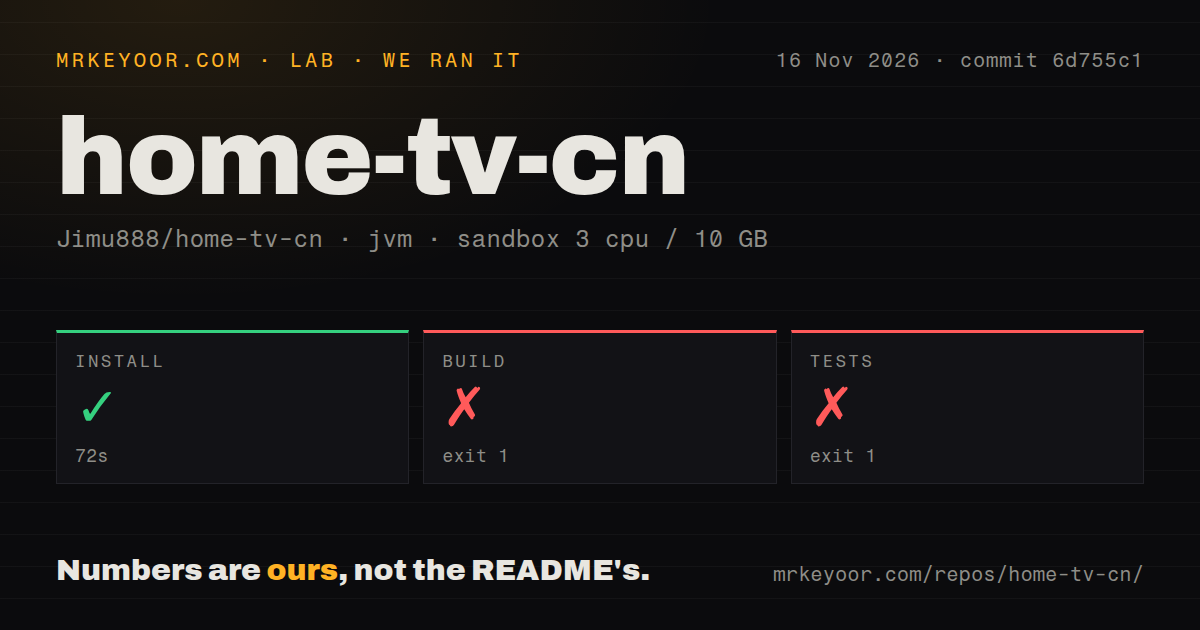
Our November 16, 2026 sandbox run checked commit 6d755c1 with 3 CPUs, 10 GB RAM and image label lab-jvm:21. The install step succeeded in 72 seconds; build and tests stopped at Android SDK discovery. The supplied release page identifies v1.16-home.1 and links commit 6d755c1. Release version and commit. The harness results and the separate deployment-attempt records are retained below because they answer different questions.
| Recorded step or question | Answer | Verdict | Why |
|---|---|---|---|
| Did the sandbox install step complete? | Succeeded in 72 seconds | Step passed | The harness recorded exit 0 |
| Did the source build complete? | Failed with exit 1 in 12 seconds | Build blocked | Gradle reported SDK location not found |
| Did the test command complete? | Failed with exit 1 in 11 seconds | Tests blocked | SDK discovery stopped task dependency determination |
| Did the Compose safety step pass? | Failed because no recognized Compose file existed | Deployment attempt blocked | The harness required a Compose file |
| Does the run header demonstrate deployment? | It claims deployment through the project's own Compose file | Conflicting record | The safety step says the required file was absent |
| What did teardown record? | teardown: ok | Teardown reported success | The teardown extract contains that result |
The build stopped while determining dependencies for :app:compileGuardDebugJavaWithJavac; tests stopped at :app:testGuardDebugUnitTest. Both logs printed "SDK location not found" and requested ANDROID_HOME or sdk.dir in local.properties. The harness durations were 12 and 11 seconds. The respective Gradle tails printed "BUILD FAILED in 10s" and "BUILD FAILED in 9s." These are separately recorded timings, so the shorter Gradle figures do not replace the harness measurements.
The repository scan recorded 72 files, approximately 6,886 source lines and a 1.7 MB checkout. It found zero CI workflow files, no Dockerfile and no tests directory. The immediate failure in both source commands was SDK configuration during dependency determination. Neither log reports a failed application assertion. The successful install step is the harness's install result; the record does not identify it as an APK installation on a television.
The Compose safety step failed because none of its recognized Compose filenames existed. The run header nevertheless claims deployment through the project's own Docker Compose file, with every port bound to 127.0.0.1. The teardown record says "teardown: ok." The failed safety step and conflicting header both belong in the account; teardown success does not resolve their disagreement.
Where people get stuck: SDK paths, signatures and package names
The source checks stopped at a missing SDK path, while the README describes separate installation obstacles involving signatures, package mappings and firmware permissions. These require different responses: configure the development machine for the SDK error, inspect the existing installation for a signing conflict, and compare installed package names when a card misses its intended application. Build and installation instructions.
| Obstacle | Evidence | Useful next step |
|---|---|---|
| Gradle says SDK location not found | Our build and test log tails | Set ANDROID_HOME or sdk.dir as requested |
| Existing upstream Aerial installation | README says same package, different signature | Save configuration before deciding whether to uninstall; uninstalling deletes app data |
| Card does not find the expected app | README says cards match package names | Compare the installed package with the HomeScreen.kt mapping |
| Casting or disk entry uses another brand's package | README says these shortcuts target Xiaomi packages | Inspect the shortcut mapping for the television |
| Firmware refuses HOME permissions | README describes possible authorization refusal | Read the installation script and record the original launcher and permissions |
The fork keeps the package name app.orchard.tv but uses a different signature from upstream Aerial. That prevents directly overwriting an upstream installation. A source build introduces another signing distinction: it uses the local debug key by default, while the public release uses the maintainer's private key. The practical decision is about which installation and data you want to retain, not merely which APK filename looks newer.
Cards match applications by package name, and the README points to HomeScreen.kt for those mappings. Different distribution channels can therefore require a mapping change even when the displayed application name looks familiar. Casting and disk shortcuts currently target Xiaomi packages. Checking the actual package names connects a visible symptom, such as a shortcut failing to open its target, to the specific implementation detail the documentation tells owners to inspect.
Installing the released APK and building the source are separate routes
The README directs APK users to home-tv-standard.apk and source builders to JDK 17 and Android SDK 36. For the APK route, a computer needs Android platform-tools, the television needs ADB enabled, and the television must authorize the computer. Both devices belong on the same local network. The documented Bash installation invocation takes an APK path and the television's own address. APK and source instructions.
For source building, the README requires JAVA_HOME and ANDROID_HOME and gives ./gradlew assembleStandardRelease lintStandardRelease. It places the output under app/build/outputs/apk/standard/release/. Our recorded build requested assemble and stopped on a guard task. The documented standard-release command is therefore the appropriate reference for the project's stated workflow; it is a source instruction, not a successful command from our run.
The README keeps signing configuration in local/signing.properties, outside version control. Its fields are storeFile, storePassword, keyAlias and keyPassword, with storeFile relative to local/. It instructs people maintaining their own builds to use their own signing key and back it up. This matters for future updates because a locally signed APK and the maintainer's released APK have different signers even when they come from the same project.
HOME takeover and recovery change launcher permissions
The README says the install script grants accessibility, notification-listener, overlay and system-settings permissions for launcher takeover. It attempts to select a default launcher and uses a guard service where firmware restrictions require it. Read tools/install.sh before authorizing those changes on a shared television. The permissions are part of choosing the launcher, alongside the appearance and ordering of its application cards. Permission and recovery instructions.
KEEP_ADB is disabled by default. Setting KEEP_ADB=1 asks the project to turn ADB back on after firmware disables debugging; the README advises using it only as needed on a trusted local network. The script leaves the factory launcher installed and does not automatically change DNS, proxies, advertising switches or the screensaver. These defaults identify which device changes belong to the installation procedure and which remain separate owner choices.
The documented recovery invocation runs tools/restore.sh with the television's address. The README says it revokes takeover permissions while retaining the application and media files. Some systems then require choosing the factory launcher again. Before installation, record the original default launcher and related permissions, and keep the factory launcher enabled. That gives the recovery procedure a known destination and preserves the settings information the owner may need when selecting it again.
Repository records identify one public release
The supplied release is v1.16-home.1, dated October 21, 2026, and its page names home-tv-standard.apk, SHA256SUMS.txt and source.zip. The repository facts record a last push on October 21 and zero open issues and pull requests when observed on November 16. The supplied all-state issue request returned an empty list. Release downloads, repository facts, issue response.
The code uses the MIT licence, preserving the upstream licence, while the fonts use OFL. The README names upstream commit 5a91b87852f2a66139d207ec2942f2d6964726f9 as its baseline. It also distinguishes ownership of application names, icons and trademarks from the launcher's code. For someone planning to maintain a local build, the baseline and licence are more useful starting points than treating the fork's short release history as a measure of reliability.
home-tv-cn vs Aerial and Quiet TV
Aerial documents rearrangeable apps and folders; Quiet TV documents customizable favorites, inputs and wallpapers. Those are direct alternatives to home-tv-cn's prescribed application sequence. The table compares documented layout choices, giving a household a reason to inspect one project before reading its installation procedure. Aerial's supplied README describes current upstream features, while this fork identifies Aerial 1.16 as its base.
| Project | Documented focus | Choose it when |
|---|---|---|
| home-tv-cn | Fixed mainland-app sequence, based on Aerial 1.16 | The prescribed sequence fits your household |
| Aerial | App movement, folders and phone-based organization | You want to arrange your own app layout |
| Quiet TV | Favorite apps, inputs, wallpapers and remote app management | You want configurable favorites and wallpaper controls |
Aerial's English README explains moving applications, placing them in folders and arranging the layout from a phone. Holding OK or pressing Menu opens its organization controls. The phone interface displays Home as the television lays it out and supports dragging tiles into place. These are concrete reasons to choose upstream when the household's preferred arrangement differs from the fork's fixed order.
Quiet TV's English README describes favorite apps, inputs, wallpapers and app management from the remote. Its feature table includes up to five favorites and controls for moving, adding, replacing or hiding them. This makes it another candidate for a household wanting control over its starting screen. Its installation page is identified as Chinese; the fork's package and signing instructions belong to home-tv-cn, so use Quiet TV's own instructions for that alternative.
home-tv-cn is a launcher, not the similarly named media server
Jimu888/home-tv-cn is an Android TV launcher; PiotrChr/home-tv describes a self-hosted media server for personal libraries. The separate Home TV README discusses cataloging media folders, fragmented MP4 HLS and Plex database imports. Those features belong to that repository. Checking the owner as well as the project name prevents a reader from choosing launcher software for a server task. Separate Home TV project.
The directory evidence adds little to the installation decision: GitNova labels its description an AI-generated README summary and distinguishes interest growth from quality and safety; GitHub Signals points readers to the repository for installation and maintenance information. The README supplies the relevant advertising distinction: this home screen has no ads, while launch, preroll and pause ads inside video applications remain under those platforms' control.
FAQ
home-tv-cn opens installed video applications without bundling or automatically installing them. Its fixed cards describe destinations, not an included collection of streaming software. The answers below are first-time-user questions grounded in the README. The supplied research contains no user-question set or measured demand ranking, so the FAQ concentrates on the decisions someone downloading the project must make: application contents, migration, requirements and recovery.
Does home-tv-cn include the video apps?
No. The README says the cards open existing applications and the fork does not bundle, crack or automatically install them. Missing applications display "待安装." Compare the listed destinations with the packages already on the television before choosing this layout. Getting those applications and using their services are separate from installing the launcher. Application contents.
Can it overwrite an existing Aerial installation?
No. The package name remains app.orchard.tv, but the signature differs from upstream Aerial. The decisive consequence is that this is not an in-place replacement for an existing upstream installation. Follow the signing and configuration guidance in the obstacles section before making a migration decision, especially when someone wants to retain the television's current Aerial setup. Signature warning.
What does building from source require?
The README specifies JDK 17 and Android SDK 36, with JAVA_HOME and ANDROID_HOME set. Those requirements belong to the source route described above. Downloading the released home-tv-standard.apk is a separate route with ADB preparation, so choose which task you are doing before following a checklist or interpreting our source-build failure. Build requirements.
Can it restore the original home screen?
The README documents tools/restore.sh for revoking takeover permissions while retaining the application and media files. That is the project's recovery route. Read the permission and recovery section before installation so the original launcher and its settings are recorded, rather than waiting until you want to switch back to identify them. Restoration instructions.
What we have not tested yet
Our source commands stopped at SDK discovery; no released APK installation, HOME takeover or restore.sh recovery was completed on an Android television in our lab. TV permission behavior also awaits execution evidence. The conflicting Compose deployment header needs supporting logs or correction. The image label lab-jvm:21 is a recorded configuration label; actual runtime and operating-system versions require raw toolchain logs. No corrected command is presented here as executed.
The fetched README is not a separately supplied snapshot of every file at v1.16-home.1. Its instructions are attributed to that document; the release page supplies the exact tag and linked commit. We have no independent reproduction of the maintainer's Xiaomi result or cross-brand compatibility matrix. The README reports incomplete full casting and disk-media playback checks, other-brand validation gaps, and no device acceptance or binary release for guard. Its Android 5.0 build minimum does not promise installation or HOME takeover on every qualifying firmware.
Netflix and YouTube require compatible applications and working TV networking, with Netflix additionally subject to device certification. Security, measured TV resource use, extended standby behavior and maintainer response to a reported failure remain unassessed. The empty issue response supplies no support exchanges to evaluate. The next useful device exercise is to preserve the factory launcher, record its defaults and permissions, then demonstrate installation, app launches, reboot takeover and restoration on the exact television and firmware.