Short answer: match the television before choosing the launcher
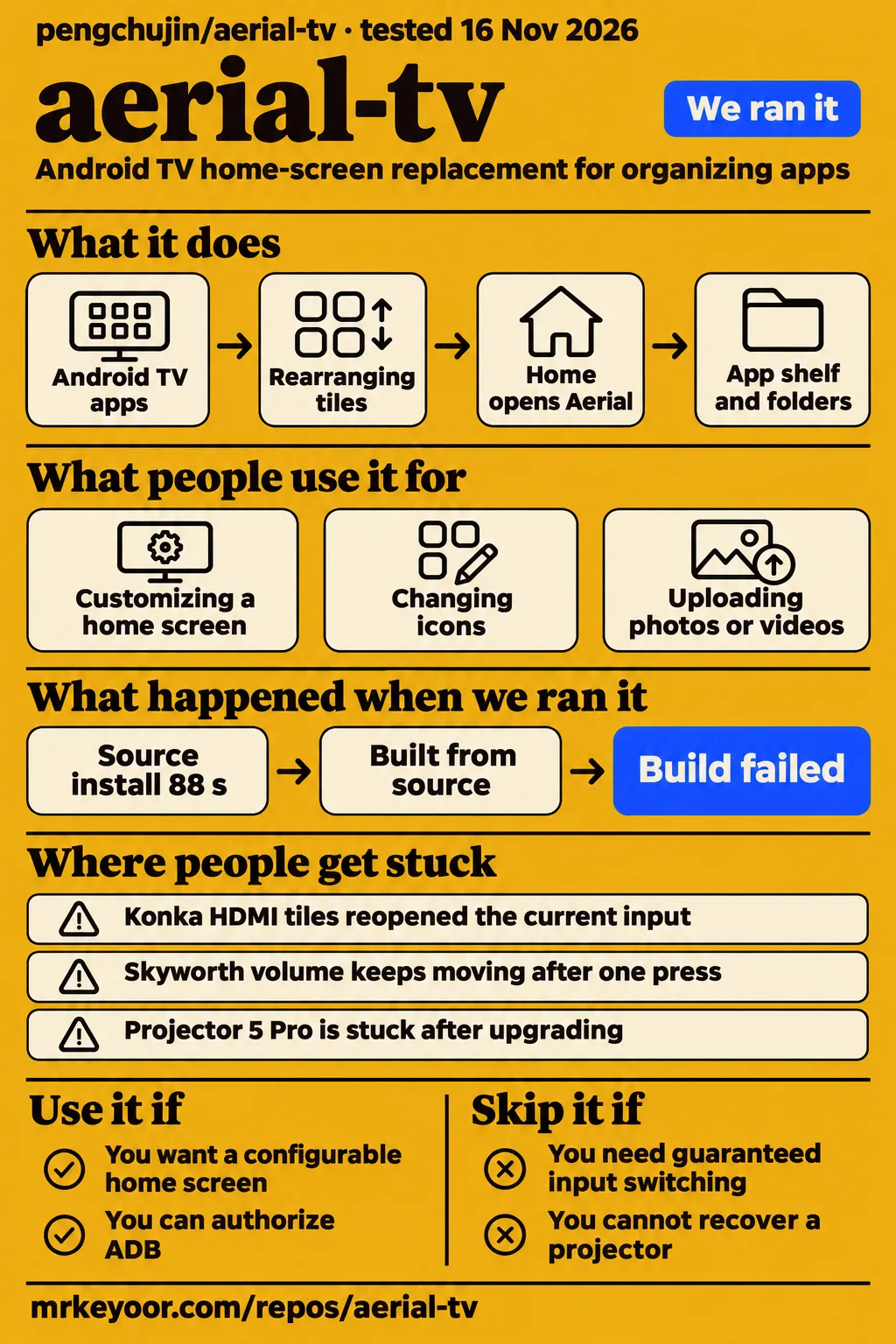
Our sandbox installed aerial-tv in 88 seconds, then both the build and test commands failed because Gradle could not locate an Android SDK. Use Aerial if you want control over an Android TV home screen and can check your exact model's reports. Skip it if you need guaranteed input switching or cannot recover a projector after a failed boot.
The important distinction is between replacing the screen and replacing everything the manufacturer's launcher does. Aerial's interface can work while a shortcut opens the wrong HDMI port. The strongest community evidence names a model, firmware, build and outcome. That is the evidence worth taking to your own television, ahead of an attractive screenshot.
What people use aerial-tv for
Users have reported working Home, power-cycle and standby takeover, with different results for inputs and settings on different televisions.
- Customizing a Xiaomi home screen: contributor le5inioo shared icons while using Aerial 1.57 on a Xiaomi S65 mini LED with HyperOS 2.0.5.0. Their checklist marks Home, cold boot, standby, inputs, volume, brightness, screensaver and phone configuration as working. This is a useful complete-device report, rather than just proof that an APK opens. le5inioo's report
- Replacing a Konka home screen while retaining the remote for inputs: monsterg984-maker reported Home, power-cycle and standby takeover on a QLED65X80U running Android 5.0.1. Later comments narrow the initial success checklist: HDMI selection still failed after an attempted fix, and settings shortcuts were problematic. Konka report and retesting
- Getting a TCL launcher and HDMI tiles working together: DoveKi installed the guard build on a TCL Q9L Pro with Android 14. The initial installation needed an autostart permission change, and inputs failed. After the 1.77 release, DoveKi explicitly confirmed working HDMI switching. TCL report and confirmation
- Installing with AI assistance: X user windfall4us said installing aerial-tv with AI operation was simple. That post supplies neither a television model nor a compatibility checklist, so it supports an installation anecdote rather than a claim about television controls. windfall4us in the collected X results
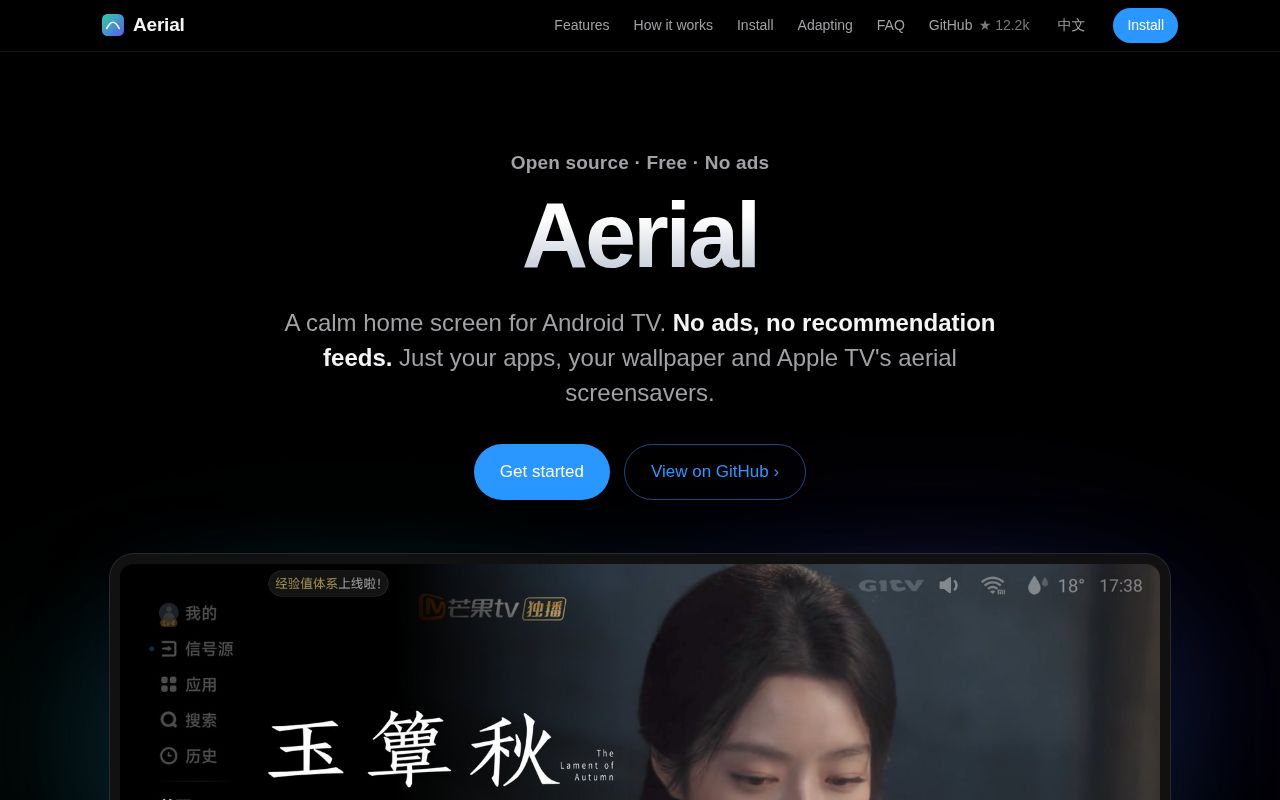
Aerial replaces the Android TV home screen with an app shelf, folders, wallpaper and screensaver controls. The official English overview describes QR-based phone configuration for rearranging tiles, changing icons and uploading photos or videos. That is useful when naming apps or organizing a large collection with a remote becomes tedious. It also describes a Control Center for inputs, settings, volume and brightness, whose actual behavior needs the model-specific distinctions above. Official overview
What happened when we ran it
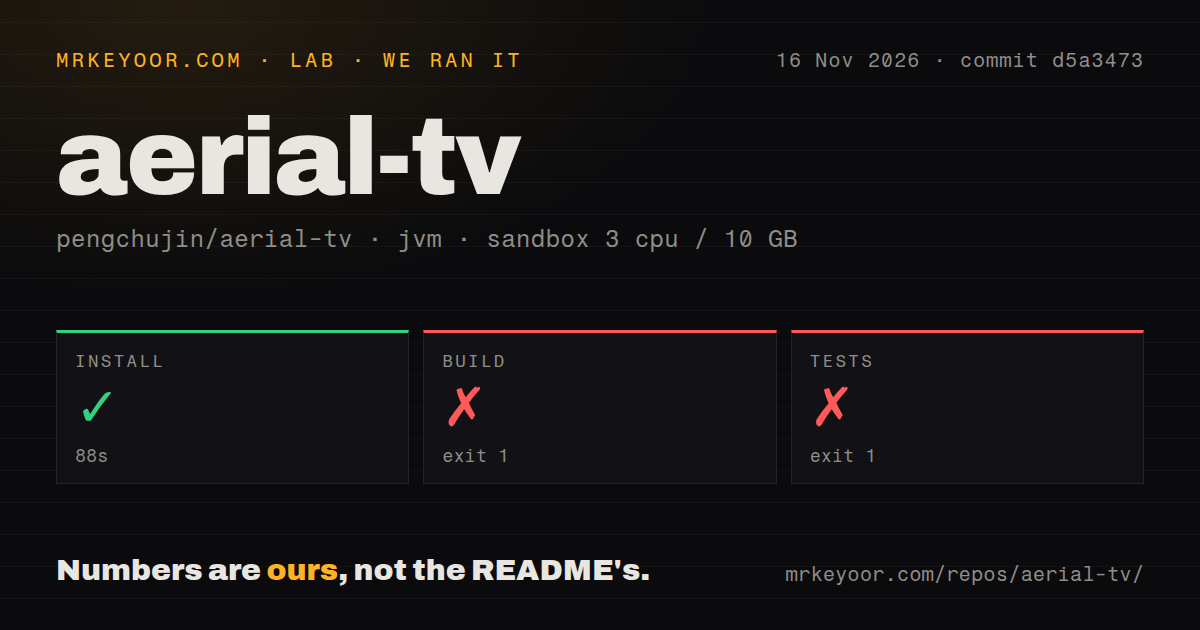
Our 2026-11-16 sandbox run at commit d5a3473 completed installation in 88 seconds, but the build failed in 15 seconds and tests failed in 14 seconds.
| Recorded step | Result | What the record supports |
|---|---|---|
| Install | Succeeded, 88 seconds | The harness installation step completed |
| Build | Exit 1, 15 seconds | Gradle could not locate the Android SDK |
| Tests | Exit 1, 14 seconds | Gradle could not locate the Android SDK before the requested test task |
The configured sandbox had 3 CPUs, 10 GB RAM and image label lab-jvm:21. That label is a configuration identifier, not a toolchain log. The checkout contained 404 files, about 46,658 source lines and 8.4 MB. The scan recorded zero CI workflow files, no Dockerfile and no tests directory. A missing directory named tests is not a count of executable tests.
The decisive error was SDK location not found. Gradle named :app:compileGuardDebugJavaWithJavac for the build and :app:testGuardDebugUnitTest for tests. It asked for ANDROID_HOME or sdk.dir in local.properties. The logs therefore show a setup prerequisite blocking task dependency resolution. They do not show Java compilation errors or failing unit assertions. The current English README separately specifies JDK 17 and Android SDK 36 for development. Development requirements
The separate hands-on attempt stopped at its safety step because the repository had none of the accepted Compose filenames. Its summary nevertheless says it deployed through the project's own Compose configuration with ports on 127.0.0.1. Those records conflict. The failed safety step is the usable outcome, and teardown reported OK. We claim no running TV interface from that attempt. An Android launcher being rejected by a Compose-required harness says something about the harness's fit, rather than proving a launcher defect.
Where people get stuck: Home takeover and TV controls are separate
TCL Q9L Pro has a user-confirmed HDMI repair in 1.77, while the sampled Konka thread still records failed switching after a released fix.
| Reporter and device | Home | Cold boot | Standby | Inputs | Volume and brightness | Settings |
|---|---|---|---|---|---|---|
| le5inioo, Xiaomi S65 mini LED, HyperOS 2.0.5.0, Aerial 1.57 | Working | Working | Working | Working | Both marked working | Not separately checked in the listed checklist |
| monsterg984-maker, Konka QLED65X80U, Android 5.0.1 | Working | Working | Working | Still failed in 1.67 | Both marked working | Settings and network shortcuts reported unsupported |
| DoveKi, TCL Q9L Pro, Android 14 | Working | Autostart permission needed | Autostart permission needed, TCL briefly visible | Confirmed working after 1.77 | Both marked working | Not separately checked in the listed checklist |
These are the reporters' results, not our device tests. Read the later comments as well as the checkboxes: the Konka reporter originally marked input switching as working, then demonstrated that repeated changes reopened the last input. The maintainer released a change in 1.63, but the reporter still reproduced the problem in 1.67. Their remote's own input selection worked. That makes the remote a documented workaround, and the closed issue label an inadequate explanation of the outcome. Konka #710
TCL tells a more satisfying story. Aerial detected connected ports but opened a no-signal screen. In #792, the maintainer traced the request to hardware numbers used by another TCL platform. DoveKi found that this television accepted 15 through 18 for HDMI, and the project changed selection to use registered hardware input numbers. There was then a release and a successful user retest. That sequence gives the 1.77 result more weight than a commit message alone. TCL #792
| Symptom in the sampled reports | Action or finding | Recorded status |
|---|---|---|
| Skyworth A7D volume keeps moving after one press | Maintainer requested key-event logs; a separate user disabled accessibility and lost takeover, then used a custom guard | Still reported in 1.76, no official resolution in the extract |
| Baofeng 39-inch Android 4.4.4 inputs and shortcuts fail | Maintainer needed the vendor APK to inspect its switching interface | No working repair recorded |
| Xiaomi Android 6 shows PatchWall before Aerial | Usage-statistics fallback added in 1.43; a 1.45 report still describes delayed return | Workaround, rather than instant Home handling |
| LeTV S40 Air flashes black between rows | Lite 1.14's CPU-related change did not resolve the report; a later background-fade change was committed | No successful retest of that later change in the extract |
The Skyworth report is especially relevant to a family television: being able to launch apps is a poor trade for losing predictable volume adjustment. Attribute the suspected missed key-release behavior to the maintainer, who asked for logs for the A7D, rather than declaring that diagnosis proven on every Skyworth model. Skyworth #937, Baofeng #1225, Xiaomi #81, LeTV #940
Guard changes the boot path on affected Redmi projectors
The Redmi Projector 5 Pro reporter described repeated boot-animation failures after upgrading from 1.46, including after the proposed 1.57 fix.
In #684, the original reporter could use the newer software before restarting, then found the projector stuck at its boot animation after a restart. The remote stopped responding and network ADB was unreachable. Recovery required a factory reset. The maintainer ultimately asked that owner to remain on 1.46 and avoid upgrading the standard build. This is a consequential regression report even though it supplies no evidence of permanent hardware damage. Projector #684
Guard matters because it can leave the stock launcher as Android's default Home and bring Aerial forward afterwards. In the same thread, darkdeer6993 tested a different device, the Redmi Projector 4 with mt5873 hardware and Android 13. Official 1.81-guard completed boot, but its guard crashed before unlock. The maintainer moved encrypted-settings access until after unlock, released 1.82, and the tester confirmed that 1.82-guard fixed the crash and returned to Aerial at boot. That successful report belongs to the Projector 4 and its firmware. It does not resolve the Projector 5 Pro owner's case. Guard diagnosis and retest
Keep the system launcher and understand the permissions
The official installation path retains system applications, while the renamed-package workaround discussed in #901 disables PatchWall and carries different recovery risks.
The English installation instructions use ADB, secure-settings permission, notification-listener access and overlay permission. Where Android allows a default launcher choice, Home can resolve directly to Aerial. Elsewhere, Home Guard uses accessibility takeover. This is more consequential than installing an ordinary video app: the software participates in how the television returns home. Keep the original launcher available and understand the documented restore path before changing that behavior. English installation and undo instructions
In #901, maintainer pengchujin tested a renamed package on MiTV-MFTR0 and reported direct Home handling and 170–180 MB less resident memory with PatchWall disabled. Those are the maintainer's figures, not our benchmark. The maintainer declined to adopt the other company's package name officially and warned about firmware whitelist changes. Other participants reported boot failures after disabling system launchers, and gaoxianglyx reported losing prompts for newly connected HDMI sources. A memory saving is a weak reason to take on those tradeoffs on a television someone else depends on. Renamed-package discussion
English instructions exist; device troubleshooting is largely Chinese
Aerial has an English README and English overview, while the default README and the sampled device discussions are primarily Chinese.
The English README carries the main installation routes and labels some deeper device guides as Chinese. For a worldwide reader, the practical burden arrives when a firmware-specific problem needs translation. Preserve model identifiers, firmware versions and raw diagnostic output when reading or filing a report. A translated description of "inputs broken" loses the distinction between a missing input list, the wrong port and a correctly opened no-signal screen. English README
GitHub's public snapshot on 2026-11-16 showed 12,174 stars, 397 open issues and PRs, and a last push on 2026-11-16. The latest-release endpoint returned v1.99, also published that day. These show attention and recent work, alongside the concrete issue exchanges above. They do not turn a regional firmware report into worldwide compatibility. The Bilibili record is Chinese-language discovery evidence: it includes techkk's LeTV revival title and 略懂的大龙猫's TCL installation title, but supplies titles rather than a transcript of their procedures. Repository facts, latest release, Bilibili results
aerial-tv vs PatchWall and Dangbei launcher
PatchWall is the stock Xiaomi launcher discussed in the compatibility reports, and Dangbei appears in warnings about disabling stock launchers rather than a measured head-to-head test.
| Choice | Evidence in the supplied comparisons | When I would choose it |
|---|---|---|
| Aerial with the stock launcher retained | Official path leaves system apps enabled; individual models have successful takeover reports | You want a different home screen and can check the controls your household uses |
| Stock Xiaomi PatchWall | In #901, disabling it reduced resident memory in one maintainer test but introduced recovery and integration concerns | You prioritize the existing boot and vendor-input behavior over changing the home screen |
| Dangbei launcher | A #901 participant reported Xiaomi and TCL boot failures after disabling stock launchers while using Dangbei | Evaluate it separately if you already have a working device-specific setup; that thread offers no evidence it repairs Aerial's input problems |
The installation method deserves as much scrutiny as the launcher name. Switching to Dangbei does not make disabling a vendor component safe. Nor should an article about pengchujin/aerial-tv compare its media playback with Sparkle or Chillio: those supplied comparison pages describe a different Aerial TV product, the IPTV media hub at aerialtv.app. Signalware's USB DVB receiver is another separate app. Launcher comparison evidence, different media hub, different DVB receiver
What the other reviews get wrong
The official overview's unconditional safety answer and broad speed wording need qualification against the device reports.
Its FAQ answers "No" to whether Aerial can break a TV. The Projector 5 Pro report describes boot failures requiring factory resets. Those failures are enough to reject an unconditional reassurance, without calling the hardware permanently damaged. Similarly, the overview's "Back in half a second" wording cannot describe every Xiaomi firmware: the Android 6 report still describes PatchWall appearing first and a delayed return in 1.45. Official wording, projector report, Xiaomi report
Startup advertisements are a separate issue. X user 0xGky and the Bilibili title by 魔都使者fiy promote removal of startup ads, but the official FAQ says boot advertisements come from firmware and cannot be removed by Aerial. Replacing a recommendation-heavy home feed does not remove that firmware stage. And the overview's one-press HDMI tile description needs the Konka and TCL results beside it: the same visible tile can have a different outcome on another model. Promotional X results, Bilibili title, official FAQ
Questions people ask
Aerial can replace the Android TV home screen, but the supplied reports make the recommendation depend on your exact model, firmware and build.
Should I replace my Android TV's stock launcher with Aerial?
Use it if your device report covers Home, reboot, standby and the inputs you need. Keep the stock launcher enabled. Skip it if a factory reset would be unacceptable on a device with a matching boot-failure report. The Xiaomi success report and Redmi projector failures explain why a brand name alone cannot settle the choice. Xiaomi results, projector results
How do I install Aerial TV on a TCL television?
Enable the model's ADB route, authorize the connection, then follow the official installer instructions. Some TCL firmware needs a USB connection before network ADB can be used. On DoveKi's Q9L Pro, autostart also needed enabling in the TV manager; HDMI switching was confirmed after 1.77. TCL instructions, Q9L Pro report
Can I install and configure Aerial using only my phone?
Phone configuration is documented through the TV's QR code, and the project describes installation using phone ADB tools. A browser page itself cannot reach TV ADB. Distinguish arranging an already running home screen from granting the permissions needed for takeover. Phone setup and installation
How can I stop the original Xiaomi launcher flashing when I press Home?
There is no universal fix in the supplied device reports. The mt5873 discussion describes a key-filtering tradeoff: avoiding the Home flash and retaining held-volume adjustment could not both be achieved with the discussed behavior. The renamed-package route in #901 has separate boot and integration risks. Key filtering, package workaround
Is it safe to rename Aerial and disable Xiaomi's stock launcher?
Do not treat that workaround as a safe default. The maintainer tested it successfully on MiTV-MFTR0, but the same thread records boot failures on other devices and a warning about dependence on Xiaomi's package whitelist. Use the official path that retains system apps. Maintainer and user reports
Can Aerial revive an older LeTV television, and what limitations does Lite have?
Lite targets Android 4.0–4.4, but it lacks Home Guard and depends on the firmware's default Home handling. The English README also excludes input tiles and in-app updates from Lite. On LeTV S40 Air, #940 records persistent row-transition flashes across attempted fixes, so a revival video title is insufficient evidence of trouble-free daily use. Lite differences, LeTV report
Why does one volume press send my Skyworth TV to maximum volume or mute?
The A7D reporter describes continuing volume changes after releasing the key. The maintainer linked earlier cases to missing key-release events but requested logs for this device. A user reported the problem still present in 1.76, and another restored volume by disabling accessibility at the cost of launcher takeover. Skyworth #937
Why do Aerial's HDMI tiles open the wrong input or show no signal?
Vendor input interfaces differ: TCL Q9L Pro needed different hardware input numbers, while the Konka report reopened the current input. TCL has a successful user retest after 1.77. Konka's reporter still used the remote as the working selection route after the attempted repair. TCL repair, Konka workaround
Why does Aerial Lite flash black when I move between app rows?
In #940, the maintainer ultimately attributed the flash to two backgrounds becoming translucent during a crossfade. A later change kept the old background opaque while fading in the new one. The extract ends with that change on main awaiting release, after the reporter said Lite 1.14 still flashed. LeTV investigation
Which Aerial build can I safely use on a Redmi mt5873 projector?
The device-specific guidance in #684 is guard for the tested Projector 4 and staying on working 1.46 for the original Projector 5 Pro reporter. Projector 4's successful official 1.82-guard retest is evidence for that configuration, not a safety guarantee for every mt5873 projector. Projector build guidance
How can I collect boot-failure logs when the projector cannot start and ADB is unavailable?
The Projector 5 Pro reporter could not collect logs from the failed boot. The maintainer instead requested a log immediately after a successful restart on working 1.46. The record supplies no confirmed Recovery logging procedure for the unreachable device, so do not repeat a failing upgrade just to obtain logs. Log-collection discussion
Can Aerial retain the old working boot behavior while adding newer features?
The Projector 5 Pro user requested exactly that combination, including a legacy-boot option. The supplied thread does not show that requested hybrid shipping. Guard's different Home registration is a separate approach, with successful results on the related Projector 4. Legacy behavior request
What we have not tested yet
Our evidence contains no completed television session, successful Android build or executed test assertions from this sandbox. We have not tested remote navigation, screensaver playback, phone-page access controls, network exposure, HDMI video output or long-term boot reliability ourselves. The lab image label does not establish the actual Java or operating-system version. A supported Android SDK environment and a physical target device are the missing steps.
The supplied YouTube transcripts are unrelated to this Android launcher, and the Bilibili record contains titles rather than watched procedures. They cannot substantiate a hands-on walkthrough here. The Compose attempt has no successful deployment evidence or screenshots, so there are no lab screenshots to present. Community results remain attributed observations at their stated versions, rather than fresh tests of v1.99.
For your own decision, record the full model, firmware and selected build, then check Home, cold boot, standby, every connected input, volume and settings separately. A report that says only "installed successfully" leaves the most consequential questions unanswered.