Detaching keeps agents running; a restart reconstructs their sessions
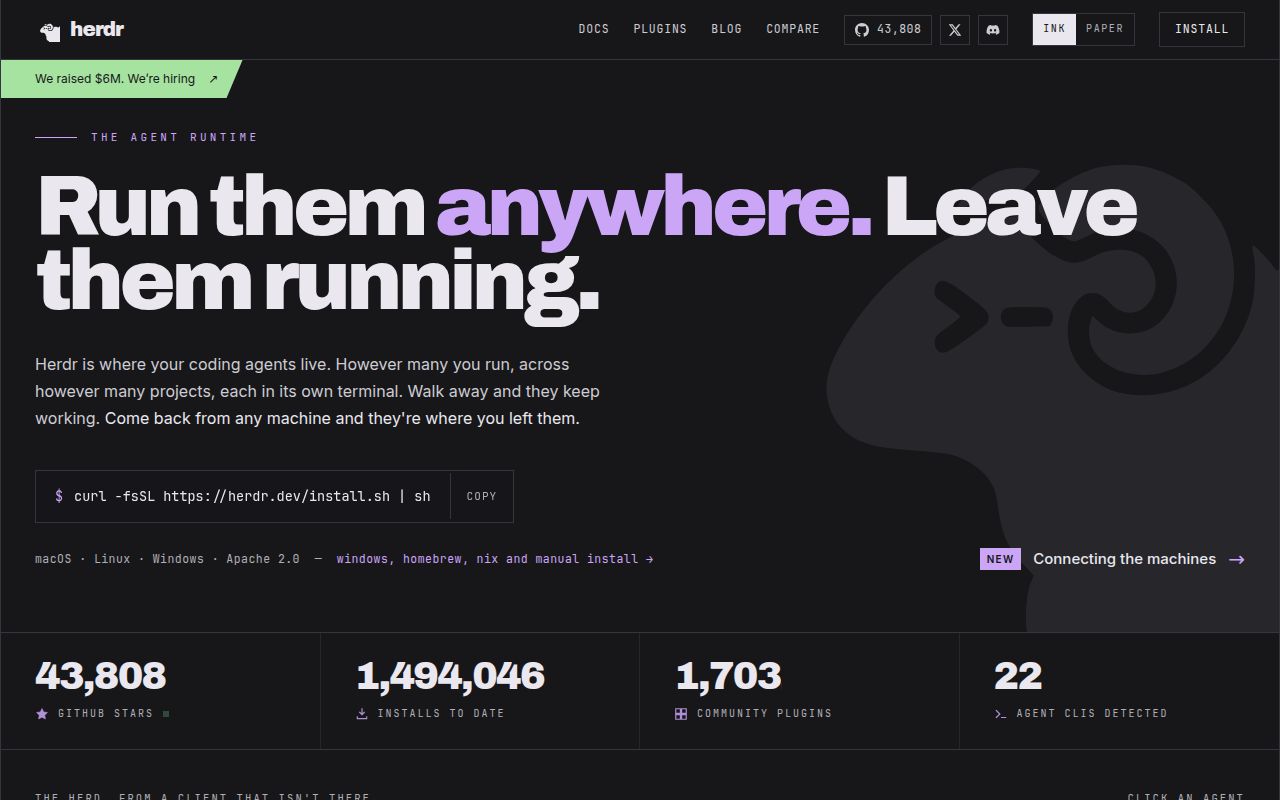
Close the terminal window while a coding agent is working, and HerdR's background server keeps its pane alive. You can leave several agents running and return to the one that needs an answer. A server or machine restart has a different outcome. HerdR restores the layout and can resume supported conversations, but the original processes end. Choose it with that boundary in mind. The session-state documentation spells it out.
The project runs inside your existing terminal with mouse controls and prefix keys. Its single Rust binary sounds simple for users, while our source checkout contained 1,586 files, roughly 329,451 source lines, and occupied 25 MB. A developer modifying it faces a different setup job from someone downloading a release. Apache-2.0 licensing and an English README make the adoption terms easy to find.
What happened when we ran it
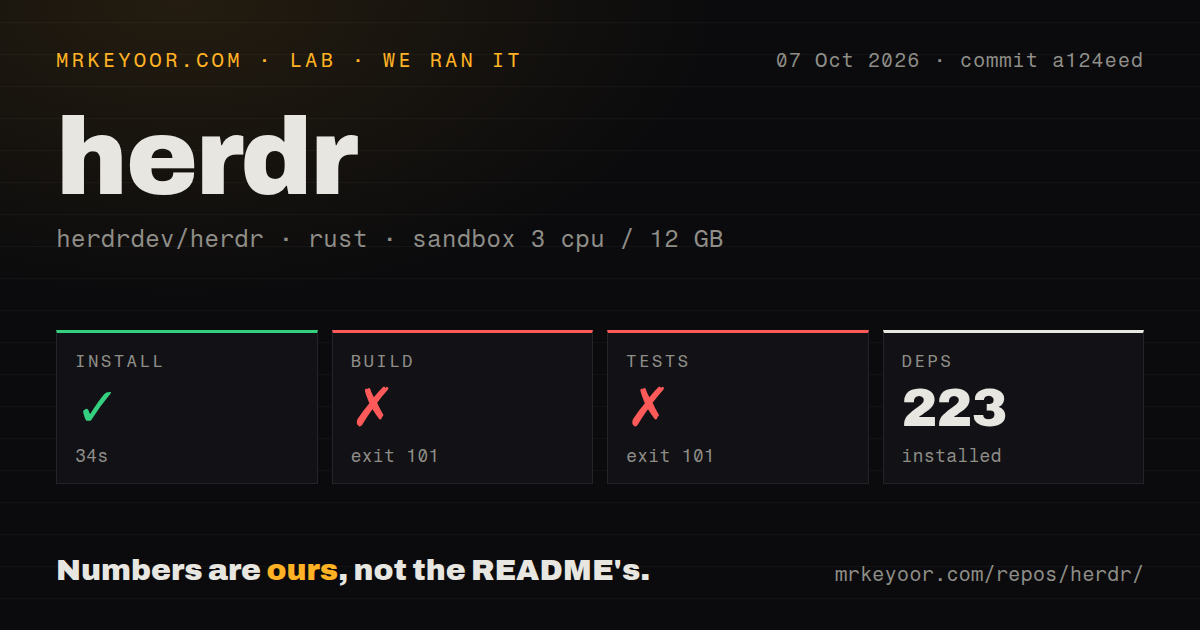
Our run installed 223 packages in 34 seconds, then the build failed with exit 101 after 71 seconds. The test command also failed with exit 101 after 27 seconds. We cloned commit a124eed on October 7, 2026, into a fresh Debian sandbox with 3 CPUs and 12 GB of RAM, using lab-rust:1. The container had no secrets and no elevated privileges. Installation completed, but it did not give us a working application.
Both failing log tails name the same blocker: crates/ghostty-vt/build.rs:102 could not find the zig executable. Its error says vendored libghostty-vt requires Zig 0.16.0 and allows the ZIG environment variable to point at the binary. The test command stopped at that build dependency too. These logs establish a missing compiler prerequisite. They do not establish failing test assertions, excessive memory use, or broken agent persistence.
The source instructions omit the compiler that stopped our build
The README's development section tells you to clone the repository and run cargo build --release. It does not name Zig 0.16.0 there. That omission matters because it is the exact prerequisite our log requested. Source contributors should arrange for that compiler to be discoverable before relying on the Cargo instructions. Resolving the prerequisite would still require another run to establish whether everything else works.
Our scan found 10 CI workflow files and a tests directory, with no Dockerfile. Upstream checks cannot substitute for a successful result on your machine. The README also provides a shell installer, Homebrew, mise, Windows installation, and release binaries. Those are separate distribution routes from our measured source run. We have no result here for their installation or runtime behavior, so the source failure should not become a claim that every installer fails.
Agent status helps you find work that needs attention
HerdR detects supported agent processes and reads their visible terminal output to classify activity. Integrations can report state directly and provide conversation references for restoration. The agent documentation warns that unfamiliar approval prompts can fall back to idle. The sidebar helps you decide where to look. For automation, inspect unexpected prompts before sending input, especially after an agent's interface changes. An idle label is insufficient permission to proceed.
The supplied agent skill teaches a coding agent to inspect neighboring panes, read output, and start helpers. It requires HERDR_ENV=1 before attempting control. That earns HerdR a trial when agent coordination already occupies part of your day. Our 71-second build failure left those interactions unverified in the sandbox. Check the documented controls with your chosen agents before trusting a shared workflow to them.
Remote machines keep separate servers and credentials
Saved SSH machines can appear beside local work, with a combined agent list. The connection guide says each machine retains its own server, sessions, and processes. A disconnected machine shows cached state until it reconnects. You need working SSH access and a compatible remote installation, plus coding agents with their own authentication. HerdR organizes those terminals. Dimmed remote state does not prove that a job has finished.
Our unprivileged container had 12 GB of RAM and no secrets, and its commands never established an operational agent setup. That environment tells you nothing about how many authenticated agents your laptop can sustain. In the documented runtime, conversation restoration depends on supported integrations and valid saved references. Ordinary shells and arbitrary jobs do not acquire reboot continuity simply because their pane layout reappears. Keep that distinction in your recovery procedure.
October maintenance includes fixes and unresolved terminal problems
The last push was October 13, 2026, and v0.9.4 shipped that day. GitHub's API returned 43,808 stars and 353 open issues and PRs. Recent issue updates and the release notes show active work on session saving, keyboard handling, and remote reconnection. That supports a healthy development pace. It also describes software still receiving fixes in places you notice immediately when it manages your daily terminals.
Open issue 5123 reports that Lazydocker becomes blank and unresponsive after exiting a container shell inside HerdR on Linux. The report concerns v0.9.3. Today's v0.9.4 release notes still acknowledge repeated prompt fragments with zsh and Powerlevel10k. These are upstream reports, separate from our 27-second test command that stopped during compilation. If either workflow is essential, check that exact interaction before moving your normal sessions into HerdR.
Pick HerdR when agent supervision earns the extra setup
tmux is my choice when persistent terminal sessions and scripting cover the job. Zellij is worth considering when you want a terminal workspace with plugins without centering the choice on coding-agent status. HerdR earns a trial when you repeatedly hunt through panes for agents waiting on you. Start with a disposable workspace and your actual terminal and shell. For source work, account for the Zig 0.16.0 prerequisite our run exposed.