Direct controller emulation changes the Deck's own connections
Deck as Controller makes a Steam Deck appear to another device as a PS5, Xbox Elite, Switch Pro, or Steam Controller profile. The README calls it an early beta and warns about latency and connection problems. Its appeal is straightforward: keep the game on another device and reuse the controls already in your hands. That direct connection also means accepting changes to how the Deck handles Bluetooth or USB.
Our checkout of commit 7e58858 was 2.9 MB, with 32 files and roughly 3,583 source lines. Its pnpm-based build is only part of the product. A Python backend handles input and controller identity on the Deck. GitHub's Python language label and our Node build result therefore describe different parts of the same plugin, and neither tells you whether your host will accept a particular emulated controller.
What happened when we ran it
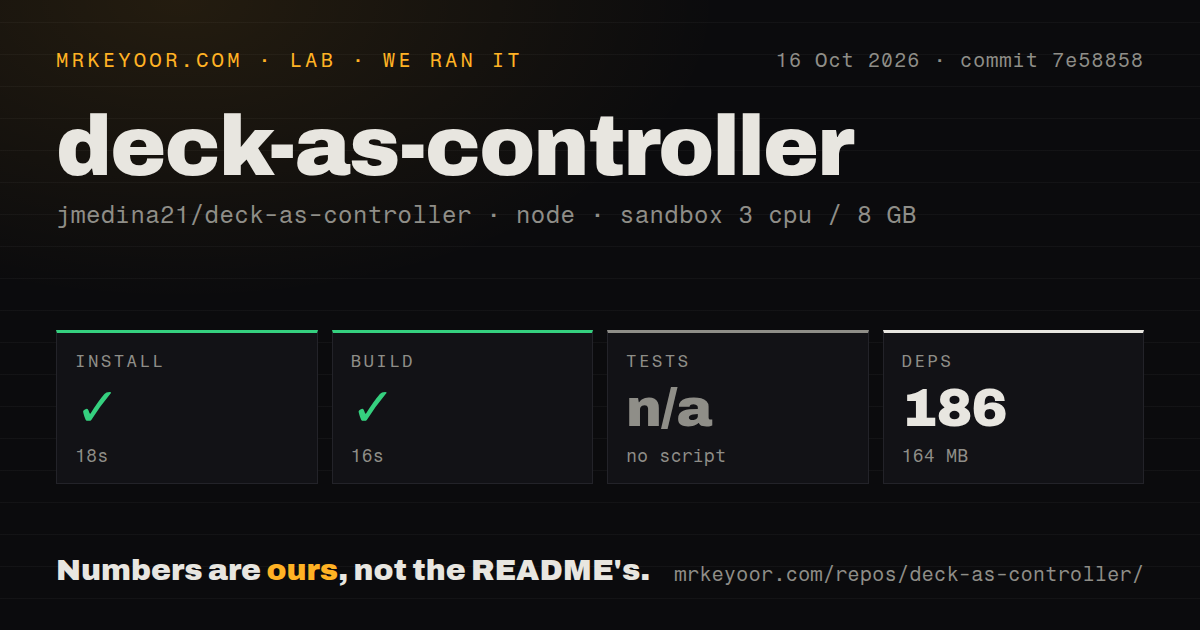
Our sandbox installed 186 pnpm packages in 18 seconds and completed the build in 16 seconds, using 164 MB on disk. We ran commit 7e58858 on October 16, 2026, in an unprivileged Debian container with 3 CPUs, 8 GB of RAM, Node 22, and no secrets. Both steps succeeded. Tests were skipped because the repository had no test script or target.
The scan found one CI workflow, no Dockerfile, and no tests directory. The successful 16-second build establishes that the build path worked in our container. It does not establish Bluetooth stability, controller recognition, rumble, or input delay. We did not connect a Deck or change firmware in this run. Anyone buying hardware or planning a regular gaming setup needs a separate trial on that exact combination.
Installing a release ZIP avoids the source-deployment route
The README directs ordinary users to install Decky Loader, enable its developer options, and select the plugin release ZIP. It explicitly warns against downloading the source archive as the installable plugin. The receiving device needs no companion installation for the documented direct-controller path. You still have to choose a profile, remove old pairings where instructed, and establish a new connection.
The 186 packages in our lab belong to the source-development environment. They are not a claim about what a release ZIP installs on your Deck. Developers have a separate deployment script that builds and sends the plugin over SSH, requiring passwordless sudo on the Deck. Use the release route unless you intend to work on the code and accept that development setup.
Wireless use takes over Bluetooth, while USB changes firmware
The known limitations say the Deck's own Bluetooth headphones, keyboards, and controllers are unavailable during wireless operation. Enabling or disabling that mode restarts Bluetooth and interrupts existing connections. The backend temporarily changes BlueZ operation and takes exclusive access to the built-in controller. Stopping the plugin or rebooting is documented to restore the ordinary wireless setup.
The 164 MB footprint we measured is a minor consideration beside wired mode's operating consequences. USB controller mode changes a firmware setting that remains until you reverse it. The README warns that drives, docks, USB boot, and other USB uses may stop working, and charging from a computer can be slow. Automatic switching supports known BIOS layouts, with manual BIOS instructions for others. This deserves a deliberate choice on a Deck that normally lives in a dock.
Controller profiles trade recognition against available controls
PS5 and PS5 Edge are the wired choices. Other supplied profiles use Bluetooth, and their capabilities differ. The Switch Pro profile has digital triggers and no trackpad mapping. Steam Controller exposes more Deck-specific inputs to Steam, while the README says native Mac games outside Steam will not recognize that profile. Selecting the profile determines the interface your game actually sees.
Our 16-second build gives no reason to override the compatibility table. The README says Steam does not send Bluetooth rumble to its PS5 profiles, and some native Mac games miss Xbox Elite. Back-button support also depends on the profile and the software reading it. Check the game through the same launch path you will use later, including whether Steam Input sits between the controller and the game.
October fixes show activity without settling every device report
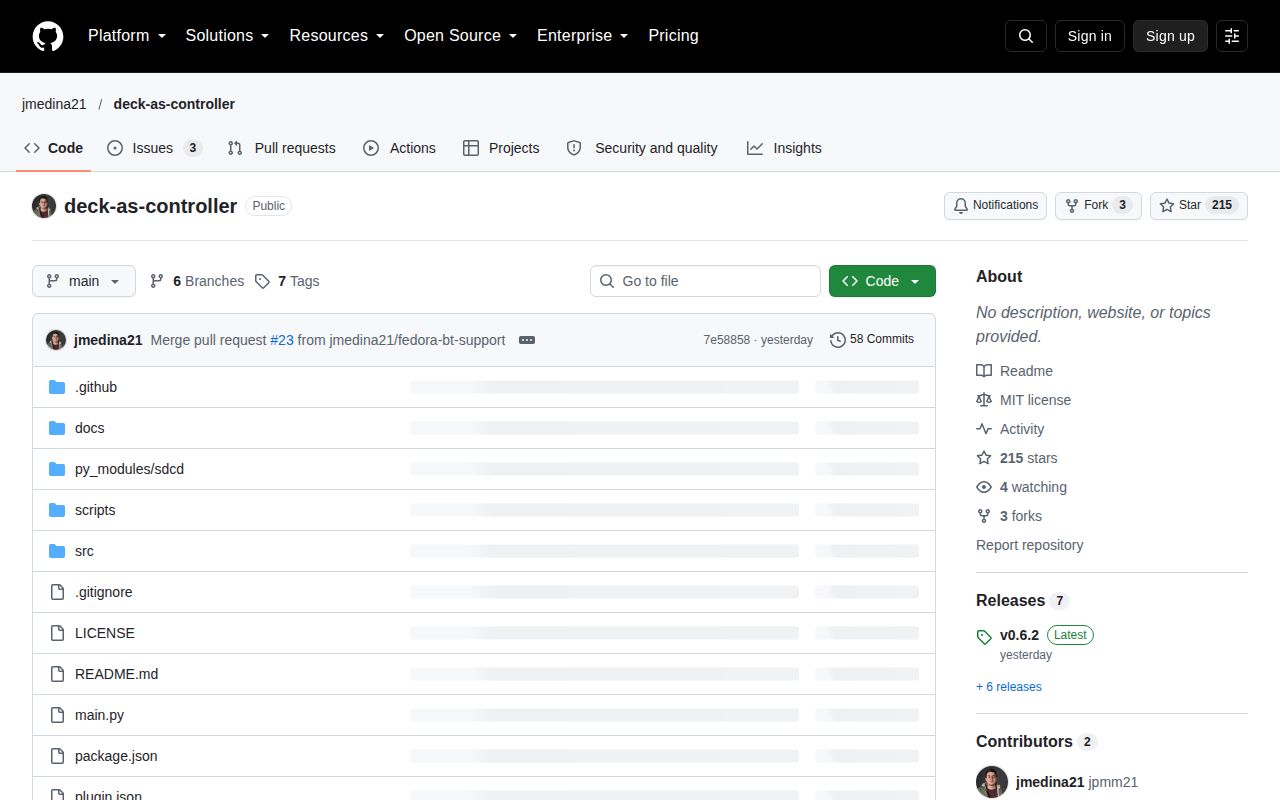
The last push was October 16, 2026, when release v0.6.2 added Bazzite Bluetooth support. GitHub showed 215 stars and 3 open issues and PRs. Issue 22 reports a Bluetooth-service restart failure on Bazzite with v0.6.1. The newer release addresses that area, so the old report cannot establish that v0.6.2 still fails. The issue remained open when checked.
Issue 13 separately reports USB mode waiting for a cable on an LCD Deck. Together with the README's beta warning, that keeps my recommendation conditional. Moonlight or Steam Remote Play is a different approach when streaming the picture is acceptable. For direct controller emulation, try the plugin on your actual game and keep the documented controls for stopping it close at hand.