The installer copies working rules into your own project
Claude Code PRO puts lessons beside a starter kit that can change how an agent works in your repository. The kit includes project instructions, permission settings, and shell hooks. That makes it more consequential than a reading list. Before copying it into a project, inspect the settings and decide which rules match your commands. Learning what a hook does is useful. Inheriting a hook you cannot explain is a poor introduction to agent configuration.
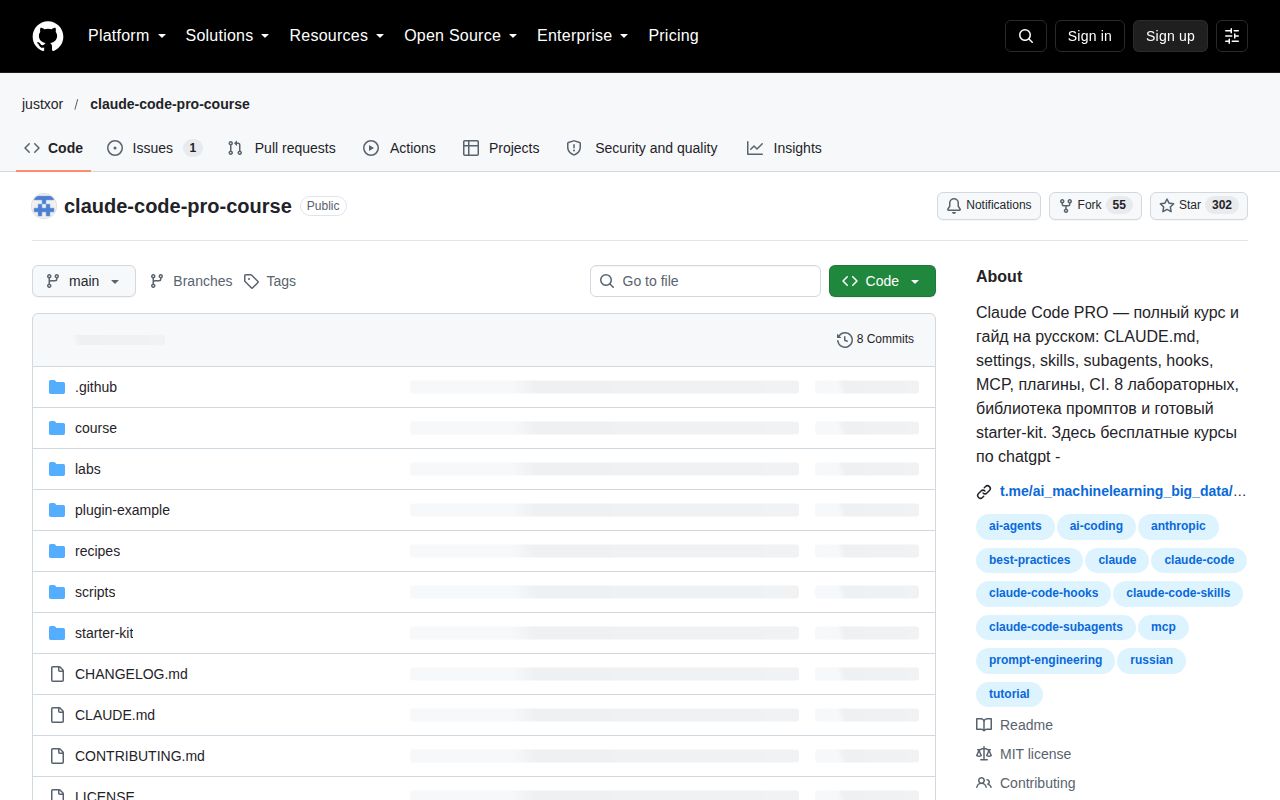
Our checkout contained 72 files, roughly 279 source lines, and 0.2 MB of material. GitHub identifies Shell as the primary language, while the lab used the Python environment it detected. The README is Russian and describes a Russian course, with no English edition linked. For an English-only reader, that language barrier is enough to choose different training material before considering the configuration kit.
What happened when we ran it
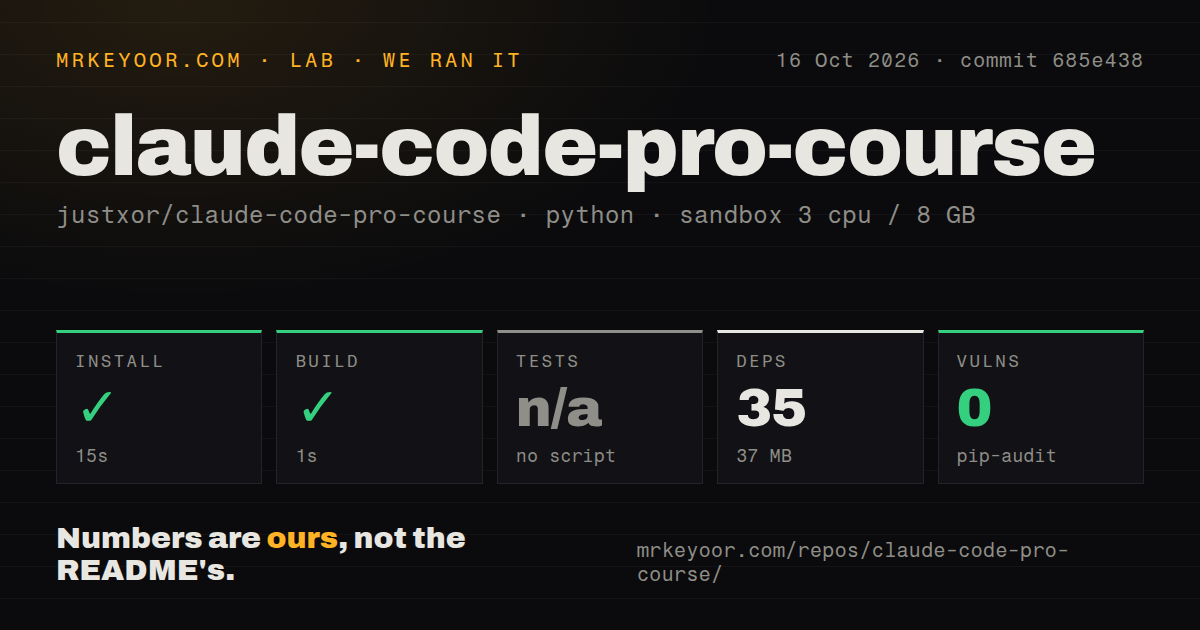
Our sandbox installed the course repository in 15 seconds, adding 35 packages and occupying 37 MB on disk. The build passed in 1 second. We ran commit 685e438 on October 16, 2026, in an unprivileged Debian container with 3 CPUs, 8 GB of RAM, Python 3.12, and no secrets. Pip-audit reported 0 known vulnerabilities for the environment measured by that run.
No test script or target was available, so the harness skipped tests. The repository scan found 3 CI workflow files, no Dockerfile, and no tests directory. A successful build of this material does not establish that its hooks work in a live client, its MCP integrations connect, or a learner can complete an exercise. Those outcomes require the separate tools and accounts described in the course. Our run supplied no results for them.
The course separates configuration choices into exercises
The syllabus covers project instructions, settings, skills, and extensions, followed by automation material. A practical example is the permissions exercise: it asks learners to identify repeated permission requests, create appropriate rules, and inspect where each rule comes from. Its completion criteria include explaining the difference between project settings and local settings. That is a better learning target than copying a JSON file and assuming the absence of prompts means the setup is correct.
The 37 MB lab environment is small enough that repository size is unlikely to be the deciding concern. Attention is the larger commitment. The exercises assume you can read the Russian explanations and apply them to a project you understand. I would use a disposable repository containing familiar code, then check the resulting file changes. Reading about agent-assisted development cannot replace knowing what the suggested command will do to that repository.
Existing files are skipped rather than intelligently merged
The installer source skips a destination file when it already exists. Force mode saves a backup and overwrites it, while user mode copies selected assets into the user's Claude directory. This behavior is straightforward, but it has a practical consequence: an established project can receive some new files while retaining older settings. You need to inspect the resulting configuration rather than assume the kit arrived as one consistent unit.
Our 15-second install result should not be read as a timing for that project-copy operation. The lab measurements cover the repository setup it ran. The installer also warns when jq is unavailable because the hooks and status line need it. A developer who rarely uses shell tools will have more preparation than the small checkout suggests. On a team, decide which project files belong in version control before distributing personal settings alongside shared instructions.
Starter permissions reflect particular command-line habits
The starter settings allow named npm and pnpm checks and ask before selected Git actions. They deny direct reads of environment and secret files, and deny curl and wget commands. Those choices make the examples concrete. They also mean a Python-heavy team or a developer using different task commands should edit the policy before adopting it. The course's own installer tells users to adapt the rules.
The 35 installed Python packages and clean audit do not validate a permission boundary. The permissions lab explicitly warns that Bash prefix rules are not a sandbox and directs autonomous work toward an isolated environment. That qualification is worth retaining. Treat the supplied rules as exercises you can inspect and challenge, then verify the behavior with harmless files. A rule's presence in settings cannot substitute for understanding which actions it actually controls.
October activity supports a course trial, without a release baseline
The repository was pushed on October 1, 2026. GitHub showed 302 stars and 1 open issue and PR combined, with an issue updated the following day. The latest-release endpoint returned no release. This is a small current repository with little visible discussion in that snapshot, rather than a course with an established release baseline. The README itself warns that Claude Code changes quickly and tells readers to check official documentation when commands stop matching.
Our 1-second build makes this easy material to inspect, while the skipped tests limit what we can endorse. Anthropic courses provide English material for API use, prompting, and evaluations. The official Claude Code repository links current client guidance and plugin examples. Choose this Russian course when its exercises fit your language and learning style, and carry over only the settings you can explain to another developer.