A dropped SSH connection needn't end your session
Start tmux new -s work on a remote machine before opening your editor or running an interactive command. If your connection drops, the tmux server keeps that workspace alive. Connect again and use tmux attach -t work to return. That's the reason I'd choose tmux over adding another terminal tab: the programs live on the machine running tmux, independently of the terminal you're looking through. The getting-started guide describes this exact remote-work pattern.
The 19-second install makes trying it a reasonable first step, but keeping a session alive has a boundary. The server is a running process, and its sessions disappear if that process is killed. A host reboot therefore ends them too. Use tmux for an editor, an investigation, or an interactive job you intend to revisit. A service that needs automatic restart after failure belongs under a service manager. Detaching won't restart a failed command.
What happened when we ran it
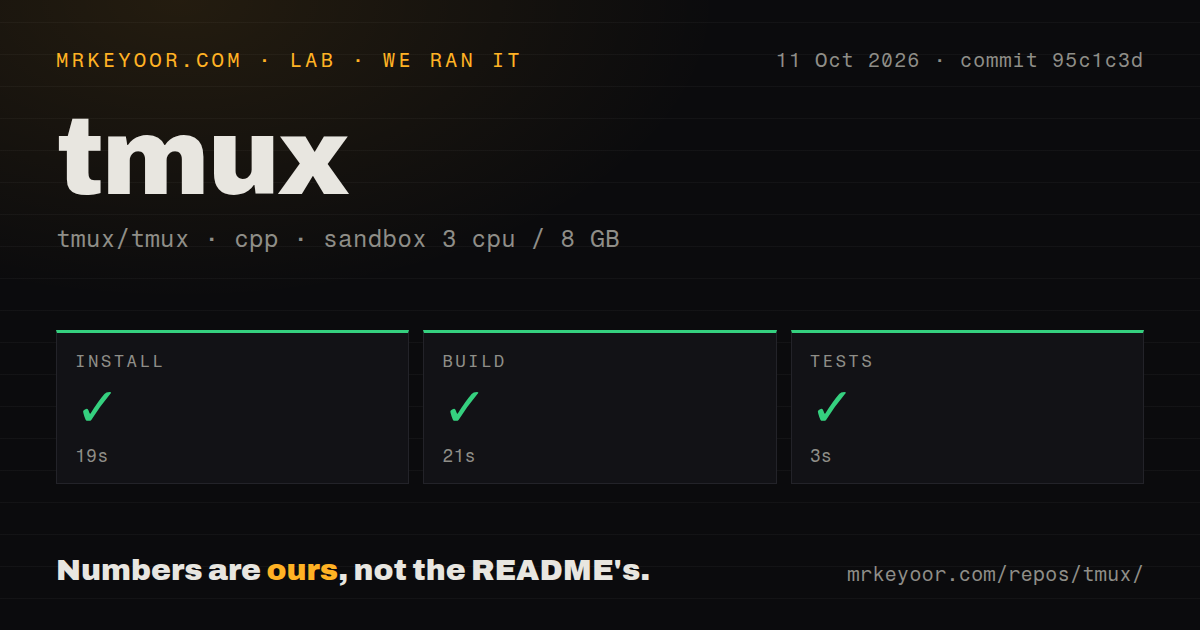
Our sandbox installed tmux commit 95c1c3d in 19 seconds, built it in 21 seconds, and completed the test step successfully in 3 seconds. We ran it on October 11, 2026, in a fresh Debian container using image lab-cpp:1, with 3 CPUs and 8 GB of RAM. The container was unprivileged and held no secrets. All reported steps passed. Those are setup results, not measurements of typing latency or terminal rendering speed.
The checkout contained 637 files, roughly 146,927 lines of source, and occupied 5.4 MB. The lab found 2 CI workflow files, no Dockerfile, and no tests directory. The successful test step and absent directory can both be true: the summary doesn't identify the command or enumerate the cases it ran. We can't turn that result into a claim about complete test coverage. Nor is the checkout size an installed footprint or a runtime memory measurement.
The prefix key takes practice, and the README targets Unix
By default, you press Ctrl-b before a tmux command key. Ctrl-b followed by d detaches, while the manual explains window creation, pane splitting, and copy mode for moving through earlier output. Sessions group windows, and windows contain panes. That hierarchy pays off when one project needs an editor beside logs and another needs its own workspace. If you only want local side-by-side shells, learning these controls may buy you little.
The 8 GB available in our sandbox isn't a stated minimum for tmux. Platform choice matters more here: the README lists Linux, macOS, the BSDs, and Solaris, without a native Windows route. Its source instructions name libevent, ncurses, a C compiler, make, pkg-config, and yacc or bison. A Git checkout also needs autoconf and automake. The successful run doesn't make those requirements optional. The README does tell you about them, so there's no hidden-package failure to report.
Sharing a tmux socket requires trusting the other person
The FAQ's socket warning is unusually direct: anyone who can access the socket must be trusted to control the server. Even a read-only attachment isn't a security boundary. That's fine for showing a colleague a debugging session under an agreed trust arrangement. It rules out treating tmux as an isolated terminal service for unrelated customers. Socket permissions decide who gets access, and access carries more authority than watching a screen might suggest.
The install completed in 19 seconds in an unprivileged container with no secrets, which gives the setup result a useful limit. It tells you nothing about a shared production session containing deployment credentials or an authenticated shell. For ordinary personal use, tmux needs no cloud account, API key, or external backend. Keep the socket restricted to the people who should control those programs. If your product needs tenant isolation, choosing tmux won't supply the missing boundary.
Version 3.8 has a reported palette-notification problem
Open issue 5726 describes tmux 3.8 dropping palette-update notifications when a terminal changes between themes with the same light-or-dark value. The reporter names Ghostty on macOS and Neovim inside the pane. An editor can consequently miss the cue to refresh its colors. This is a specific user report, not something our sandbox reproduced. Separately, the FAQ tells users to check that TERM correctly describes the terminal both outside and inside tmux before reporting display problems.
The passing 3-second test step doesn't settle either interaction with your terminal. Before moving your daily workspace, attach with the terminal you actually use and try your editor's shortcuts, scrolling, and theme changes. The shipped example configuration adjusts RGB support and enables mouse handling, so configuration is part of using tmux comfortably. Keep that file small enough to understand. A copied configuration that changes the prefix and terminal settings can make someone else's convenience your troubleshooting problem.
October activity supports adoption, with two different alternatives
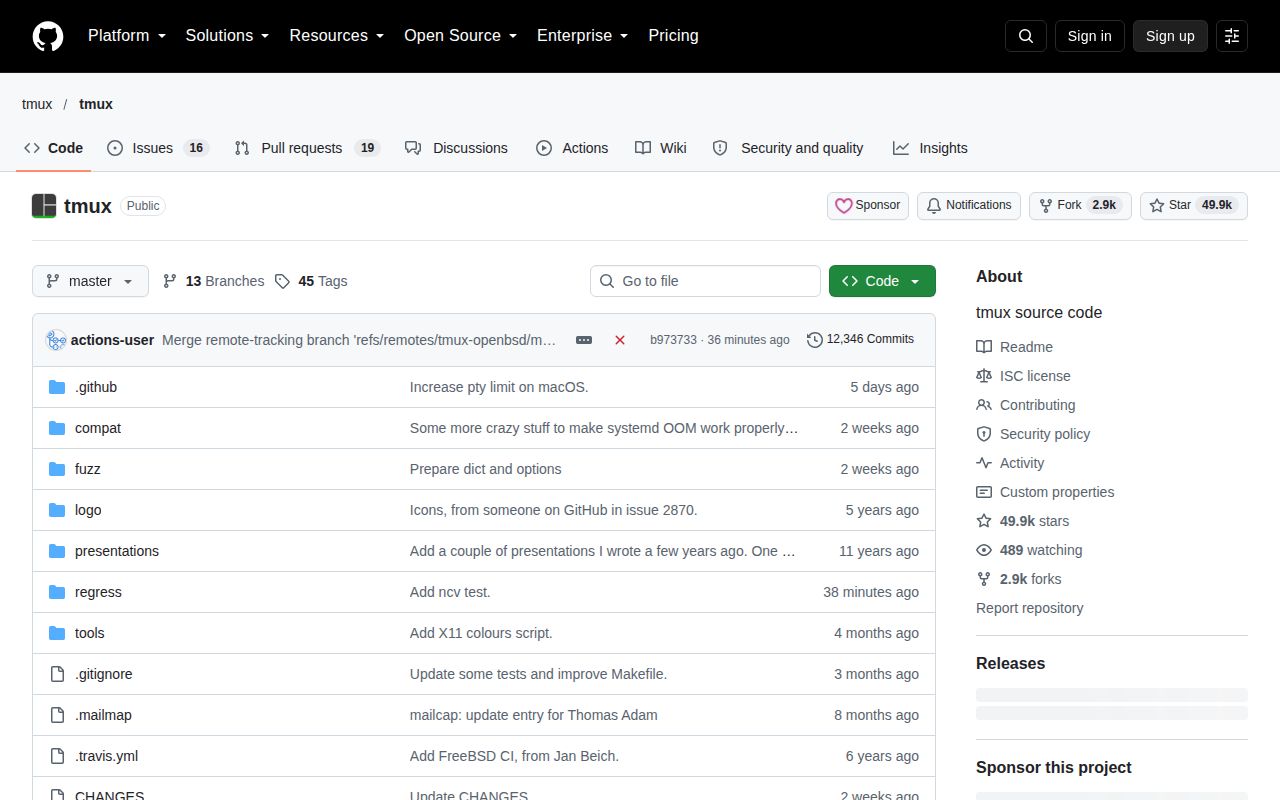
The repository was pushed on October 12, 2026, and GitHub returned 49,912 stars with 35 open issues and PRs combined. Release 3.8 shipped on September 9. Recent issue updates include terminal-input reports, while the release changes describe floating-pane improvements and built-in light and dark themes. Pushes and issue activity together show ongoing maintenance. Popularity alone wouldn't establish that, and the open count shouldn't be read as a tally of confirmed defects.
The 21-second build in our environment removes one practical obstacle to trying tmux, though it won't choose your preferred interface. Pick Zellij when configurable layouts and WebAssembly plugins are part of the workspace you want. Pick WezTerm when you want the graphical terminal emulator and multiplexer together. I'd start tmux with a named session and its default controls. Detach, reconnect, and return to the same editor before spending an evening on a status-bar theme.