Review beside the agent, with session-only comments
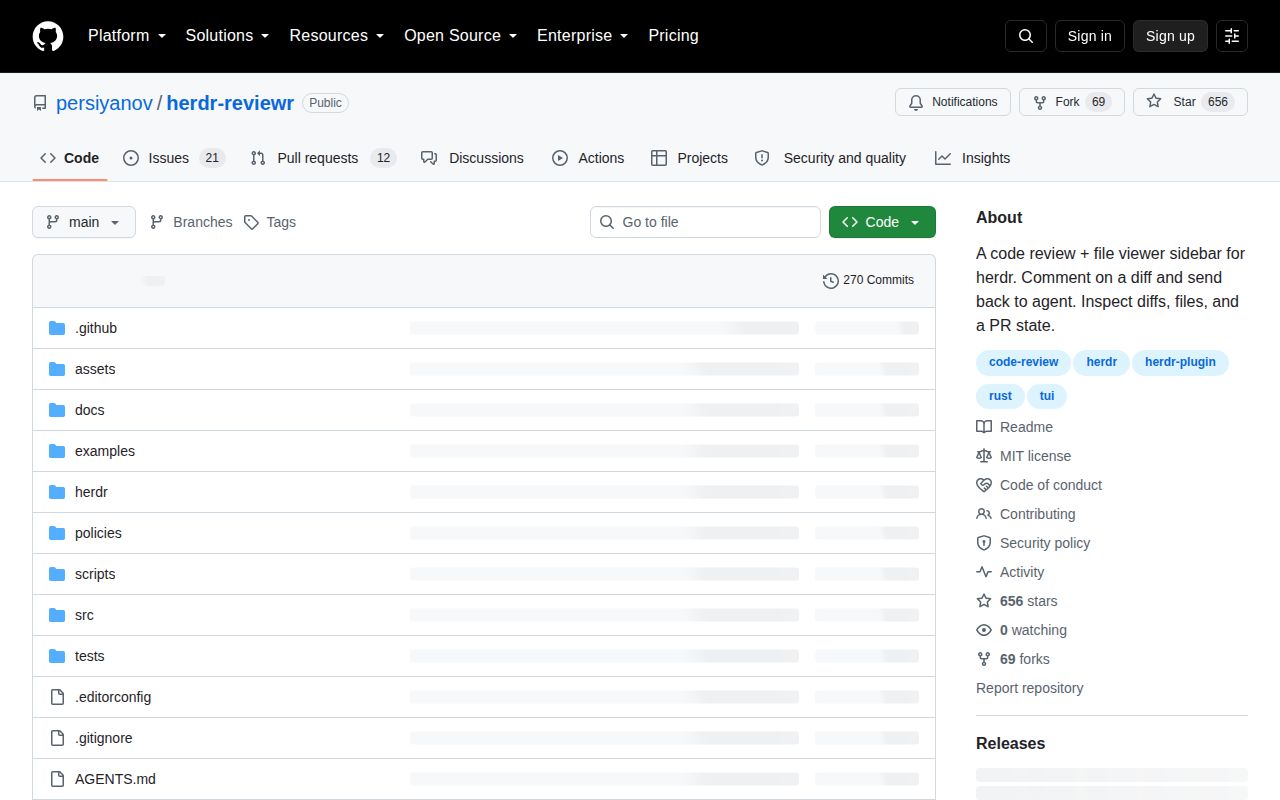
herdr-reviewr puts a code-review pane beside a Herdr agent's chat. The useful distinction is between reviewing an agent's work and preserving a review record: you can select lines, write comments, and send the batch to the agent, but unsent comments live only in the pane. Closing it loses them.
The README describes four diff scopes: uncommitted changes, the whole branch, the latest agent turn, and selected commits. These help separate a branch's accumulated work from one turn or commit. Last-turn review has a documented boundary: if the first write coincides with the turn starting, the scope can show nothing and explain why.
The pane also browses files, searches filenames and code, and renders Markdown. Its GitHub, GitLab, and Azure DevOps PR view reads descriptions, checks, and comments without posting to the forge. The current supplied README lists 20 themes and unified or split diffs. Split view needs a diff pane at least 137 columns wide. That current documentation is broader than the README at our measured commit, where split view was still on the roadmap; our build is not verification of the newer feature.
Installation requirements and what our run established
The supplied README requires Herdr 0.9.3 or newer for the plugin, Git, and a terminal with 24-bit color. The pinned README at our measured commit also specifies Unicode box-drawing support. Both list macOS, Linux, and Windows. Prebuilt binaries avoid a Rust toolchain. Standalone mode can review a repository, but Send and last-turn scope require Herdr.
Only the PR tab needs an authenticated forge CLI: gh, glab, or az with the azure-devops extension. Self-hosted forge configuration must match the remote hostname exactly; an SSH alias does not automatically match.
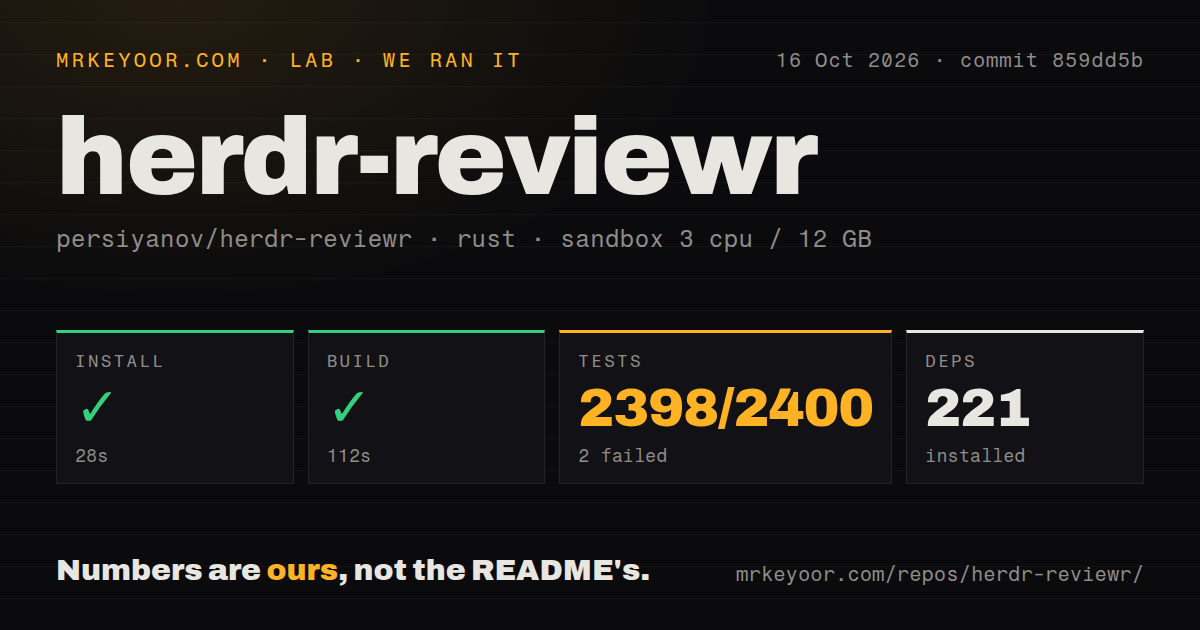
In our recorded run on October 16, 2026, we used commit 859dd5b11a5280fe282de56b52378b20a54fa10a, dated October 6, 2026. The recorded environment had 3 CPUs, 12 GB of memory, and image label lab-rust:1. That label does not identify the actual Rust or Git version.
The dependency-download step returned success in about 28 seconds. The record lists 221 dependencies; this is not a count of installed CLI tools or audited packages. The build step returned success in 112 seconds. Its tail identifies herdr-reviewr v0.46.0 and the dev profile, so this was not evidence of a release build, an installed-binary check, or successful integration with Herdr.
The checkout measurements were 118 files, about 63,157 source lines, and 3.4 MB. The record detected three CI workflow files and no Dockerfile or Compose file. Those observations describe the checkout, not its runtime resource requirements.
The test command failed; the total is not verified
Our cargo test step exited 101 after 223 seconds. The raw tail names a_checkout_in_a_reftable_linked_worktree_reports_head and shows Git rejecting the ref-format=reftable option during repository setup. That identifies a concrete obstacle in this sandbox's Git capabilities. It does not demonstrate a broken review pane, and the supplied record does not establish the Git version needed to rerun that case successfully.
The stored parser aggregates are 2,398 passed, 2 failed, and 2,400 total. Preserve those as historical parser output only: the supplied log repeats summaries, and unique, exhaustive suite counts have not been verified. We therefore do not report those figures as distinct test outcomes. The tail also includes an ignored watcher test requiring a lower inotify watch limit; an ignored test is not a failure.
We did not run a new test, check an installed binary, exercise Send in Herdr, measure terminal latency, or benchmark a large repository. The record contains no security audit result.
Earlier reports need their resolution context
The old Send warning should not be treated as a current blanket prohibition on sending to a working agent. Issue 86 is closed, and the maintainer says the change shipped in v0.42.0. The documented behavior refuses an agent at a permission prompt and retains the comments. A working agent can receive the paste in its input; the maintainer describes it waiting there for submission. We did not exercise either state in our run.
Remote browser opening still needs setup. The supplied README documents url_opener for a command that reaches the user's browser under Herdr remote mode. Treat that as a configuration requirement rather than assuming the server's default opener will reach your local machine. This review did not test a browser bridge.
Issue 63, which reported repeated whole-tree polling every two seconds, is closed as completed in 859dd5b, the commit used in our run. The pinned README describes file events, a five-second fallback on macOS and Linux network filesystems, and manual refresh for Windows network drives or WSL paths that miss edits. It also describes delayed updates in background tabs. These are documented behaviors, not our measurements of idle activity or responsiveness.
The supplied v0.36.2 release page remains historical context: it describes the auto-open fix for existing checkouts receiving a new Herdr workspace. It does not identify the version built in our October run.
Limits to check before relying on it
Comments are session-only and do not follow moved code by line-number rebasing. The README says stale anchors are marked rather than silently discarded. Copy or send consequential comments before closing the pane, and use a persistent review system when you need a durable record.
Files over 2 MB or 50,000 lines show a size notice, and binary files get no text diff. Colors require truecolor, theme selection is manual, and added and removed lines lack a secondary colorblind cue. Clipboard export uses pbcopy, wl-copy, xclip, or xsel on macOS and Linux; Windows writes directly to the clipboard.
Windows support has specific caveats rather than a blanket absence: a manually started reviewr inside PowerShell may not be recognized by the toggle, the reported folder can remain the pane's launch folder, and layouts need the plugin's own binary path.
For contributors, the supplied contribution guide documents a pinned Rust toolchain and just. Its just ci command includes formatting, Clippy with warnings rejected, tests, and a release build. Windows checks run separately. The guide also describes a PTY editor smoke check and latency benchmarking when a change may feel slower. Our recorded build and test steps do not establish that these additional checks passed. The guide says decisions live in commits and the changelog; it explicitly says there is no specification tree.
Choosing it and interpreting the scores
Choose herdr-reviewr for reviewing agent changes beside Herdr chat. Choose Difftastic when syntax-aware diff presentation is the main requirement, or lazygit when you need staging, commits, and history operations. Neither alternative was tested in our sandbox.
The scores are editorial judgments on a five-point rubric: 1 means substantial obstacles or little supporting evidence, 2 means material limits or thin evidence, 3 means a useful option with important qualifications, 4 means strong documented coverage with bounded gaps, and 5 requires unusually complete evidence for the category. They are not test pass rates. Setup considers prerequisites and observed build steps; docs considers documented tasks and limits; community considers support and maintenance evidence; maturity considers workflow constraints and verification. Unknown adoption or compatibility does not earn a high score.
Start with a small, disposable batch of comments. Check sending, copying, reopening the pane, and refresh behavior on your actual filesystem. If you build from source, first verify that your Git supports the reftable setup used by the named test, then rerun the documented checks.