More than 30 parsers make refactors easier to read
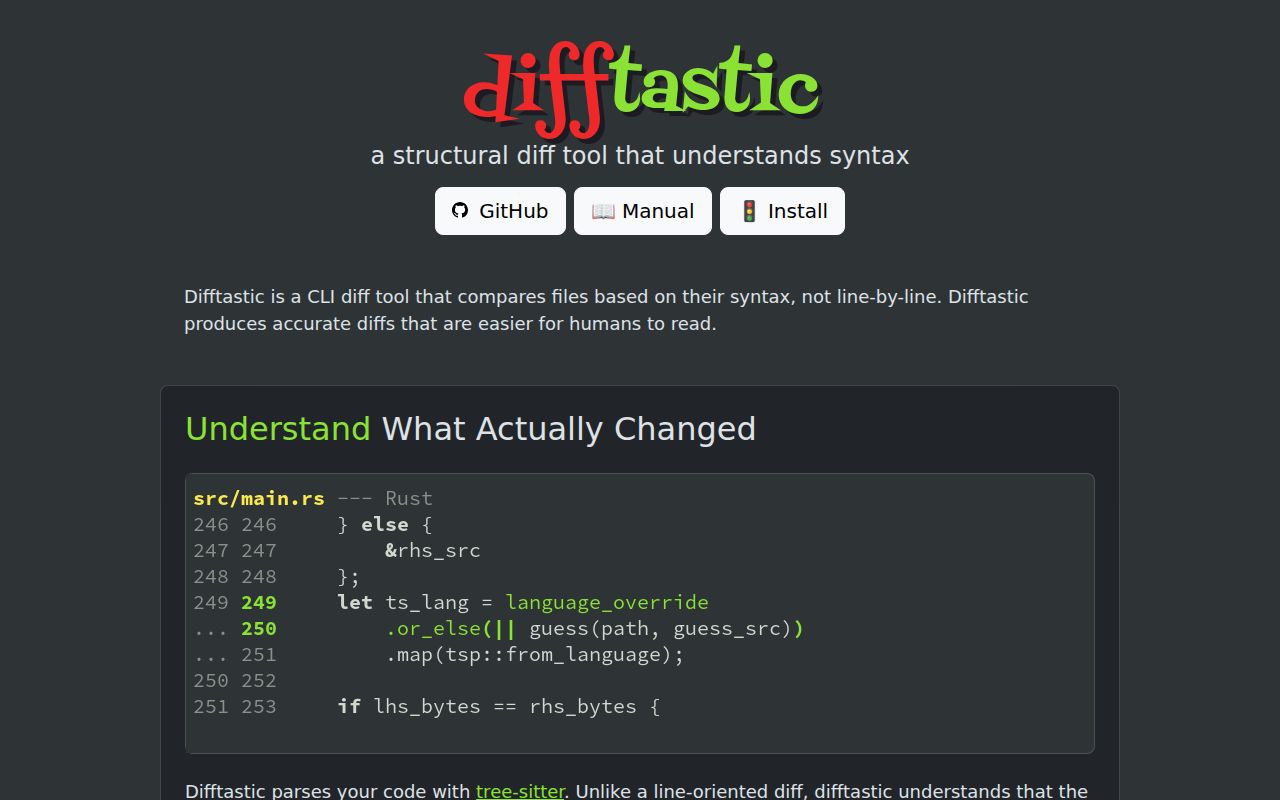
Difftastic supports more than 30 programming languages, plus formats such as JSON, YAML, HTML, CSS, and TOML. It parses both files, compares their syntax trees, and displays the changed expressions in context. A function reformatted across several lines can therefore appear as one meaningful edit instead of a wall of removed and added lines. This is especially useful during code review, where formatting noise competes with behavior changes for attention.
The tool stays focused on display. Our checkout was 123.4 MB because it includes many vendored tree-sitter parsers, yet the thing you operate is a terminal program rather than a service. There is no account, database, or background daemon. Point difft at two files or directories, or let a version-control command invoke it, and it writes a colored comparison for a person to inspect.
The 79,899-line codebase turns syntax into a simpler tree
The 79,899-line checkout uses tree-sitter to parse source, then converts each parse tree into a smaller representation of atoms and lists. Difftastic applies a graph search to find a low-cost set of changes. That approach lets it match an expression even when wrapping, delimiters, or line breaks move around it. The manual is candid that tree matching has ambiguous cases, including reordered items and expressions that move inside a new parent.
Whitespace between syntax nodes is absent from the simplified tree, though language-specific rules preserve punctuation when it changes meaning. Unknown extensions use a line diff with word highlighting. Parse errors also trigger the conservative line-oriented path by default, because returning no difference for syntactically different files would be worse. Passing 286 repository tests does not guarantee that every external grammar or preprocessor-heavy source file will produce the structural view.
What happened when we ran it
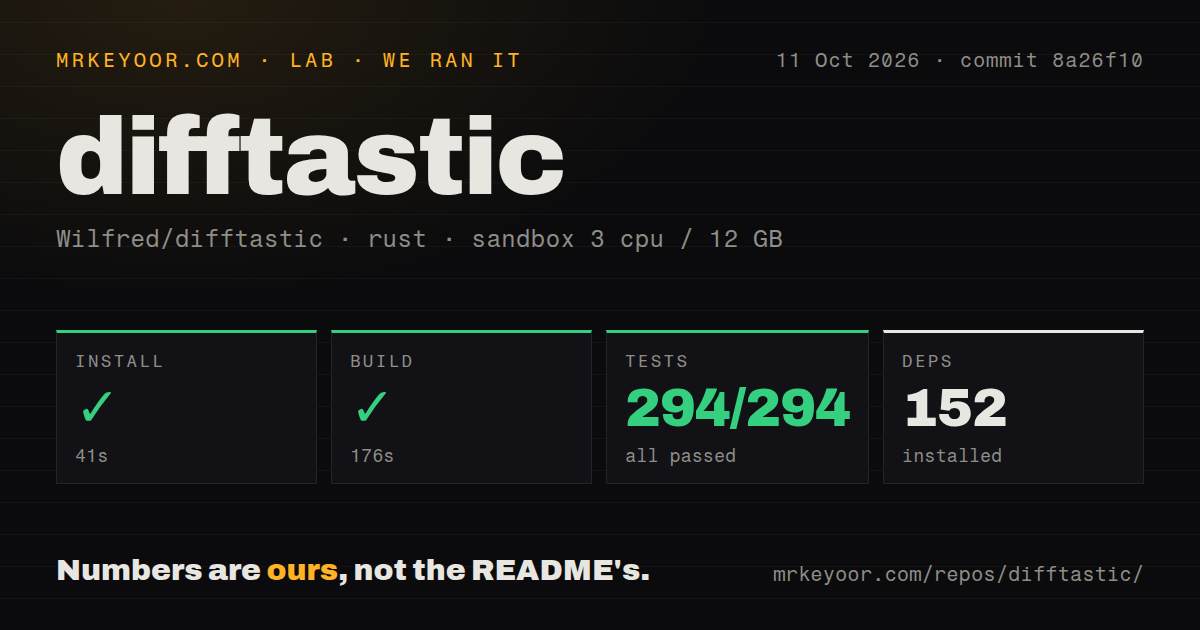
Our sandbox installed 163 Rust packages in 33 seconds, then built Difftastic in 199 seconds. cargo test finished in 44 seconds with 286 passed and 0 failed. The unprivileged container had 3 CPUs and 12 GB of RAM, used no secrets, and ran commit 81f9d3a. Those are repository checks; we did not time a real code review or compare Difftastic's output quality against another diff tool.
The checkout contained 570 files, about 79,899 lines of source, and occupied 123.4 MB before the Rust package installation. Our scan found 4 CI workflow files, a tests directory, and no Dockerfile. Nothing failed in the install, build, or test stages. The 199-second compile is the only slow part our run established, while a packaged binary avoids asking each user to build the Rust project locally.
Three desktop systems get binaries, while source builds cost time
The release page provides pre-built executables for Windows, macOS, and Linux. The manual also documents Homebrew, Arch, Nix, Fedora, FreeBSD, WinGet, Scoop, and Chocolatey routes. No API token or network service is involved after the binary is present. A team can try Difftastic with one command before changing any permanent Git configuration, which keeps the evaluation low risk.
Building from the tested checkout worked, but 199 seconds is a poor tax to impose on every workstation when a suitable binary or package exists. The final executable still needs terminal color choices and a place in each developer's path. Options map to DFT_ environment variables, which helps when Git launches the program indirectly and ordinary command-line flags are awkward to pass.
Git v2.43.1 and earlier need the difftool route
The Git manual warns that Git v2.43.1 and earlier can crash when an external diff sees file-permission changes. Users who cannot upgrade should configure Difftastic through git difftool instead. Newer installations can start with git -c diff.external=difft diff, then add aliases if the output earns a regular place. Mercurial, Fossil, and Jujutsu have separate pages rather than being left to guesswork.
Difftastic also has clear exit-code behavior: invalid input returns 2, while --exit-code returns 1 when syntax or binary bytes differ. Its --check-only mode can compare syntax trees without calculating a full diff. The 570-file repository still frames normal output as human-facing, so scripts that need standard hunks, patches, or stable machine-readable records should keep Git's built-in diff in the workflow.
Version 0.70.0 still has crash and memory caveats
The README lists three known weaknesses: poor scaling on files with many changes, potentially high memory use, and side-by-side output that can be confusing. It also says releases regularly contain crash fixes. Version 0.70.0 improved directory diffing and parser coverage, then fixed release binaries that had ignored Cargo.lock and used library versions different from those tested in CI. That last fix is a good example of why the release notes matter here.
Open issue 1047 supplies a TSX pair that panics on version 0.70.0-2 while being displayed through Lazygit. The stack ends in Difftastic's hunk display code, but the report does not prove a broader cause. Passing all 286 tests in 44 seconds is reassuring without canceling that specific report. If a team makes Difftastic the default Git view, retaining --no-ext-diff as an escape route is sensible.
September activity supports adoption with a fallback
GitHub recorded a push on September 4, 2026, and release 0.70.0 on August 7. The repository had 25,858 stars and 293 combined issues and pull requests when fetched. Issue 994 about Ruby heredoc display and its proposed fix were updated on September 5, which shows current maintenance around parser output rather than a queue judged only by its size. The MIT-licensed core also vendors parsers with MIT or Apache licenses.
Difftastic earns a place beside an ordinary diff when structural edits are common. Our 286 of 286 test result lowers the cost of trusting the binary, and its explicit fallbacks make failures visible. Do not ask it to generate patches or merge ASTs. Use it to decide what changed, then switch back to a line diff whenever grammar support, memory use, or display behavior gets in the way.