Project selection belongs in the deployment decision
Firebase CLI can deploy code and assets, change database data and manage Firebase services. Its README requires an active project alias or an explicit project ID for project-specific commands. That targeting rule deserves attention before you automate anything: a working command is useful only when it acts on the project you intended.
For a team already using Firebase, this repository is the practical place to start. The README documents Hosting operations, Auth account import and export, database commands and local emulators. It also identifies the repository as home to the official Firebase MCP server. The adoption question is how to operate your existing Firebase project with an accountable identity and configuration. Choosing a different backend is a larger decision.
What happened when we ran it
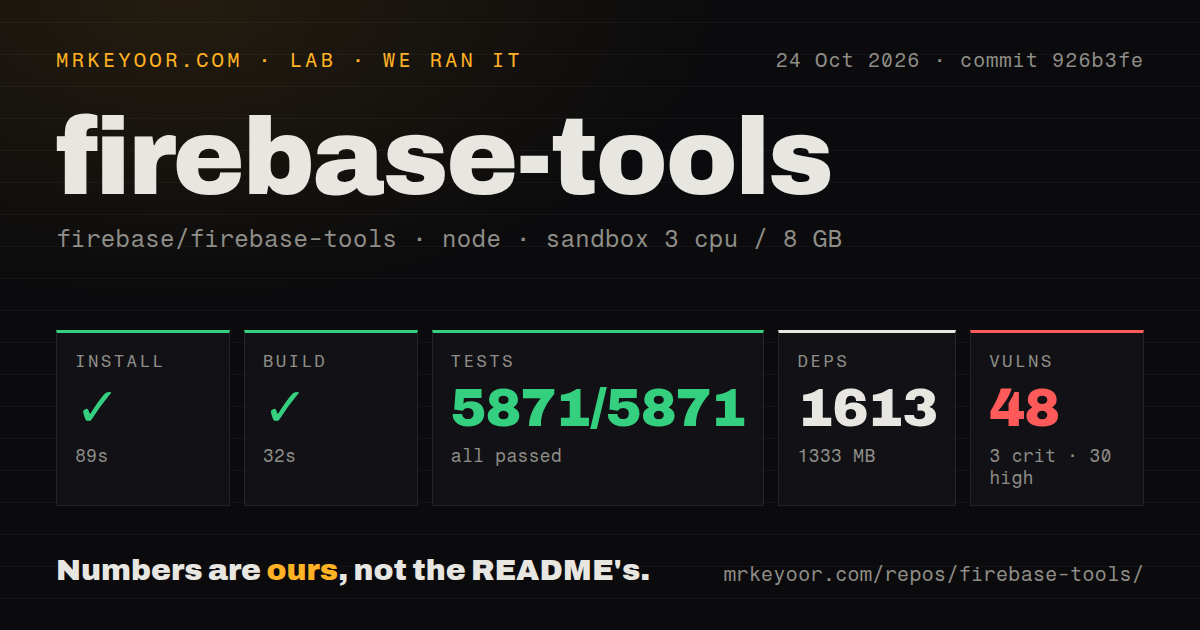
Our sandbox installed commit 926b3fe in 89 seconds on October 24, 2026, recording 1,613 dependencies and 1,333 MB on disk. Build succeeded in 32 seconds. Tests succeeded in 226 seconds, with Mocha reporting 5,871 passed and 0 failed. Those results give a concrete account of working on this source checkout, without proving that a cloud deployment would succeed.
Npm audit reported 48 known vulnerabilities: 3 critical, 30 high, 12 moderate and 3 low. Treat that as a dated dependency result requiring review. The supplied measurement does not identify which application paths reach the affected packages or whether a later dependency resolution removes the findings. Passing tests do not resolve those questions.
The checkout occupied 17.3 MB and contained 2,045 files with roughly 315,805 lines of source. Its installed dependencies used much more disk than the source itself, which matters for disposable development environments. The scan recorded 3 CI workflow files, no Dockerfile and no tests directory. That directory result plainly does not mean there were no executable tests: the recorded Mocha command passed.
The configuration specified 3 CPUs, 8 GB of RAM and image label lab-node:22. We cannot derive the actual runtime or operating system from that label. The measured work covered repository setup and checks. It did not establish an authenticated deployment, validate emulator behavior against production or exercise the MCP server through an AI client.
Authentication has an order, and user tokens are deprecated
The README lists authentication methods in descending priority: user token, local login, service account and Application Default Credentials. It marks the long-lived user-token method deprecated and recommends service-account authorization instead. Existing CI jobs should account for that documented direction before copying a familiar login-token recipe into another project.
For interactive work, the CLI can retain an authorized local account and supports multiple accounts. For automation, establish which identity the process will use and what it can change in the selected project. A developer's successful local login does not establish that a CI service account has equivalent permissions. Our sandbox result cannot answer that account-specific question either.
Functions emulation adds a separate credential detail. The README explains that emulated functions run as independent Node processes with their own discovery mechanism. It describes passing temporary credentials derived from a CLI login when the credentials-path environment variable is not already set. If local behavior surprises you, inspect the intended credential source before assuming the deployed function will behave the same way.
A Hosting upgrade has a reported permission failure
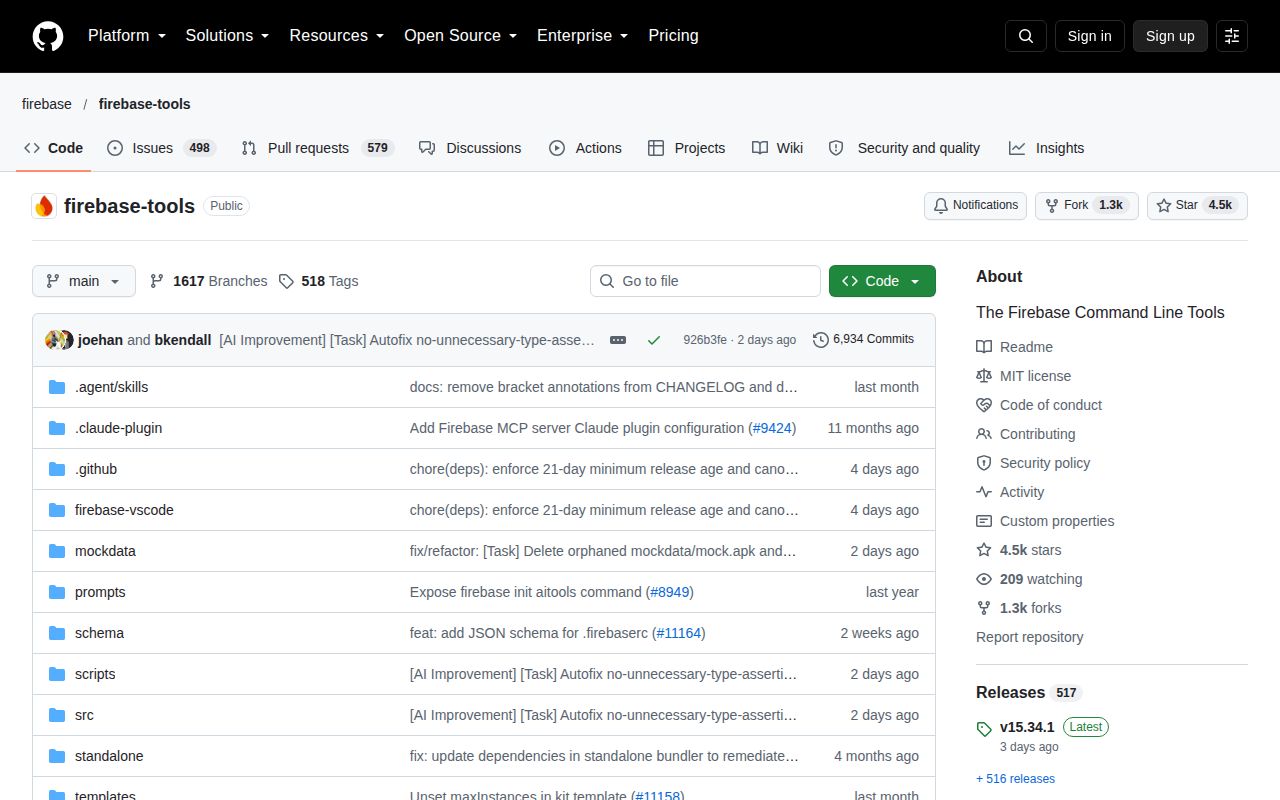
Release v15.34.1, published October 22, 2026, says Hosting commands now ensure the Firebase Hosting API is enabled. Open issue 11335 reports a Hosting preview-channel deployment receiving HTTP 403 with a serviceusage.services.get permission denial on that version. The reporter says the same service account worked with v15.34.0.
This is an upstream user report, not a failure from our lab. The reporter connects it to the API-enablement change, but the report alone does not establish a general cause for every deployment error. It does identify a useful upgrade check for restricted service accounts: run the intended Hosting workflow against a non-production project with the identity that CI will actually use.
GitHub records the repository's last push on October 24, 2026, and the Hosting report had activity on October 25. Together with the recent release, those dates show ongoing work and current operational feedback. They do not establish a maintainer response time or guarantee that this particular issue is resolved.
Supabase CLI and Appwrite mean choosing another backend
Supabase CLI documents a local stack including Postgres, Auth and Storage, alongside database migrations and Edge Function deployment. Choose it when Supabase is the platform you want to develop against. It cannot stand in for Firebase CLI while preserving an existing Firebase project's deployment workflow.
Appwrite is available as a managed platform and can also be self-hosted. Consider it when operating your own backend is part of the requirement. Adopting it entails evaluating a different platform, rather than swapping terminal commands. We did not run either alternative or measure migration effort.
For an existing Firebase team, begin with a non-production project and the same account boundary your automation will use. Confirm the target explicitly, run the operation you intend to automate and check its result in that project. Keep the version and configuration beside that evidence so the next CLI upgrade has a concrete workflow to repeat.