Stage the logging change without committing the unfinished fix beside it. That's the kind of decision Lazygit makes easier: you can see the patch you're selecting and the changes you've already staged without stitching together several Git commands. Its strongest reason to exist is keeping that context visible while you act.
Line selection keeps mixed changes out of a commit
Lazygit's README gives an exact sequence: focus a file's diff with 0, stage a hunk with space, then use a and v for individual lines or a range. Our checkout contained roughly 169,542 source lines, so this is a substantial application around that interaction. The staged pane stays beside the unstaged work, and you can commit from the diff. That matters when unrelated edits share a file.
The same approach extends to older history. You can assemble a patch from an existing commit and move it into a new commit, or amend an older commit with staged changes. Lazygit runs an interactive rebase behind those actions. I'd choose it when preparing a reviewable branch involves moving changes around, provided you understand how rewriting a commit affects the commits after it.
What happened when we ran it
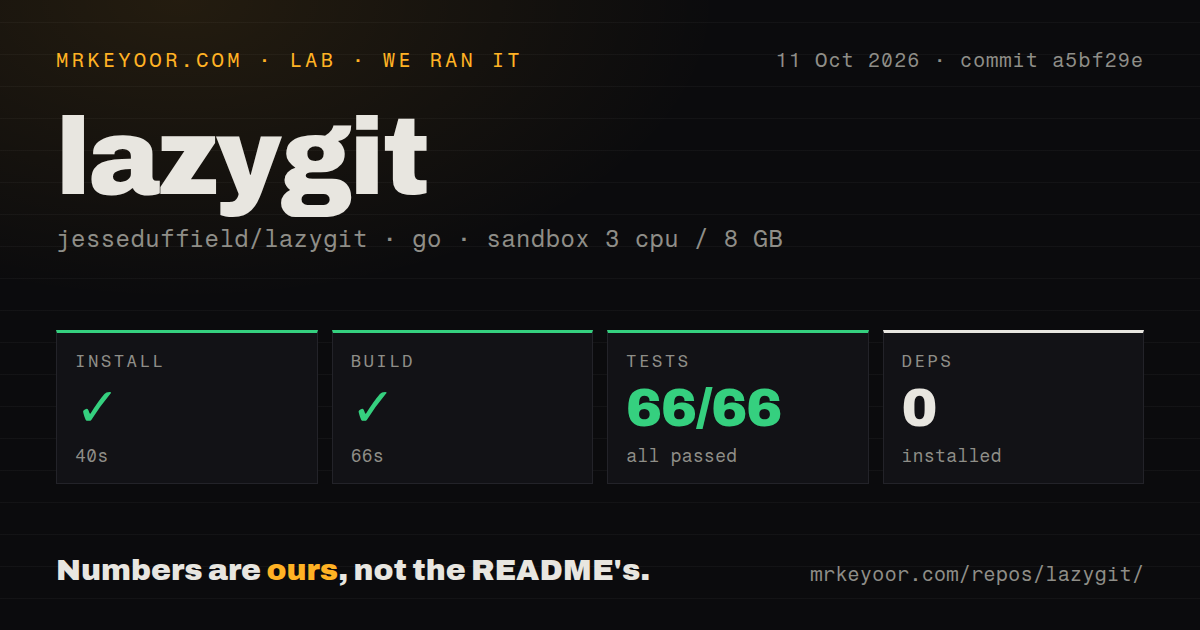
Our run installed Lazygit commit a5bf29e in 40 seconds and built it in 66 seconds. Both steps succeeded. We cloned and ran it on 2026-10-11 in an unprivileged container using golang:1.24-bookworm, with 3 CPUs, 8 GB of RAM, and no secrets. The install step reported 0 packages installed. That figure describes the lab's recorded step; it does not establish that the application has no Go dependencies. The Go test step succeeded in 196 seconds, reporting 66 passed and 0 failed out of 66. Our harness also found 5 CI workflow files, a Dockerfile, and a tests directory. Those are useful checks for someone considering a source contribution. The supplied measurements establish a successful install, build, and test path. They don't establish scrolling speed, behavior on a huge history, or compatibility with every terminal and external editor.
Reflog undo cannot recover discarded file edits
The undo documentation excludes working-tree changes and stash operations. Lazygit can walk back recorded commit and branch movements, including some actions taken outside the application. It cannot undo a push, and undo isn't supported midway through a rebase. If you discard an uncommitted edit, pressing z is not a recovery plan. This is the most consequential limitation to learn before exploring the menus.
Lazygit's 66 passing tests don't change that documented boundary. The README includes a working-tree nuke covering dirty submodules, alongside commands that drop commits or remove hunks from older history. Those controls are useful in experienced hands. A developer seeking a history browser with little opportunity to alter the repository has a good reason to choose Tig instead. Keep discard warnings enabled while learning the interface.
Local Git works without a GitHub login
You launch lazygit inside a Git repository. The configuration reference supports a global YAML file and per-repository overrides, so defaults can be adjusted without changing every project. Local staging needs no account. Remote operations still need your usual Git access. GitHub pull-request indicators add a separate requirement: the gh CLI and an authenticated session, with extra host configuration for GitHub Enterprise.
Our 40-second source install is only one route into the tool. The README also lists binary downloads and package managers, and warns Go users about putting the Go binary directory on PATH. I'd begin with defaults and the built-in diff view. Add custom commands or an external renderer when a specific task calls for them. Each addition introduces behavior you need to check in your terminal.
Delta hyperlinks have a reported Ghostty input defect
Issue 6110 reports that opening Emacs through a delta line-number hyperlink leaves mouse input apparently pressed when returning to Lazygit in Ghostty or cmux. The reporter did not reproduce it in Apple's Terminal. This is a specific integration report, not a failure from our sandbox. If you use that combination, verify the return from your editor before trusting mouse navigation around repository-changing commands.
The 3-CPU Debian run cannot settle that macOS interaction. It does give a clean baseline for source mechanics, while the issue tells a particular audience what to check next. Linked worktrees are another useful feature: Lazygit can create one from a selected branch and switch into it. The latest release fixed opening a branch's diff file from the wrong worktree, a practical correction for people keeping several branches checked out.
October fixes support adoption with a narrow first workflow
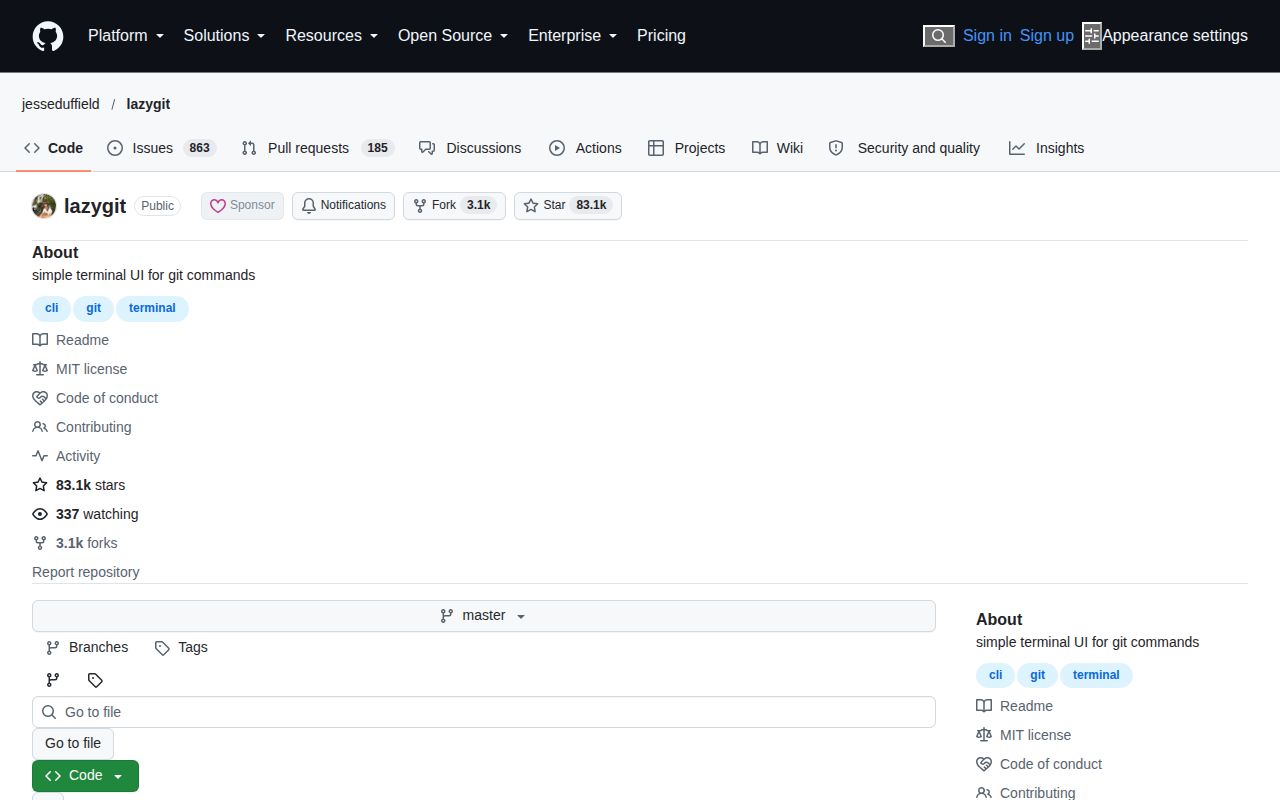
The repository's last push was 2026-10-11, and v0.66.1 shipped that day. GitHub listed 83,124 stars and 1,048 open issues and PRs. Recent activity includes the worktree fix and corrected hunk staging when Git's mnemonic diff setting is enabled. That combination shows active maintenance and continuing defects. The combined queue count should not be read as a count of confirmed bugs.
For a codebase with 1,414 files in our checkout, the case for adoption should stay tied to your own work. GitUI offers another keyboard interface for staging and browsing; Tig concentrates on history and can stage chunks. Start Lazygit with a mixed diff on a disposable branch. If selecting the intended lines is clearer than your current process, keep it. Before amending shared history, make sure you can explain the underlying rebase without referring to the menu.