Parallel scanning favors SSDs, while HDDs get a sequential switch
Gdu says plainly that SSDs are its primary target because parallel processing can keep the drive busy. Rotating disks still work, but the README says the gain is smaller and supplies --sequential for that case. The default terminal view lets you descend into large directories, sort entries, inspect files, move items to trash, or delete them. That makes it useful when the job is finding the space hog and dealing with it in one sitting.
The same binary also has a non-interactive mode for scripts and an export mode for later inspection. A plain piped command automatically drops the terminal interface. JSON scans can be saved and reopened, while SQLite or BadgerDB can hold analysis data on disk. Hard links are counted once. For recurring capacity checks, this is more practical than taking screenshots of a terminal tree.
Version 5.38.0 added a web treemap with delete controls
Release v5.38.0, published October 5, 2026, added a full-window treemap beside the browser view's donut chart. It also added multi-directory scans, .gitignore-style exclusions, custom trash commands, and Windows ARM64 builds. The browser frontend is embedded in the executable, so gdu --web /some/dir does not need a separate package or network fetch after installation.
The web mode is more capable than a passive report. You can reveal an item in the system file manager, move it to trash, or delete it permanently after confirmation. A browser-session option can suppress later confirmations. --no-delete hides and rejects those actions, and filtered scans block deletion unless GDU_ALLOW_DELETE_WITH_FILTER=1 overrides the check. Those controls are sensible, but administrators should choose them before handing the interface to someone else.
What happened when we ran it
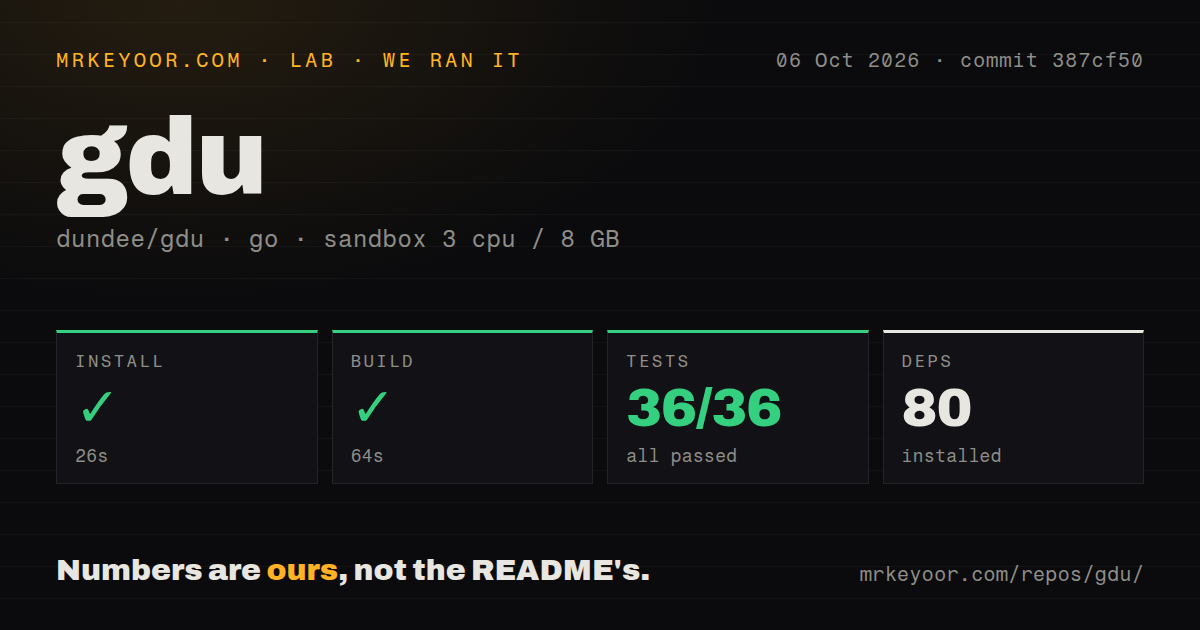
Our sandbox installed commit 387cf50 in 26 seconds and brought in 80 packages. The build completed successfully in 64 seconds. Tests finished in 40 seconds, with go test reporting 36 passed and 0 failed of 36. This was a fresh unprivileged Debian container with 3 CPUs, 8 GB of RAM, no secrets, and the golang:1.24-bookworm image.
The repository itself contained 286 files, about 42,421 lines of source, and occupied 1.6 MB when checked out. We found 6 CI workflow files and a Dockerfile, though there was no top-level tests directory. The passing test result matters more than that layout signal. Our run establishes that this commit installs, builds, and tests cleanly in the stated container. It does not provide a disk-scanning speed comparison.
Read-only use requires a flag, and remote web browsing has no login
Terminal mode assigns d to permanent deletion and D to trash. The safer inspection command is gdu --no-delete, with --no-spawn-shell and --no-view-file available when an operator should see sizes without opening content or a shell. The Docker example in the README uses --privileged and mounts /, so copying that command onto a production host gives the container a broad view of the machine.
The web server defaults to localhost on a random port. Browsing requires no authentication, which means any user who can reach a non-loopback bind can see names and sizes. Reveal and delete requests add loopback checks plus a random token, but the README warns that a cold-started Linux browser may leave that token in its process command line. On a multi-user box, --web-open=false avoids that particular exposure.
Open issues limit authoritative totals on Windows and some Linux filesystems
Issue 407 reports incorrect disk usage for NTFS Compression on Windows 11, while apparent size remained correct in the reporter's example. Issue 265 says OneDrive and SharePoint files that were not local still entered the total. Those reports concern the number you came to a disk analyzer to trust. Windows administrators should compare a sample against native tools before using gdu to justify cleanup.
Linux has narrower warnings. Issue 204 reports --no-cross entering a Btrfs snapshot subvolume, and issue 666 shows gdu -x / returning 3.4 GiB where du -shx / returned 6.4G on Debian sid. The latter reporter suspected bind mounts, but the issue has no confirmed cause. Gdu is excellent for locating candidates. In these cases, verify the final filesystem total elsewhere.
An October 5 release shows active maintenance
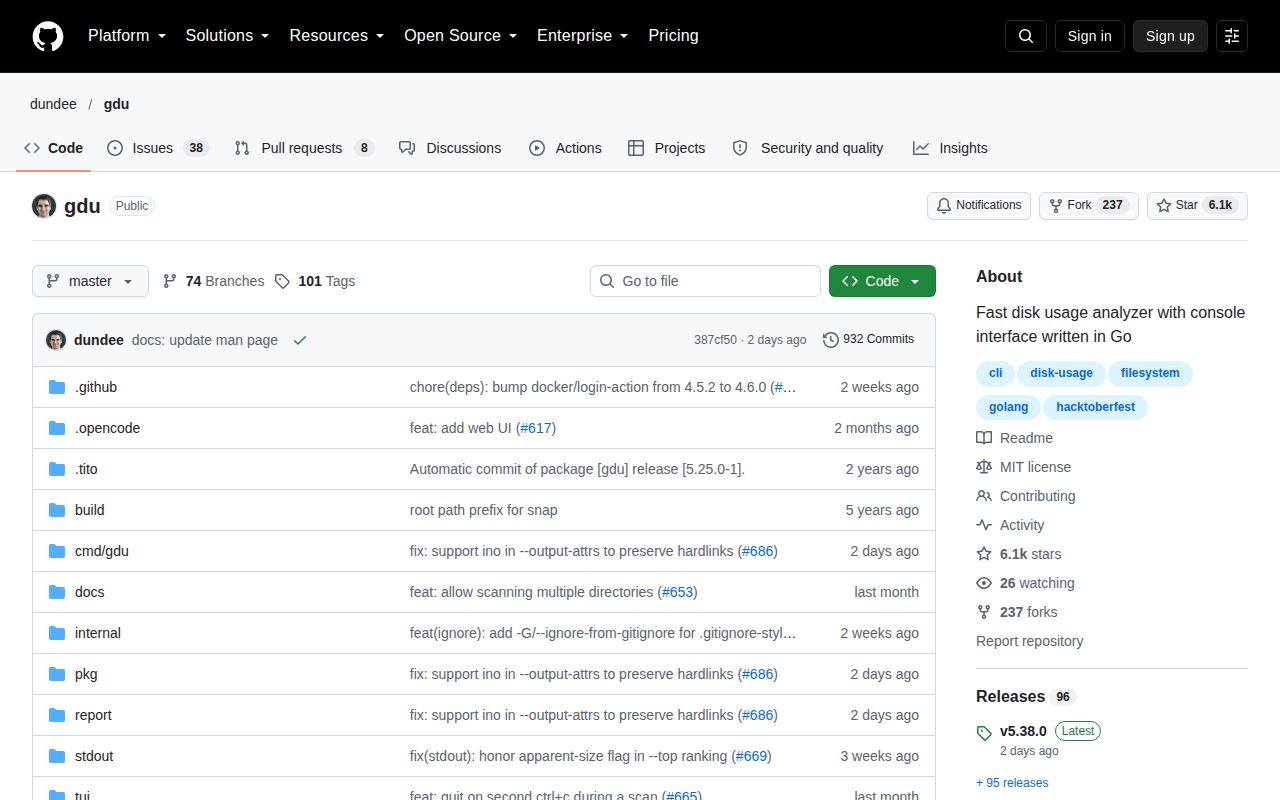
GitHub showed 6,082 stars and 46 open issues and pull requests when checked on October 7, 2026. The API list separated that combined figure into 38 issues and 8 pull requests. The repository had been pushed on October 5, the same day v5.38.0 shipped, and the release included fixes for hard-link exports, mount handling, stored reports, and archive-related panics. This is current maintenance, not a project coasting on an old tag.
Gdu earns a place on an SSD workstation or an administrator's local toolbox because one binary covers interactive cleanup, script output, saved scans, and a browser view. Start with deletion disabled when you only need evidence. If exact Windows allocation or strict filesystem-boundary accounting decides a billing or compliance question, use a second tool to confirm the number before removing anything.