Removing Google services changes everyday browser upkeep
Ungoogled Chromium disables Safe Browsing. That documented choice deserves attention before you replace your daily browser: removing Google service dependencies also removes a service you may expect Chromium to provide. Choose it because you want that trade-off and can manage the resulting setup, rather than because the name sounds like a general promise of better security.
The README gives preserving the default Chromium experience a higher priority than its additional privacy and control tweaks. Almost all of those extra features need manual activation. If you're comfortable with Chromium and want fewer Google connections without adopting another browser's product design, that restraint is appealing. It also means you should read the settings instead of assuming every privacy option starts enabled.
What happened when we ran it
We did not run ungoogled-chromium: our November 2, 2026 lab record for commit 28a211a reports no supported ecosystem and no Dockerfile. The language classification was Python. That classification didn't give the harness a supported way to execute this project, and it doesn't describe the browser itself as a Python application.
The recorded sandbox configuration listed 3 CPUs and 8 GB RAM, with no image specified. There are no install, build or test results to report. We have no measured browser startup, page compatibility, network behavior or security outcome from this checkout. A missing harness route says something about our coverage, not whether the browser works.
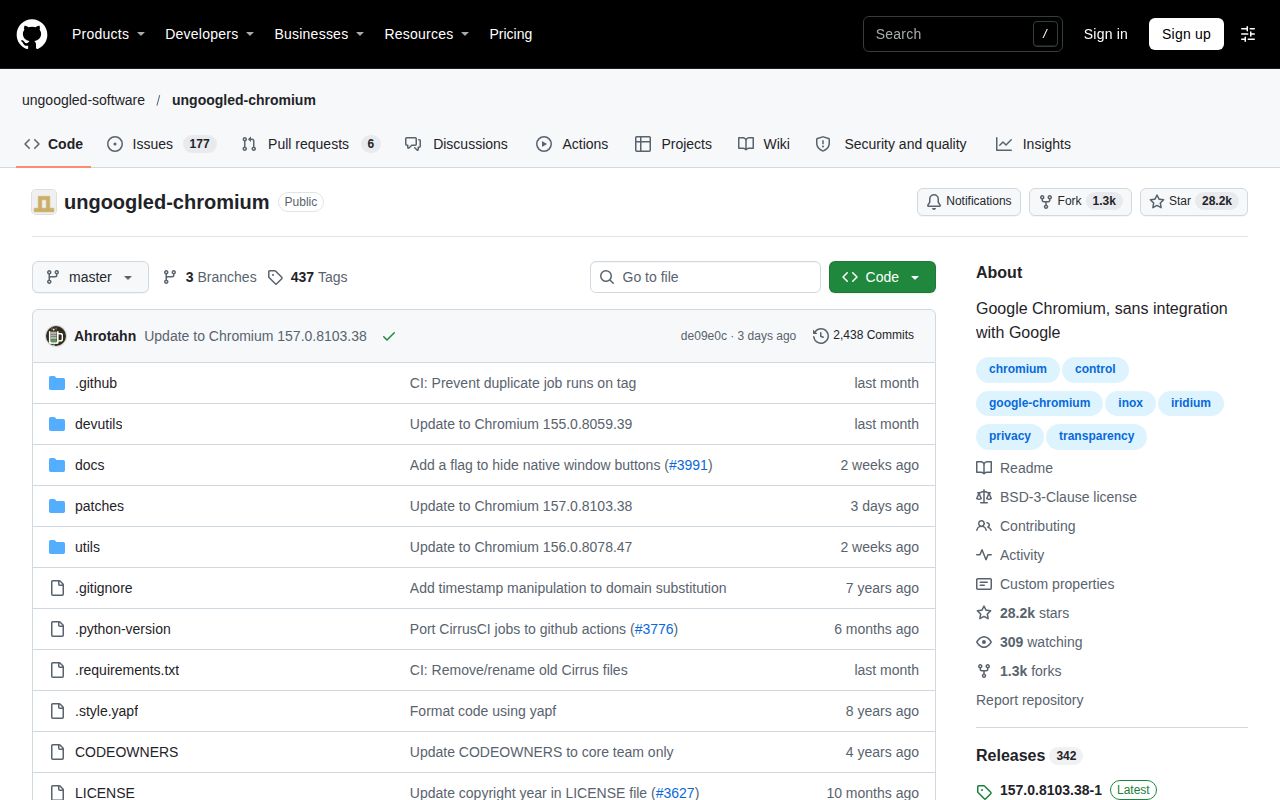
The repository's own scope explains why a generic package workflow would be the wrong starting point. It contains common code for all platforms and explicitly lacks all the configuration and scripts needed for a complete browser build. The README directs most users to platform-specific repositories. Our assessment here is therefore a source-based adoption decision with an explicit execution gap.
Your package source becomes part of the decision
The README lists maintained distribution routes, including Debian instructions, Homebrew for macOS and distro-independent packages. Those listings give you places to investigate. They don't establish that every package is current, independently verified or maintained to the same schedule. Check the package you intend to use, its maintainer and its update mechanism before migrating a profile.
Contributor binaries carry an explicit authenticity warning. The project says these downloads can be submitted by anyone willing to build them and aren't necessarily reproducible. That doesn't establish tampering in any particular download. It does prevent us from treating the contributor download page as a blanket assurance about every file offered there.
I'd choose a package source I can account for before comparing browser settings. Record where updates come from and how you'll notice when that source falls behind. Building it yourself is another route, but the common-code repository alone isn't the complete platform recipe. We haven't measured the effort or resources of that route.
Extensions need a separate installation and update choice
The FAQ says Chrome Web Store extensions can be installed, but not through the store interface. It documents downloading extension packages and several ways to load them. Someone who expects the usual store button should budget for a different workflow before making this their everyday browser.
The FAQ says extension auto-updates have no built-in functionality. It points to the chromium-web-store extension for installation and updates. That is a documented option, not an integration we exercised. Choose how extensions will stay current and check the permissions of whatever helper you adopt. Installing an extension once doesn't settle its maintenance.
There are smaller daily-use differences too. The README says disabling the intranet redirect detector breaks captive-portal detection, although captive portals still work. If you often use hotel or airport Wi-Fi, include the login flow in your evaluation. That concrete inconvenience is more useful to know than a broad assurance that the browser is a drop-in replacement.
Recent Chromium updates show work, not package parity
The repository metadata records a last push on November 4, 2026. The recent issue and PR feed includes closed Chromium update coordination issues for Windows, macOS and Linux, plus an update PR. Read together, those records show active work on following Chromium changes.
They don't establish that your distribution package has incorporated the same changes or that maintainers answer every support request quickly. The common patch set and the binary installed on your machine are separate things to verify. We leave community and maturity ratings unassessed because this review doesn't establish support capacity or operational reliability.
Brave offers a release route, Firefox offers another browser
Brave's repository holds issues, releases and its wiki; browser source contributions belong in brave-core. Consider Brave when you want to evaluate a downloadable browser through that project's own release route. We haven't compared its privacy behavior with ungoogled-chromium, so this is a distribution choice to investigate rather than a measured privacy ranking.
Firefox's README identifies it as Mozilla's browser. Consider Firefox if retaining Chromium's default experience isn't a requirement. This review provides no comparative speed or website-compatibility result for either alternative.
Before switching, select the exact ungoogled-chromium package, confirm its update path and try the extensions and network login pages you depend on. Keep your existing profile available until those checks answer the practical question: can you maintain this particular browser build without losing a feature you use every day?