Capacitor 8 adds native projects to an existing web build
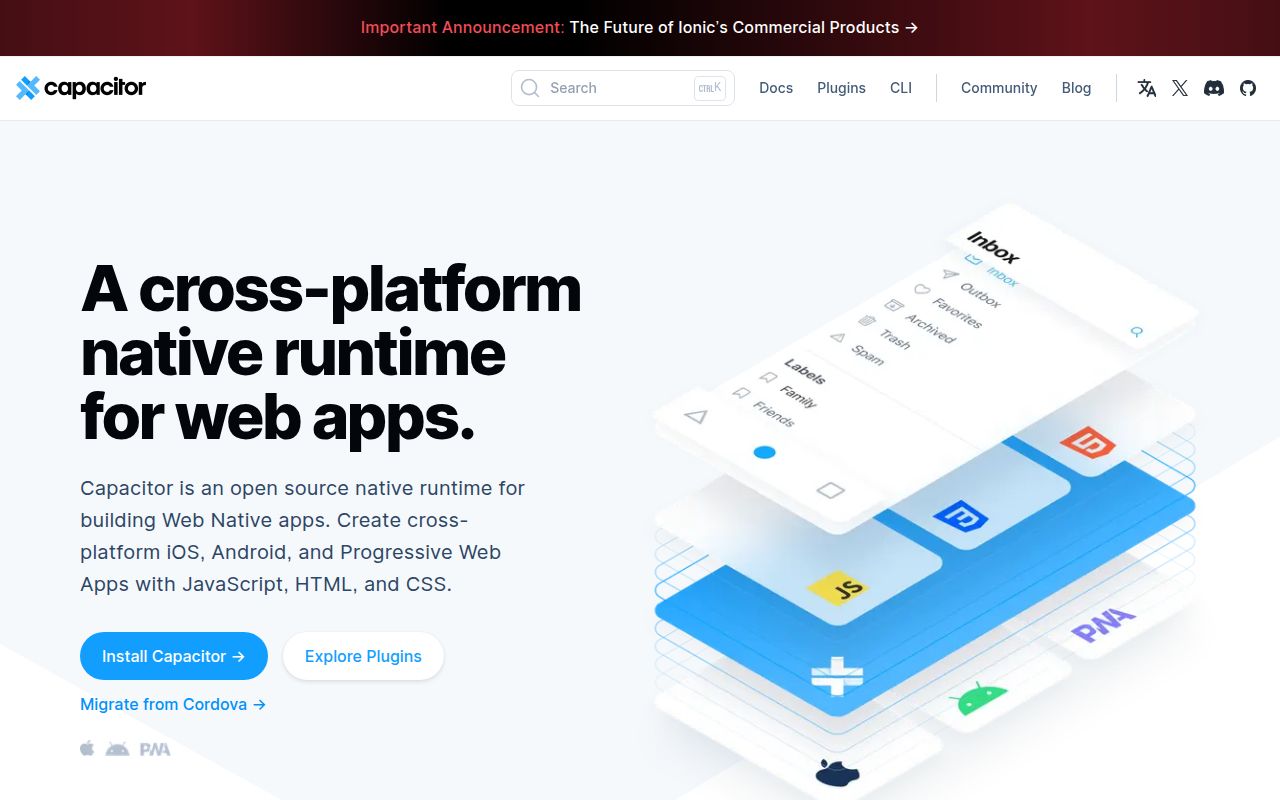
Capacitor 8 supports Android, iOS, and the web from one JavaScript application. It copies the compiled web bundle into native projects and exposes platform SDKs through plugins. A team can keep its React, Vue, Angular, or other browser interface, then call device features from JavaScript. Ionic Framework is recommended for mobile UI, but it is optional. The useful boundary is clear: Capacitor supplies the runtime and bridge, while the application still supplies the interface and product behavior.
Our checkout was 3.1 MB with 505 files and about 39,928 lines of source. The root is an npm workspace covering Android, iOS, the CLI, and the JavaScript core. Plugin authors can implement native methods in Swift and Kotlin or Java, then publish the shared API as an npm package. That structure is much easier to understand than a service that hides the generated projects, though it also puts native changes in the application repository.
What happened when we ran it
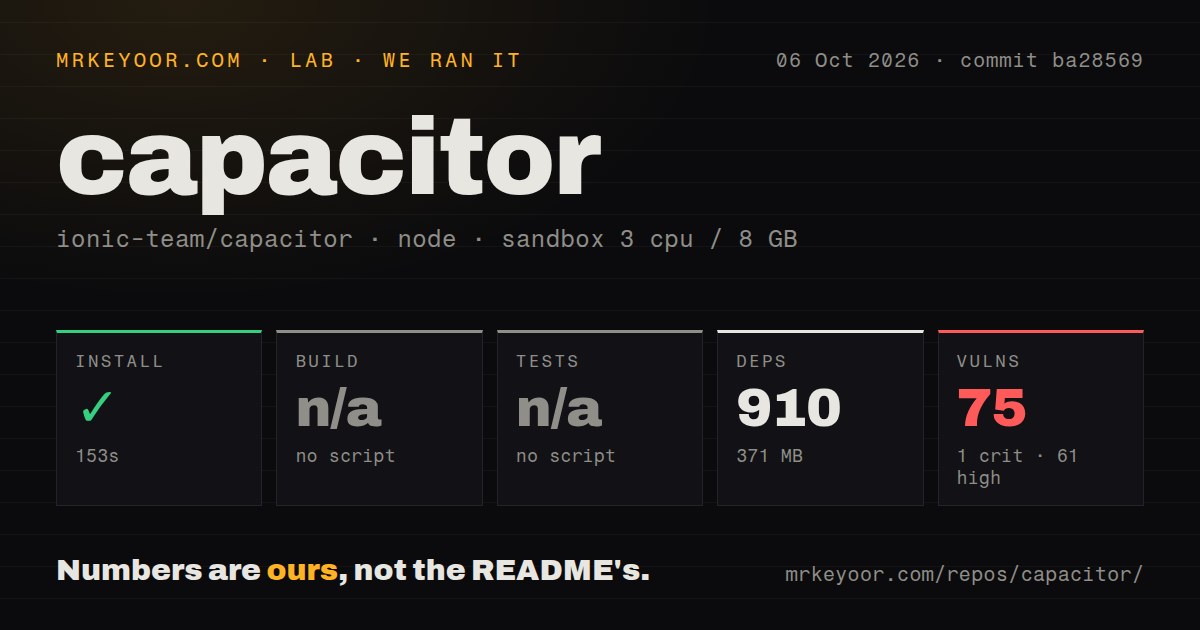
Our sandbox installed 910 npm packages in 85 seconds and consumed 370 MB on disk. We used a fresh, unprivileged Node 22 container with 3 CPUs and 8 GB of RAM. The installation completed without an error. The root monorepo did not expose a build script or target to our harness, so the build step was skipped. This result covers repository dependencies, not an Android APK, an iOS archive, or an app-store submission.
The same root workspace had no test script or target, so our test step was also skipped and there is no pass count to report. npm audit found 31 known vulnerabilities: 1 critical, 19 high, 11 moderate, and 0 low. Our scan found 14 CI workflow files, no Dockerfile, and no tests directory. Those signals do not prove that published mobile applications contain every advisory, but they do require dependency review before a security approval.
Version 8 keeps Android and iOS projects in your repository
Capacitor 8 treats each native project as source, which changes the job after the first npx cap add. Android permissions and settings live in AndroidManifest.xml and Gradle files; iOS settings live in the Xcode project and Info.plist. The official Cordova comparison says platform builds should use the native tooling. Custom code can live directly inside the app, and the team is expected to commit those native folders instead of regenerating them as disposable output.
Version 8 supplies a bridge while the app supplies its mobile UI
Capacitor 8 does not include a component library. Our 370 MB install covers the bridge, not an Ionic or native UI kit. Its UI guide recommends Ionic Framework for Angular, React, and Vue teams because Ionic supplies mobile navigation, transitions, and controls. A plain Tailwind or browser interface can run, but the docs warn that it lacks mobile navigation primitives. Teams may use another mobile web library or build their own. That freedom is useful when a polished responsive app already exists and expensive when the current site behaves like a desktop page.
The 370 MB dependency footprint from our run is easiest to justify when it preserves a working front end. Integration requires a package.json, a separate built-assets directory, and an index.html file with a head element. After npx cap init, npx cap sync copies the latest web bundle and installs native dependencies. Every release still needs testing around safe areas, keyboards, status bars, file access, deep links, and back-button behavior on real target devices.
Version 8 raises the platform floor during migration
Capacitor 8 requires Node 22 or newer, iOS 15 or newer, and Android API 24 or newer. The migration guide also calls for Xcode 26, Android Studio 2025.2.1, Android compile and target SDK 36, and several Gradle changes. New iOS folders default to Swift Package Manager. The supplied migration command can automate supported edits, but the guide lists manual work for config changes, native templates, plugin versions, edge-to-edge layout, and platform dependencies. Our 85-second install did not exercise those native toolchains.
A monorepo with 14 CI workflow files can maintain several release lanes, yet consumer apps still carry their own native history. Version 8 removed one Android layout filename, changed system-bar handling, and updated plugin requirements. Those are normal major-version costs, but they land in files a web-only team may rarely inspect. Budget upgrades as native application work and read the version-specific guide before changing the CLI, core, or either platform package.
August 2026 activity includes current fixes and current regressions
GitHub recorded 16,513 stars and 123 open issues and pull requests when fetched. The last push was August 28, 2026, and release 8.5.0 shipped on July 31 with iOS UIScene support and a CLI migrator for adopting it. Capacitor began in 2017, and the current activity supports a strong maintenance judgment. The combined open count is not a bug count, but it shows a substantial support and contribution queue. The 31 advisories in our install remain a separate adoption issue.
Recent reports also show the kind of platform edge cases adopters inherit. Issue 8583 says the new SystemBars API in 8.5.0 omits the established iOS status-tap bridge, while the older status-bar plugin preserves it. Issue 8371 reports Android range responses whose body can exceed the declared byte range. Pair those reports with the 31 advisories in our npm audit: a production team needs device regressions, plugin compatibility checks, and dependency triage alongside ordinary web tests.
A 370 MB install makes sense when web reuse is the priority
Our 85-second install succeeded, but the missing root build and test targets kept the sandbox from proving more than dependency installation. The 31 audit findings make a security review mandatory before adoption. If the team can staff native debugging and the web interface has already earned its place, Capacitor 8 is a practical bridge. If those conditions are absent, wrapping the site will preserve its mobile problems and add two platform toolchains to them.