API 33 is the floor because AGSL powers the illusion
The app sets minSdk to 33, compileSdk and targetSdk to 34, and Java compatibility to 17. Its central modifier loads an AGSL file from resources, creates an Android RuntimeShader, passes the current size and tilt as uniforms, then applies the result through a Compose graphicsLayer. This is an application project under the example package name, not a library module prepared for consumption from another build.
The geometry follows the same model as the Swift project it credits. A flat interface remains on its original plane while an imaginary glass layer rotates around the farther edge. Each shader invocation projects a pixel through that glass back to the interface, adds blur based on the gap, and darkens the result. Pixels whose projection misses the content become black. The hinge switches sides with the sign of the tilt.
The sensor model adds a 15-second recentering baseline
FoldMotionModel prefers Android's game rotation vector, falls back to the fused rotation vector, and uses a gyroscope when available. It maps sensor coordinates to the current display rotation, predicts 0.04 seconds ahead, smooths the angle, and limits output to 45 degrees in either direction. A 15-second baseline slowly absorbs drift only while angular motion stays below its stillness threshold.
Those choices are more involved than the short README suggests. The model exposes tilt, hinge side, and sensor availability as StateFlow values. Recalibration resets the reference pose, while manual mode provides an emulator path. Physical feel still needs hardware judgment across devices because display density, sensor availability, orientation mapping, and sensor latency differ. Our lab did not measure animation quality or frame behavior.
The README's 12-tap note disagrees with the 32-step shader
The tuning section says the current effect uses 12 taps. The checked-in duo_fold.agsl instead calculates a dynamic count between 6 and 32, then executes a fixed 32-iteration loop with weights masking unused samples. That implementation may be intentional for AGSL compatibility, but the two descriptions do not match. Anyone optimizing the shader should trust the source and profile the target phone.
Defaults differ from the iOS reference in another visible way. FoldParameters uses a 450 mm eye distance, despite the README's model summary naming 320 mm. Pixel density is resolved from xdpi when the caller leaves it at zero, with a 6-pixel-per-millimeter fallback. These are tunable inputs, not universal physical constants. Save known-good values per layout instead of assuming one preset will suit every screen.
What happened when we ran it
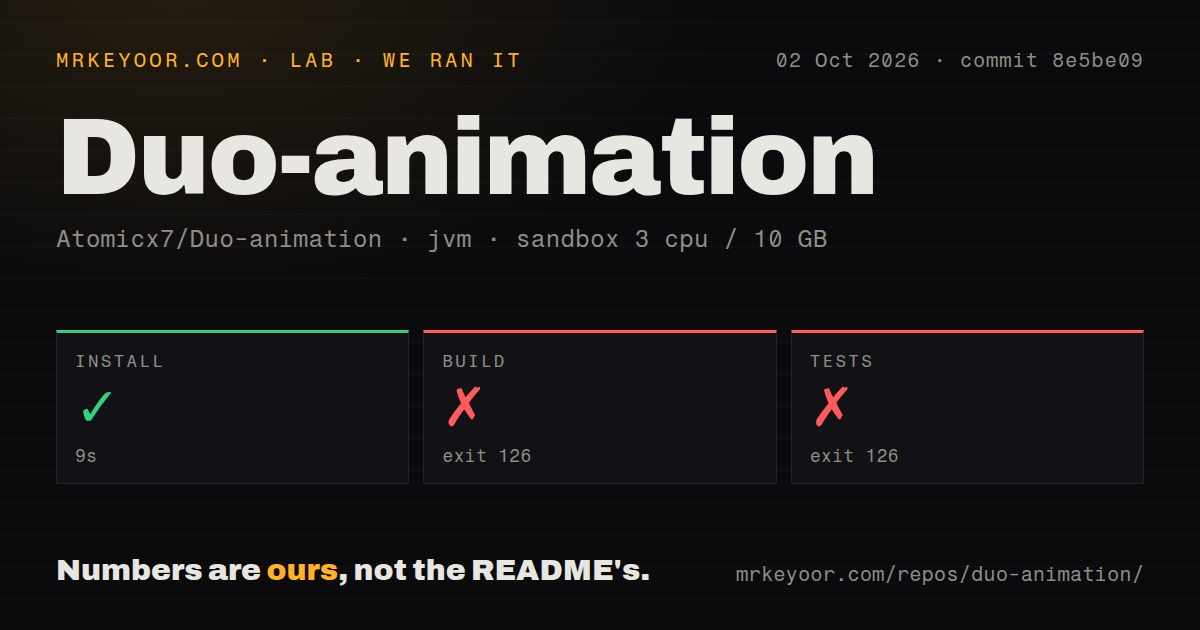
Our JVM sandbox completed its install step in 9 seconds. The 0.1 MB checkout contained 22 files and about 993 lines of source. Build then stopped after 5 seconds with exit 126. The only reported line was bash: line 1: ./gradlew: Permission denied. There was no compiler output or Gradle task result to interpret.
The test step reached the same boundary after 11 seconds and exited 126 with the same line. The repository has no tests directory, no CI workflow, and no Dockerfile. Its gradlew file is present, as is the Gradle 8.7 wrapper jar, but our result establishes only that the supplied command could not execute the wrapper in the fresh container. It does not establish whether the Android source compiles after that boundary is removed.
No license and no green CI block direct reuse
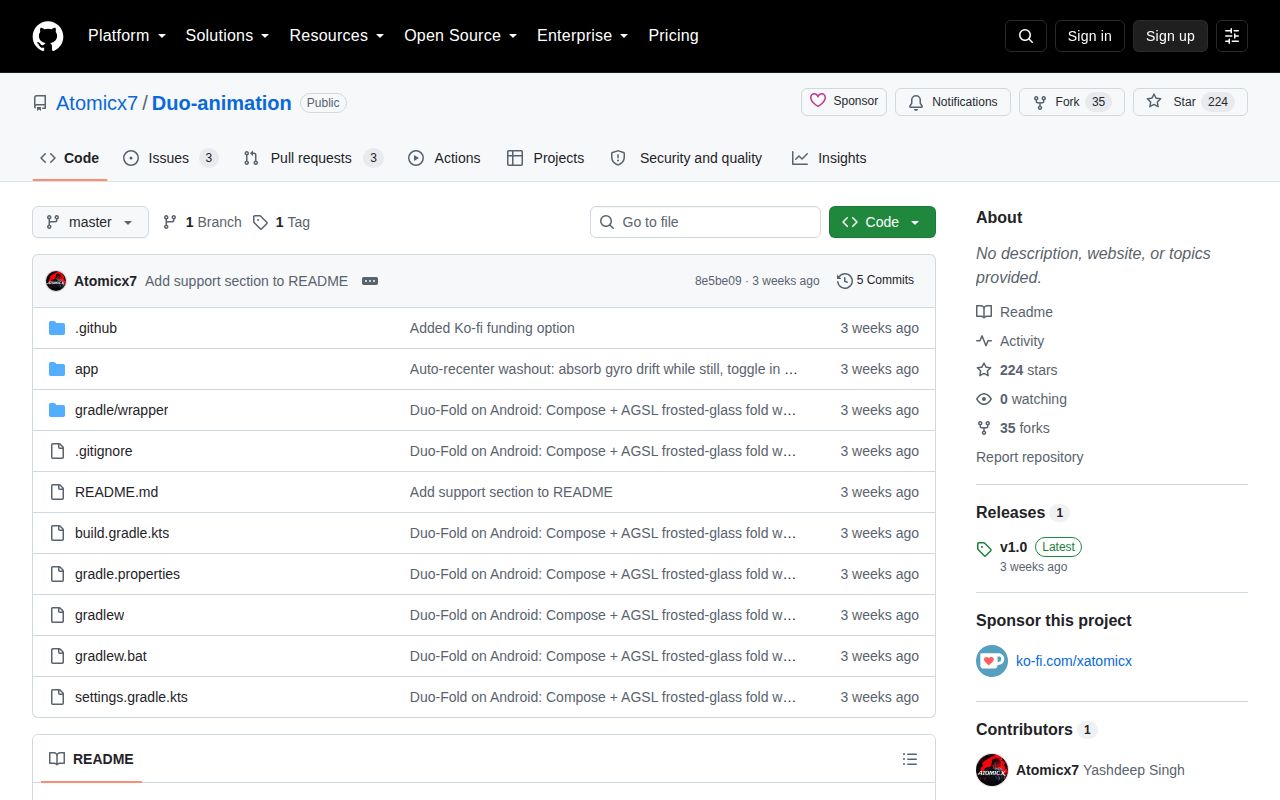
GitHub reports no detected license, and the 22-file tree contains no license document. Public visibility does not grant permission to copy the code into a product. Until the author chooses a license, this repository is safest to use as something to read and discuss, not a source file donor. The iOS reference has an MIT license, but that license does not automatically cover this separate Android port.
The default branch also has no automated build. Pull request 1 proposes a GitHub Actions workflow for a debug APK, but it remains unmerged. There are no source tests behind ./gradlew test, and our command never reached Gradle anyway. A serious fork needs a reproducible wrapper invocation, a compile check, shader initialization tests where feasible, and device acceptance checks for both hinge directions.
v1.0 shipped on September 10, followed by two days of activity
Release v1.0 was published on September 10, 2026, the same day the repository was created. GitHub showed 224 stars and 6 combined issues and pull requests on October 2. The last push was September 12, and the open items had no later activity. That is a short project history, though it is too early to label the project abandoned.
Duo-animation succeeds as a concise explanation of how this effect maps to Compose, sensors, and AGSL. It falls short as a dependency: no license, no verified default build, no test suite, and stale details in the tuning notes. If the visual is important, recreate the method in a licensed module with a small API and test it on the Android devices you support.