Seven built-in tabs turn DSH chat into a workbench
DSH Better Sidebar fills the space between an agent chat and an IDE. Its file explorer opens CodeMirror editing, images, Markdown, Mermaid, HTML, and PDF. A real xterm.js terminal uses node-pty, while the Git panel stages, commits, restores, and shows diffs. Background tasks and subagents have their own view. Side Chat is still marked beta, but it can inherit the parent context and promote a useful thread into a top-level session.
The layout is more ambitious than the name suggests. A right sidebar and bottom panel can be open together, tabs can split or move between panes, and a tab dragged over the conversation becomes a floating window. State persists per session, while terminals can be pinned to a workspace or globally. The README lists 7 built-in tabs and 6 viewers, with heavy editor, terminal, and diagram code loaded only when used.
Third-party plugins use the same tab and viewer service
The most interesting design choice is ctx.betterSidebar. Another DSH plugin can register a tab or a file viewer through the same service used by built-in features. That gives the sidebar a role as shared interface infrastructure rather than one fixed bundle. The README points to more than 28 ecosystem plugins for tasks such as documents, databases, reviews, diagrams, media, and remote tools.
Shared interface slots can also collide. Issue 390 reports that versions 0.16.0 and 0.16.1 register a produced-files selector with priority -1, causing a separate file-review plugin in the same turn-tail slot never to render. The only reported escape also disables the editor tab. Anyone with a layered DSH setup should inventory slot ownership and enable plugins one at a time, especially where two extensions modify the same conversation surface.
What happened when we ran it
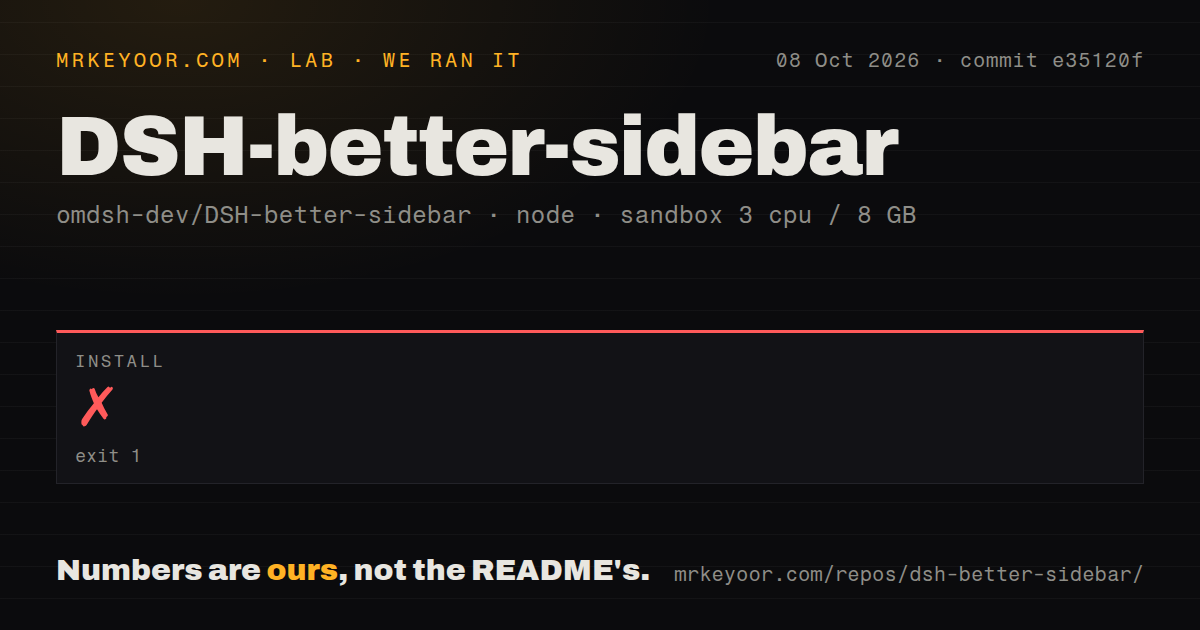
Our sandbox cloned commit 6f6568d into an unprivileged Node environment with 3 CPUs and 8 GB of RAM. Installation stopped after 8 seconds with exit code 1. The final stack trace came from pnpm 11.23.0 and ended with ERR_UNKNOWN_BUILTIN_MODULE; it printed Node.js v20.20.2. Since dependencies were not installed, our harness did not run a build or any tests.
The checkout had 297 files, roughly 55,887 source lines, and occupied 3.8 MB. Our scan found 2 CI workflow files, a tests directory, monorepo workspaces, and no Dockerfile. Those are useful project signals, but they do not cancel the failed install. The supplied log tail does not identify which built-in module pnpm wanted, so blaming Node, pnpm, Corepack, or repository code would go beyond the evidence.
The documented install intentionally takes three plugin steps
Users start with a working dsh web, Node.js 20 or newer, and pnpm 10 or newer. The README supports DSH 0.1.0-rc.8 and 0.1.1-rc.1 through rc.2. Its npm instructions say the first plugin add under pnpm 11 fails because node-pty build scripts are blocked. Users then approve all builds in the web profile directory and run the add command again, followed by a hard browser refresh.
That sequence is unusually honest, but still awkward. Windows may need Visual Studio Build Tools if node-pty lacks a binary for the active Node version. A registry install and npm install are alternatives, not companions, because enabling both can mount the package twice. The troubleshooting table also covers version-release-age checks, missing profile directories, duplicate loader IDs, and a repair command for a damaged node-pty install.
Workspace containment is safer, while remote files stay limited
File access now resolves real paths and rejects files outside the session workspace, including symlink escapes. That boundary protects configuration and credentials under the DSH process account. Issue 383 asks for an explicit read-only exception for files elsewhere, while preserving the default fence. The request is sensible, but the current restriction is the safer default for a plugin that can read, edit, upload, open terminals, and optionally give terminal tools to a model.
Remote work remains less complete. Issue 238 says a DSH host connected to another machine through the remote plugin could not make Better Sidebar recognize the target workspace. That makes the plugin a poor choice if SSH targets are your primary development environment. code-server or a remote IDE gives the file and terminal layer direct ownership of the remote machine instead of asking two DSH plugins to agree on path and process routing.
Legacy encodings and huge histories need caution
Issue 406 reports that the editor assumes UTF-8 for text reads and writes. On Chinese Windows, a GBK or GB2312 file can display incorrectly and then be silently saved as UTF-8. The report includes a proposed encoding detector and write-back patch, but the issue remains open. Do not open old batch files, logs, INI files, or source trees in the sidebar until their encoding is known and copies exist.
Scale has another edge. Issue 403 measured a 395-session group adding roughly 4,000 to 7,400 DOM nodes when expanded, with noticeable delay in a 1,704-session account. Release v0.16.1, published August 25, separately capped Git status output at 2,000 entries and bounded repository discovery after a freeze report. The project responds quickly, yet its workbench scope means large repos and long histories keep producing new limits to find.
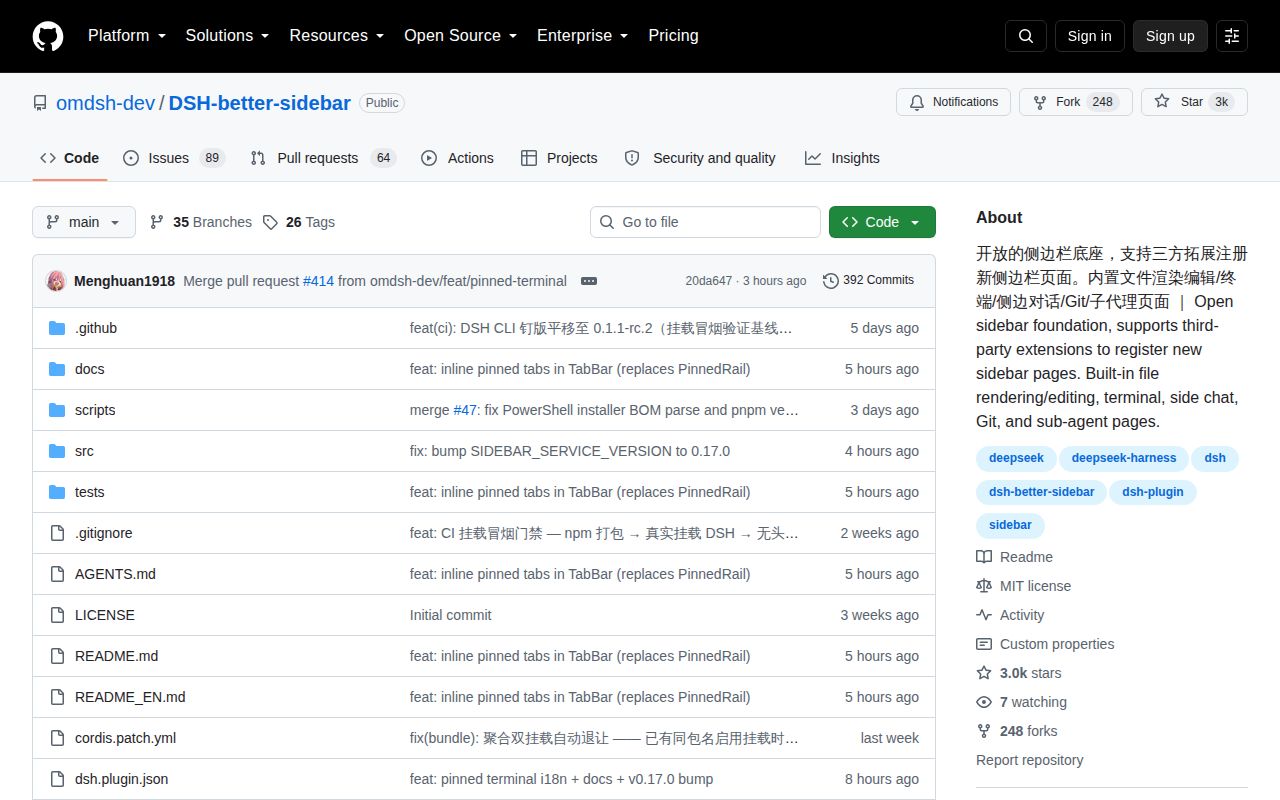
GitHub showed 2,965 stars, 153 combined issues and pull requests, and a last push on August 26, 2026. That activity makes DSH Better Sidebar a serious option for committed DSH users, not a casual universal editor. Our 8-second install failure argues for testing the exact Node, pnpm, DSH, browser, and plugin combination before moving real work into its editor or terminals.