A code phrase replaces the server address
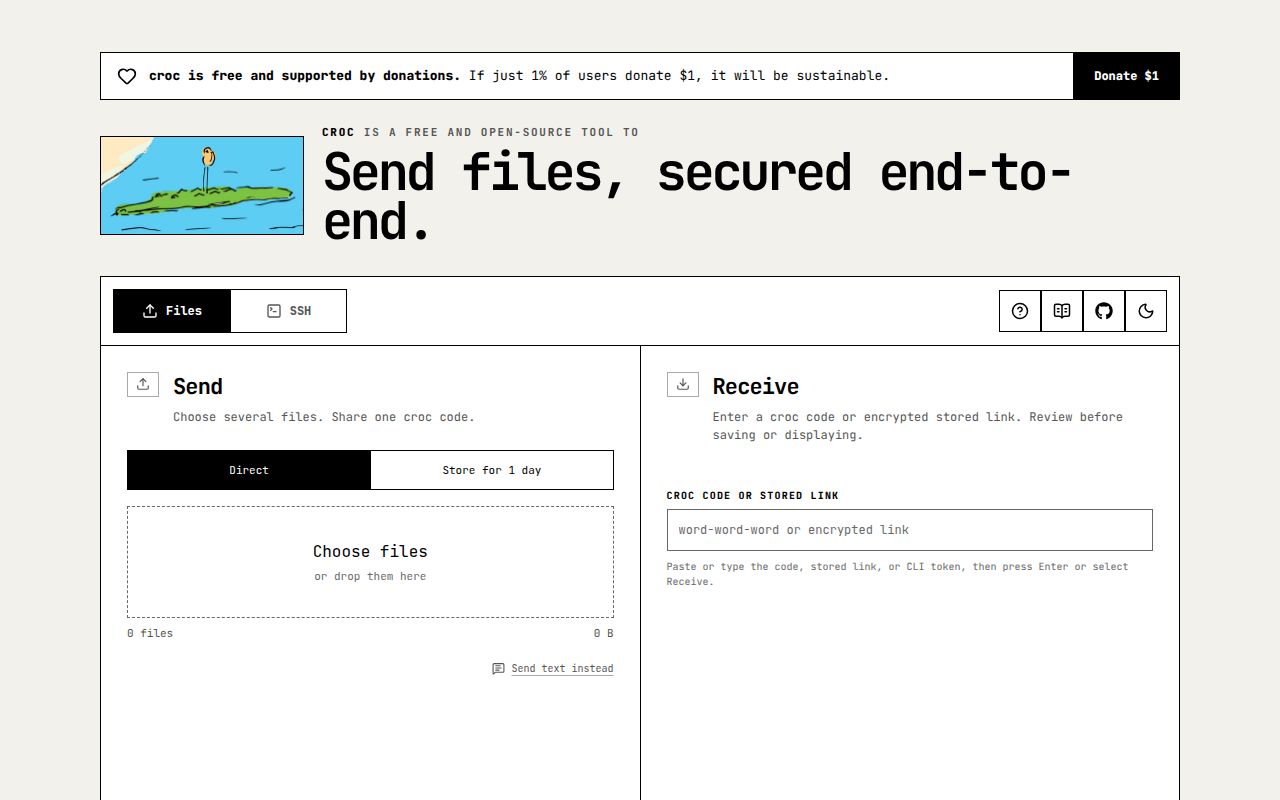
Run croc send report.zip, share the generated code privately, and the recipient can collect the file without exchanging server addresses or SSH accounts. Croc handles files and folders across Windows, macOS, and Linux, with a browser client available too. That's a useful handoff when the other computer belongs to someone outside your infrastructure. The normal live mode still needs both peers present, and interrupted transfers can resume, according to the README.
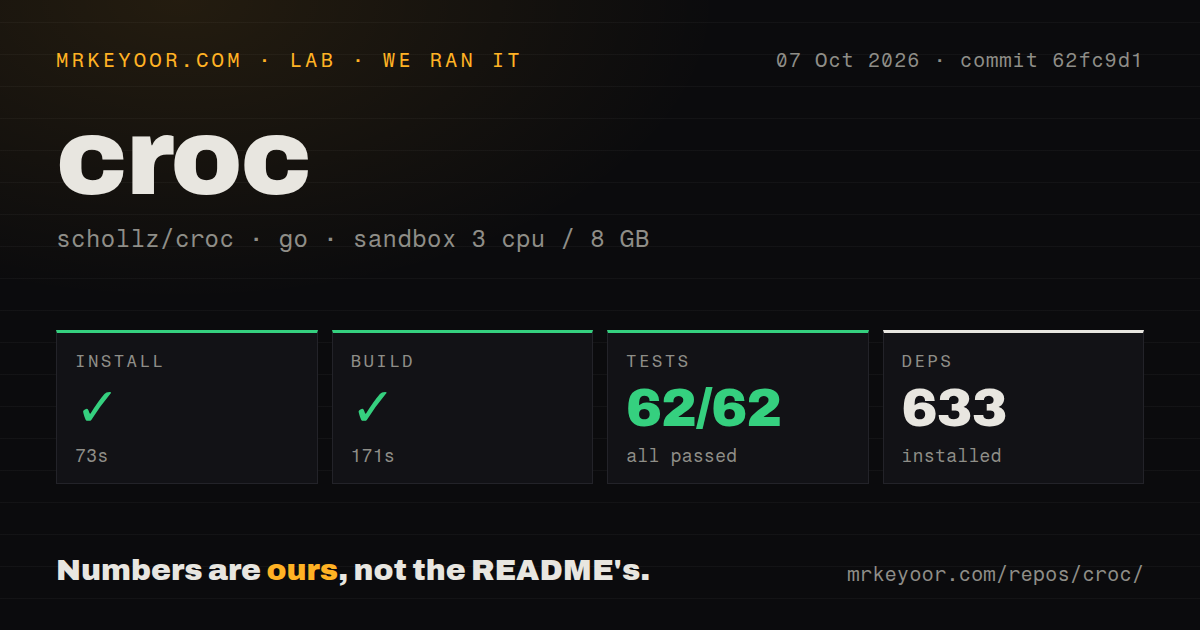
Choosing a release binary also avoids taking on the source workflow our lab measured: 633 packages during a 73-second install. The README offers release downloads and package-manager routes, including Homebrew and Scoop. Its Debian instructions distinguish a third-party archive from downloading an upstream package. Those distinctions matter if you expected the same package to be available in every distribution's default repositories. We measured the checkout workflow, so those packaged routes don't inherit our timings.
What happened when we ran it
Our run installed croc in 73 seconds, built it in 171 seconds, and passed all 62 Go tests in 53 seconds, with 0 failures. We cloned commit 62fc9d1 on October 7, 2026, into an unprivileged Debian container using the golang:1.24-bookworm image, 3 CPUs, and 8 GB of RAM. The container had no secrets. These results support trying the codebase, while providing no transfer-speed benchmark or browser compatibility measurement.
The checkout contained 423 files, roughly 70,107 source lines, and occupied 6.2 MB. Installation brought in 633 packages. Our scan also found 7 CI workflow files and a Dockerfile, though no dedicated tests directory. The passing Go test result matters more than that directory label. A successful source run tells you the measured revision was workable in this environment, without establishing performance through your office firewall or a public relay.
Keep the receiving secret out of command arguments
Linux and macOS recipients should use CROC_SECRET='code-phrase' croc rather than put the invitation directly in the command's arguments. Croc documents that distinction because process listings can expose arguments. The phrase participates in password-authenticated key agreement, or PAKE: sender and receiver use their shared secret to agree on an encryption key. Send the invitation through a private channel. Encryption cannot help if you've handed someone else the secret needed to join.
All 62 tests passed in the sandbox, which gives the source checkout a useful starting point for evaluation. That result isn't a security audit, and it doesn't establish that your messaging channel or either endpoint keeps invitations private. Croc's clipboard options deserve attention on shared desktops: --disable-clipboard prevents automatic copying, while --extended-clipboard copies the receiving command with its environment variable. Pick the behavior deliberately rather than leave a transfer secret sitting somewhere another person can paste it.
Stored transfers let the sender disconnect
croc store photo.jpg uploads an encrypted file and returns a browser link plus a CLI token. This changes the handoff: the recipient can arrive later. The stored-transfer guide explains expiration, download allowances, and revocation. A link carries its decryption key after the URL's fragment marker, keeping it out of ordinary HTTP requests. The complete link remains a secret anyone holding it can use, and the service still learns connection metadata and ciphertext sizes.
Our 171-second build doesn't settle the browser's documented limits. The web client guide says browser sending accepts selected files but cannot send folders, and stored browser downloads won't resume after the tab closes. Receiving folder structure also depends on directory-access support. These are reasons to keep the CLI available for directory work and interrupted downloads. Stored uploads accept regular files only, so a folder-sharing workflow needs a different preparation step or live CLI transfer.
Public relays need funding, and private relays need verification
The maintainer's funding request asks for donated relay hosting and bandwidth support. Public infrastructure has an operating bill even when users don't create accounts. The current transport documentation describes native clients attempting a direct WireGuard path through Tailcat, with croc relay fallback for browsers, older clients, or failed setup. That is helpful network handling, but availability still depends on the services involved. A team requiring control can run its own relay and configure clients to use it.
The lab's 3-CPU, 8 GB container doesn't validate a Raspberry Pi relay deployment. Open issue #1359 reports Windows peers hanging through a Raspberry Pi running Trixie and croc v11.5.4. Its receiver log shows an I/O timeout and then waits for the sender. That's a specific user report, not a reproduced lab failure or a demonstrated size limit. If that matches your intended relay host, verify it with representative files before depending on it.
October activity supports a trial, with receiving fixes worth reading
The repository's last push was October 13, 2026, and the API listed 9 open issues and PRs: 3 issues and 6 pull requests. Recent activity includes dependency-update proposals and web-interface work. Release v11.5.4, published September 26, fixed unintended stdout deletion and extraction of an archive the receiver declined to overwrite. Those are consequential file-handling fixes. The release and issue activity support calling croc maintained, while the Pi report remains a deployment concern.
Choose according to whether files move once or keep moving
Croc's 62 passing tests make it worth evaluating for occasional handoffs, particularly when you want a terminal command and the recipient wants a browser. Choose LocalSend for app-based transfers on the same local network. Syncthing fits folders that should stay synchronized between devices. Magic Wormhole is another code-based handoff option. For croc, decide whether the recipient will be present, whether browser folder limits matter, and who will provide the relay or temporary storage. Those choices determine which command you should reach for.