Keeper is useful only when CLIProxyAPI is already the gateway
CPA Usage Keeper is built around CLIProxyAPI's data and management surfaces. It pulls usage into SQLite, synchronizes CPA auth files, API keys, and providers, and gives operators filters for requests, tokens, cost, cache use, latency, and failures. The fit is narrow by design. If CPA is not the gateway, most of Keeper's identity and quota model does not apply.
The dashboard solves a real gap for a shared proxy. A 15.5 MB source checkout becomes a local history of which key used which model and how the request behaved. Per-key read-only views can give users their own activity without granting full administration. Operators can inspect request events and export them, while scheduled backups preserve the SQLite database.
What happened when we ran it
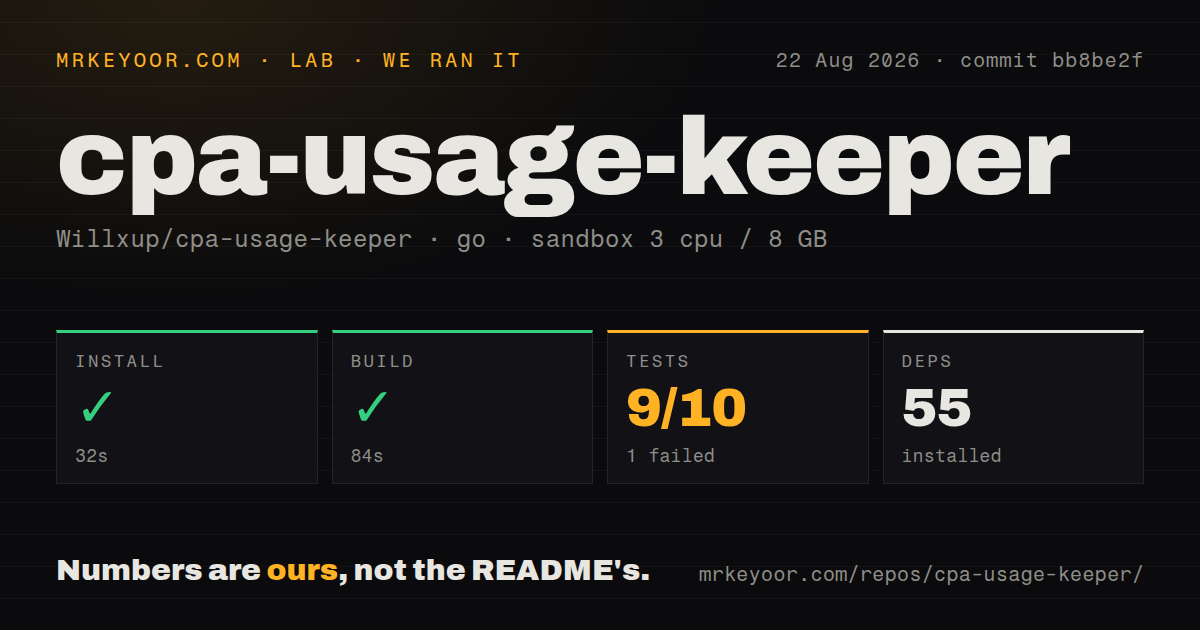
Our sandbox cloned commit bb8be2f in an unprivileged Go 1.24 Debian container with 3 CPUs and 8 GB of RAM. Dependency installation succeeded in 32 seconds and installed 55 packages. The build completed successfully in 84 seconds.
The test command failed after 719 seconds with exit code 1. Go's summary recorded 9 passed and 1 failed out of 10. The supplied tail shows passing packages including service, token processor, time utility, and update check, followed by the final FAIL. It does not identify the failed package or provide an assertion, so attributing the result to timing, networking, or the sandbox would be guesswork.
The repository contained 958 files and about 177,489 lines of source. Our scan found 5 CI workflow files, a Dockerfile, and no separate tests directory. That directory result fits common Go practice, where test files sit beside package code. We did not connect CPA, ingest live events, validate quota estimates, or measure dashboard query behavior against a large SQLite history.
CPA access and the login password guard sensitive records
Keeper needs CPA_BASE_URL and CPA_MANAGEMENT_KEY. The management credential can expose more than ordinary usage, and the interface includes auth-file and provider views, so the server should live on a private network. Authentication is enabled by default. The README tells operators to set LOGIN_PASSWORD or explicitly disable protection only when another trusted boundary isolates access.
Docker can accidentally widen that boundary. Publishing 8080:8080 exposes the port according to the host firewall, while 127.0.0.1:8080:8080 limits it to the Docker host. Behind a reverse proxy, only exact proxy addresses should enter TRUSTED_PROXY_CIDRS; the application rejects universal ranges. Built-in TLS is optional, and skipping upstream certificate verification should remain reserved for a controlled self-signed setup.
Collection can become incomplete when consumers mix modes
The README requires usage-statistics-enabled: true in CPA. It also warns that when multiple collectors share one CPA instance, all must use subscription mode or collection may stop or become incomplete. That is an operational constraint worth testing during deployment because a pretty dashboard cannot reveal events it never received.
Our 719-second suite failure adds another reason to run a known request through CPA and trace it into Keeper before relying on totals. Send requests from 2 distinct keys, confirm both event records and summaries, then restart each service and check the counts again. If Redis or RESP runs somewhere other than the default CPA host and port, REDIS_QUEUE_ADDR and its TLS setting need explicit values.
SQLite retention favors reconstruction over a small database
Raw usage_events older than 90 local calendar days move into usage_events_archive during daily maintenance. The README says that cold table is retained permanently for future schema rebuilds and is not queried by normal dashboard APIs. Backups run every 24 hours by default and keep 7 days, while logs have their own retention settings. Long-running installations therefore need disk monitoring and a written retention policy.
Issue 433 asks for an option to delete old archive rows while preserving daily aggregates and key attribution. Until such control exists, an organization that must remove request-level records after a fixed period needs an external cleanup procedure it has tested against upgrades. Deleting rows blindly could damage later migrations, which is precisely why the project currently keeps them.
Cost views are estimates with current pricing limits
Keeper maintains model pricing and can break usage down by model, API key, and provider. That is useful for internal allocation, but it should not be treated as an invoice. Issue 468 asks for rates that vary by time of day, citing a provider with period-based pricing. The request shows that today's pricing model cannot express every tariff.
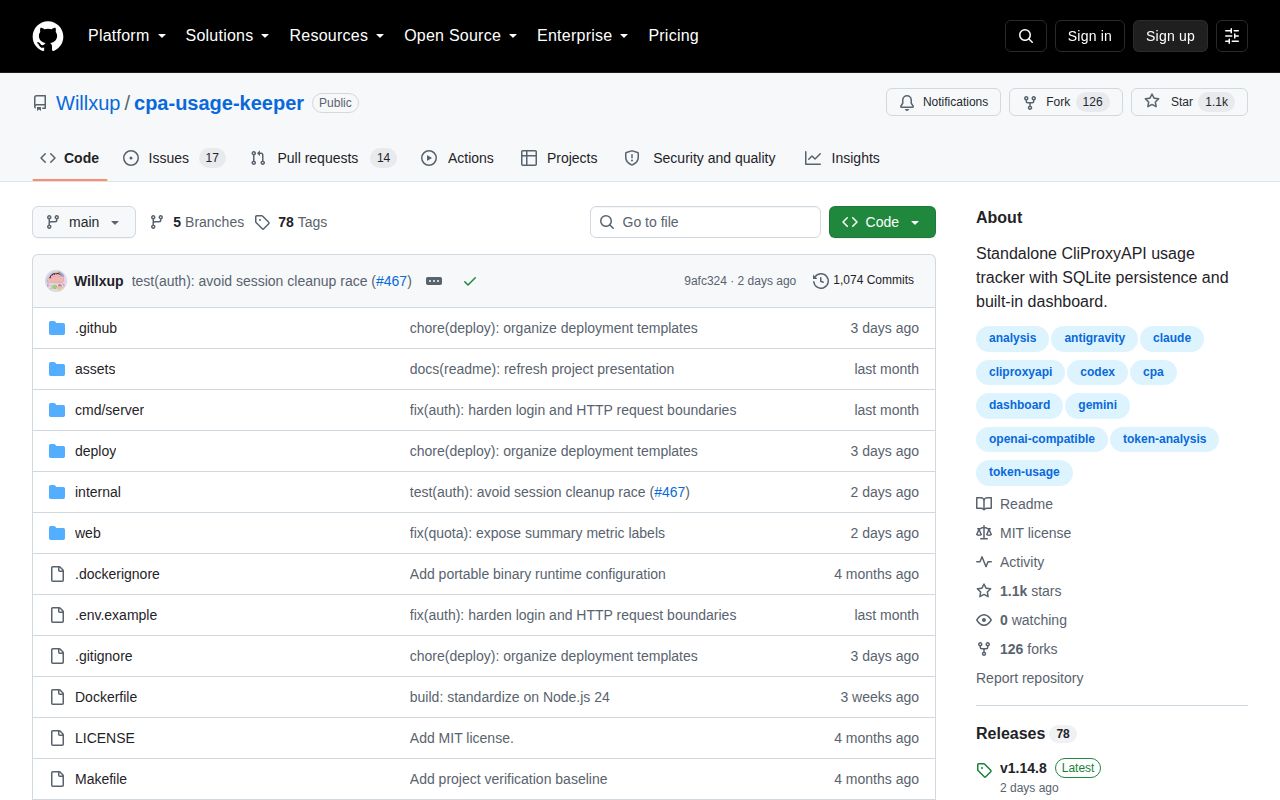
Release v1.14.8, published August 24, 2026, fixed overlapping Codex quota observations when reset schedules change and improved mobile credential views. GitHub showed 1,093 stars, 31 combined open issues and pull requests, and a last push on August 26. The project is moving quickly. For CPA users, that makes Keeper worth a staged deployment, with its single failed test package and permanent raw archive treated as work to resolve rather than footnotes.