Coolify trades platform rent for server responsibility
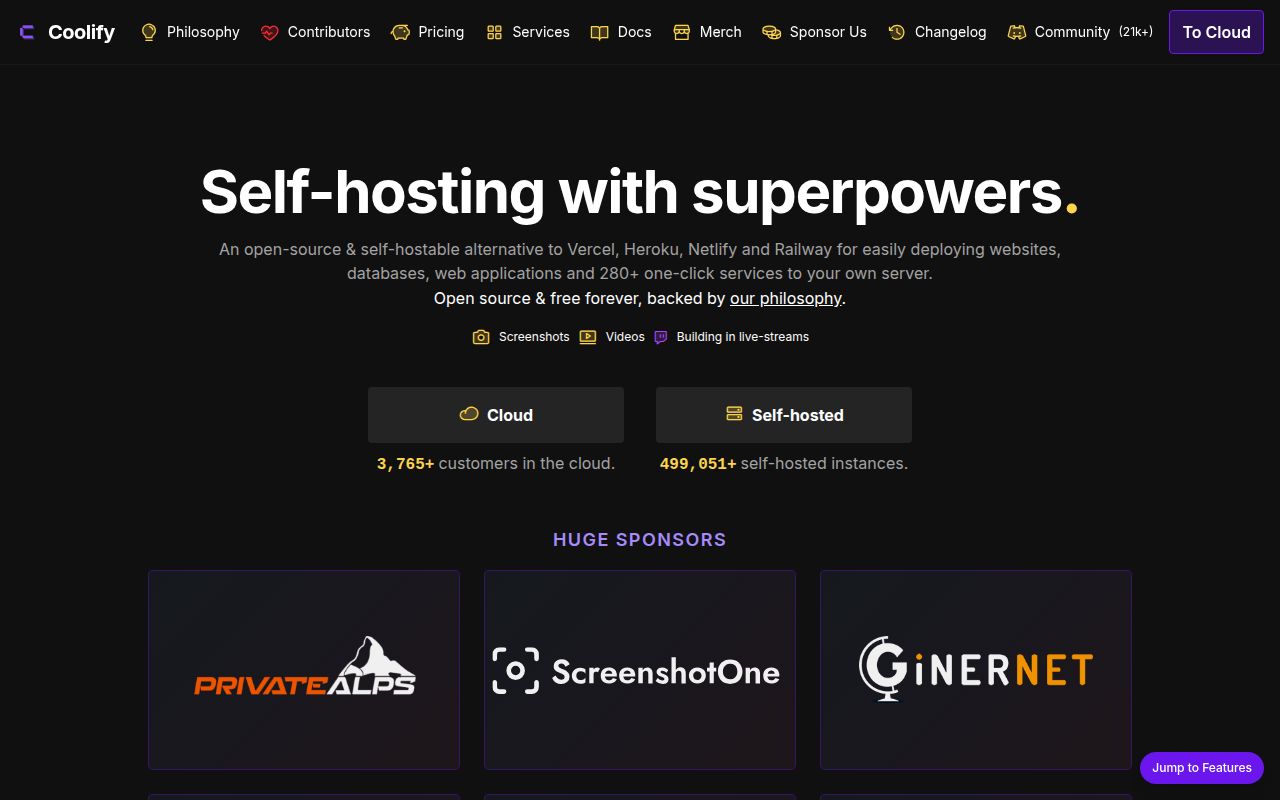
Coolify gives a developer-owned server the deployment conveniences people associate with Heroku, Netlify, and Vercel. You connect Linux machines over SSH, attach a Git source, and let the panel manage applications, databases, and packaged services. If you stop using the panel, the README says the deployed resources and their configuration remain on your server. You lose Coolify's automation, but the workloads are not trapped inside a proprietary hosting account.
That bargain is attractive only if somebody owns the machines. Our checkout contained 3,948 files and about 361,817 source lines, so this is a substantial control plane rather than a thin Docker wrapper. Coolify can manage a local host, remote VPS, bare-metal machine, or Raspberry Pi. Its own guidance recommends placing the panel on one server and applications on one or more others, which separates deployment management from workload failures but adds another host to patch and monitor.
Root SSH access is a design requirement
The repository's quick start is a single command that pipes the published installation script to a root shell. Reading the script matters: it refuses a non-root user, creates Coolify's directory tree under /data/coolify, checks or installs OpenSSH, handles Docker, and inspects Docker address pools. That is reasonable for a machine dedicated to the platform. It is a poor fit for shared hosting, locked-down corporate servers, or a box whose Docker daemon another team owns.
Remote management also depends on SSH key authentication. Coolify's server documentation tells operators to place its public key in the root user's authorized_keys, and it requires Docker Engine 24 or newer on managed servers. Those permissions let the panel deploy and supervise containers, but they also make the panel a sensitive administrative system. The 49.4 MB source checkout is the small part of the security decision; the larger part is protecting the web login, SSH keys, source tokens, registry credentials, and backup destinations.
What happened when we ran it
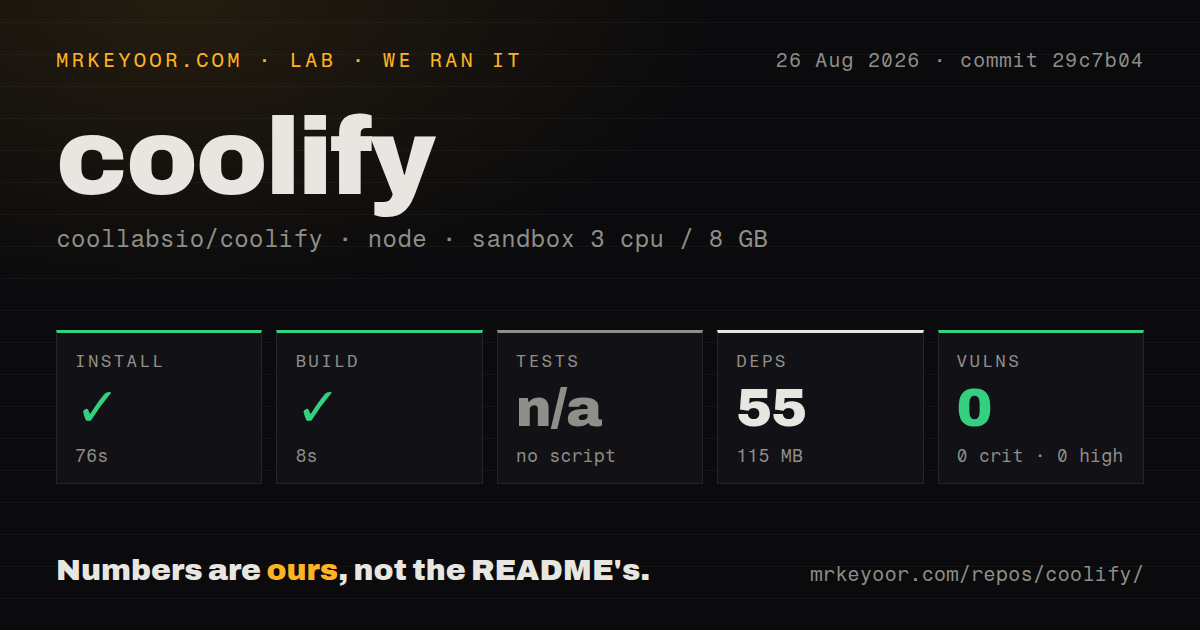
Our fresh unprivileged sandbox installed the checked-out commit in 76 seconds. The Bun-based step added 55 packages and occupied 115 MB on disk, then the available build completed in 8 seconds. Npm audit reported 0 known vulnerabilities across the installed dependency set. These results cover commit 29c7b04 on 3 CPUs with 8 GB of RAM, and they show that the repository's package layer can be prepared without a long debugging session.
Tests are the gap in that otherwise clean run. Our harness found no test script or target, so it skipped the test step; reporting a passing suite would be wrong. The repository did contain a tests directory and 18 CI workflow files, which suggests validation exists elsewhere, but the command surface presented to our sandbox did not expose it. We also found a Compose file and no Dockerfile. Production installation uses Coolify's installer and published images, so the 8-second source build is not a rehearsal of a full server deployment.
The panel simplifies deploys, not operations
Once installed, Coolify centralizes the repetitive work: connecting source repositories, applying environment settings, routing domains, and managing deployed services. The README also advertises a paid cloud edition for teams that do not want to host the Coolify control server themselves. Its stated benefits include high availability, email notifications, better support, and less maintenance. That comparison is unusually candid about what the free self-hosted route leaves with you.
Backups, restore drills, storage growth, DNS, TLS reachability, host upgrades, and incident response remain operator work. A successful 76-second dependency install says nothing about whether a database restore works after a disk failure. Before moving production apps, test one disposable service, rotate its Git credential, restore its data to another server, and document how to regain access if the Coolify host is unavailable. The panel can make these tasks easier to initiate, but it cannot assign an owner to them.
Fast releases come with a large public work queue
GitHub showed 61,080 stars and 647 combined open issues and pull requests when fetched on August 26, 2026. The last push was that day, as was release v4.3.12. Its fixes covered proxy-aware authentication rate limits, stale server-unreachable counters, an editor alignment problem, and retries for cloud registration email. That is strong evidence of current maintenance. The combined open count is not a count of confirmed bugs, though it does tell adopters to search the tracker before relying on a particular deployment path.
Recent open reports show why. Issue 11510 describes a deployment failure involving an IPv6 gateway value, while issue 11511 reports helper containers that may not be cleaned up under a registry-prefixed image reference. Issue 9271 concerns preview deployments not triggering when a pull request opens. These are specific operating paths, not proof that every installation suffers. They are still worth adding to an acceptance checklist if your network, registry naming, or preview workflow matches the report.
Coolify fits teams with a named infrastructure owner
The strongest case is a small technical team paying for several VPS instances and wanting one approachable deployment surface. Apache 2.0 licensing, active releases, and the ability to keep workloads on your own servers make an evaluation easy to justify. The web panel also lowers the barrier for colleagues who do not want every deployment to begin with an SSH session. None of that turns a self-hosted platform into managed hosting.
Our run ended with a successful 8-second build and 0 audit findings, but no runnable test target. Pair that source result with a real server trial before trusting Coolify with customer data. If one person can own root access, Docker, upgrades, monitoring, and restores, the panel can remove plenty of deployment friction. If those duties would be shared vaguely across the team, Coolify Cloud or another managed PaaS is the safer purchase.