Files stay in the browser during conversion
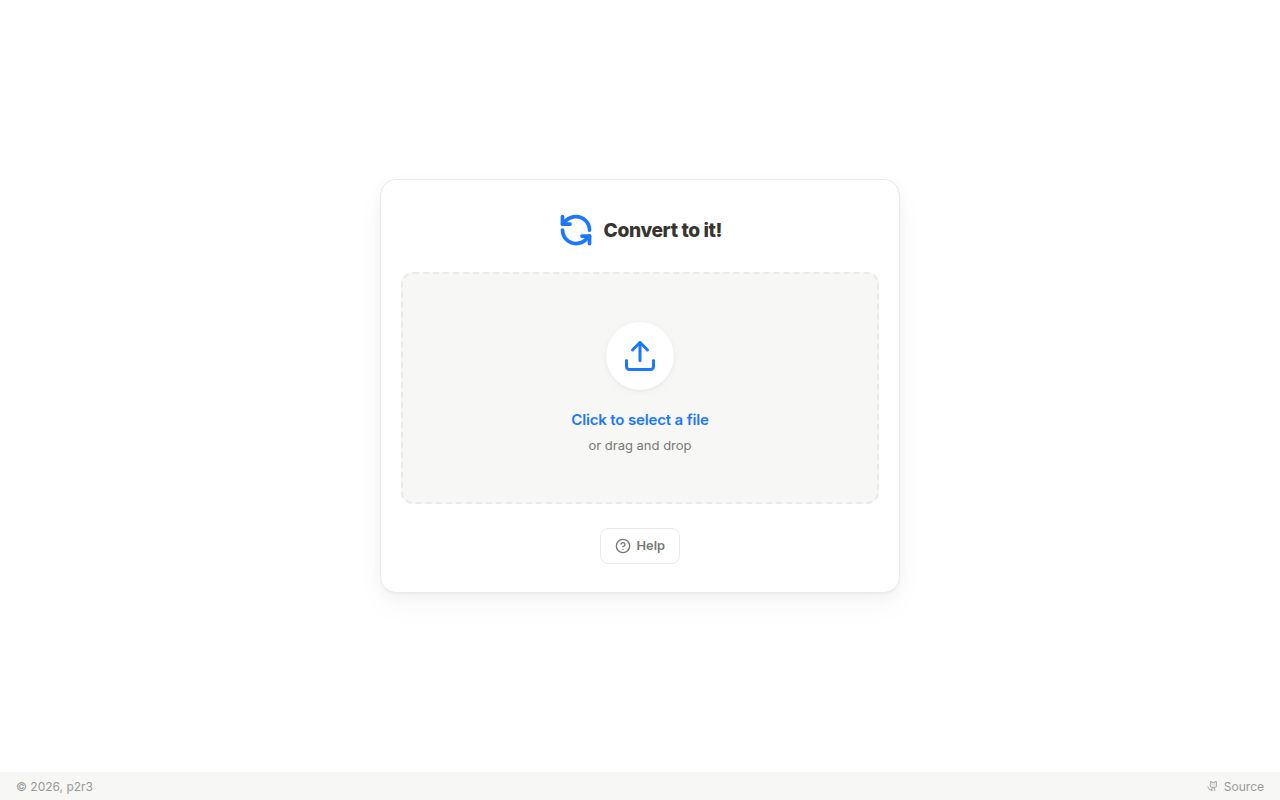
Convert to it! takes a reassuring approach to online conversion: the browser processes the file instead of uploading it to the project's server. The hosted site can therefore handle private material without adding another storage provider to trust, and the same interface can be served locally. That privacy model is the strongest reason to try the project before a conventional upload-and-wait converter.
Range is the second reason. Format handlers form a graph, allowing the app to route through intermediate representations instead of limiting users to image-to-image or video-to-video jobs. An AVI-to-PDF request may produce something strange, but the system attempts a meaningful path across media categories. The README is candid that users are likely to get an output, though it may not be what they expected.
What happened when we ran it
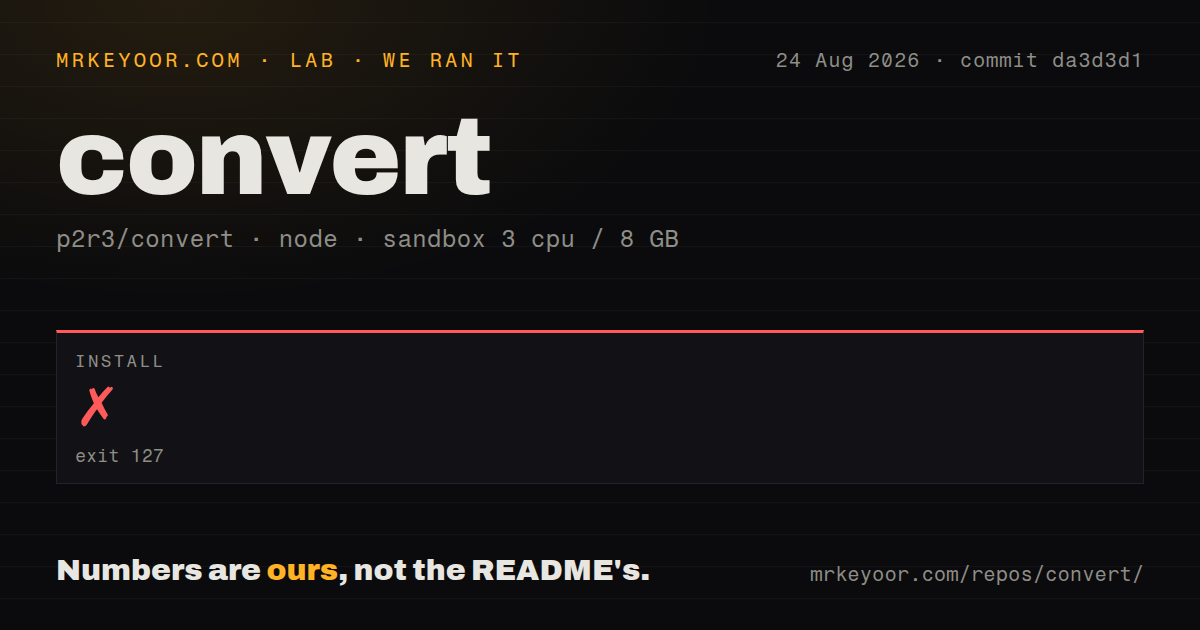
Our run cloned commit da3d3d1 into an unprivileged Node 22 container with 3 CPUs, 8 GB of RAM, and no secrets. The checkout contained 481 files, about 59,515 lines of source, and occupied 110 MB. Installation ran for 227 seconds, then failed with exit code 127. Since installation did not complete, our sandbox did not run a build or tests.
The log tail identifies the immediate problem. npm ran the package's postinstall command, bun run scripts/extract-material-icons.ts, and the shell replied bun: not found. npm then recorded command failure and pointed to its debug log. The README explicitly requires Bun, so this is a missing prerequisite in our Node-only image, not evidence that the application code failed to compile.
The repository has 3 CI workflow files and a tests directory. Our harness detected no Dockerfile, although the README provides Compose files under docker/ and describes a local image build. The failed install means we have no measured dependency count, build timing, or test outcome. Any claim beyond that would turn a clear setup finding into a guess.
The development path requires Bun and submodules
The README tells contributors to clone recursively because some handlers arrive as Git submodules. Bun installs the JavaScript dependencies and Vite runs the development server. Using npm despite that prerequisite reaches a Bun-based postinstall anyway, exactly where our 227-second attempt stopped. A setup guide can be accurate while a generic Node harness still fails, and this project is a good example.
Generating the supported-format list adds another step. On first browser load, the app calculates routes and reports missing cache data. The recommended workflow is to wait for the initial format list, call printSupportedFormatCache(), and store its JSON in cache.json. A local Docker build automates that work with Chromium and Puppeteer, which the README says makes the first image build slow.
Many specialist tools sit behind one interface
The application does not pretend one parser understands every medium. Handlers wrap conversion engines and declare accepted inputs and produced outputs through a common TypeScript interface. Contributors must normalize MIME types, set output filenames, avoid mutating byte buffers, and treat a file as the media it represents. An SVG should become an image through rendering, for example, rather than a crude visualization of XML bytes.
That design lets dedicated libraries cooperate while keeping the user flow simple: add a file, confirm the detected input, choose an output, and convert. It also creates a large maintenance surface. npm packages, WebAssembly components, Git submodules, browser APIs, and format-specific wrappers can change independently. The project's preference to avoid CDNs is sensible because every remote runtime dependency adds another failure point.
Best-effort output needs human verification
Issue 709 reports that the Electron application turns into a blank window within 2 to 5 seconds when converting MKV to MP4 or Opus to MP3 on Linux Mint, while PNG to PDF works. Issue 712 reports that the TurboWarp handler complains about missing JSZip as soon as the page loads in ChromeOS. Both reports were open when checked and concern the components named here.
The README documents broad project tests in test/ plus optional handler-specific tests. It also says not every handler requires its own unit test. That is understandable across a wide format graph, but users inherit the final verification job. Completion does not prove that timing, metadata, layout, color, embedded assets, or filenames survived. Keep the original and compare the result with a trusted viewer.
No tagged release anchors a deployment
GitHub showed 3,950 stars, 149 open issues and pull requests combined, and a last push on August 21, 2026. The current push and issue activity show that work continues. The latest-release endpoint returned no release, so operators have no tagged version or release notes for selecting a stable checkpoint. Pin a tested commit or container digest rather than following the default branch implicitly.
The issue policy also limits scope sensibly. A request for a new format must explain the desired media conversion, confirm that support is absent, and preferably point to browser-compatible implementations with a GPL-2.0-compatible license. The maintainer rejects format names without that research because thousands of possible formats could otherwise fill the queue without helping implementation.
Convert to it! succeeds as a private first attempt for one-off files. Our installation failure shows that local ownership begins with Bun, recursive submodules, and a generated format cache, not a generic npm command. Trial important conversion paths on the hosted site, preserve originals, and self-host only after those examples work. For production PDF or media pipelines, use narrower tools with explicit controls.