Chat2DB puts more than 40 databases behind one workspace
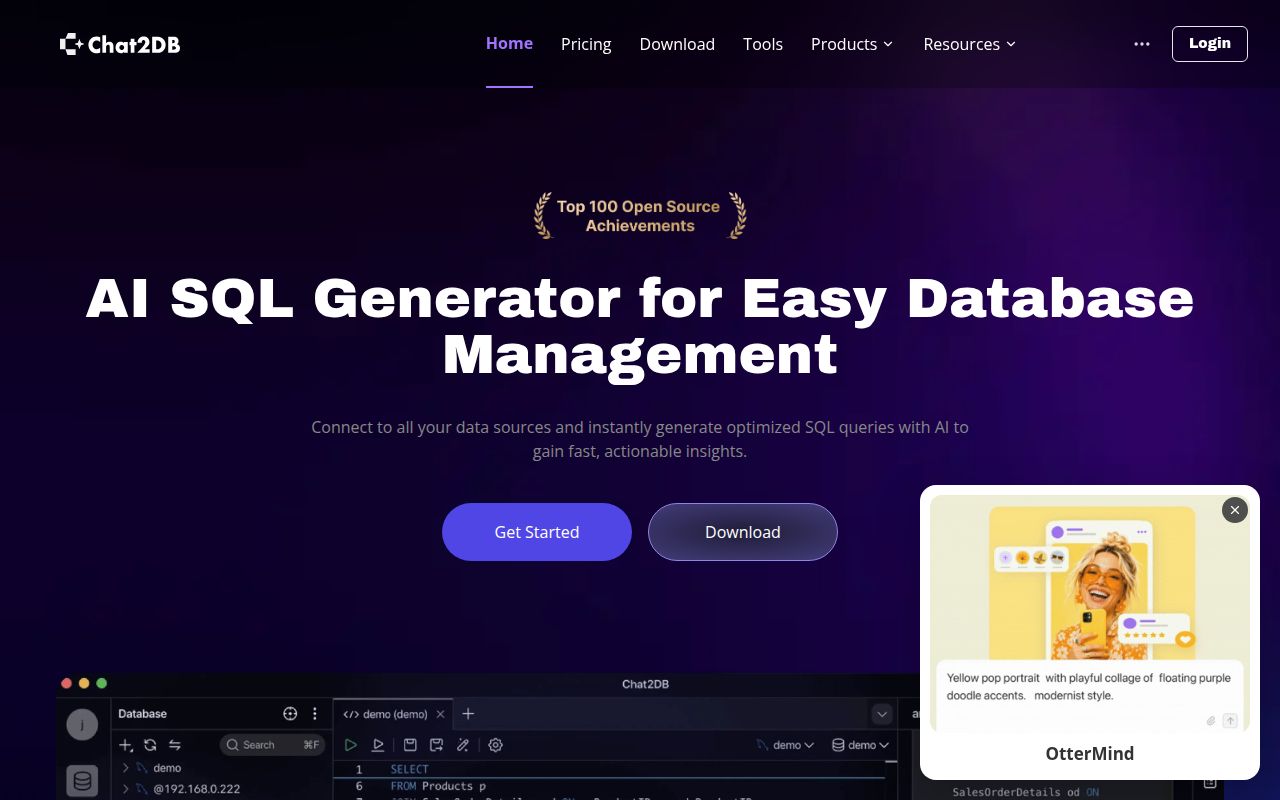
Chat2DB v5.3.7 is a full database workbench, and its README names more than 40 supported databases, ranging from PostgreSQL and MySQL to MongoDB, Redis, ClickHouse, BigQuery, and several JDBC systems. It combines connection management, schema browsing, SQL editing, saved history, direct data edits, imports, exports, dashboards, and ER diagrams. Its AI assistant uses a model you configure, then generates, explains, or optimizes SQL inside the same workspace.
That breadth comes with a substantial codebase. Our commit 4b20d89 checkout held 3,266 files, about 349,256 lines of source, and occupied 28.8 MB before installation. The measured frontend lived under chat2db-community-client, while the repository also contains the Java server. This is closer to a full database workbench than a thin chat box placed over a connection string.
Packaged desktop builds avoid the source path that stopped our run
Version 5.3.7 has packaged installers for Windows, macOS, and Linux, plus signed in-app updates. The README says that route needs no extra application setup before you begin adding connections. AI remains optional and requires a model you provide. The same release added import previews and field mapping, with fixes across connection handling, query work, dashboards, and AI history.
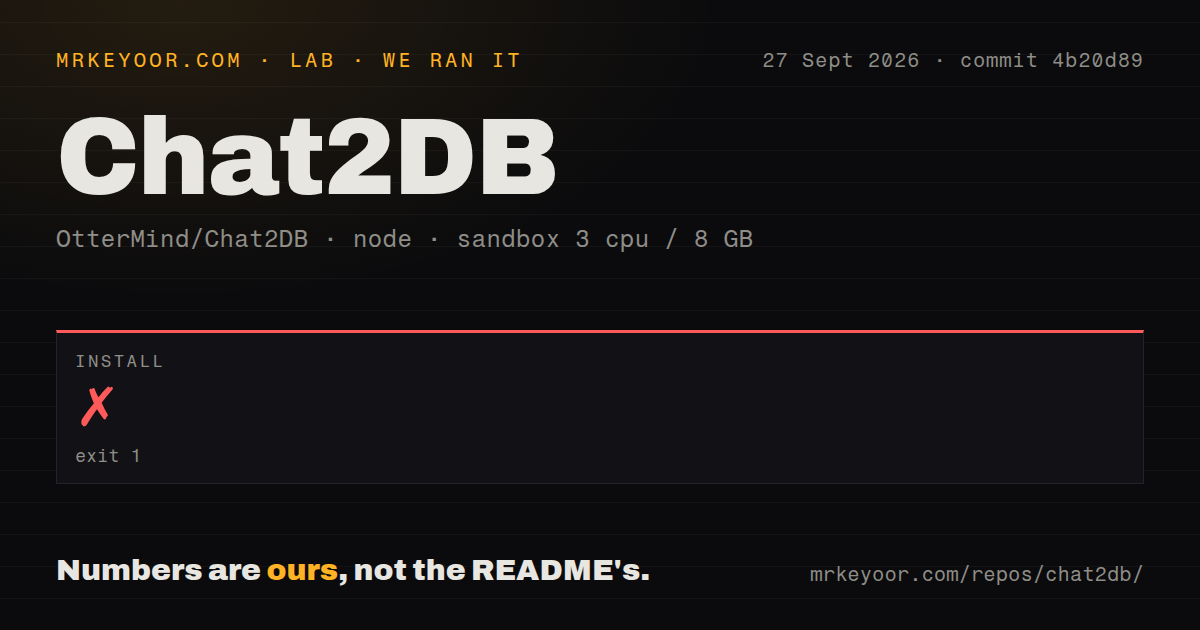
Building from source is more involved. The documented stack includes Java 17, Maven 3.8 or newer, Node 18.17 or newer, and Yarn with the checked-in lockfile. Our install stopped after 239 seconds when Yarn 1.22.22 rejected marked@16.4.2: that package required Node 20 or newer, while Yarn detected Node 18.20.8. The README's stated minimum did not get this checkout through dependency installation.
What happened when we ran it
Our measurement setup used commit 4b20d89 in an unprivileged Debian sandbox with 3 CPUs, 8 GB of RAM, no secrets, and an image labeled lab-node:22. Installation failed with exit code 1 after 239 seconds during dependency fetching. The final log repeatedly reported that marked@16.4.2 expected Node 20 or newer and received 18.20.8.
The image label and Yarn's detected runtime do not match, and the supplied log does not say why. Calling it a Chat2DB bug or a broken container would go beyond the evidence. The defensible result is narrower: this measured source install failed before it could establish a usable client. The repository scan found 11 CI workflow files, a tests directory, and no Dockerfile, but the lab record contains no successful build or test result.
Community web mode has no user accounts or authorization boundary
Community 5.3.7 is single-user software with no accounts separating one user from another. The README tells operators to bind its HTTP service to 127.0.0.1 or ::1. A reverse proxy can add a login screen, but it does not change the application's internal trust model. Teams that need cloud storage, synchronization, shared access, and governance are directed to the Pro and Enterprise editions.
Credential storage also depends on one installation key. Chat2DB encrypts saved datasource passwords and AI model keys with AES-256-GCM, and web or headless startup fails without a valid key. Losing that key makes the stored secrets unreadable. Docker needs at least 2 CPU cores and 4 GiB of RAM, plus persistent application data. None of that runtime behavior was reached during our 239-second failed install.
Version 5.3.7 is active under a source-available license
Releases from 5.3.0 onward use modified Apache 2.0 terms rather than the standard Apache license. Internal use is allowed, but customer-facing hosting, managed delivery, embedding, white-label use, and object-form distribution can require written commercial authorization. A company planning to wrap Chat2DB in its own product should read the actual license before writing integration code. Earlier releases keep their original Apache 2.0 terms.
Maintenance is current. GitHub recorded the last push on October 1, 2026, and issue 2944 was updated on October 3 with a request for interactive named query parameters. The repository had 28,302 stars, 109 open issues, and 128 open pull requests when checked. Eleven CI workflows show active automation, while the 237-item combined queue is large enough that a buyer should inspect the database-specific paths they depend on.
Chat2DB fits one technical user better than a shared service
DBeaver is the safer comparison when administration depth and a mature extension catalog carry more weight. Beekeeper Studio suits developers who want a quieter SQL-focused desktop. DbGate covers SQL and NoSQL systems with desktop and web options. Chat2DB earns its place when one person wants broad database coverage, visual management, and optional AI in one local application.
Start with the packaged desktop release and connect a disposable database first. Check schema browsing, query cancellation, imports, result editing, and the AI model path you intend to use. Source contributors should pin the runtime that satisfies the resolved packages, because our Node 18.20.8 install never cleared Yarn's engine check after 239 seconds. Shared deployments and customer products need a different edition, another client, or written authorization.