The free edition covers 11 database families
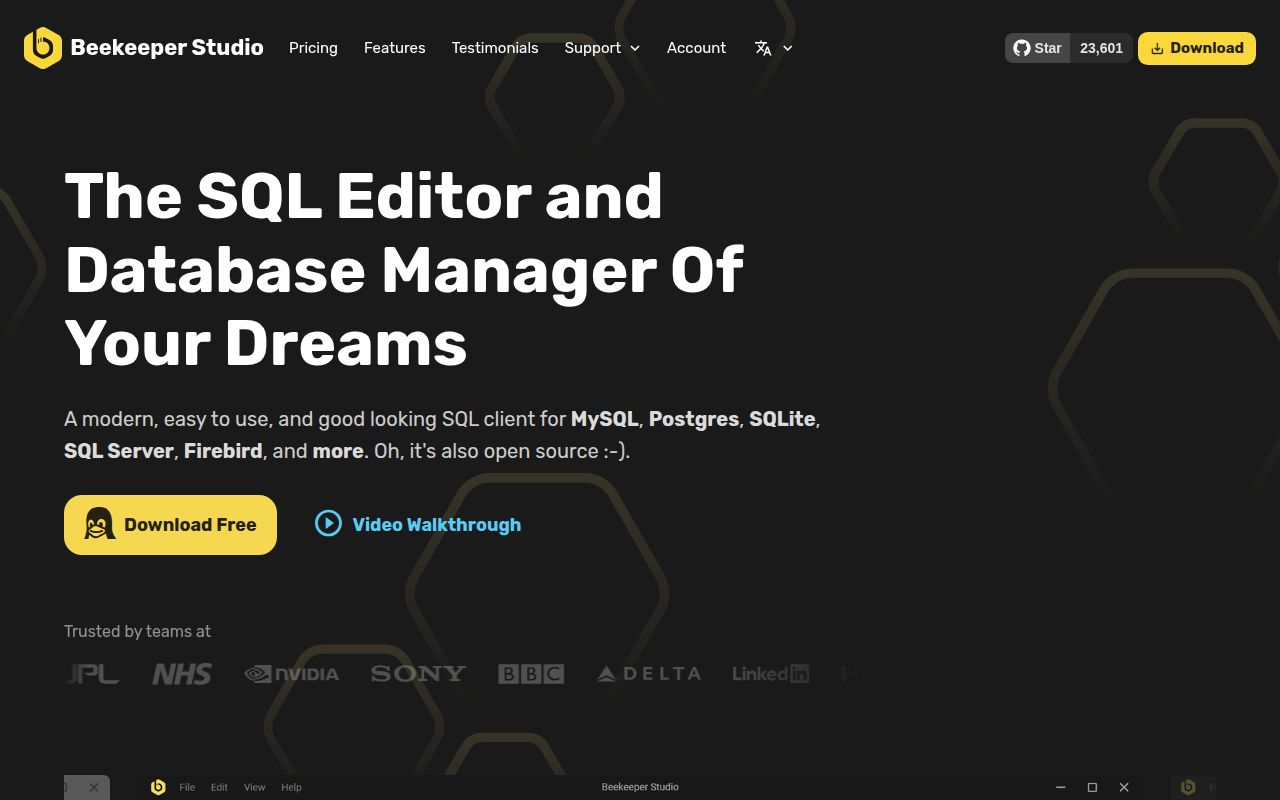
The README marks 11 database families as available in Community Edition: PostgreSQL, MySQL, SQLite, SQL Server, Redshift, CockroachDB, MariaDB, TiDB, BigQuery, Redis, and GreengageDB. Beekeeper wraps them in a desktop interface with an autocomplete editor, tabs, saved queries, history, table sorting, import and export, and JSON views. That is enough for everyday application work without turning the screen into a full database control room. Windows, macOS, and Linux binaries are offered, and the free download requires no registration.
The boundary appears as soon as your database list gets less ordinary. Oracle, Cassandra and ScyllaDB, Firebird, LibSQL, ClickHouse, DuckDB, SQL Anywhere, MongoDB, Trino and Presto, and DynamoDB are marked for paid editions. Snowflake is labeled coming soon. The code follows a similar split: the README says most repository code is GPLv3, while paid features use a commercial source-available license. Read the table as a purchasing checklist, not a general claim that every named database ships free.
The 3,626-package install is a contributor warning
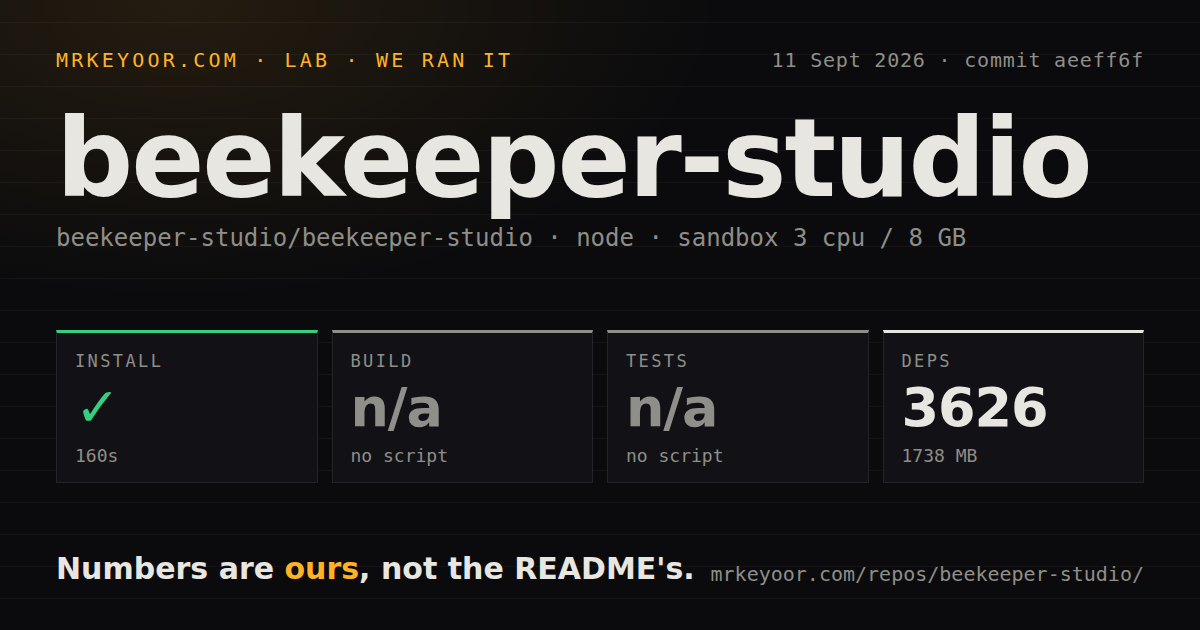
Our fresh Debian sandbox installed 3,626 Yarn packages in 160 seconds and used 1,738 MB. The repository itself was already 298.2 MB, with 1,819 files and about 170,554 lines of source. This is a substantial Electron monorepo rather than a small SQL editor you can understand during one lunch break. The README points newcomers to apps/studio for application code and shared/src for shared code, with Electron entering through background.js and Vue through main.js.
The contributor recipe asks for Node 22, npm, Yarn Classic, and yarn run electron:serve. It also tells users to update OpenSSL if Electron throws a documented initialization error. GitHub issue 4723 adds a narrower toolchain warning: a contributor found that Yarn 1 treats dependency engine mismatches as hard failures, including on Node 26, while Beekeeper pins Node 22. Following the pinned versions is part of setup, especially when touching native database packages.
What happened when we ran it
Our run at commit aeeff6f completed dependency installation in 160 seconds. It added 3,626 packages and left 1,738 MB on disk inside an unprivileged container with 3 CPUs and 8 GB of RAM. Those figures cover the source checkout and installed dependency tree. We did not use the downloadable desktop binary, connect to a database, or assess query speed, so the result says nothing about UI responsiveness or driver behavior.
There was no build script or target exposed to the lab, so the build step was skipped. There was also no test script or target, so no tests ran. Our scan found 14 CI workflow files and a compose file, but no Dockerfile and no tests directory. That is an awkward handoff for a contributor: installation succeeded, yet the root-level project interface gave our clean environment no single build or test command with which to verify the checkout.
Version 6.0.5 is current, while connection recovery remains open
Version 6.0.5 was published on August 24, 2026, with fixes for manual-commit transaction commands and SSH agent errors. GitHub recorded another repository push on September 12, 2026. We also found 23,601 stars, 1,164 combined issues and pull requests, and 1,089 actual open issues through GitHub issue search. The current push, recent release, and newly discussed reports show active maintenance, although the open queue is large enough that users should inspect the issues for their database and workflow.
Accepted issue 4739, opened September 9, describes a serious recovery gap. The report says a dead database connection or crashed utility process can leave in-flight requests pending, block connection switching, and make rollback or cancellation unusable until the window is closed. We did not reproduce that UI path in our 160-second install run, so it remains a confirmed open report rather than our own runtime finding. Teams working through unstable tunnels or long queries should test disconnect and cancellation behavior before standardizing on Beekeeper.
GPLv3 and paid drivers narrow the best fit
The 11 Community Edition database families make Beekeeper a good fit for application developers who spend most of their day in PostgreSQL, MySQL, SQLite, or SQL Server. Its editor-first approach is appealing when browsing data and running queries matter more than managing every server setting. A company that needs Oracle, MongoDB, ClickHouse, or the other commercial entries should compare the paid license with the cost of adopting a different client before rolling the app out.
DBeaver is the stronger alternative when an Apache-licensed Community Edition and a denser administration interface suit the team. DbGate makes sense when the same database manager must run on the desktop and in a browser. PostgreSQL-only administrators should also compare pgAdmin 4, whose narrower database scope comes with tools centered on PostgreSQL. Beekeeper wins on a cleaner daily interface, but the 3,626-package source tree and edition boundaries make it a product to evaluate against your exact driver list, not choose from screenshots alone.