A panel build does not measure bot behavior
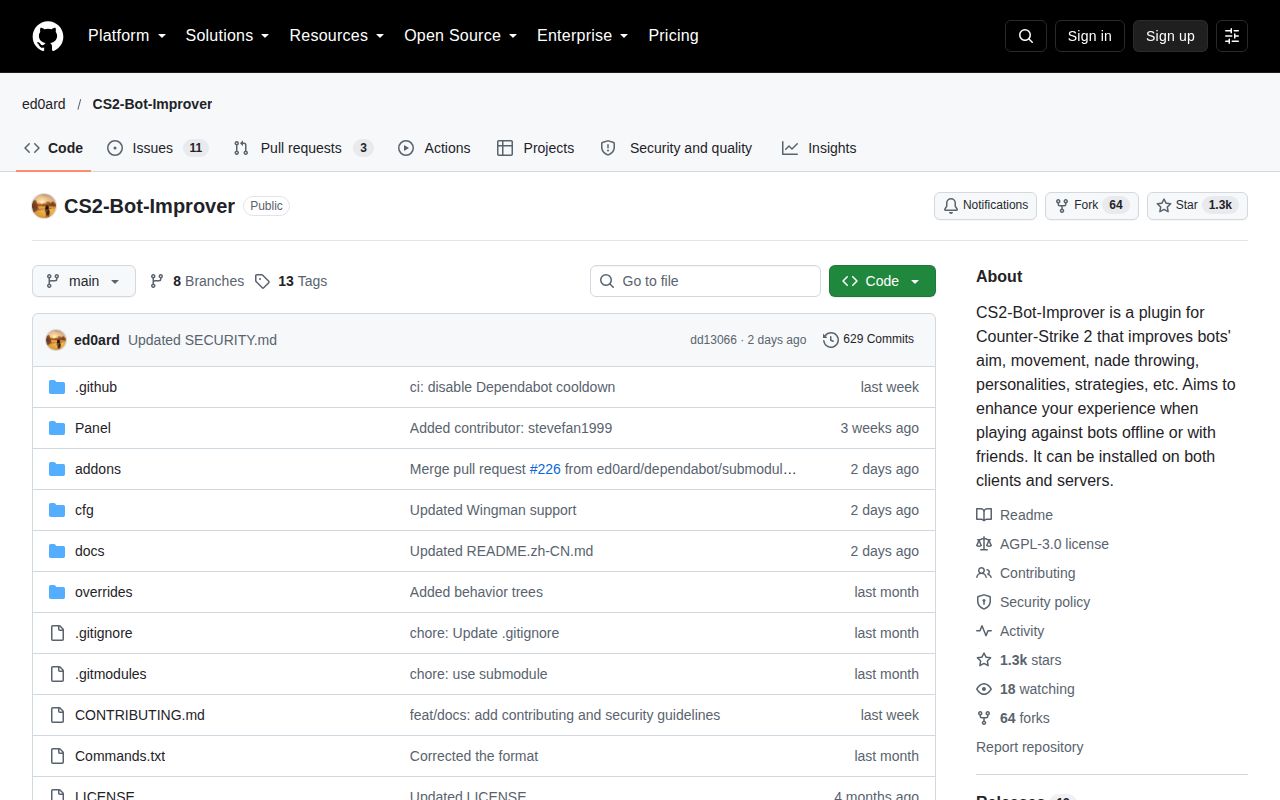
CS2-Bot-Improver is a bundle of changes to Counter-Strike 2 bots for offline matches, private games with friends and private dedicated servers used for bot play. The README advertises improvements to aim, movement, grenade use and strategy. Our supplied run built its Panel source project and contains no recorded match.
That makes this an installation decision with a limited technical check. Consider the bundle if you want configurable private bot matches and are comfortable changing files in your CS2 installation. If you need demonstrated improvements to aim or movement before adopting it, these measurements cannot answer that question.
What happened when we ran it
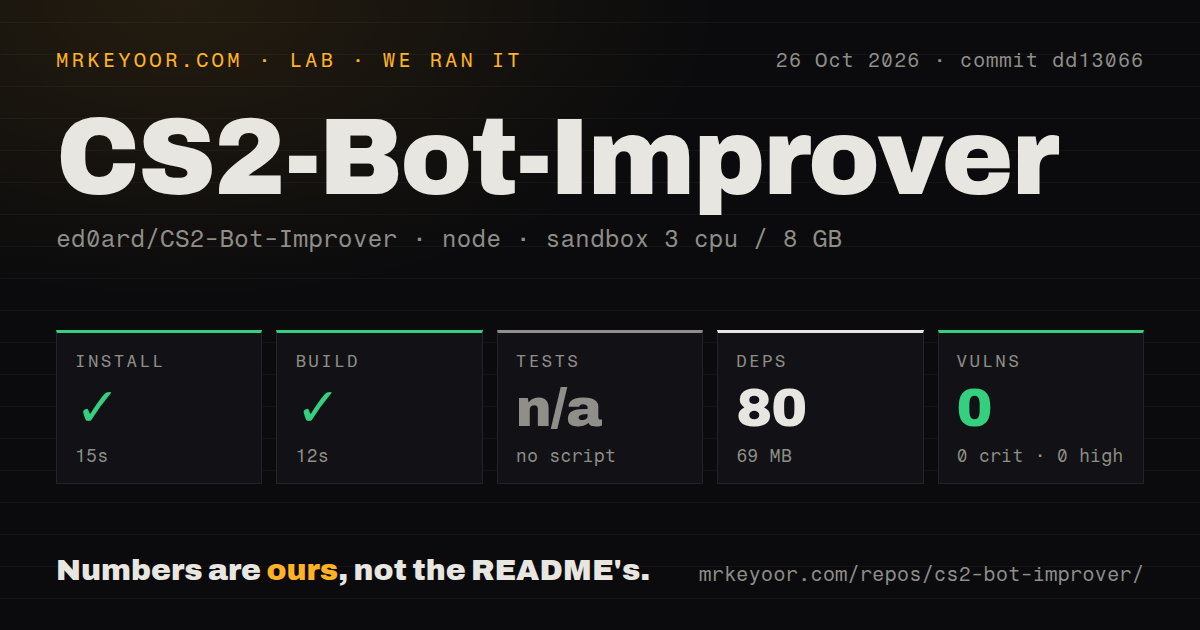
At commit dd13066, the sandbox installed 80 recorded Panel dependencies in 15 seconds and built successfully in 12 seconds on October 26, 2026. The dependency installation occupied 69 MB. Npm audit reported 0 known vulnerabilities, with none in any severity category. This is a package-advisory result for the recorded run, not a security assessment of the downloaded game bundle.
Tests were skipped because no test script or target was available. The checkout scan found no tests directory, CI workflow files or Dockerfile. There are no automated regression results from this run.
The repository contained 10,613 files, approximately 2,042,411 source lines and a 348.4 MB checkout. The measured Node project lives in Panel/. The configured sandbox had 3 CPUs, 8 GB RAM and image lab-node:22; actual runtime versions require the raw toolchain logs. Neither the graphical Windows panel nor a CS2 release package was exercised by these checks.
Choose the package before copying files
The README documents separate Windows and Linux archives. Both routes copy package files into the CS2 game/csgo directory. Windows instructions name Panel v1.4.7.exe: select Bot Mode, then click Launch CS2. Linux instructions instead add -insecure to the game's launch options. These are documented steps, not installation results from our sandbox.
The Panel Guide is Windows-only. It describes indicators for missing files and changes requiring a restart, plus a searchable command browser. For panel problems on Windows 10, the FAQ recommends installing WebView2 Runtime.
Windows dedicated servers used for more than bot matches have a separate package choice. The README directs those operators to CS2BotImprover_rules_unchanged.zip to preserve standard game rules. Check that choice before copying the default archive into a server installation.
The FAQ also documents a manual return to normal online matchmaking: copy gameinfo.gi from game/csgo/backup/Online into game/csgo, replacing the destination file, and remove -insecure from launch options. Keep that restoration procedure available before installing. The project explicitly excludes official matchmaking, FACEIT and other third-party public community servers from supported use.
Compare a specific setting in a private match
The documented aiming modes are mixed, head and body. Grenade modes are off, less, normal, more and max. The README describes max mode as giving bots minimal limitations and less deliberation before throwing. Those settings provide specific behaviors to compare; their presence does not establish that the resulting play is better.
For a constrained weapon match, the README says entering a supported weapon name in the game console gives every bot that weapon from the next round. Entering bot_buy restores normal purchase behavior. Cosmetics and personalities are also part of the bundle, so decide which changes matter to your match before judging it through a single aim setting.
None of these commands was exercised in the supplied run. A useful next step is a private-match comparison of the particular setting you want, followed by a check of the documented restoration procedure.
Focused plugins offer narrower choices
CS2-Bullseye-Bot is a CounterStrikeSharp plugin focused on bot aim. Its README documents mixed, head and body modes and installation into the server's CounterStrikeSharp plugins directory. Consider it when aim controls are the change you want and you can manage the plugin installation. CS2-Bot-Improver credits it, so it is a component-level alternative to the full bundle.
CS2-Bot-NadeSystem lets bots replay player-recorded grenade lineups. Its README requires NadeLauncher and Ray-Trace and documents converting recorded lineups for bot use. Consider it when that recording workflow is your requirement and you can manage those dependencies. The supplied evidence contains no comparative match results or setup measurements for either plugin.
Read the panel license before planning development
The README lists AGPL-3.0 for the project except Panel/, which uses PolyForm Strict 1.0.0. The panel license grants use for permitted purposes, including noncommercial purposes, but excludes distributing the software and making changes or new works based on it from its copyright grant. Do not assume that the repository's AGPL designation gives you those permissions for the panel.
Issue-response activity and gameplay maturity remain unassessed. Repository timestamps do not establish either. Choose the bundle for its documented configuration options only if its installation workflow and license terms fit your intended use; evaluate the gameplay in a private match before relying on it.