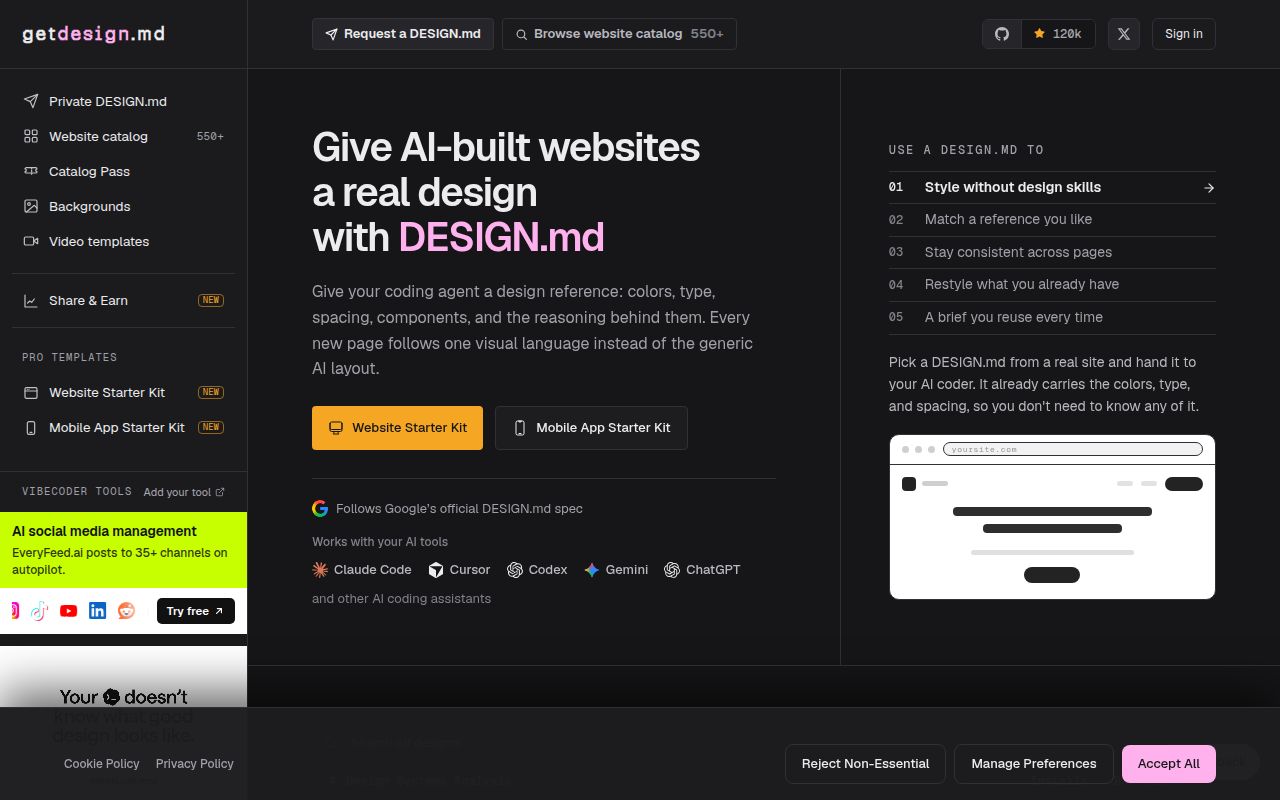
It turns visual references into instructions an AI agent can read
awesome-design-md addresses a common failure in AI-assisted frontend work: vague style prompts produce inconsistent spacing, type, and component choices. The repository turns analyses of developer-focused websites into plain-text DESIGN.md documents. Its README reports 73 entries across AI platforms, developer tools, infrastructure products, and SaaS brands. Each file is intended to sit in a project and tell an AI agent how the interface should look and feel.
The distinction between DESIGN.md and AGENTS.md is useful. The README treats the first as visual direction and the second as building instructions, separating appearance from engineering behavior. Examples include Claude, Vercel, MongoDB, Linear, and Notion, with short descriptions that make browsing practical. A developer can compare 2 or 3 directions before opening a full file rather than hoping an agent invents a coherent system.
Our sandbox found content to inspect, not software to execute
We cloned commit 8147538 and inspected it in our fresh Debian sandbox with 3 CPUs and 8 GB of RAM. We did not run an install, build, or test command because the repository had no supported language ecosystem and no Dockerfile. This does not indicate a failed build; it means the project has no runnable verification path. Our run therefore produced no benchmark, timing, or test-pass result.
That setup is appealing and limiting. Copying Markdown requires no package manager, account, or container, so conventional installation effort is close to zero. However, 0 executable checks means users receive no built-in confirmation that a document follows a schema, matches its source, or works well with a particular agent. The README's copy-and-prompt workflow describes the first 1 minute, not the careful design review that should follow.
The collection is concrete and easy to navigate
Specificity is its biggest strength. Summaries identify mechanics such as Vercel's black-and-white precision, ElevenLabs' dark cinematic interface, and Sanity's 112 px display type with a coral-red primary accent. Those details help readers choose by design behavior rather than brand recognition. With 73 listed documents, the categories cover documentation, dashboards, marketing pages, developer tools, and AI products.
Markdown is sensible for this job. It is readable on GitHub, easy to diff, simple to edit, and usable by coding agents without conversion. The stated workflow is not tied to 1 editor or model-specific API. The homepage provides per-site pages and a request route, while the repository uses the MIT license. That makes experimentation and internal prototyping straightforward.
The files are analyses, not official design systems
The main weakness is provenance. The supplied 2026 README excerpt does not explain a repeatable extraction method, accuracy review, update policy, or validation process. A source site can change, and a visual analysis may miss responsive behavior, interaction states, accessibility semantics, or deliberate exceptions. Treat each file as a useful interpretation, not an authoritative specification from the referenced company.
Consistency is not originality. Asking an agent to resemble 1 recognizable service may speed up a prototype, but a production team still needs its own brand, hierarchy, accessibility requirements, and component constraints. The README does not establish whether generated pages work with keyboards, reduced motion, high zoom, localization, or slow devices. Extract defensible principles, then rewrite the document around your product instead of shipping a close copy.
Recent activity is healthy, but maintenance signals are mixed
The repository had 112,267 stars, 320 open issues, and a last push on July 31, 2026, about 1 month before this review. That push argues against calling it stale, and the star count shows exceptional attention. Stars do not reveal how quickly maintainers review additions, correct analyses, or close reports, though. The issue total is large enough that contributors should inspect recent responses before expecting a quick turnaround.
No latest release was listed. For a Markdown collection, that matters less than for a runtime dependency because users can pin 1 commit or copy one file. Still, the absence of 1.0-style milestones and release notes makes material changes harder to track. Commit history is the update channel, so teams should record the source commit beside local modifications.
It belongs before implementation and beside human review
In a real stack, this belongs at stage 1, the design brief. Choose a reference, remove brand-specific details, add owned tokens and component rules, then ask an AI coding agent for an initial interface. The regular production path still follows: source control, component work, browser testing, accessibility review, performance checks, and visual approval. This repository replaces neither Storybook nor a CSS framework.
The best use is as a comparative library and prompt scaffold. Read 3 relevant examples, identify recurring rules, and create a project-owned document with explicit constraints. Choose shadcn/ui when you need working components, or Storybook when you need an executable catalog and review environment. awesome-design-md is valuable in its proper role: it gives an agent a visual vocabulary while your team remains accountable for the result.