A map, not a skill bundle
Awesome Agent Skills solves a discovery problem. Agent instructions are scattered across vendor repositories, personal projects, and product docs, often under different directory conventions. VoltAgent gathers links into one long README and groups them by publisher or job. The current page advertises more than 1,497 entries, with dedicated sections for teams such as Anthropic, Vercel, Cloudflare, Sentry, OpenAI, and Google, followed by community categories.
The repository itself does not contain those skills. Its contributing guide says each entry points to a skill hosted in its own repository. That choice keeps the index small and lets authors own updates, licensing, and support. It also means cloning this repository gives you a catalog, not a ready-to-load skill library. The distinction matters because the list's size can make it look like a single distribution.
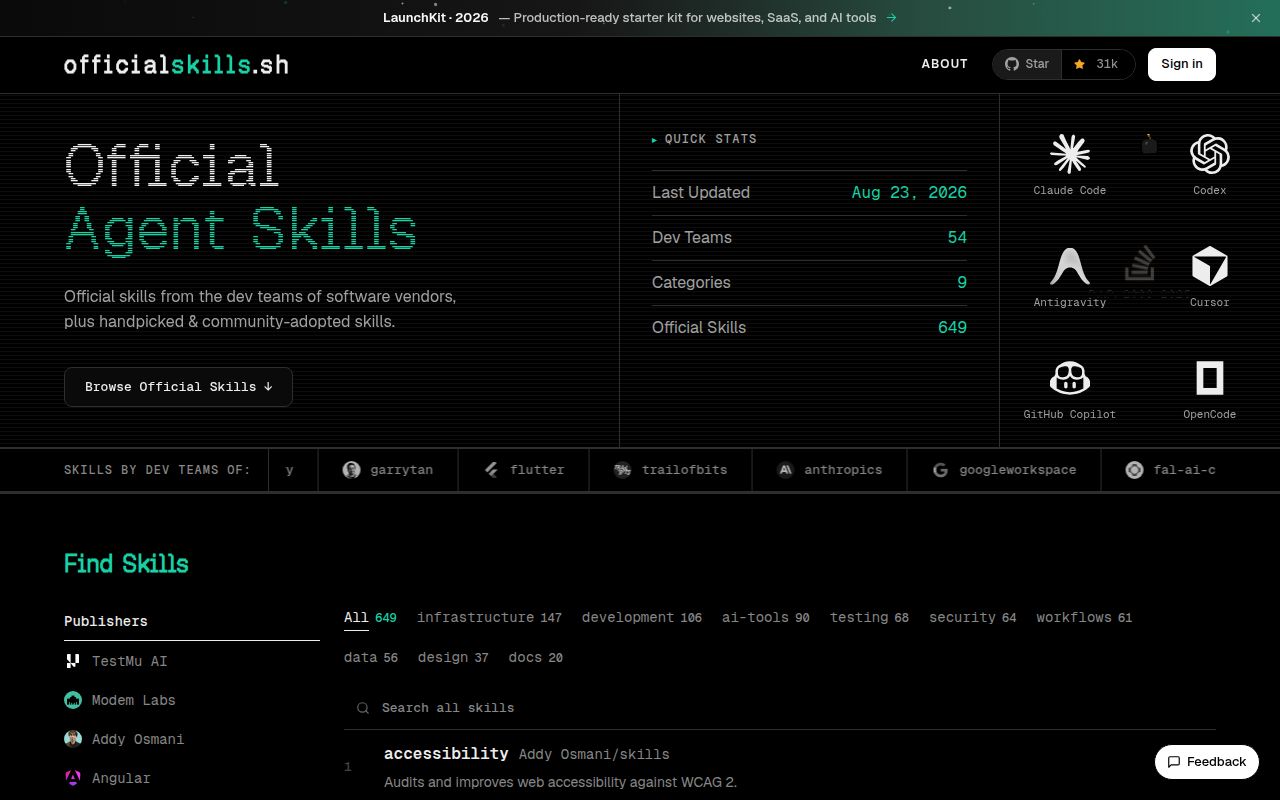
For browsing, the format works. Entries use an author or organization prefix, a source link, and a short description. Official-team sections reduce the work of finding first-party material, while community headings cover development, testing, context engineering, AI, data, productivity, marketing, and n8n. The companion OfficialSkills site offers another route into the same broad collection.
Curation helps, but it is a light filter
Submission rules are more specific than a typical awesome list. A proposed skill needs a public repository, working instructions, documentation, an author prefix, and evidence of community use. Maintainers ask contributors to wait until a skill has matured instead of submitting something created hours earlier. Descriptions must be ten words or fewer, and pull requests go into an existing publisher section or a matching community category.
The README also publishes useful authoring criteria. Metadata should tell an agent what the skill does and when to use it. Top-level metadata should remain short, the main instruction file should stay below 500 lines, large references should load only when needed, machine-specific absolute paths should be avoided, and requested tools should be narrowly scoped. Those checks make the directory helpful even if you are writing a skill rather than shopping for one.
Still, curation here means selection, not inspection. The security notice says listed skills are not audited and can be changed or replaced by their maintainers after acceptance. A linked repository can contain scripts, tool permissions, network calls, or instructions that affect sensitive files. The list does not provide a frozen copy, a permission summary, a test result, or a security grade for each entry. Treat inclusion as a lead worth examining, not approval to install.
What happened when we ran it
We cloned commit 122366c on August 23, 2026 in a fresh unprivileged Debian container with three CPUs, 8 GB of RAM, and no secrets. We did not run the project. Our harness found no supported language ecosystem, and the repository had no Dockerfile, so there was no valid install, build, or test step.
That result matches the repository's purpose. At the measured commit, the tree consisted of .gitignore, CONTRIBUTING.md, LICENSE, and README.md. There is no application runtime to judge and no dependency set to audit. Any setup claim belongs to the individual linked skill, not this directory.
The absence of executable checks does limit what the project can verify automatically. A broken link, misleading summary, unsafe instruction, or later source change will not be caught by a package test in this repository. Reviewers can check links and submissions during pull requests, but users still need to read the destination repository at the revision they intend to install.
Installation depends on your client
The path table is one of the README's best sections. It distinguishes project and global locations for Claude Code, Codex, Cursor, Gemini CLI, GitHub Copilot, OpenCode, Windsurf, and Antigravity, then links to each client's documentation. That saves a surprising amount of searching because several tools recognize skills under different hidden directories.
There is no universal install command. You follow a listing to its source, inspect the files, then copy or install it according to that author's instructions and your client's rules. Some entries may be plain instruction files. Others can include scripts, references, tool requirements, or calls to outside services. The index cannot tell you which credentials or system packages a chosen skill needs.
A cautious team should use this repository as the top of an approval funnel. Pick candidates, pin their source revision, read every executable file, note requested tools and network access, and test them with limited permissions. Recheck upstream changes before updating. That process takes longer than copying a folder, but the README's own warning supports it.
Health and the decision
The last push was August 23, 2026, the same day as our review. GitHub showed six open items, all pull requests, while recently merged submissions had also been updated that day. There is no GitHub release, which is unsurprising for a continuously edited link directory. Health is better judged by the live contribution queue, and that queue was moving quickly.
The list is easiest to recommend to developers who already understand that agent skills can influence tool use and file access. It cuts discovery time, gives first-party entries prominent placement, and documents sensible quality rules. It does not compare similar skills, validate their behavior, or preserve reviewed copies.
Start here when you know the job but not the skill. Do not stop here. The source repository, its current files, permissions, issue history, and ownership should decide whether a candidate reaches your agent.