Arcane manages Docker, Compose, and Swarm from one interface
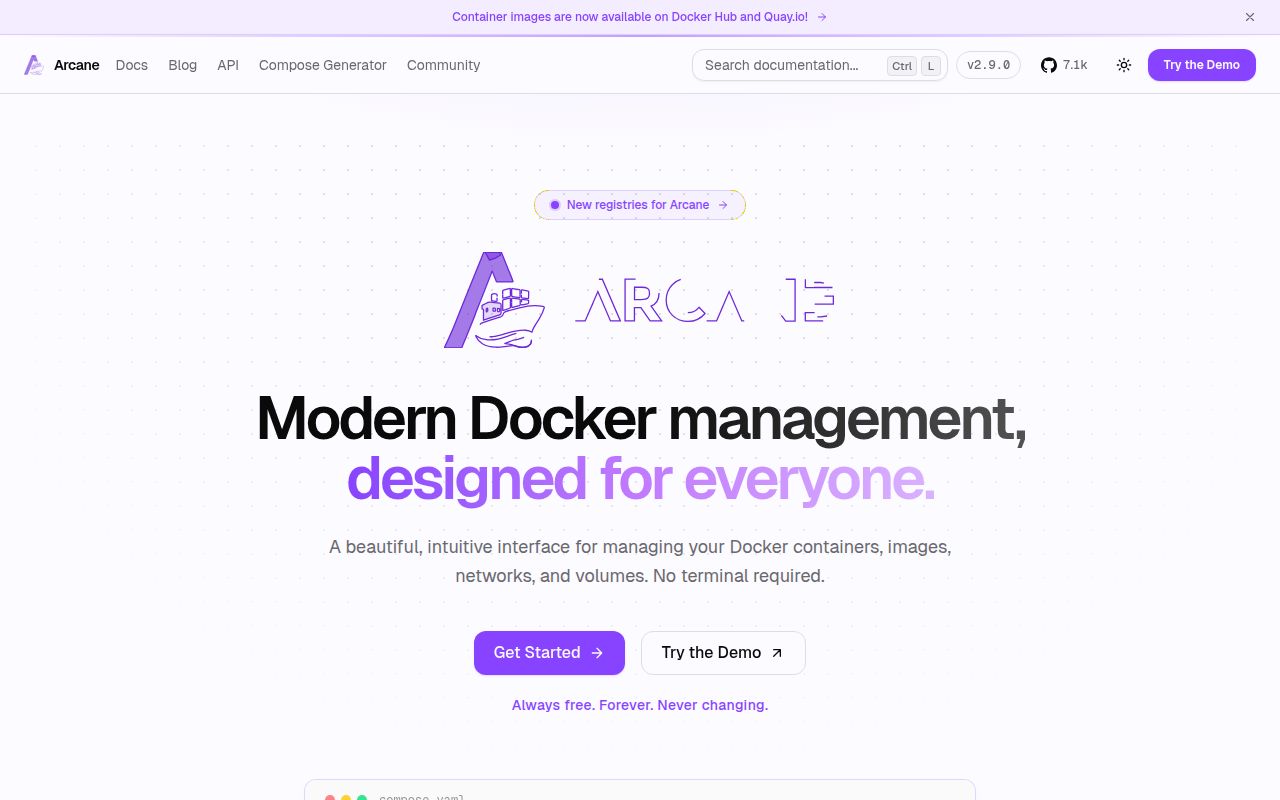
Arcane is a browser control plane for containers, images, networks, volumes, and Compose projects. It can discover project files, edit and redeploy them, check image updates, scan images with Trivy, prune unused resources, and record activity. Remote agents extend the same interface to other Docker hosts. Swarm support covers services, stacks, nodes, configs, and secrets, which gives Docker shops a path beyond logging into each server and running commands by hand.
Version 2.9.0 adds automated S3 backups, editing for standalone containers, batched update notifications, and GitOps redeployment for stopped projects. The CLI also gained commands for vulnerabilities, activities, and webhooks. This is a broad operations product rather than a decorative status page. The breadth is most useful when a team already has several hosts or repeat maintenance jobs. One Compose file on one machine is usually easier to manage with Docker itself or a smaller interface.
Normal Compose files remain the center of the workflow
Arcane treats project files as files instead of hiding the deployment definition inside its database. That makes outside editing, source control, and ordinary Docker Compose commands possible. Existing folders still require care: host and container paths must line up for relative bind mounts, and created files need the right ownership. Open issue 3743 reports that volume-workspace edits can be written as root, with a pull request under review to use the volume's runtime identity.
Remote management uses an Arcane Agent on each host. Direct connections require the manager to reach the agent, while an edge mode lets the agent initiate the connection from behind NAT or a firewall. Each environment adds a token and Docker privileges that must be protected. OIDC and scoped roles help divide access, but they do not reduce what the service itself can do once it talks to the Docker daemon.
What happened when we ran it
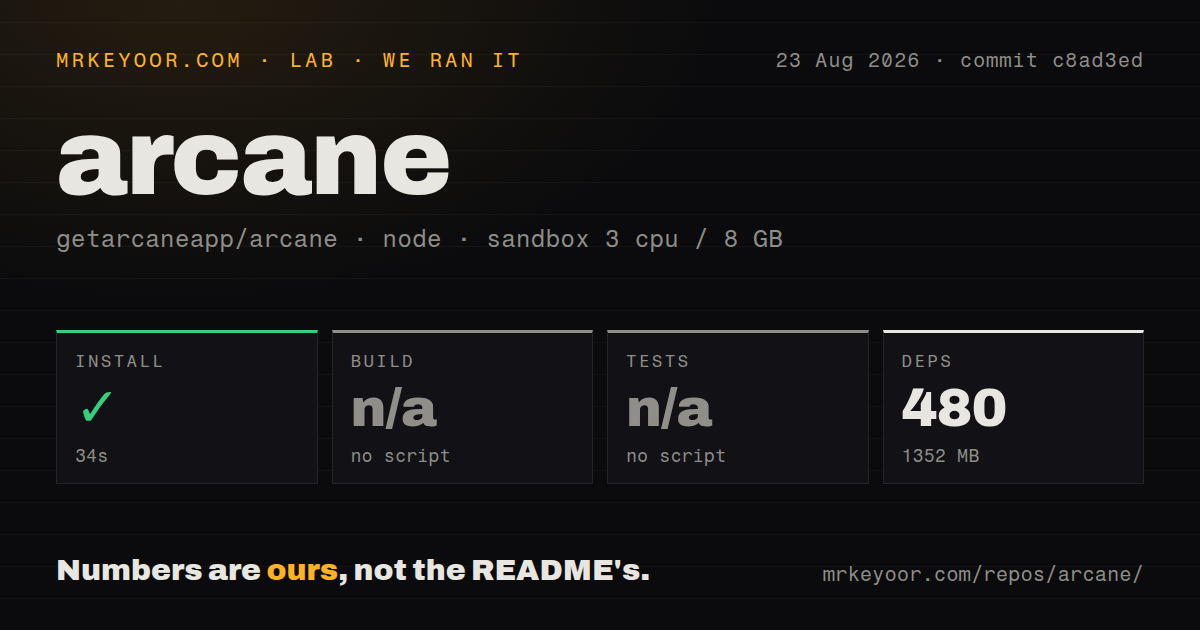
Our sandbox installed 480 pnpm packages in 34 seconds, and the dependency tree occupied 1,352 MB. The checkout at commit c8ad3ed contained 2,093 files and about 345,265 lines of source in 18.9 MB before dependencies. Installation succeeded. The root workspace exposed no build script or target, so the build step was skipped rather than reported as a success or failure.
The same limitation applied to tests: there was no tests script or target available to our harness, so it skipped that step. The repository did contain a tests directory and 5 CI workflow files, while our scan found no Dockerfile. Those signals show that tests and automation exist somewhere in the monorepo. They do not give us a verified local build or test result for the command surface presented at the root.
Docker access makes the dashboard part of the host's security boundary
A basic deployment persists /app/data, supplies an encryption key and JWT secret, exposes the web service, and connects Arcane to Docker. Directly mounting /var/run/docker.sock lets the application perform host-level container operations. The project's documentation includes a socket proxy approach, but useful management still requires write, container, exec, image, network, and volume permissions. Arcane belongs on a private management network behind TLS and strong authentication.
Operational extras add their own secrets. OIDC needs identity-provider settings, GitOps needs repository access where sources are private, S3 backups need object-storage credentials, and remote agents need individual tokens. SQLite suits a small installation, while larger or more failure-sensitive deployments may choose Postgres. The 1,352 MB JavaScript dependency result is a development figure, not the runtime image size, but it makes the repository heavier than its 18.9 MB checkout suggests.
Fleet updates and GitOps cleanup need staging now
Open issue 3628 reports that the Update All operation upgraded an Arcane 2.8.0 manager but failed for every remote agent. Version 2.9.0 contains later changes, yet the issue remained open when checked. A competent operator should test an agent upgrade on one nonessential host, verify its connection and workloads, then continue. A dashboard button is not a substitute for a rollback path across a fleet.
GitOps has a more direct capacity risk. Issue 3750 says each synchronization leaves a clone directory under /app/data/git, eventually filling the disk and putting the manager into a restart loop. The report was open on August 26, 2026. Anyone using frequent repository sync should watch that path and set storage alerts. Issue 3741 also reports incorrect memory figures when Arcane runs inside Docker inside an LXC container, so nested hosts should compare dashboard numbers with host metrics.
Same-day pushes show active maintenance, with 150 open items
GitHub recorded 7,147 stars and 150 combined open issues and pull requests. The last push was August 26, 2026, one day after v2.9.0, and the recent queue contains fixes, dependency updates, feature work, and user reports. That is clear maintenance activity. It also means releases move quickly and the open count cannot be read as 150 confirmed defects. Pin versions and read the issue tracker around the operations you depend on.
Arcane is a strong trial candidate for a Docker-only team that has outgrown ad hoc commands. Its current feature set covers remote hosts, Compose, Swarm, roles, scanning, notifications, and backups without asking users to abandon normal project files. Our run confirms that dependencies install, but it could not verify a root build or test target. Treat the service as privileged, test upgrades outside production, and keep direct host metrics beside Arcane's own dashboard.