Version v1.13.3 puts a real editor on Android
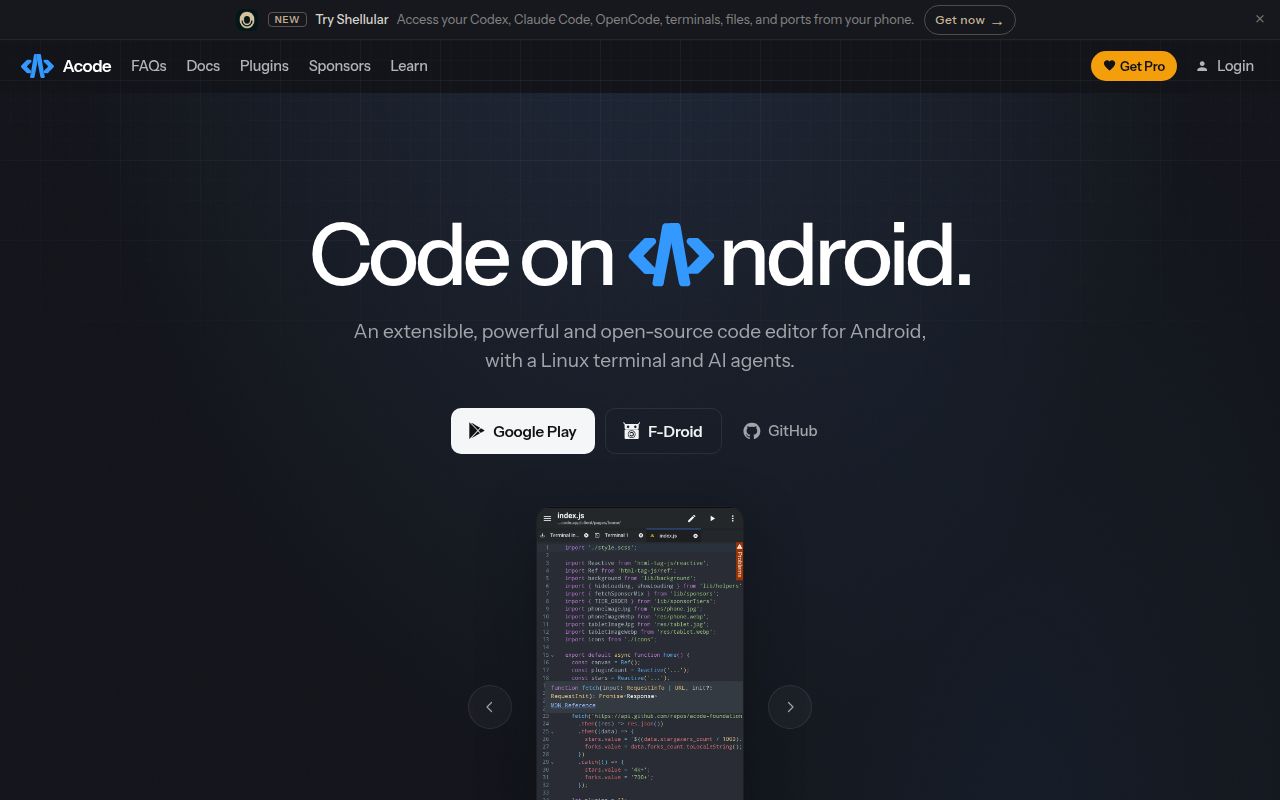
Acode is built for editing code directly on an Android phone or tablet. It can create and edit websites, preview them in a browser, work with languages such as Python and Java, and open remote files through SFTP. The app includes a JavaScript console, SSH integration, and an Alpine-based terminal. Those pieces cover the common emergency job: inspect a file, make a small change, and check the result without reaching a laptop.
The interface is backed by CodeMirror language packages for HTML, CSS, JavaScript, Python, Java, Go, Rust, SQL, Vue, YAML, and others. Acode has its own community plugin collection and a separate plugin starter repository. That matters when comparing it with a desktop editor. Existing VS Code extensions do not drop in; plugin authors use Acode's APIs, packaging, and documentation.
Android SDK API 35 makes source builds a platform job
The manual contribution guide asks for Node.js 18 or newer, Java 17 or newer, Android SDK API 35, and Gradle 8.x. Contributors run a setup script before asking Cordova to produce the APK. The preferred path is a Dev Container, and the Docker instructions build from .devcontainer/. This is a native Android packaging project wrapped around web technologies, so a successful JavaScript bundle is only one stage.
For ordinary users, the setup story is much simpler. The README links directly to Google Play and F-Droid builds. SFTP or SSH still needs a reachable server and credentials, while the on-device terminal downloads its own sandbox filesystem and supporting components. Someone who only wants to edit a local text file can ignore most of that machinery. Building the application or using the terminal brings storage, network, and Android-version variables into the picture.
What happened when we ran it
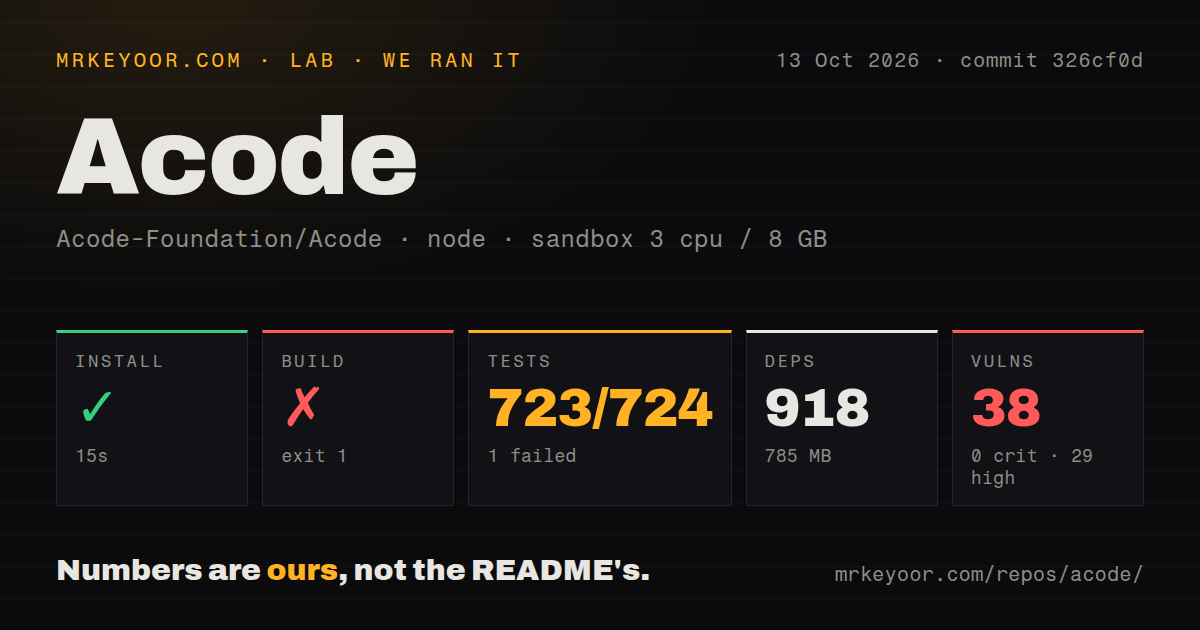
Our unprivileged sandbox cloned commit ddbc0c6, a 34.2 MB checkout with 811 files and about 145,576 source lines. Bun installed 901 packages in 30 seconds, leaving 752 MB on disk. The repository had 8 CI workflow files and a tests directory. Our scanner found no Dockerfile, although the contributor guide points builders to the separate .devcontainer/ context.
The build ran for 20 seconds and exited with code 1. Rspack compiled the web assets successfully, then cordova build android stopped with: No platforms added to this project. The log tells us the missing Cordova platform was the immediate blocker. It does not show whether the setup command was omitted by the harness or whether another configuration step was needed, so we cannot assign a deeper cause.
Tests tell a better, narrower story. Vitest completed in 36 seconds with 377 passed and 0 failed. That result covers the tested JavaScript behavior at commit ddbc0c6, while the failed build shows that it does not prove the Android package can be produced in a plain container. A source contributor needs both a green test run and a complete Cordova platform setup.
Twenty audit findings outweigh a green 377-test suite
Npm audit reported 20 known vulnerabilities in the installed tree: 14 high, 4 moderate, 2 low, and 0 critical. The supplied measurement does not identify the packages or whether each path reaches the shipped APK, so claiming direct exploitability would go beyond the evidence. The count is still too large to wave away. A team distributing its own build should inspect the audit report, map runtime exposure, and pin or replace affected dependencies before signing an APK.
The repository mixes Cordova plugins, CodeMirror packages, terminal components, syntax tooling, and local file integrations. That is a broad trust surface for an editor that can open remote servers and execute terminal commands. MIT licensing permits internal forks and commercial use, but it does not transfer maintenance responsibility. Organizations handling production credentials should decide which plugins are allowed, how SSH secrets are stored, and whether user-installed extensions meet policy.
One terminal report includes a completed install that would not start
Open issue 2824 describes Acode 1.13.1 on Android 16, where the terminal downloaded its sandbox, upgraded packages, and printed a successful installation before failing to start. The report covers one Xiaomi device and does not prove a general defect. It does prove that a successful terminal bootstrap message is not enough for device support. Test the current app on the phones and Android versions your staff will use.
Storage can surprise users too. Issue 2857 says an Android builder plugin and its downloaded tools grew to roughly 2 to 3 GB, with sandbox data apparently remaining after the app was uninstalled. That is another single report, so it should be read as a cleanup risk to verify. A team deploying Acode to managed devices should measure plugin data, document removal steps, and avoid assuming Android uninstallation clears every externally stored artifact.
September 7 activity comes with 85 open issues and pull requests
GitHub recorded the last push on September 7, 2026, and a nightly release for commit ddbc0c6 on the same date. Stable v1.13.3 arrived on September 1 with fixes for cursor state, visible search matches, fullscreen controls, an SFTP profile migration, and LSP navigation. The project had 6,852 stars and 85 open issues and pull requests. Fresh code and current issue discussion point to active maintenance, while the combined queue is large enough that users should search before assuming a bug is new.
Acode makes sense as a companion editor for Android, especially for web files, server-side edits over SFTP, and small changes while away from a workstation. Our 752 MB development install, failed APK build, and 20 audit findings make a source-based organizational rollout a different decision from downloading the consumer app. Test the terminal and soft wrapping on target devices, limit plugins, and keep a desktop or remote environment available for work that outgrows a phone screen.