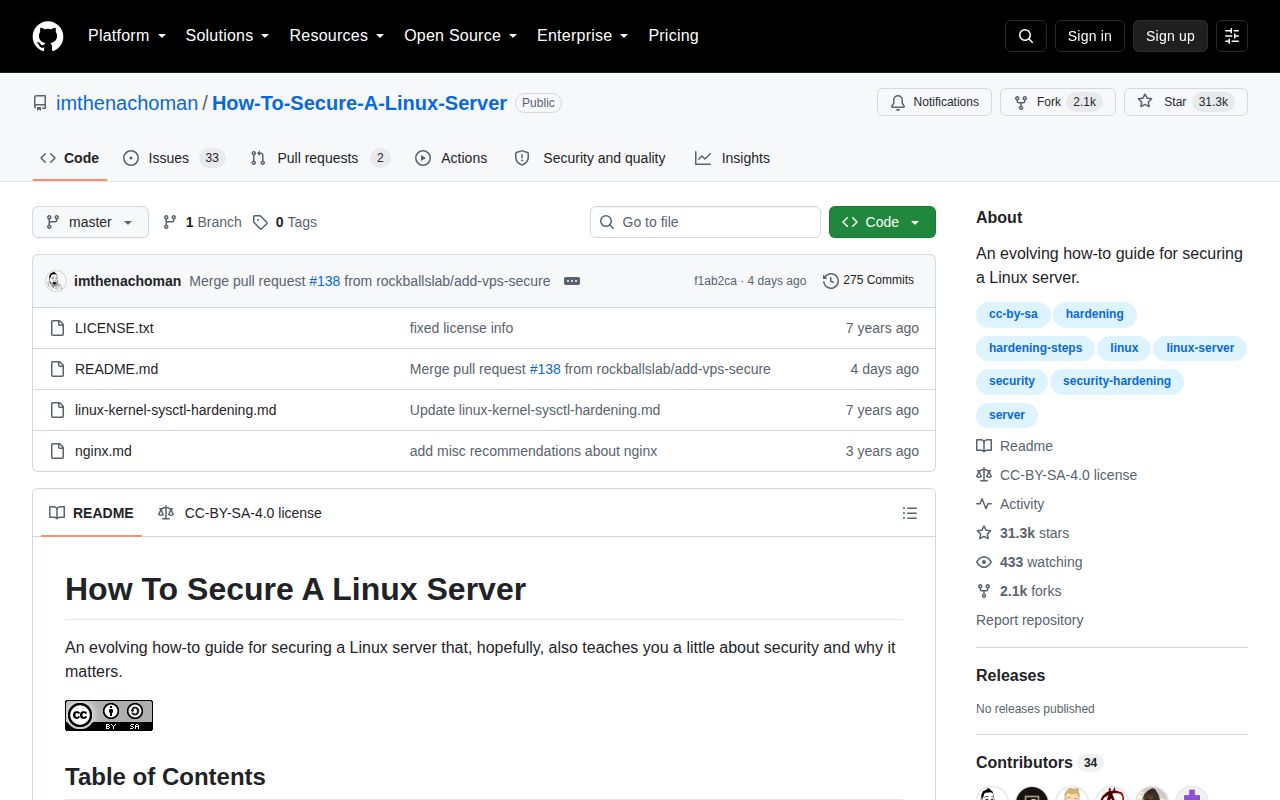
Its Debian home-server scope is narrower than the title
The guide explicitly targets an at-home server and says its examples are written and tested on Debian. It assumes the reader already knows Linux, can install packages, edit configuration, and recover from a bad change. That framing is easy to miss beneath a title that sounds universal. Professional systems, cloud images, containers, SELinux deployments, and distribution-specific defaults need their own baselines. The author also says CIS recommendations should take precedence.
At roughly 171,177 characters, the README covers far more than SSH. It moves through sudo and su access, Firejail, time synchronization, /proc, password policy, unattended security updates, UFW, PSAD, Fail2Ban, CrowdSec, AIDE, ClamAV, rootkit tools, Logwatch, open-port inspection, Lynis, and OSSEC. Breadth is useful for building a reading list. Several entries remain marked work in progress, and breadth makes old advice harder to spot.
Two live SSH sessions and backups reduce lockout risk
Before changing SSH, the guide tells readers to keep a second terminal connected so a bad restart does not close the only repair route. It copies configuration before editing, recommends sshd -t before restart, and checks effective settings with sshd -T afterward. Those habits are more transferable than any cipher list. They teach an operator to preserve access, validate syntax, inspect the result, and keep a path back.
The guide repeats backup steps across sensitive files and labels a separate danger zone for kernel, bootloader, root-login, umask, and orphan-package changes. It also starts with threat modeling and asks how the server will be recovered after self-lockout. That is the right order of thought. However, many shortcut snippets use sed, echo, or heredocs to alter privileged files, and the README admits these snippets do not verify that the intended change took effect.
What happened when we ran it
This repository has no supported language ecosystem and no Dockerfile, so the lab record contains no install, build, test, dependency, or vulnerability result. That is appropriate for a Markdown guide whose payload is advice and shell commands. A generic container run would prove little anyway because firewall rules, PAM, bootloader settings, systemd services, kernel parameters, remote access, and recovery behavior depend on the target host and its surrounding network.
The absence of executable checks still matters. There is no automated result showing that the current sequence works on Debian 13, Ubuntu 24.04, or another named target. GitHub issues document commands or assumptions that have drifted, including Fail2Ban packaging, NTP package changes, SMTP configuration, SSH options, and UFW behavior. Treat each section as a proposal to test on a disposable replica, with console access and a written rollback, before changing a remote machine.
RFC 4252 contradicts the public-key explanation
The SSH key section says the server encrypts a challenge with the public key and the client decrypts it with the private key. RFC 4252 describes the public-key authentication method differently: the client creates a signature with its private key, and the server verifies that signature with the accepted public key. The recommended use of Ed25519 and disabling password login may still suit a threat model, but the incorrect explanation weakens confidence in nearby protocol advice.
Open issue 117 identifies another dated setting. The README still includes Compression no in a block sourced from Mozilla guidance dated 2019. OpenSSH 7.4 removed pre-authentication compression support and states that it had already been disabled by default for more than 10 years. Authentication errors are a larger risk than this one setting. Its presence still shows why copied hardening lists age. Current sshd_config documentation should decide current settings, followed by local syntax and access tests.
The panic-password example can destroy /home
The most serious section installs a PAM duress module and writes a script containing sudo rm -rf /home. Its scenario imagines an attacker entering a secondary password, after which the machine destroys data and exhausts resources. The section sits before the named danger zone, despite having an obvious destructive outcome. Issue 121 points out that a remote attacker who learns or guesses the duress password could turn the feature into an availability attack.
That 2024 issue remains open. Disk encryption, tested backups, physical controls, incident response, and remote wipe design all need a clearer threat model than the example supplies. The guide does warn against blind copying elsewhere, but a destructive authentication hook deserves a warning beside the command itself and a design reviewed for the actual access paths. Most home-server readers should skip this section completely and avoid installing an unfamiliar PAM module in the login path.
September 2026 maintenance has not closed older disputes
GitHub listed 31,348 stars and 35 open issues and pull requests when fetched. The last push was September 3, 2026, and contributor work during 2026 fixed Debian 13 NTP guidance, SSH options, links, and command examples. The latest-release endpoint returned no published release. Readers therefore follow a moving master document without a versioned baseline, and the combined open count includes proposed changes as well as reported problems.
Open pull request 139 adds the missing warning that Docker-published ports can bypass UFW policy. Docker's own firewall documentation confirms that published traffic can be diverted before the chains UFW uses. That is a common modern server setup and a concrete gap in the current firewall chapter. Use this guide for its recovery habits and topic map. Use current distribution manuals, OpenSSH specifications, Docker documentation, and a named security benchmark for the configuration you will enforce.